受《2030年议程》启发的数字壁画
让我们着手让我们的数字壁画焕发生机。本项目目标是:运用数字工具,创作一幅受《2030年议程》17项可持续发展目标(SDGs)之一启发的街头艺术作品。本次实践中,我们使用配备Sketchbook应用的iPad完成创作。试想,我们需要向客户展示一个方案,因此须先制作一幅数字“效果图”,后续再将其放大绘制于真实墙面。
第一阶段:构思与设计
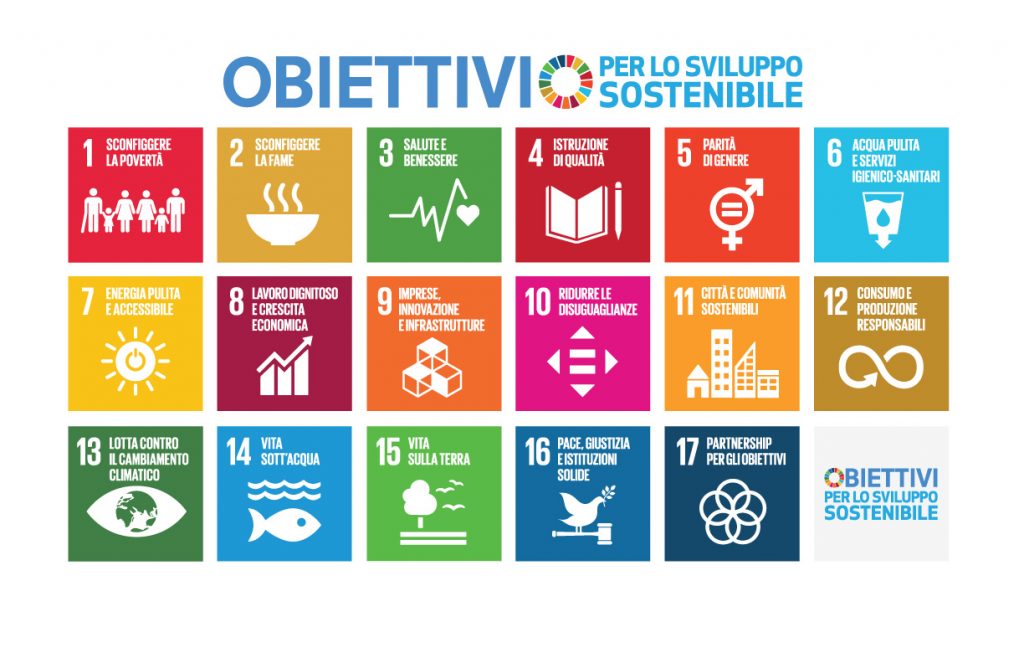
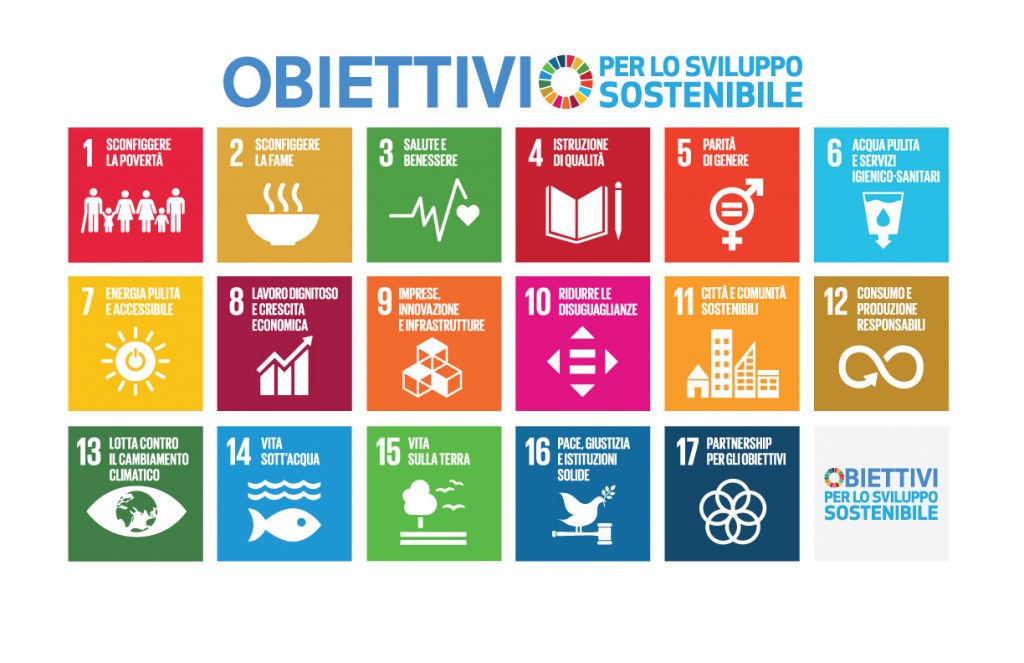
首先,填写项目表单。第一步是从《2030年议程》17项目标中选择一项,挑选对我们而言最具意义的一项。英文版《数字壁画项目表单——2030年议程》PDF文件可在此下载:
ENGLISH Progetto Murales DIGITALE AGENDA 2030 scheda下载
接下来,聚焦我们的视觉构想。请阐明我们希望表现的内容及原因:我们希望通过艺术传达怎样的信息?为厘清思路,需提炼10个关键词,精准概括核心含义。同时,须说明我们选择这一特定主题的缘由,并描述我们构想中的图形表现方案。
现在,请思考实现该方案所需素材。至关重要的是,搜集用于构建壁画的参考图像(References)。请务必牢记:不可直接使用现成图像。我们的作品必须绝对原创,完全由我们自主设计!我们将需选取三张或更多不同图像,并对其进行融合重组,最终生成一幅独一无二、纯属我们构思与想象的图像。
第二阶段:数字实现
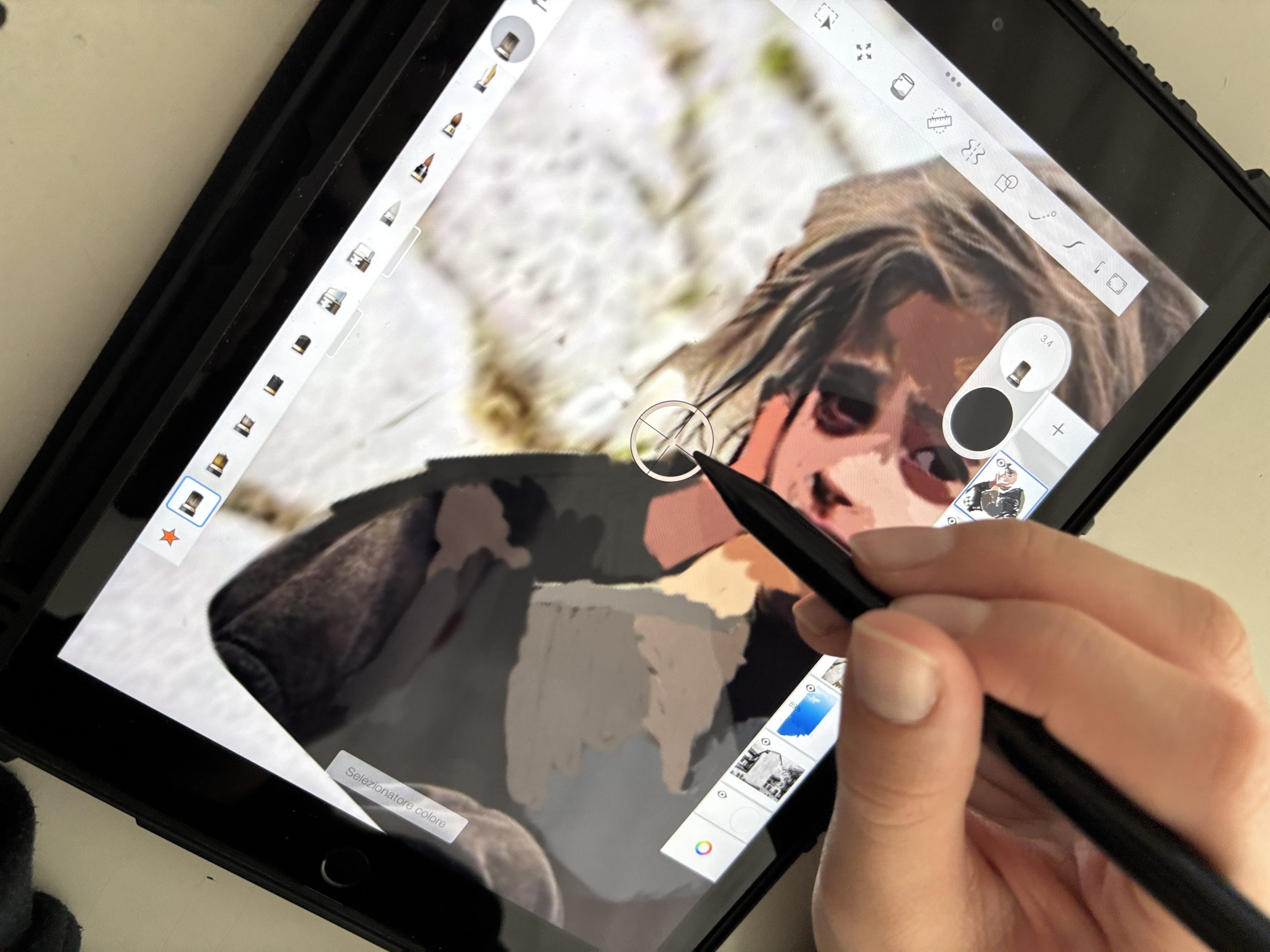
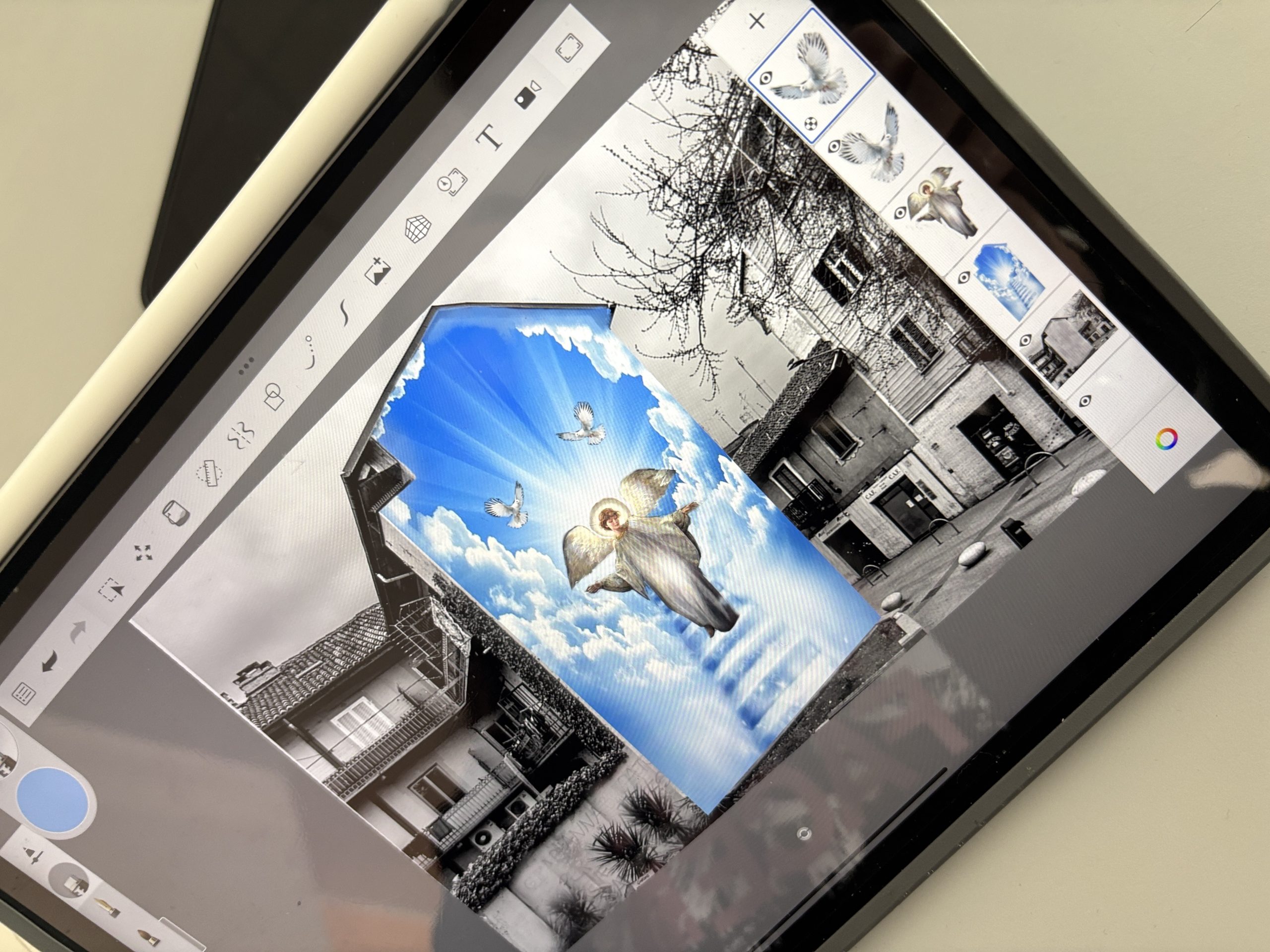
在构思明确、参考图像搜集完毕后,从教师提供的建筑照片中任选一张作为我们的“画布”。接着,将所选图像上传至Sketchbook应用。此时,我们在线搜索项目所需参考图,并将其插入文件中,确保每张图均置于独立图层,以便分别编辑调整。
最后阶段是以绘画性风格加工我们的数字图像。事实上,我们必须设想该作品具备实际可实施性,即未来可真正绘制为实体壁画。请将其视作一件街头艺术作品——它虽以数字方式完成,却能真实呈现在某栋建筑立面上。
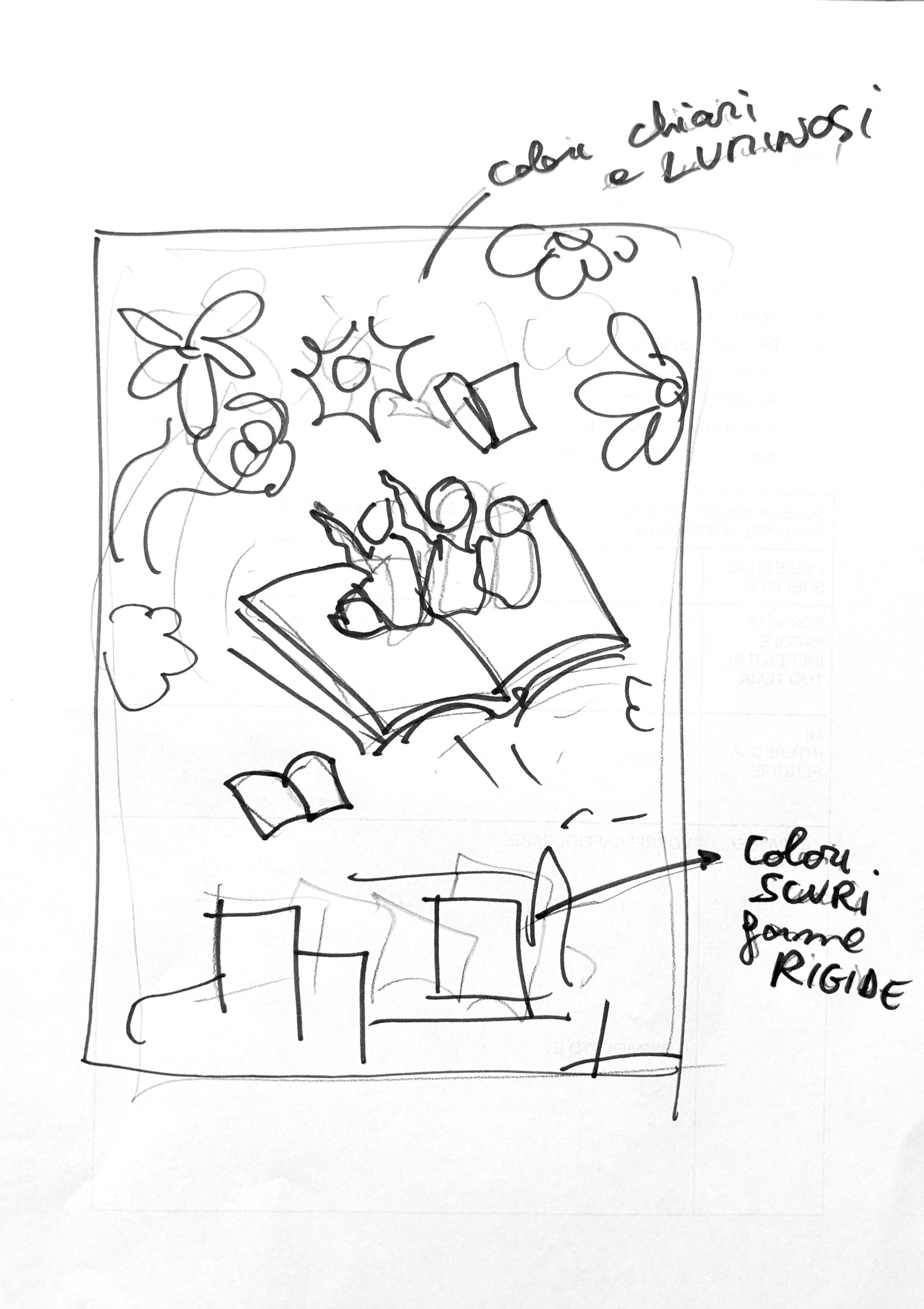
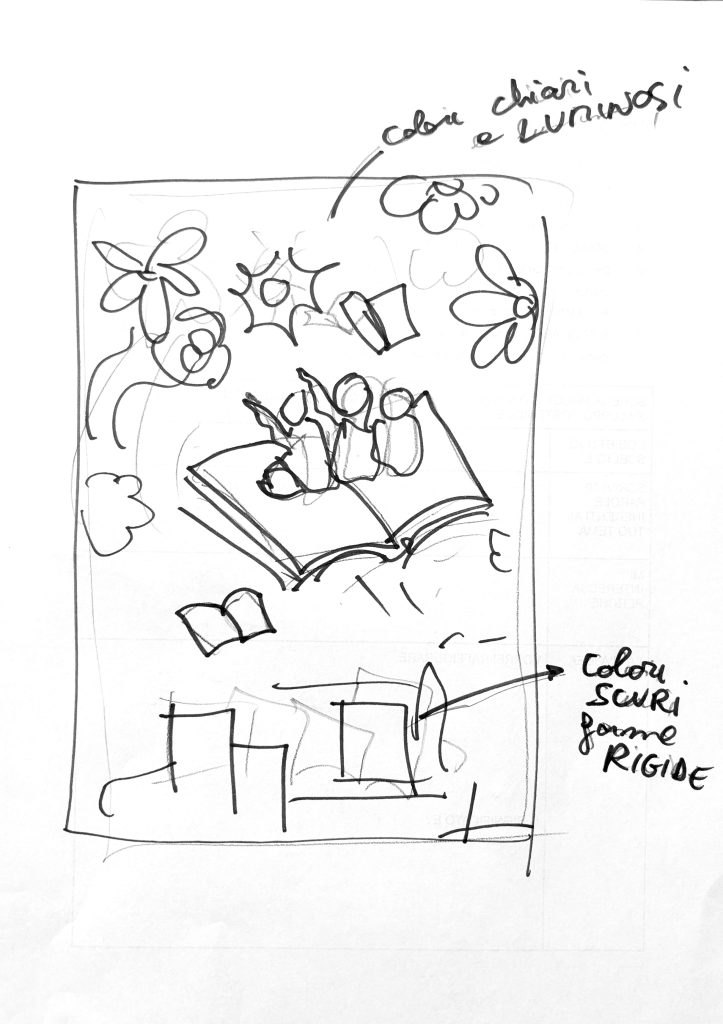
我们亦可在表单背面绘制一幅简易的铅笔素描,用以具象化创意,并勾勒出拟纳入画面各元素的简略构图。
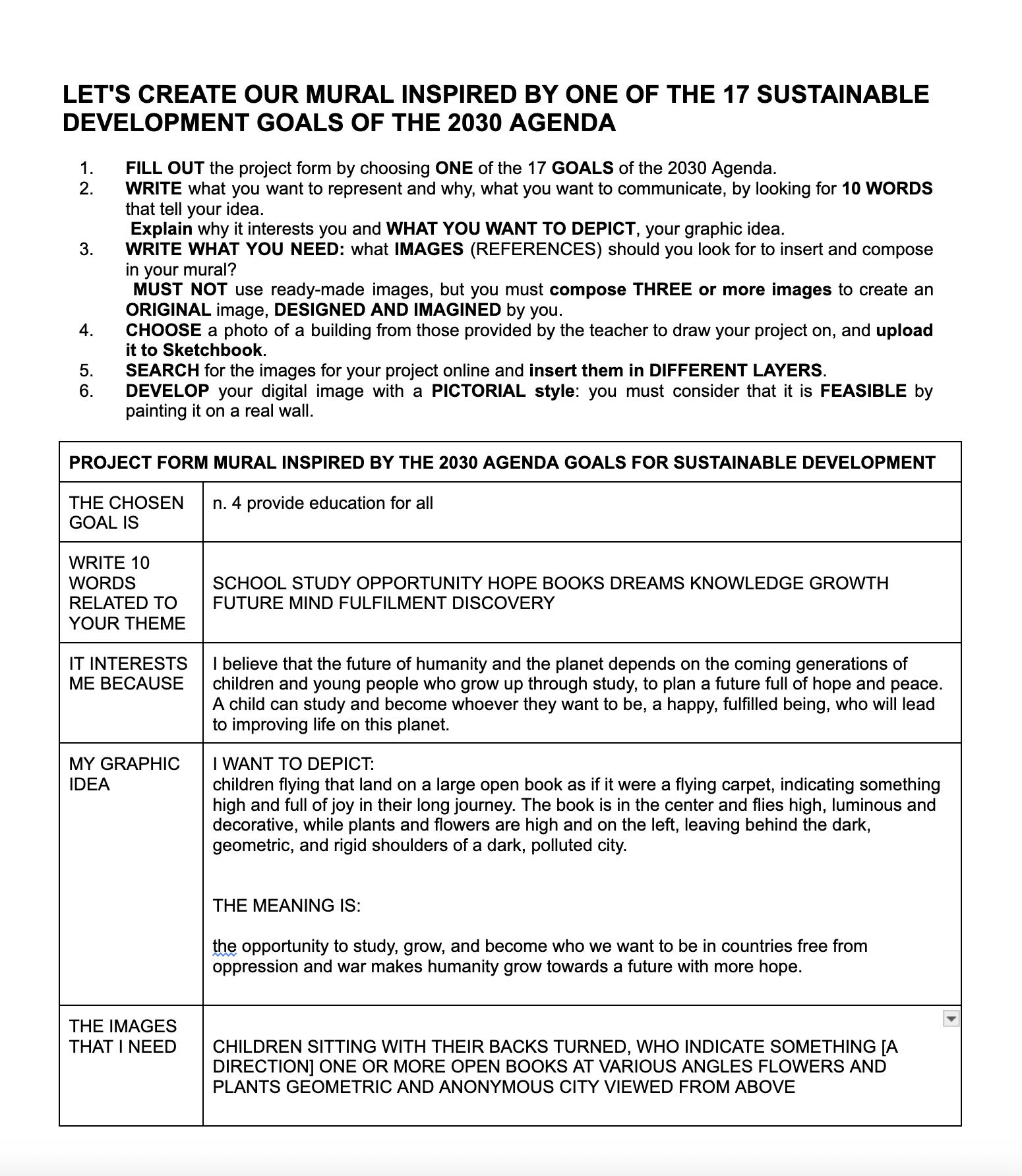
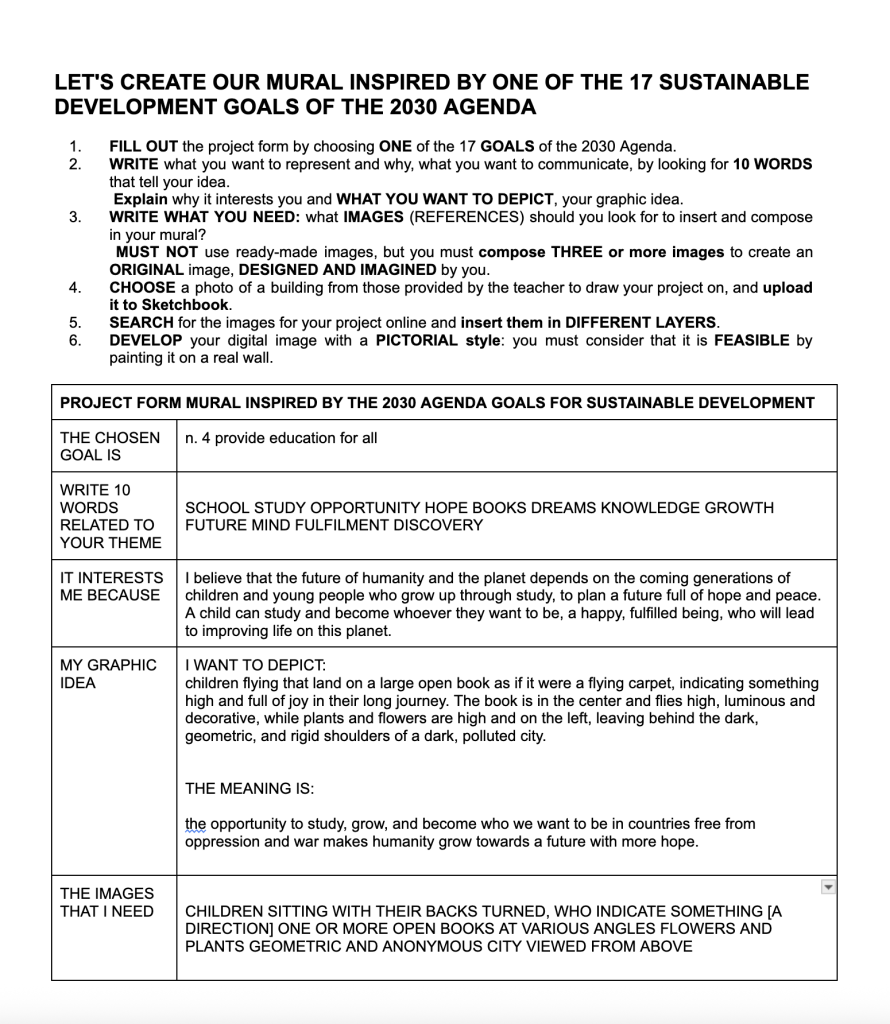
以下为一份已完成的表单范例,以及背面所绘素描范例,用以呈现创意雏形。
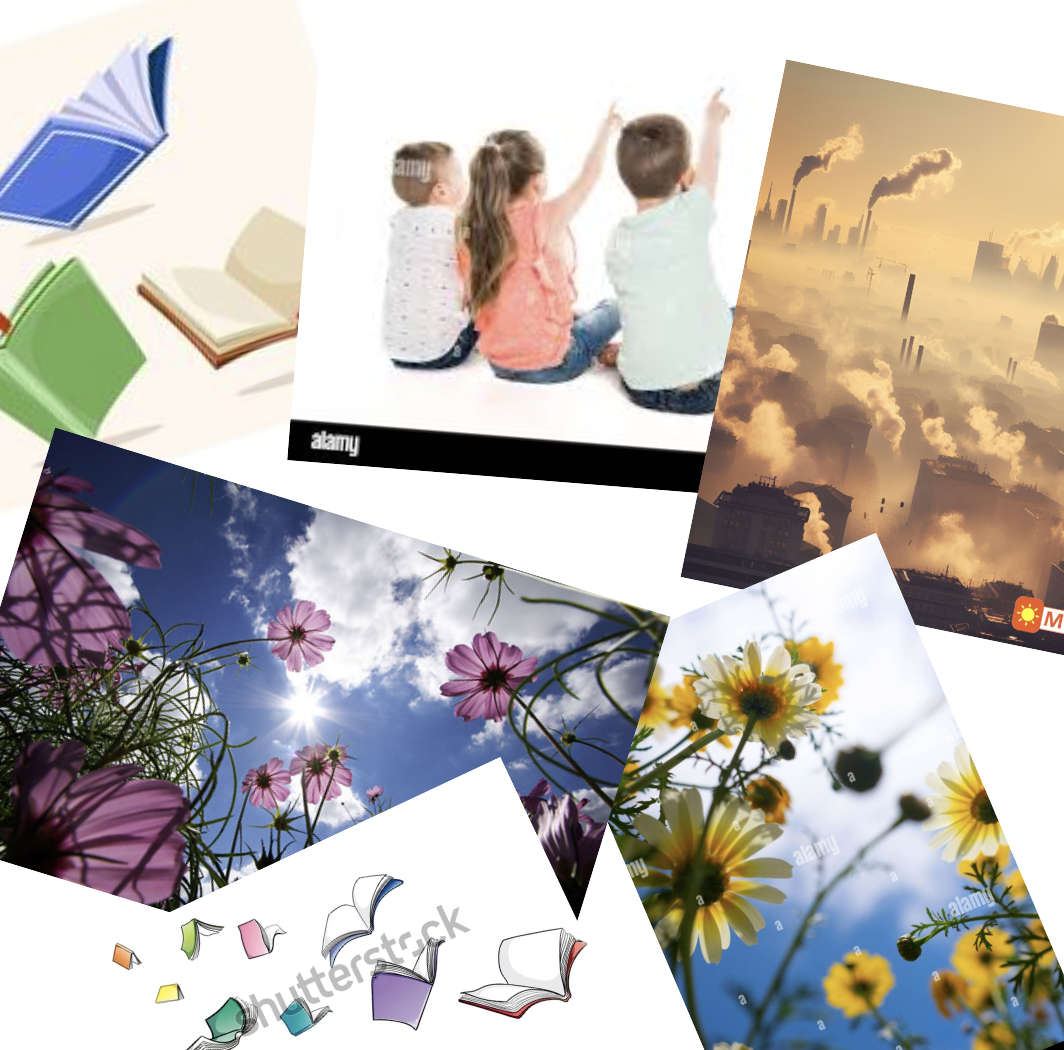
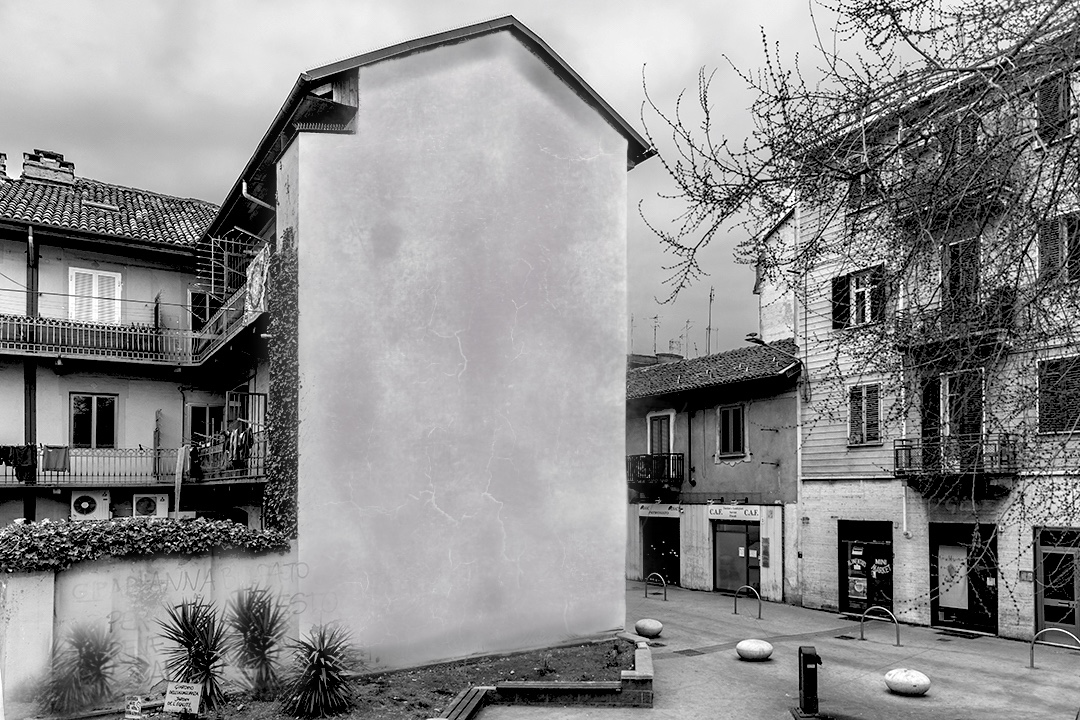
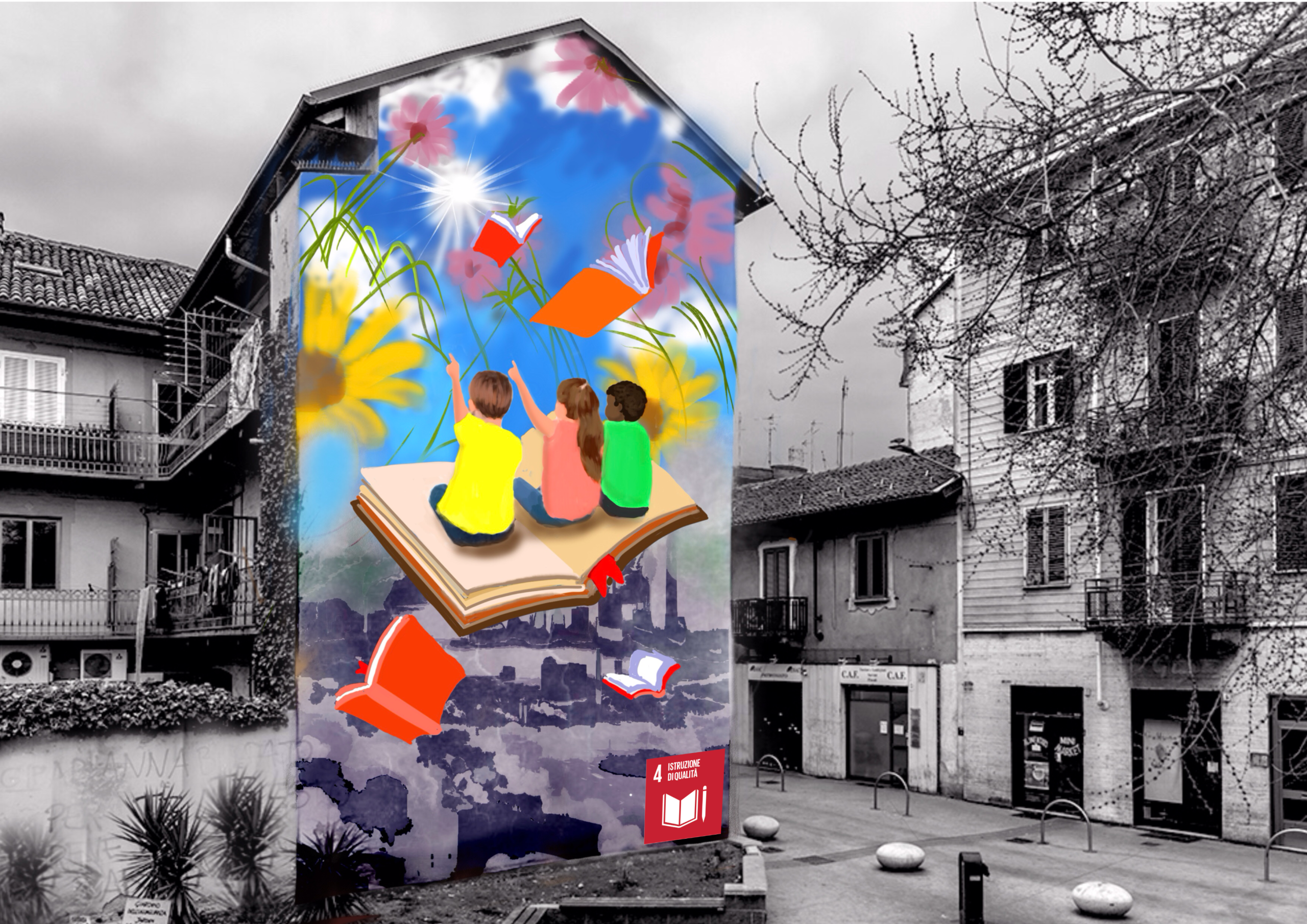
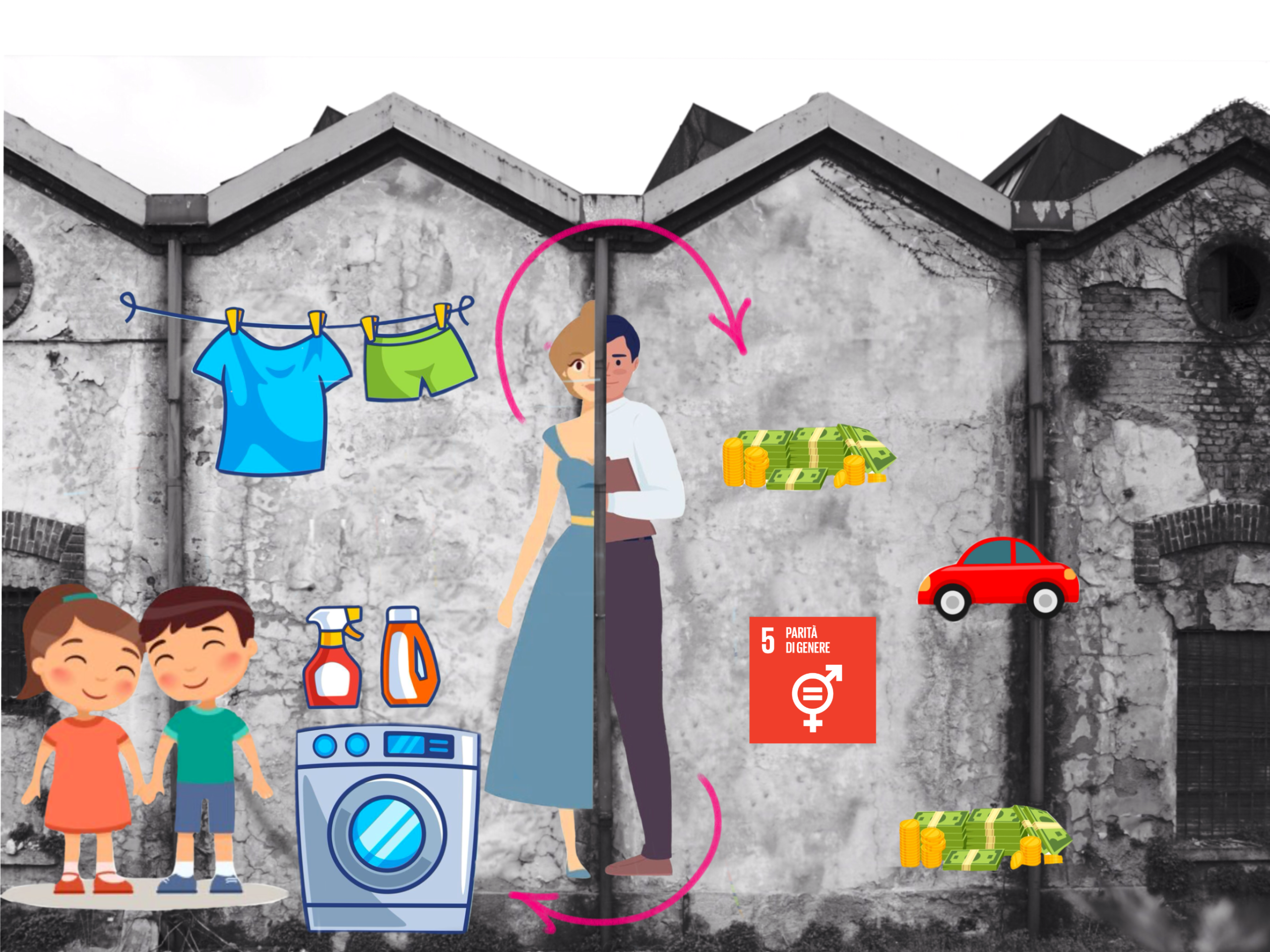
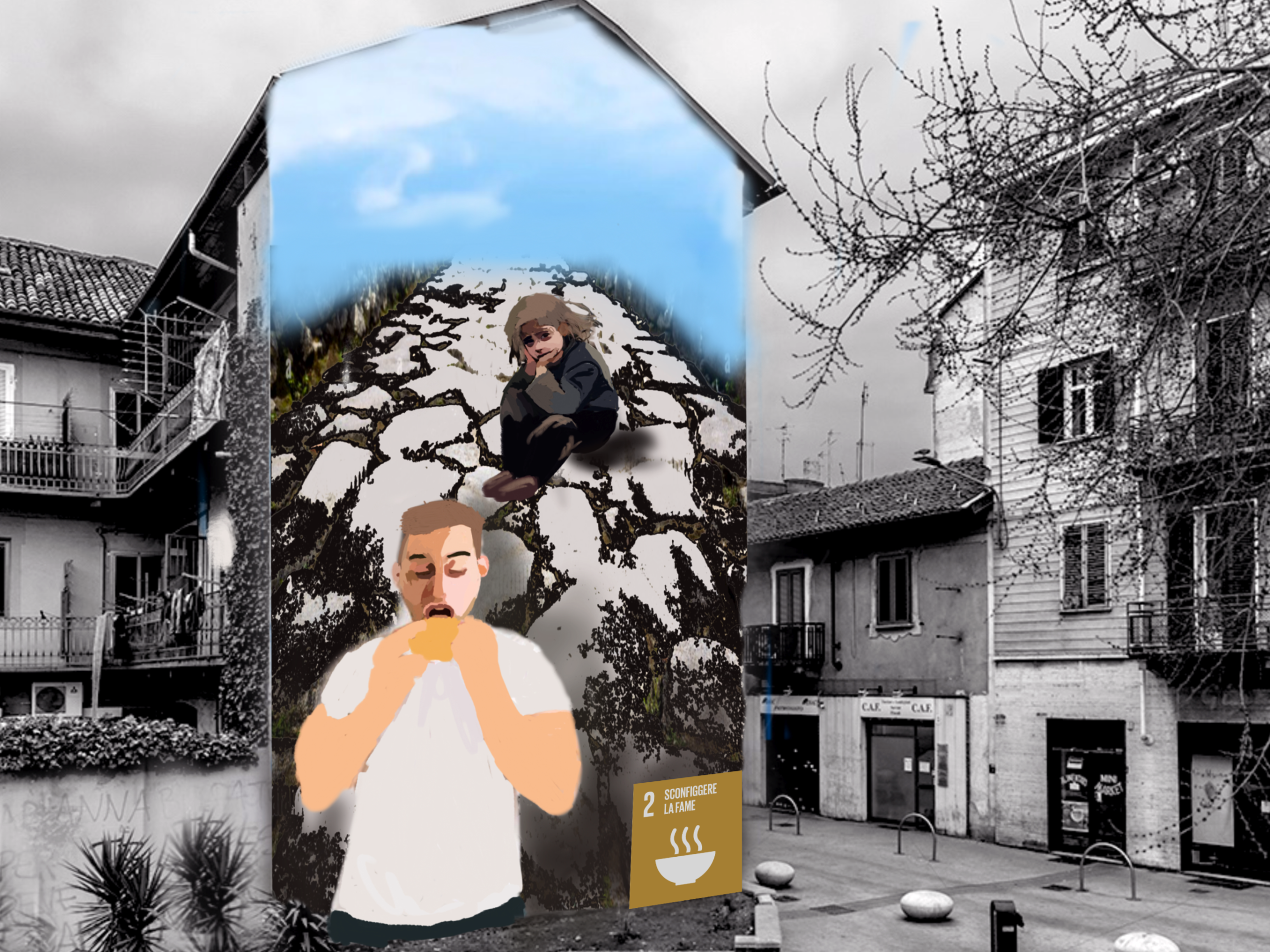
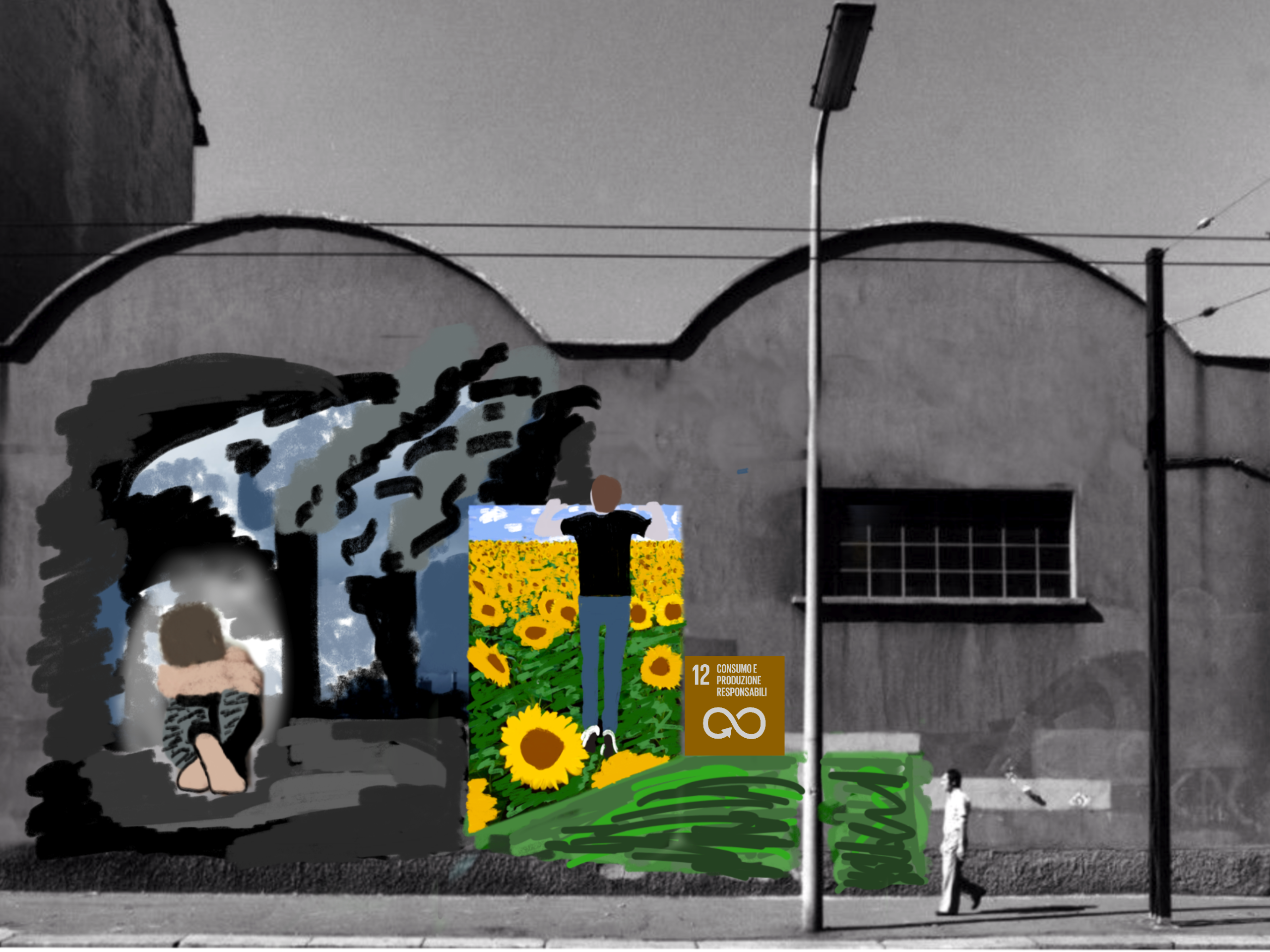
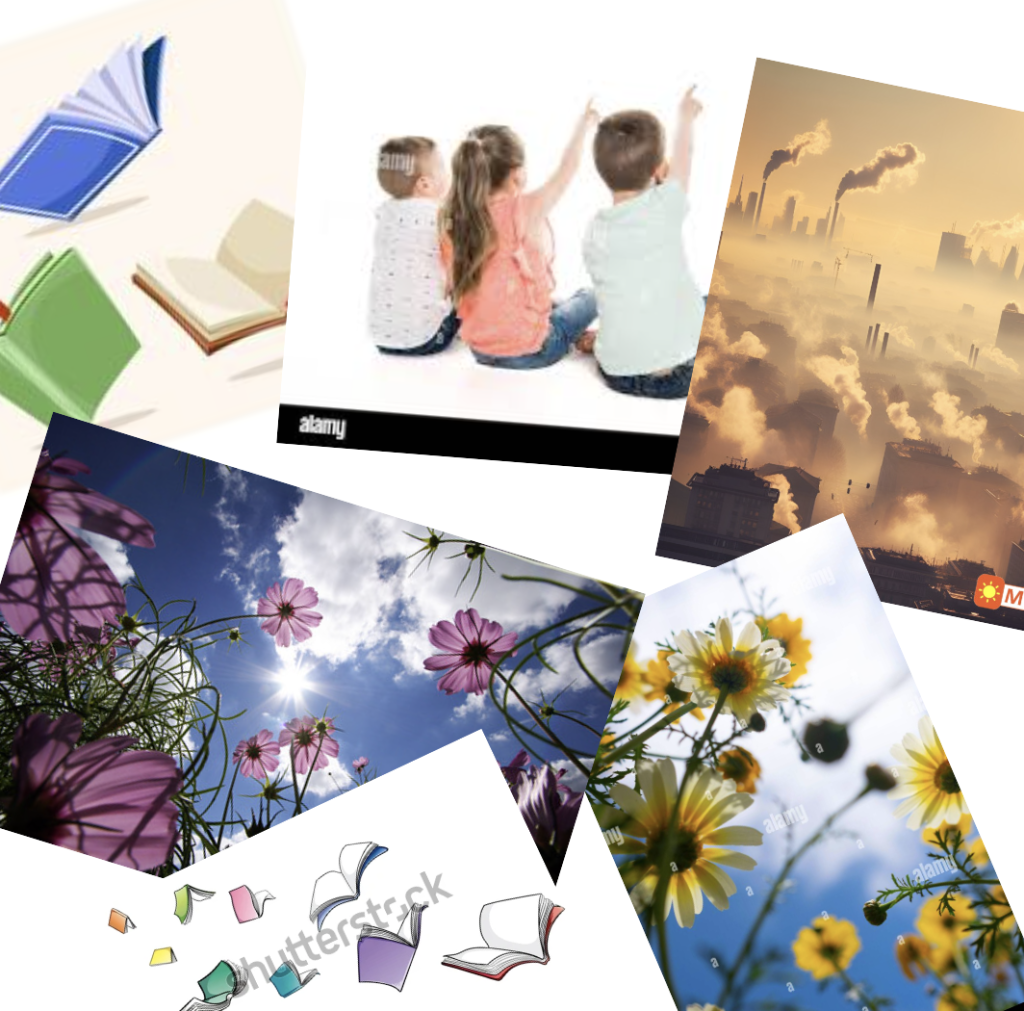
以下是部分网上搜寻所得的“参考图像”示例(用于组合构图),其下方为所用建筑图像及在Sketchbook中完成的数字壁画:
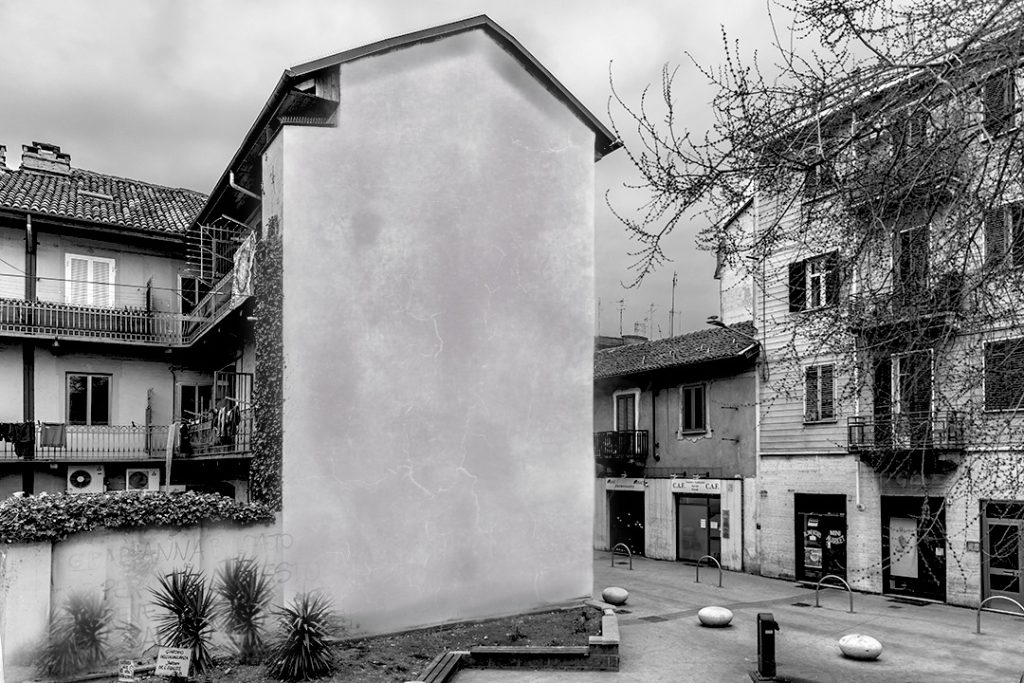
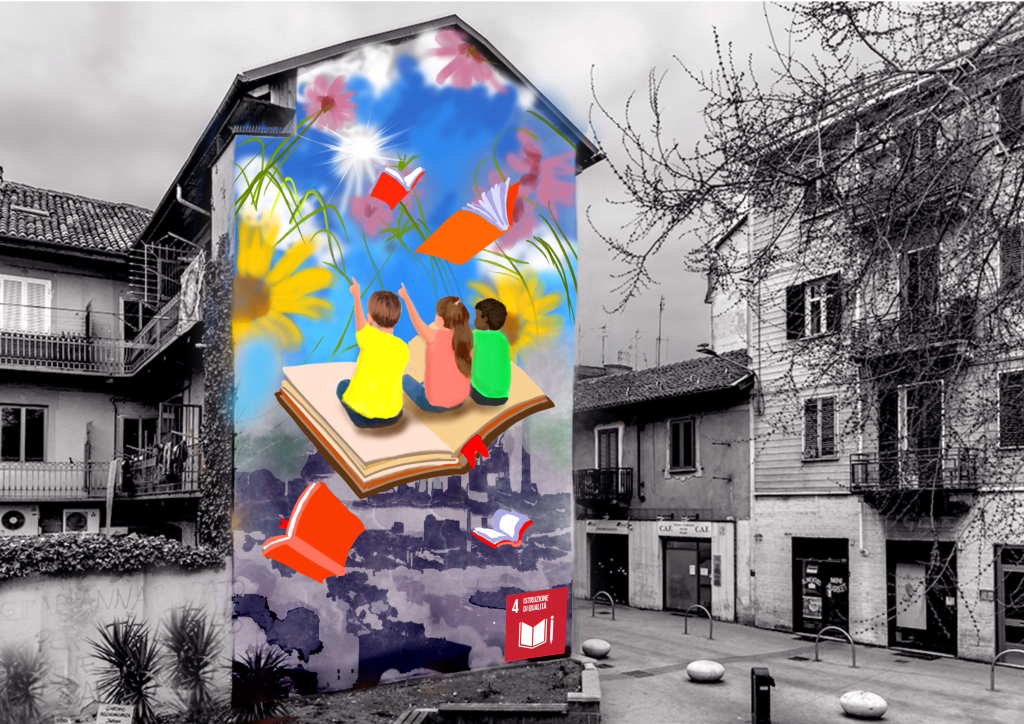
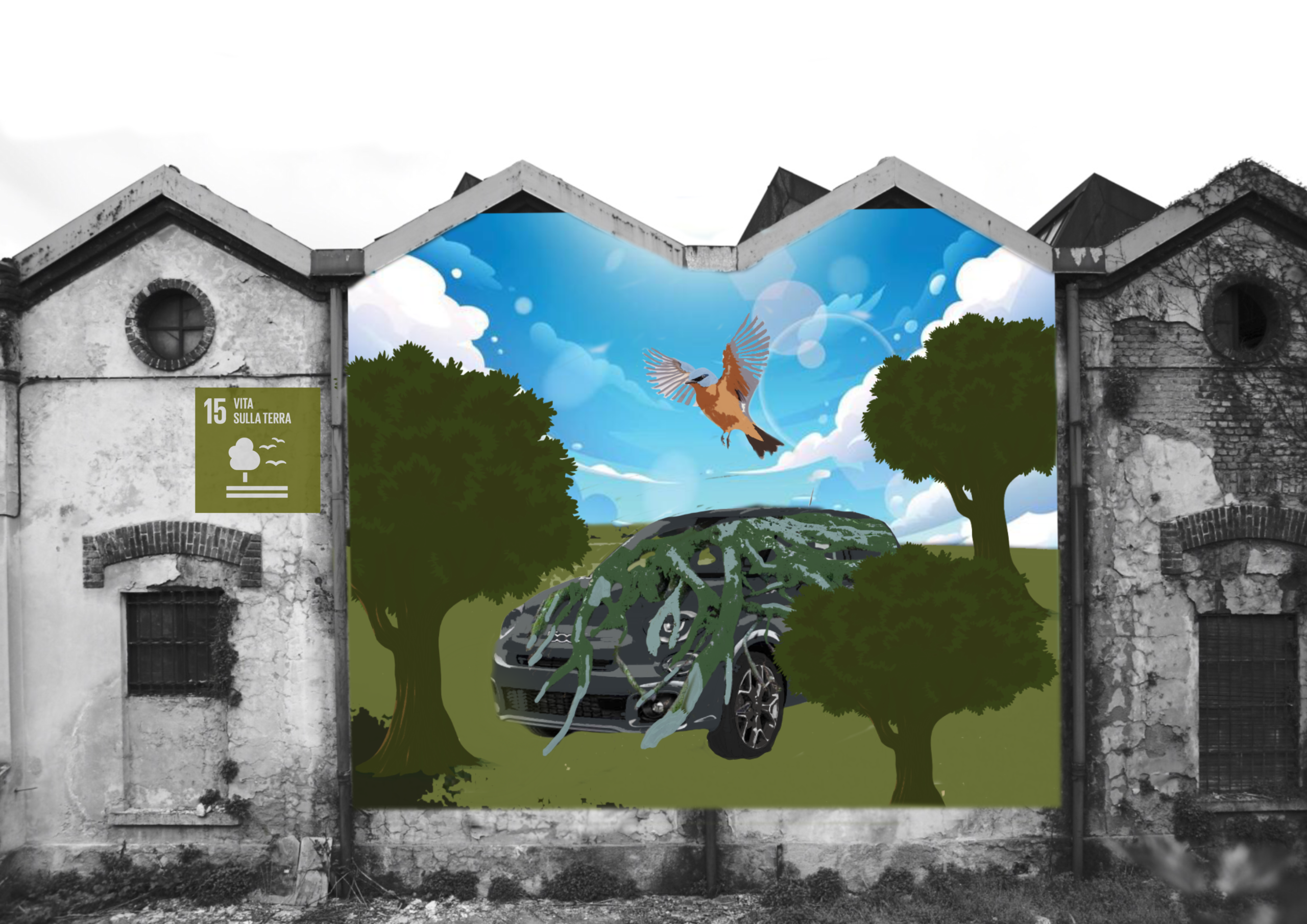
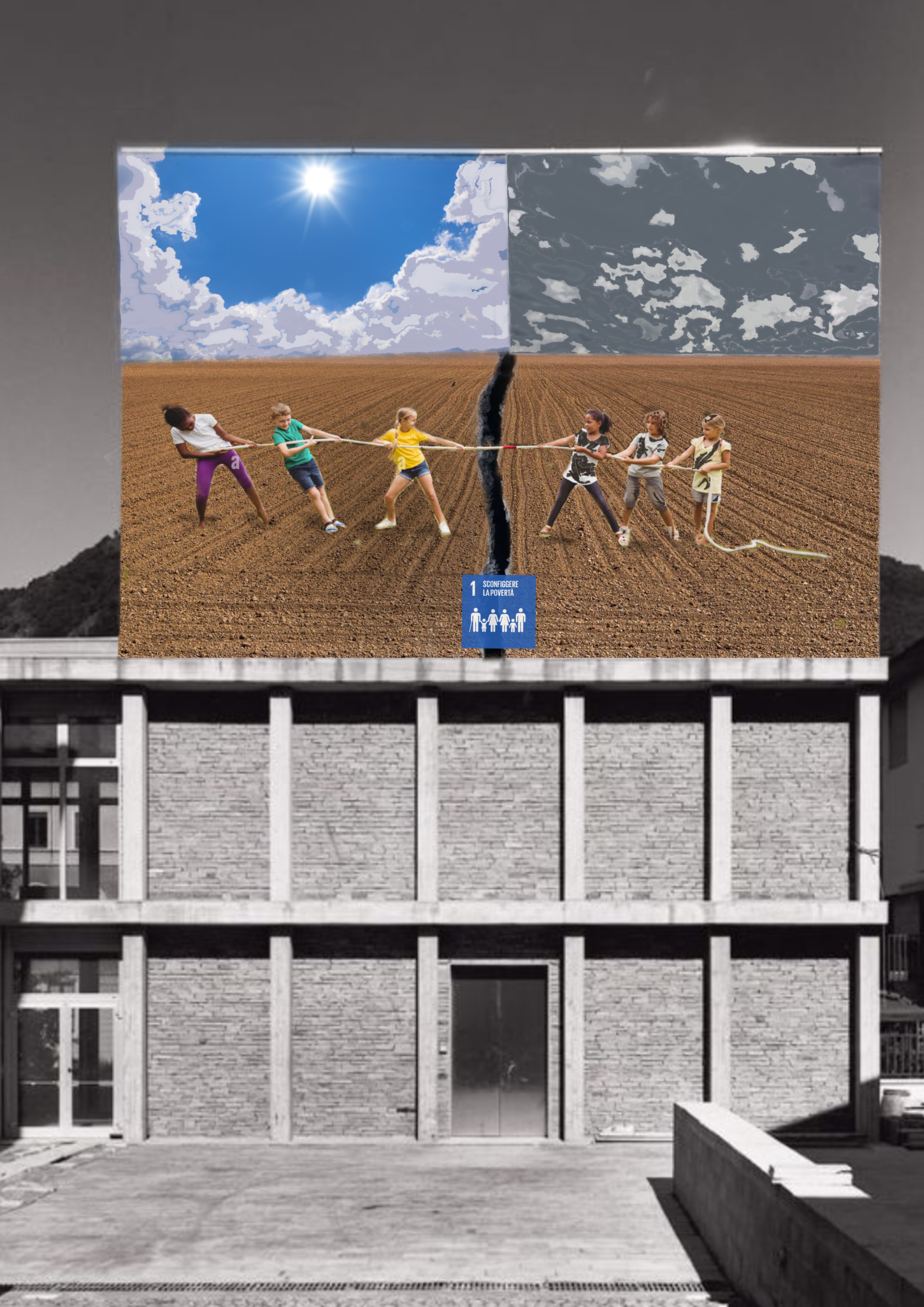
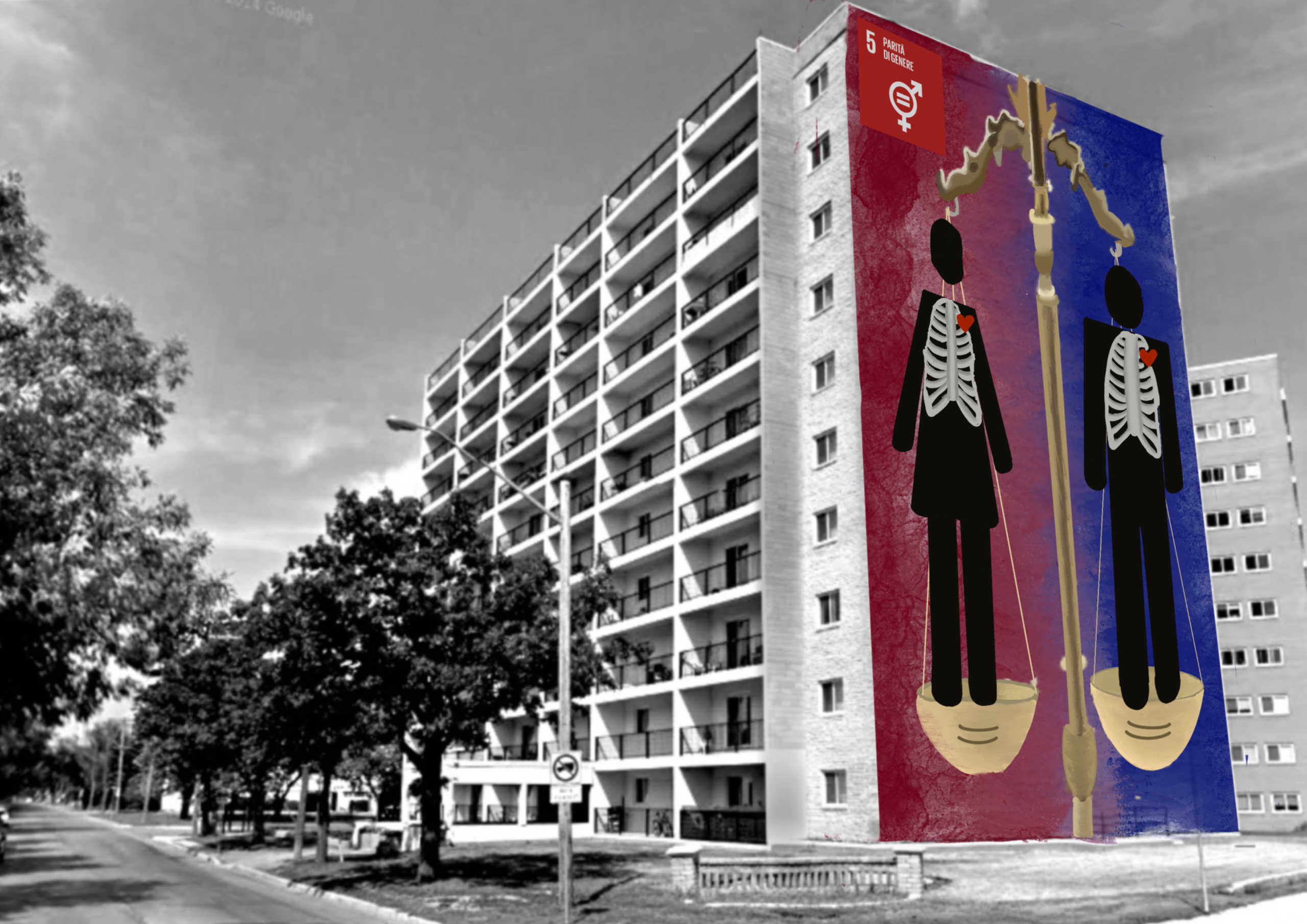
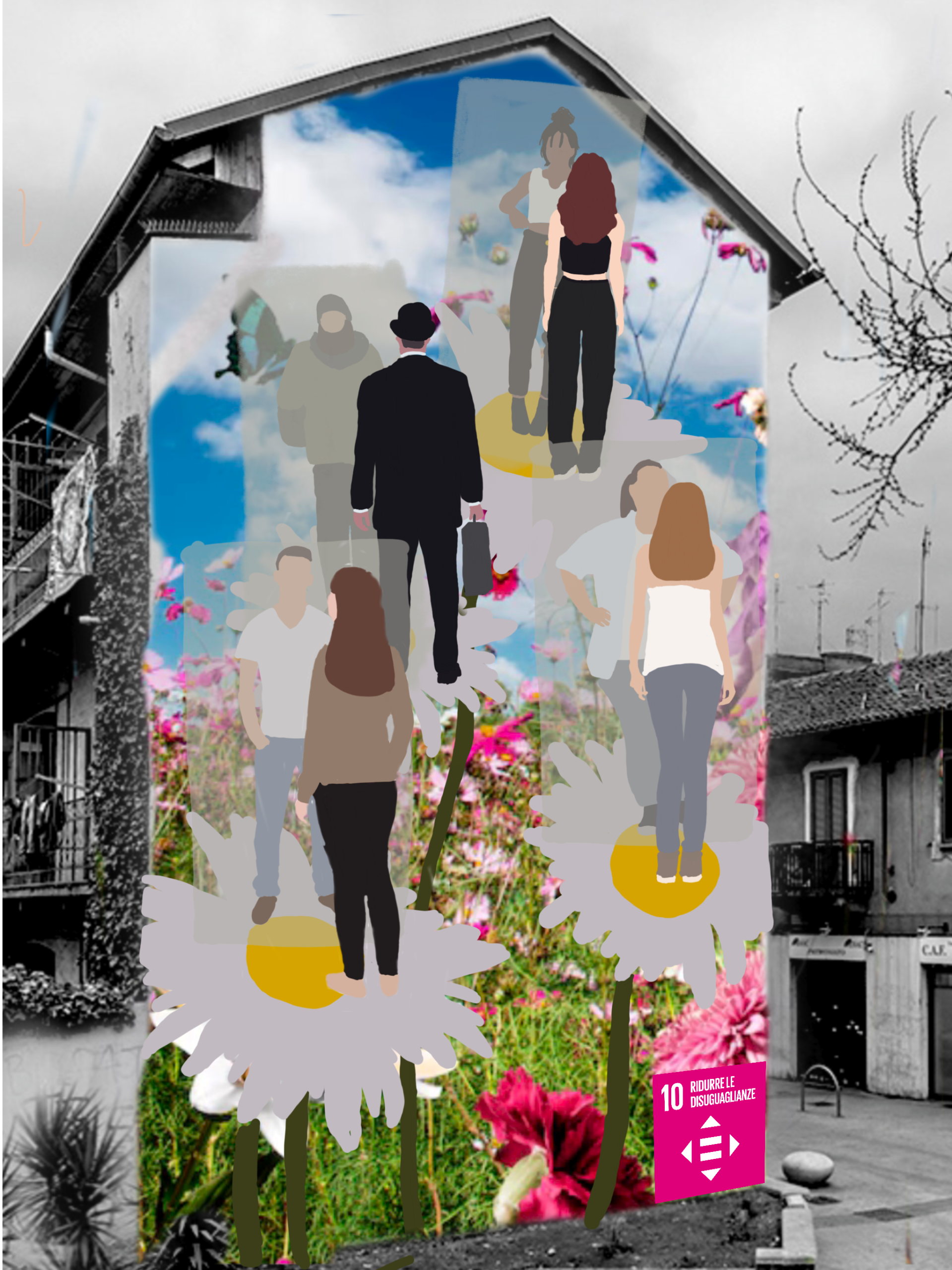
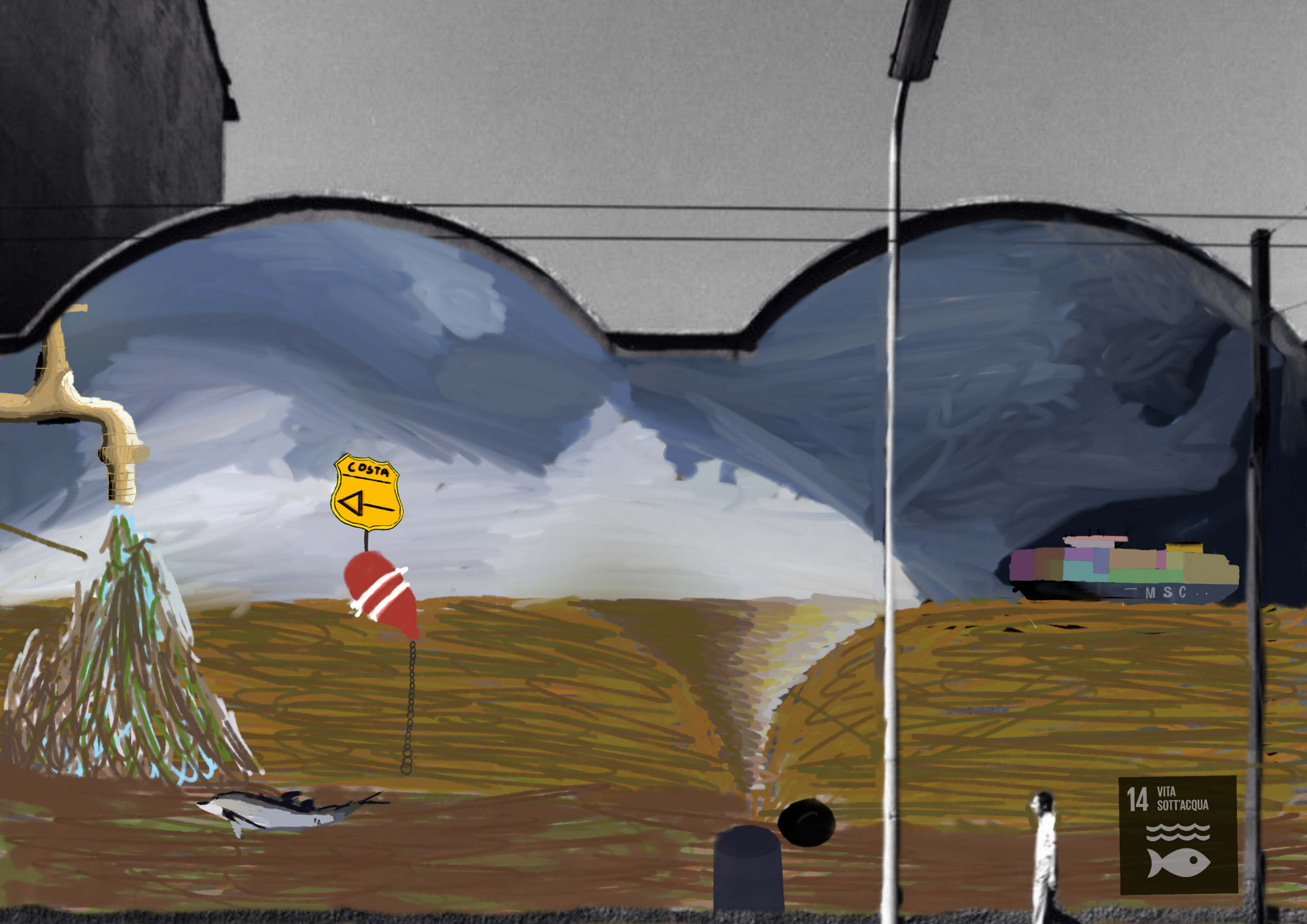
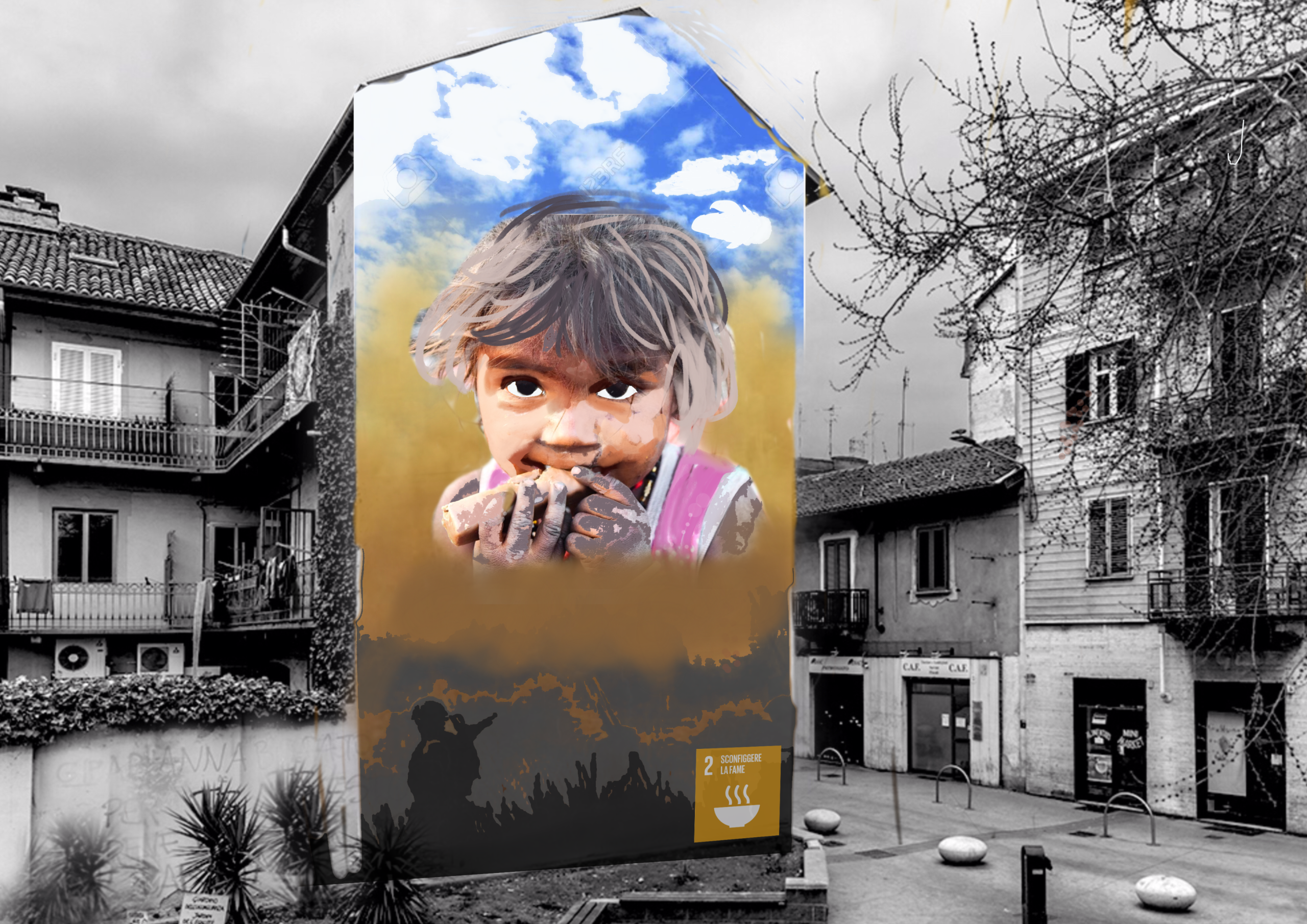
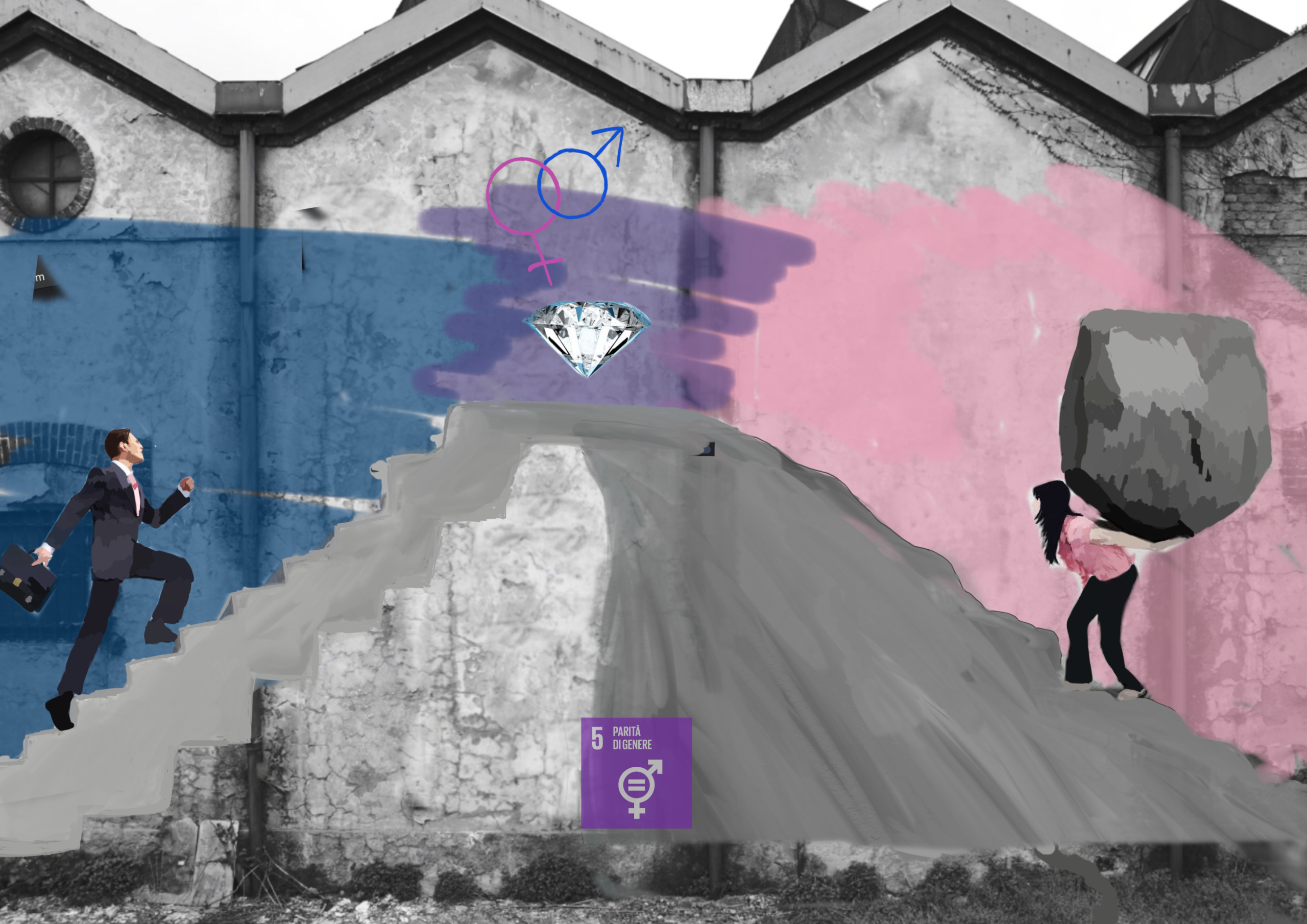
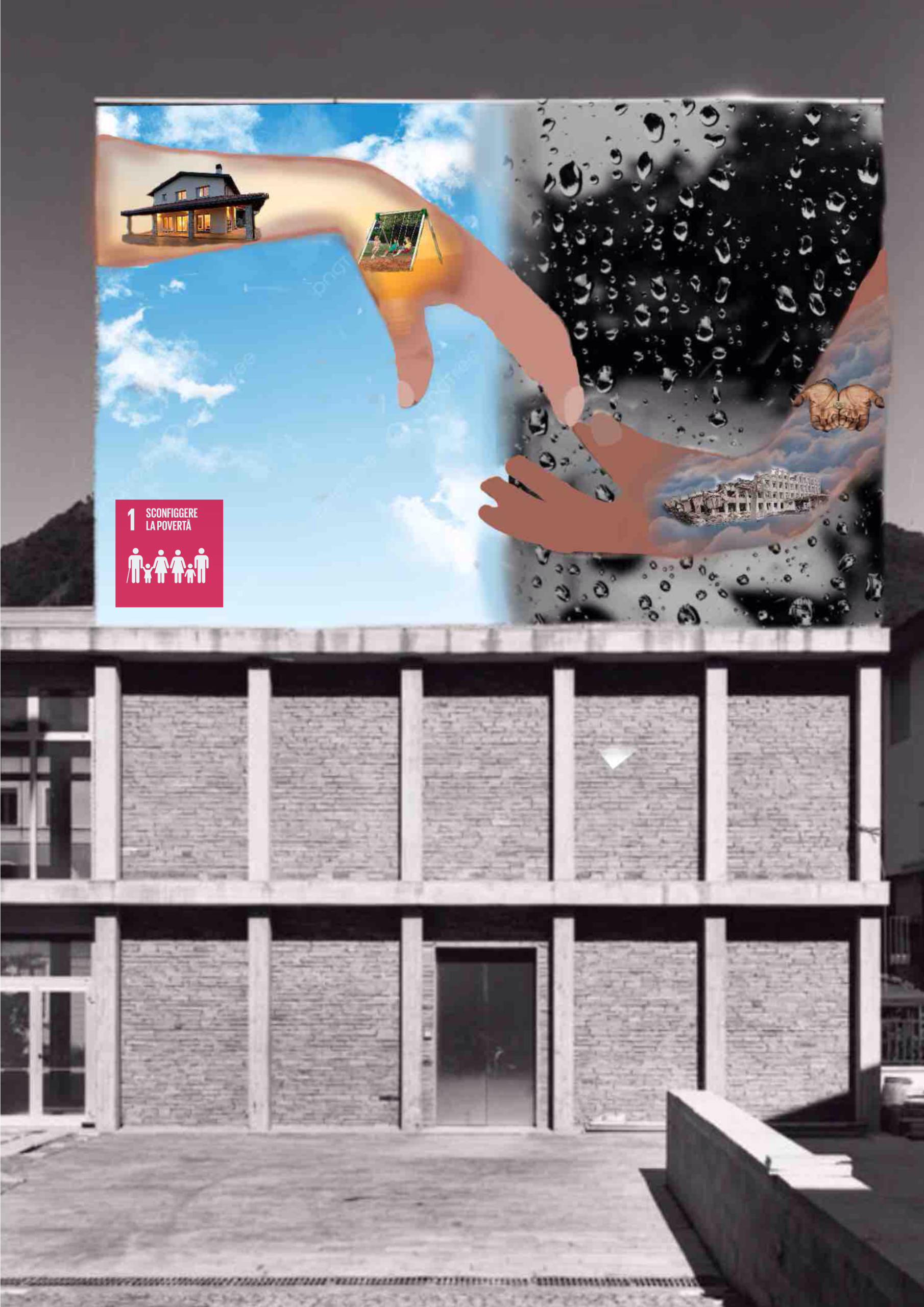
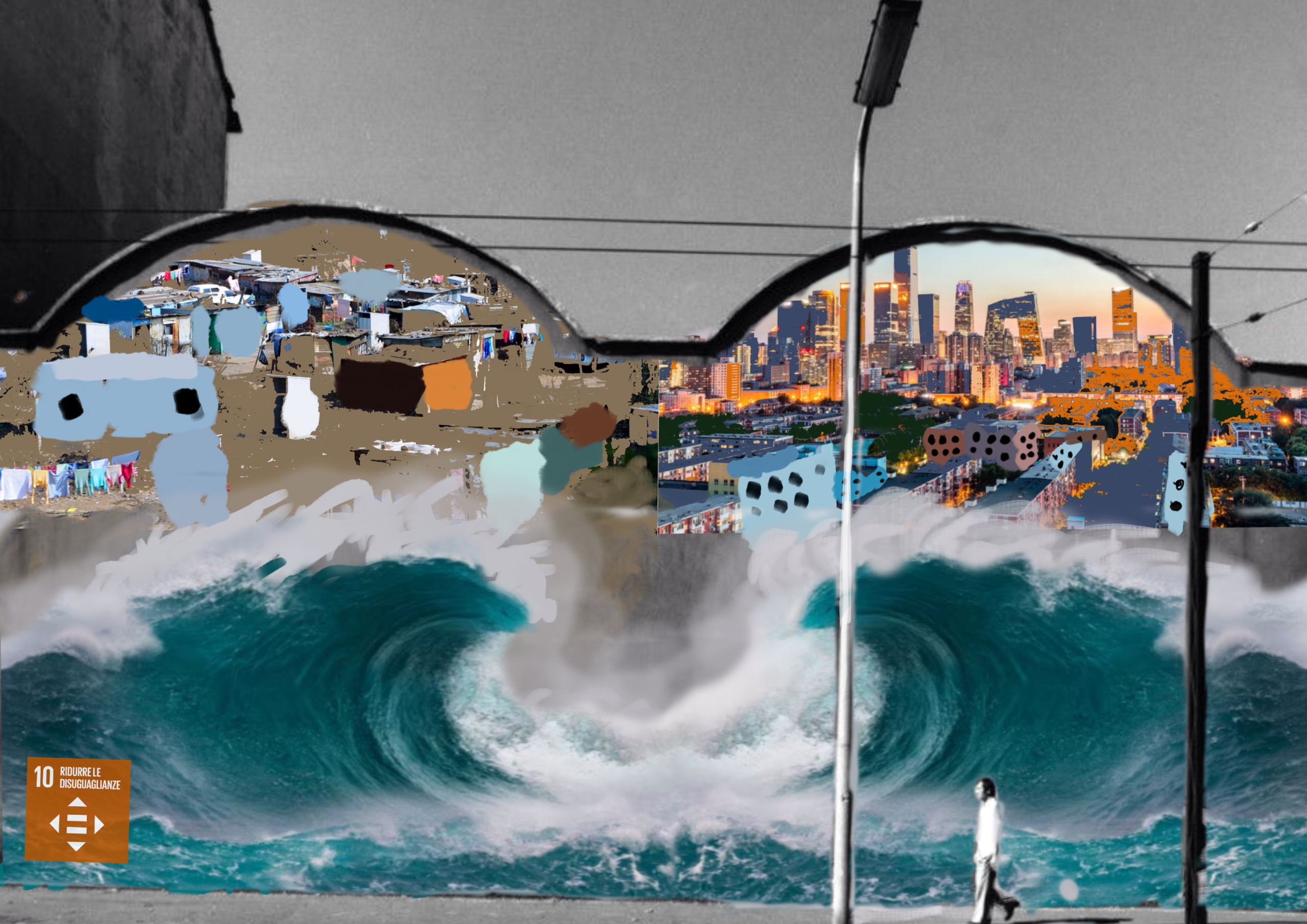
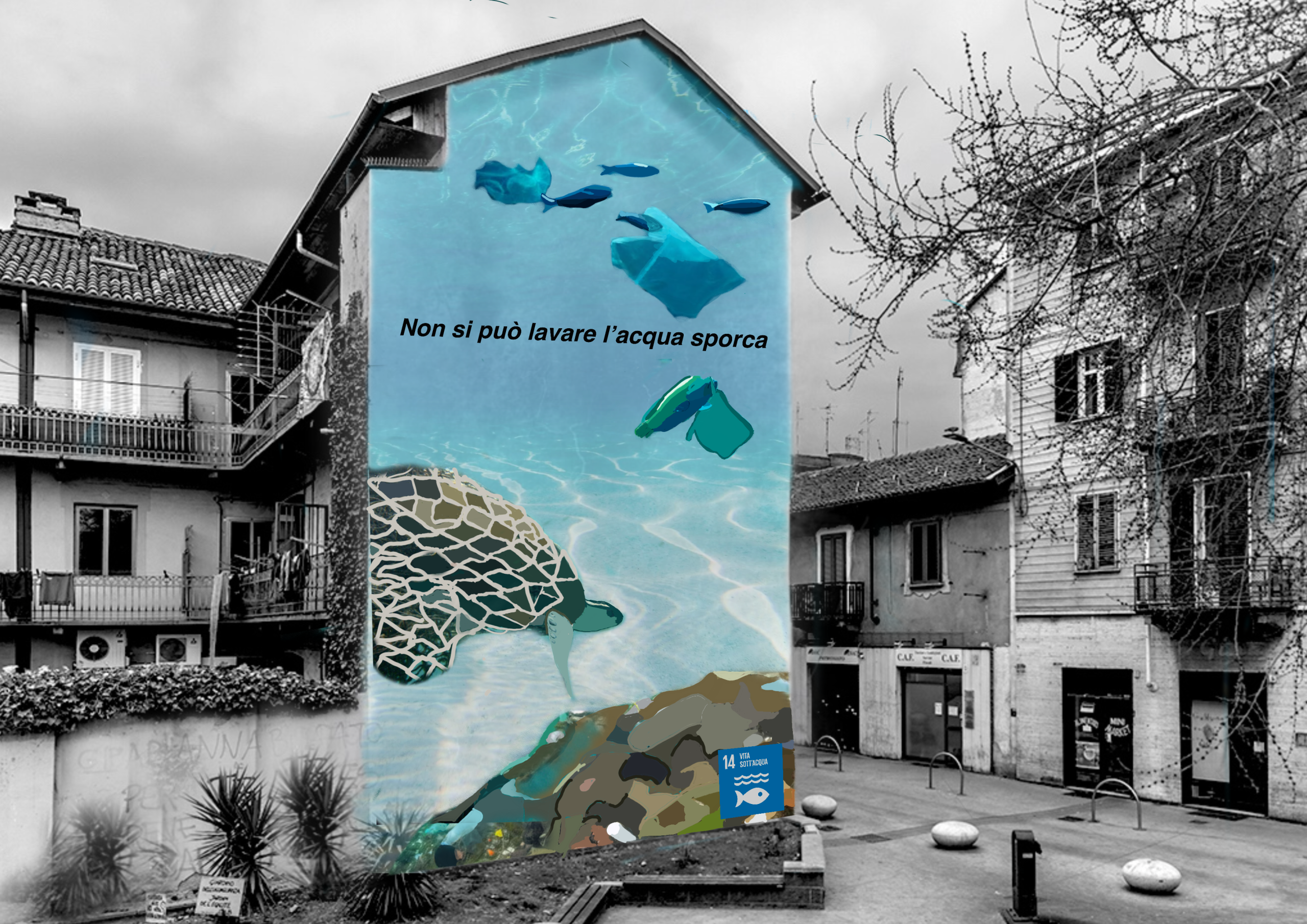
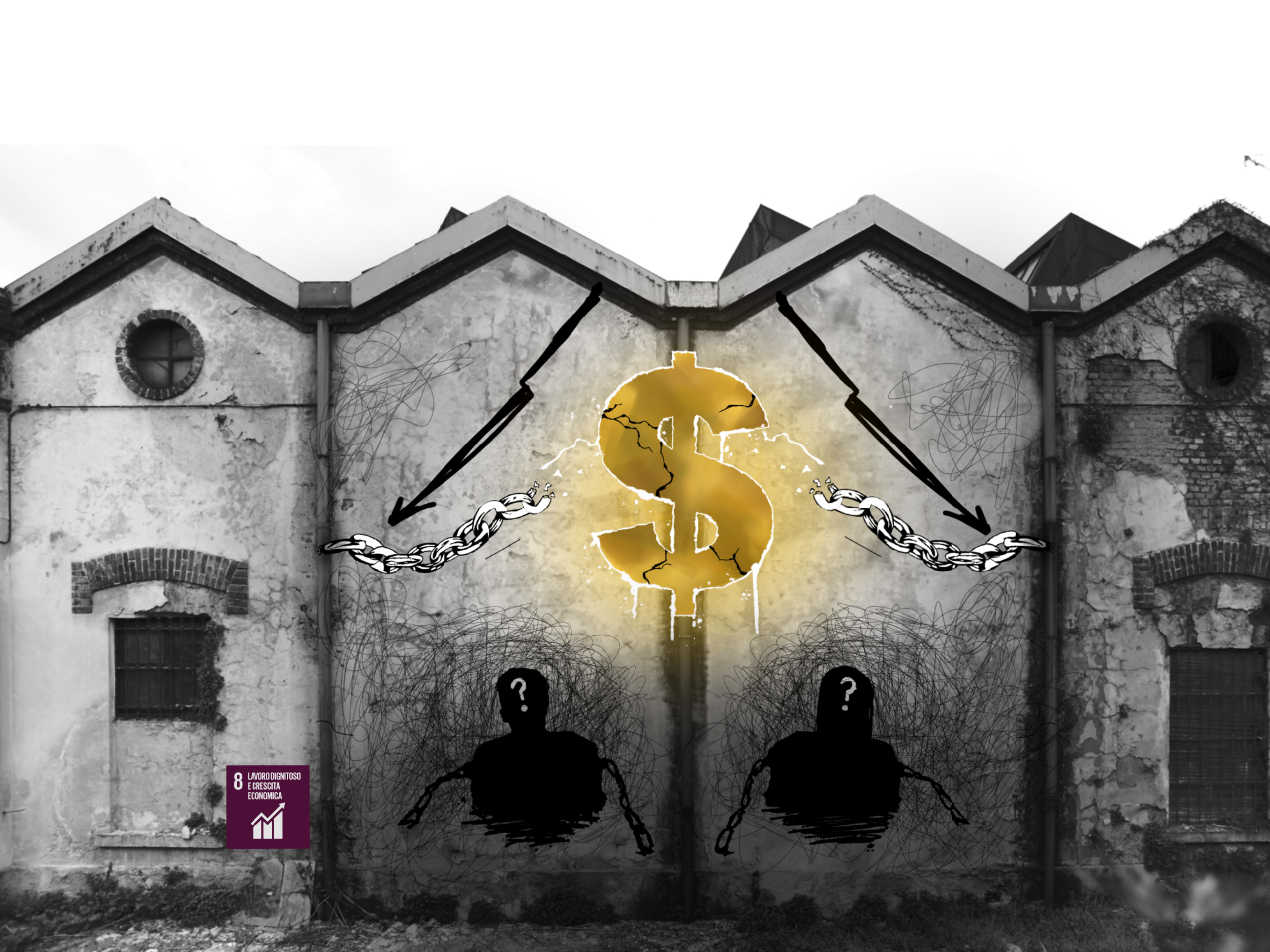
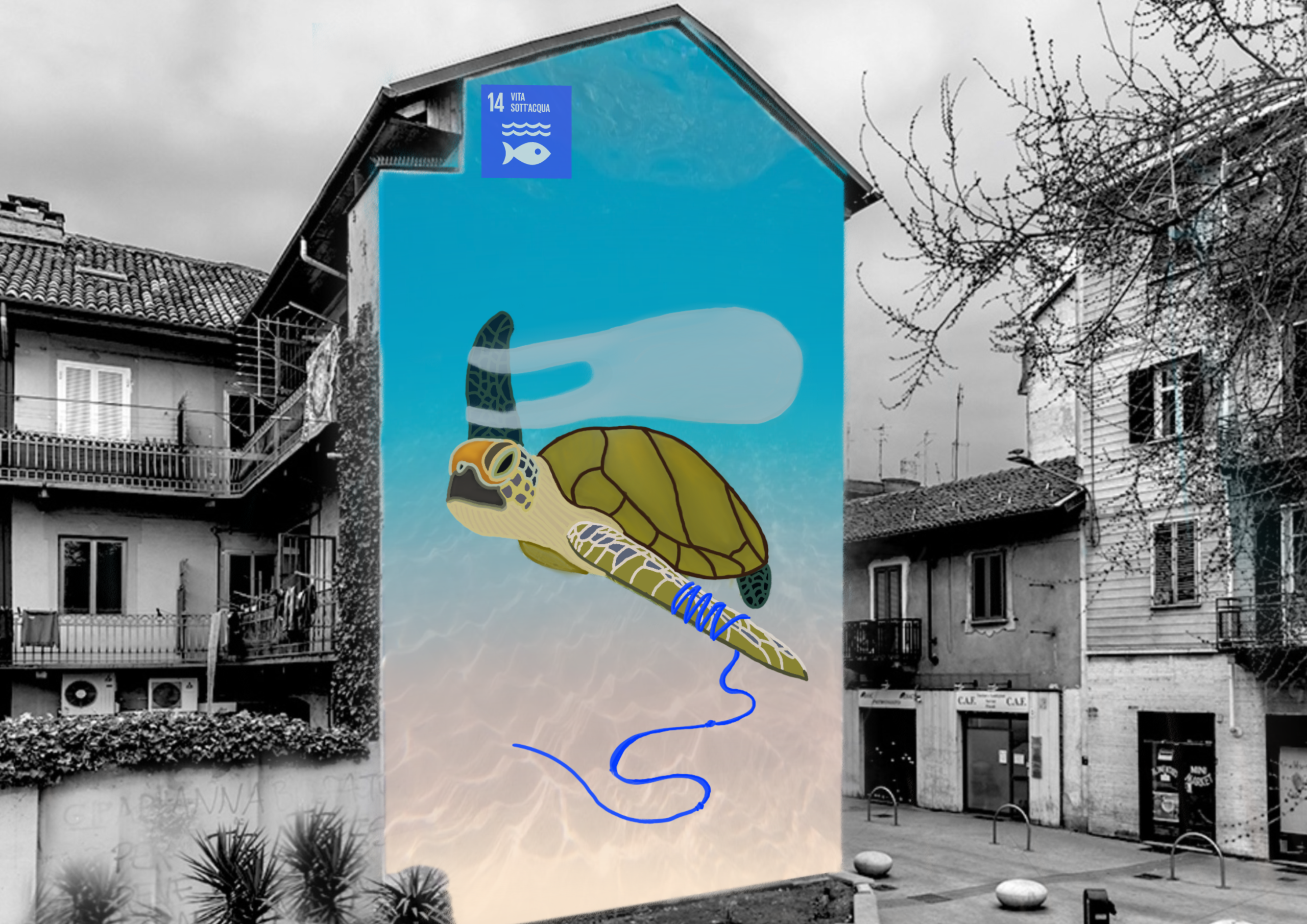
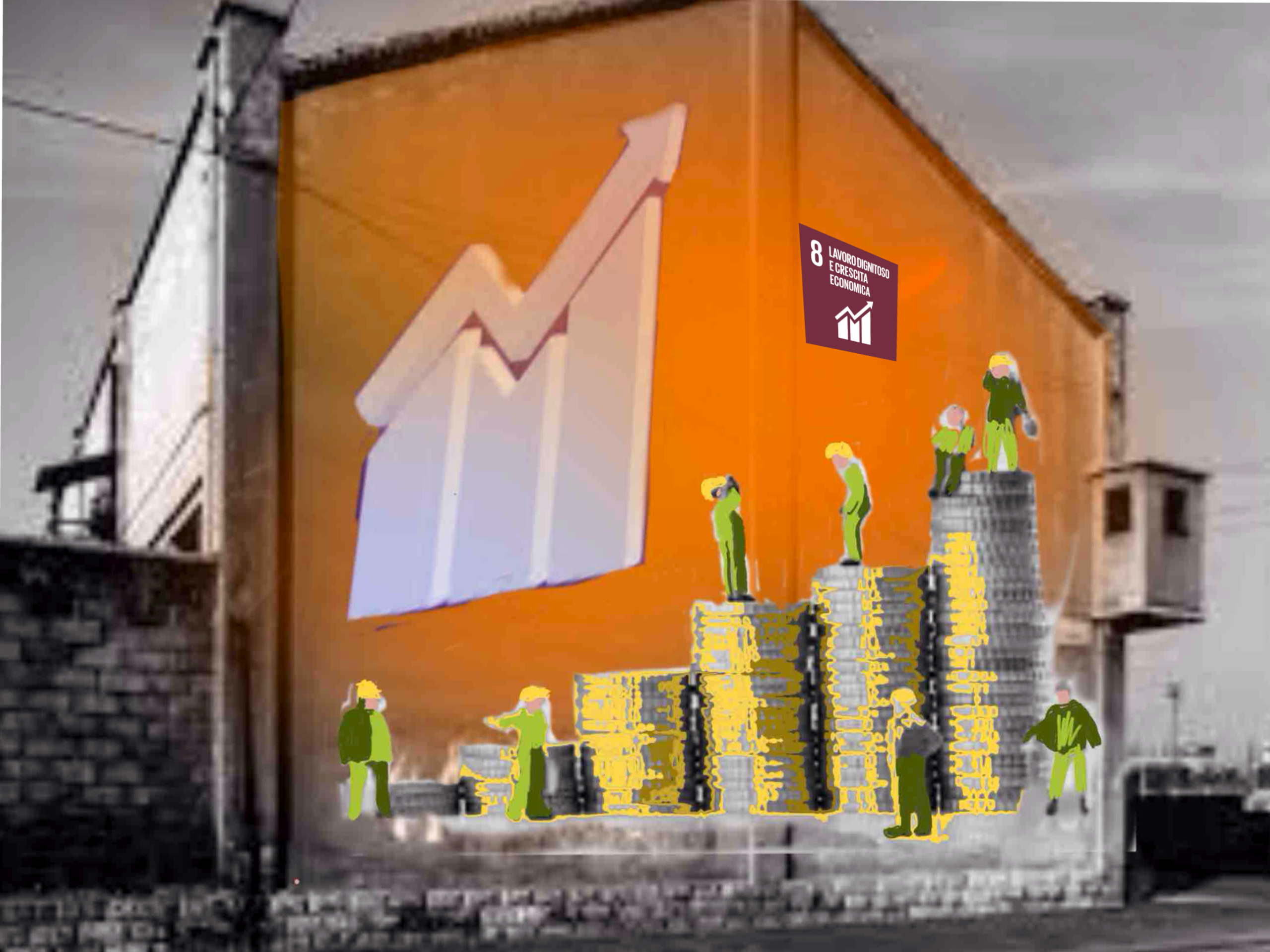
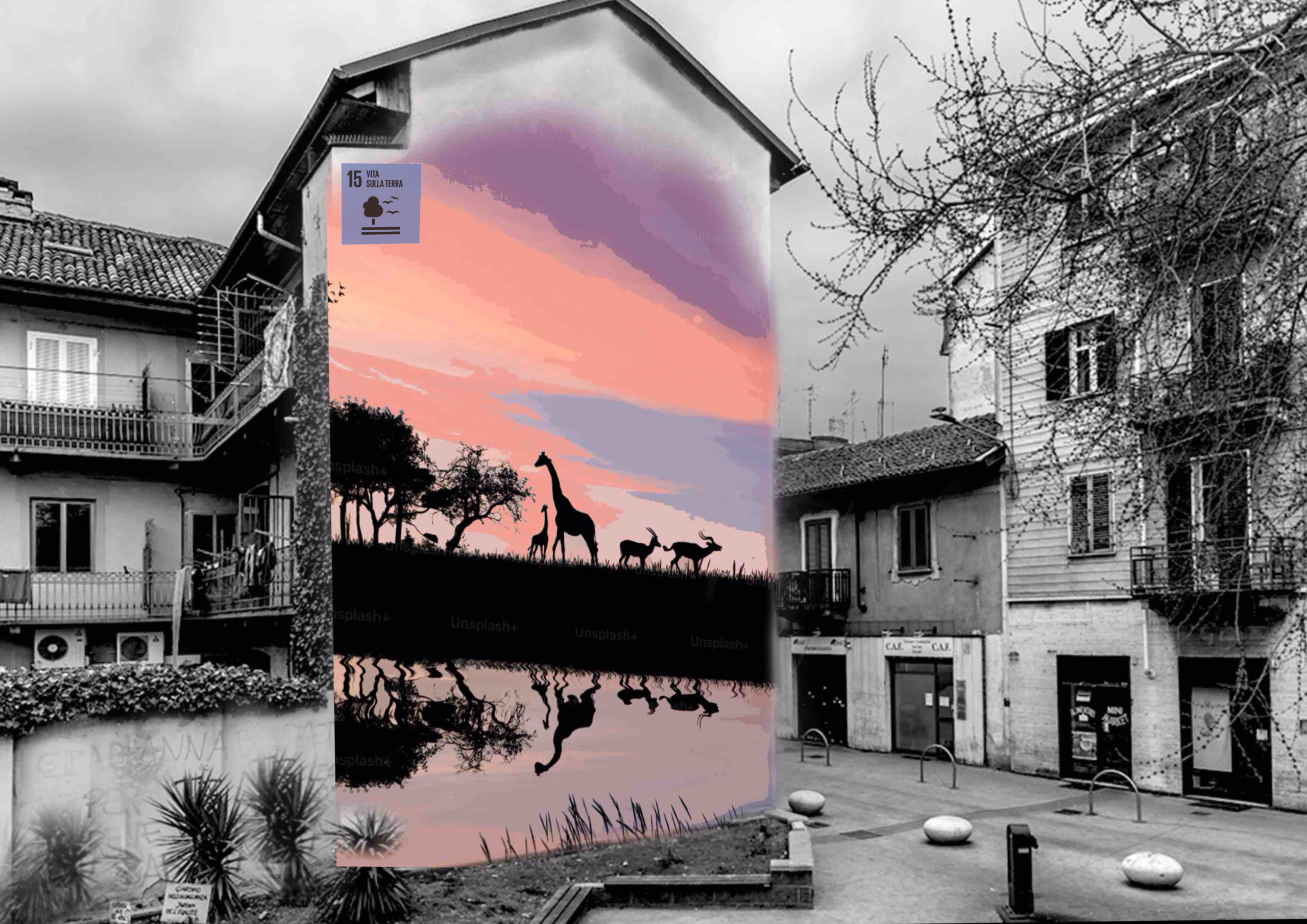
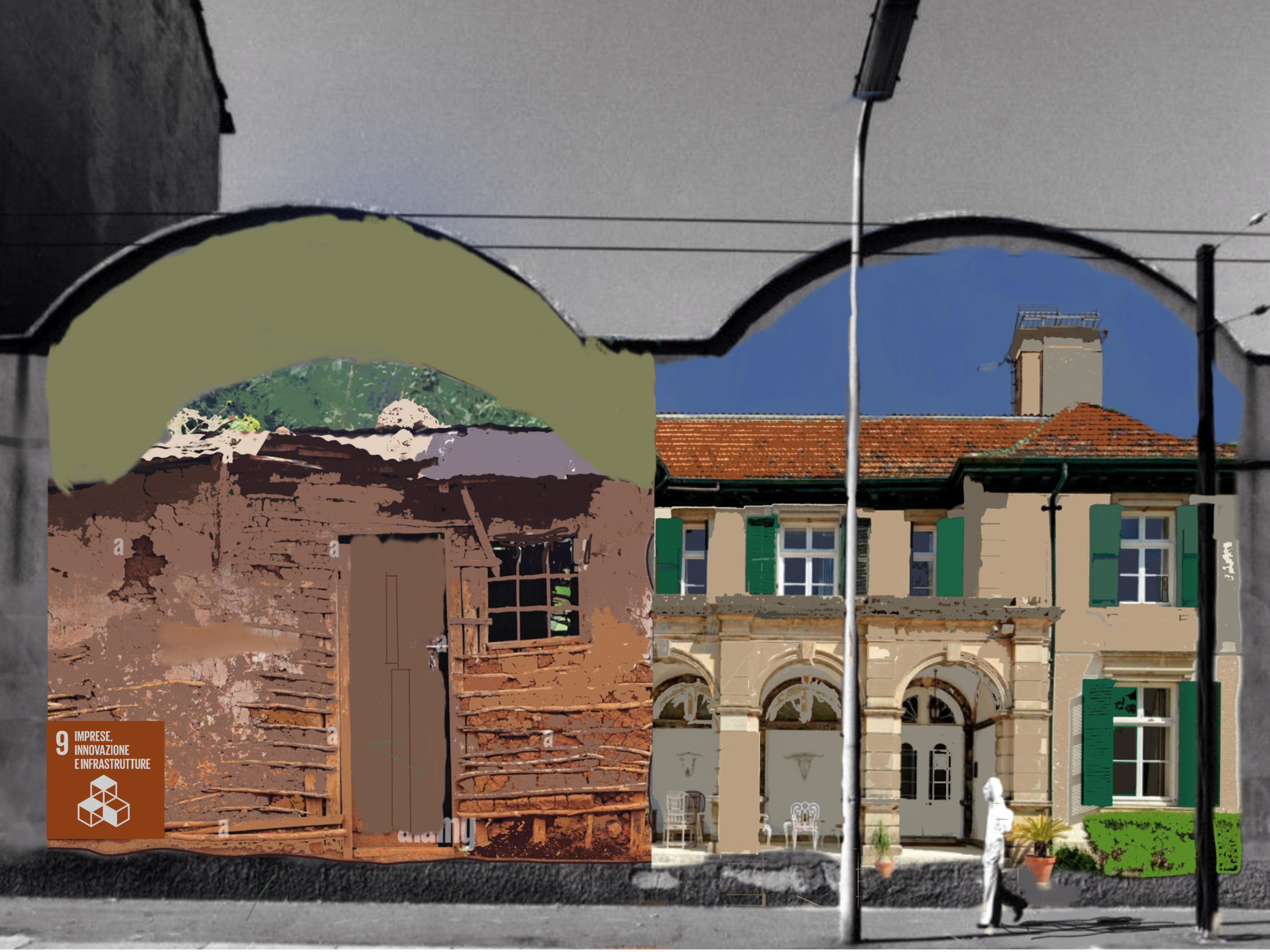
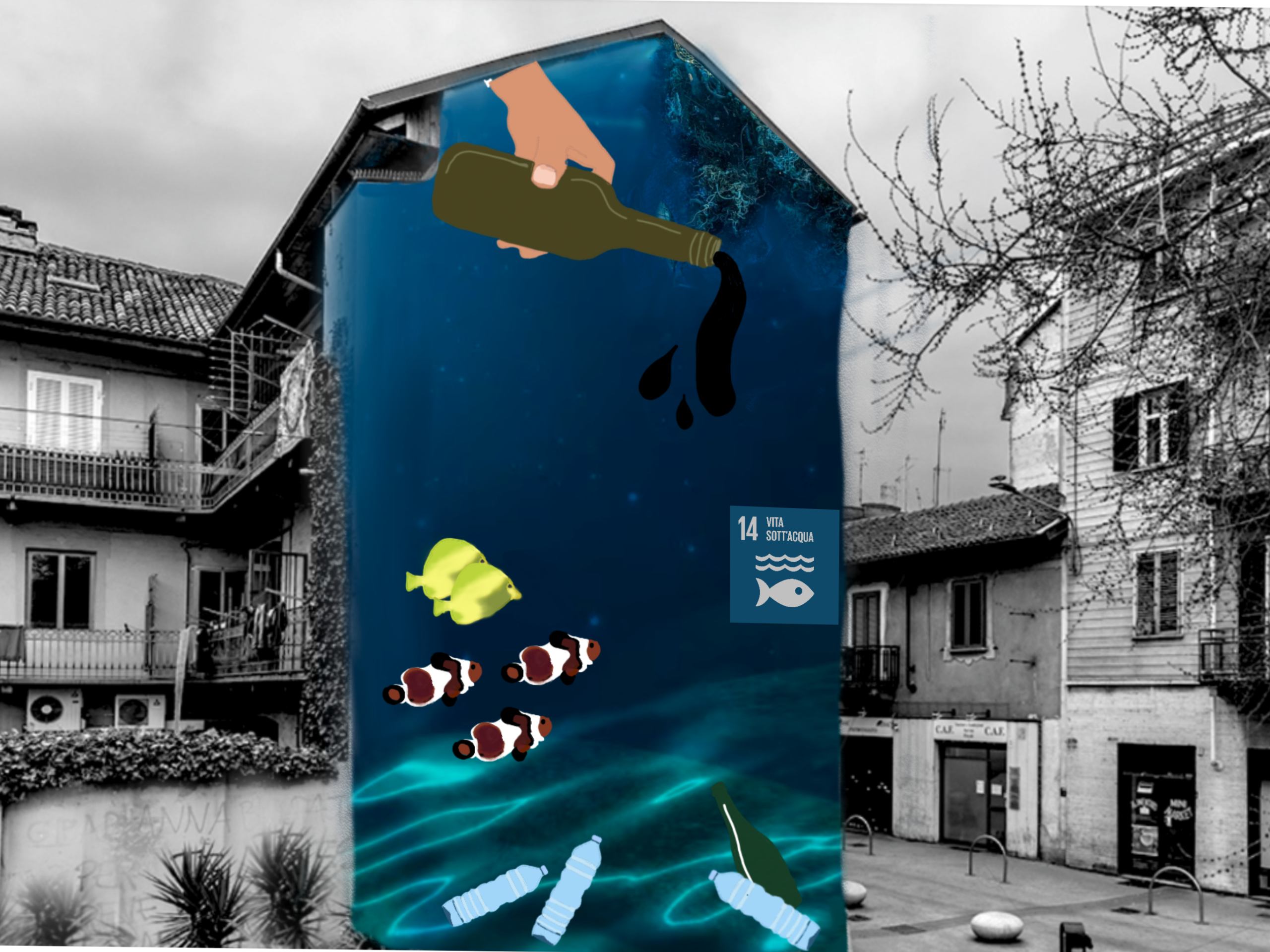
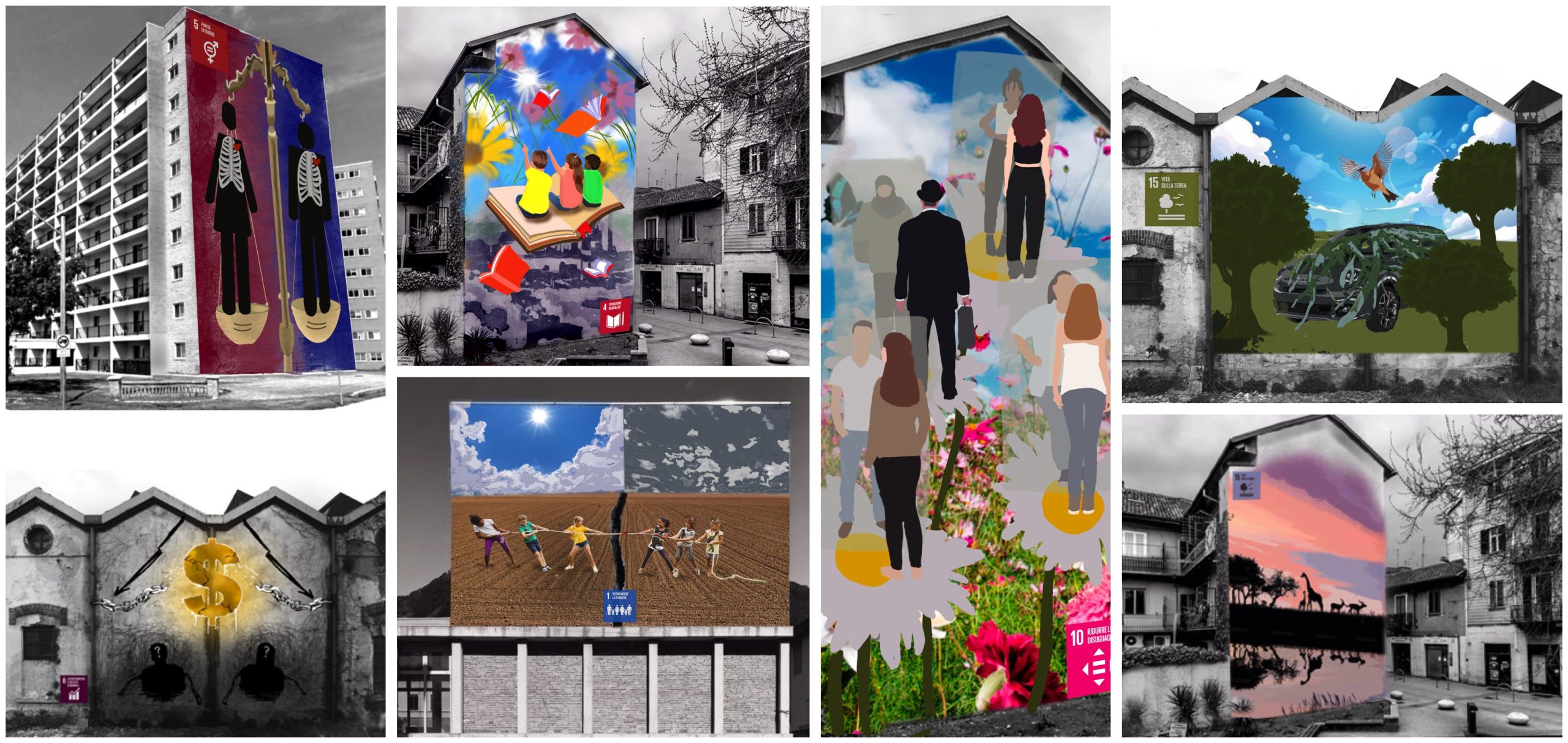
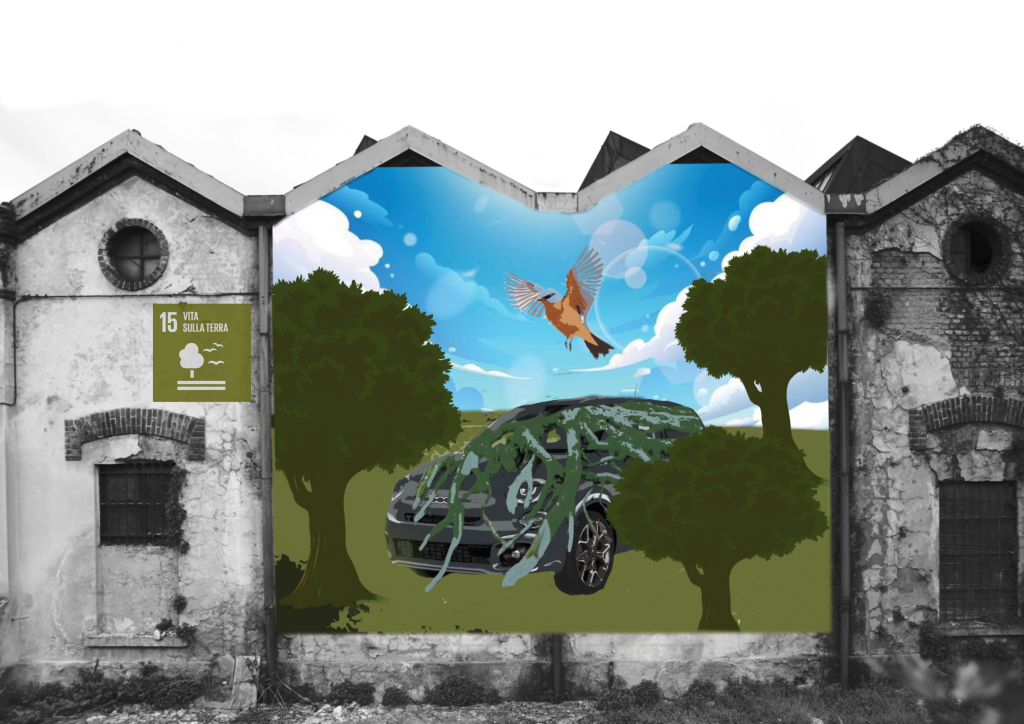
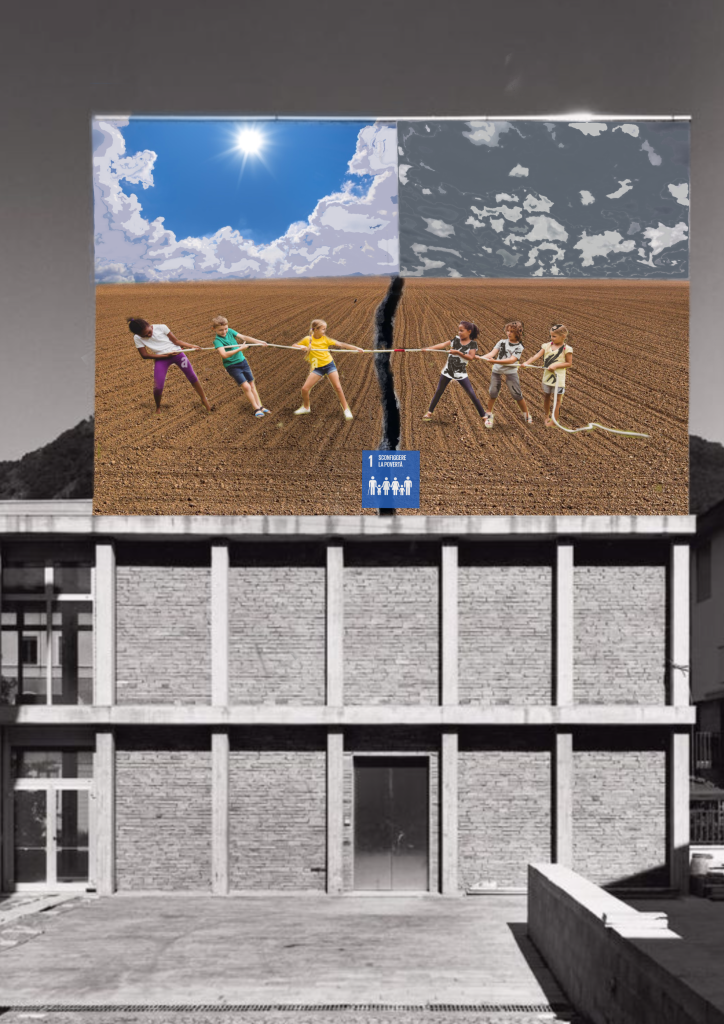
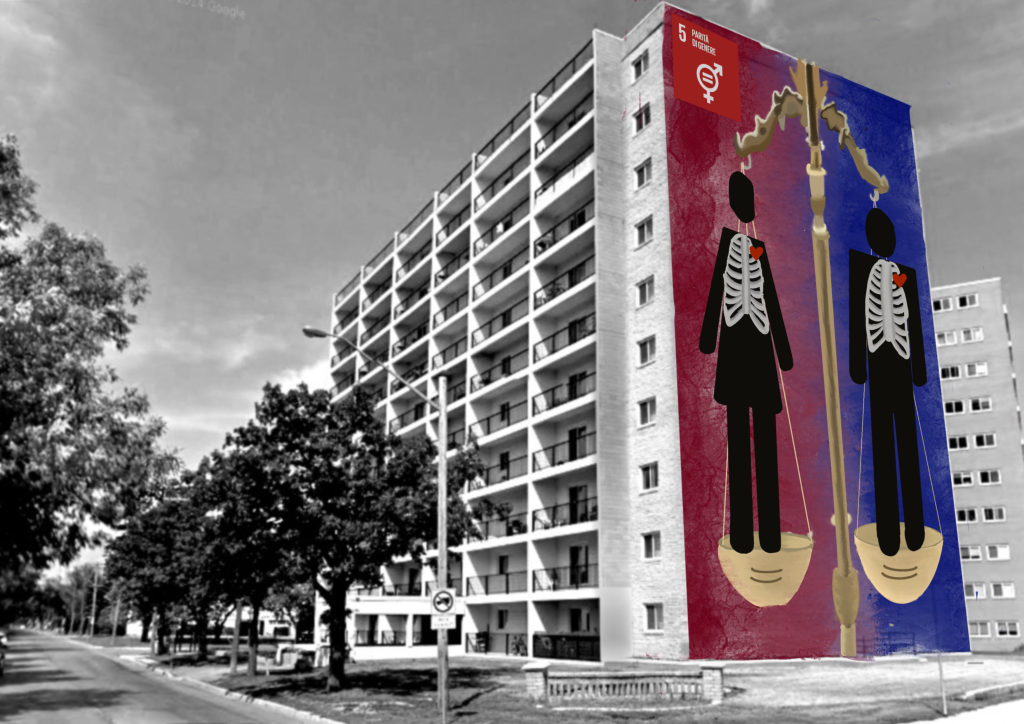
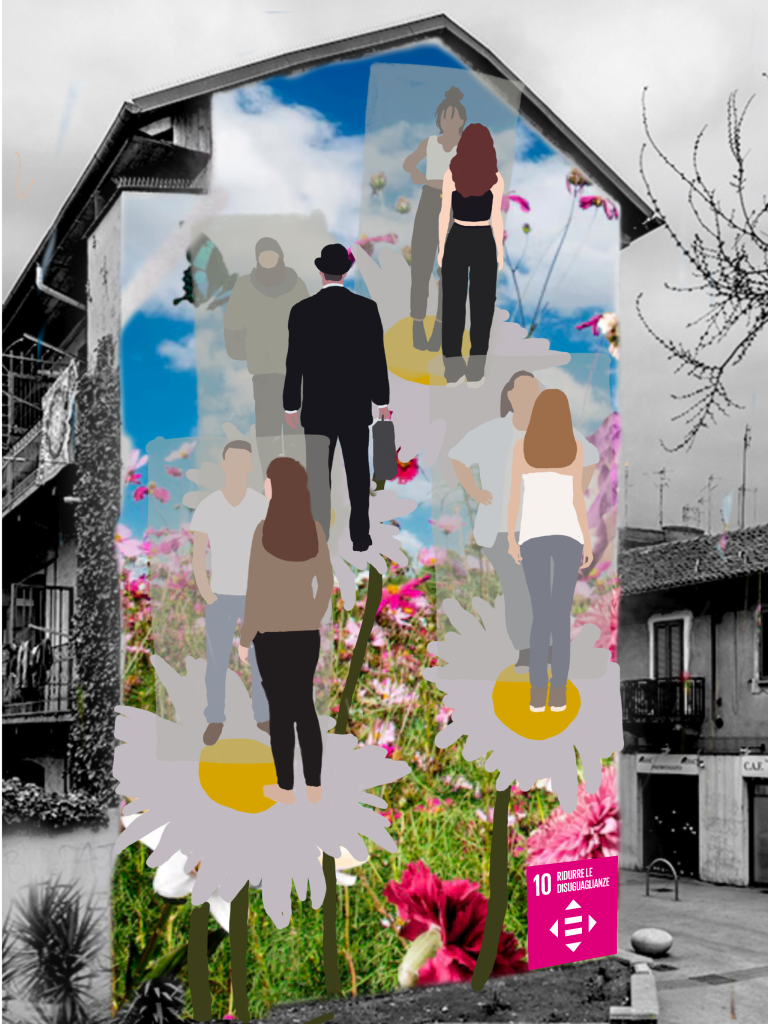
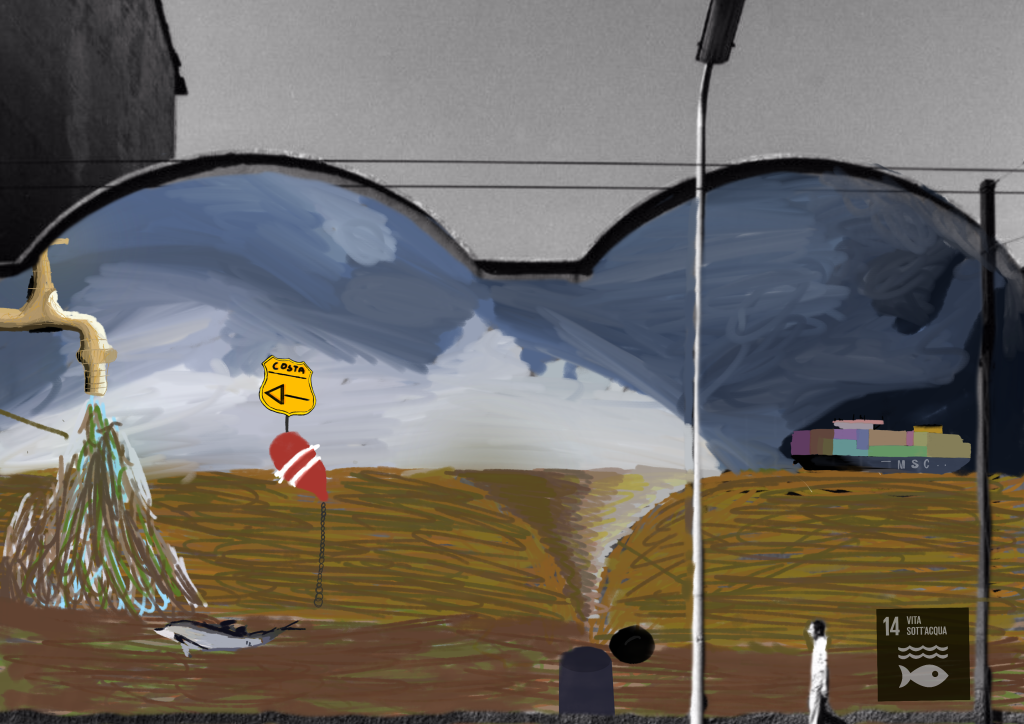
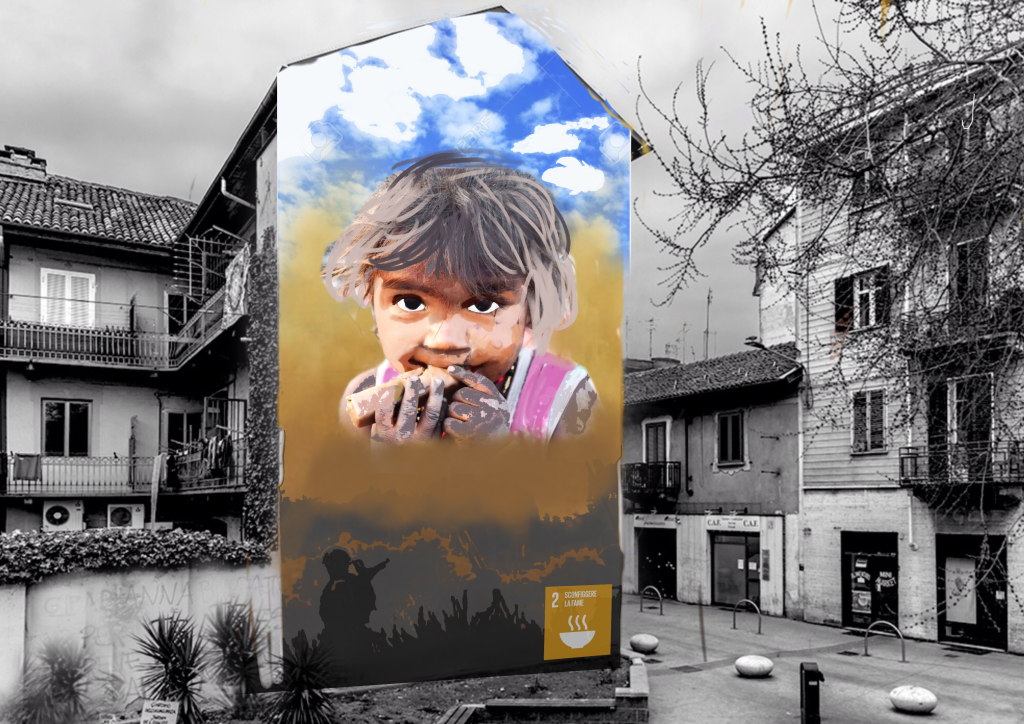
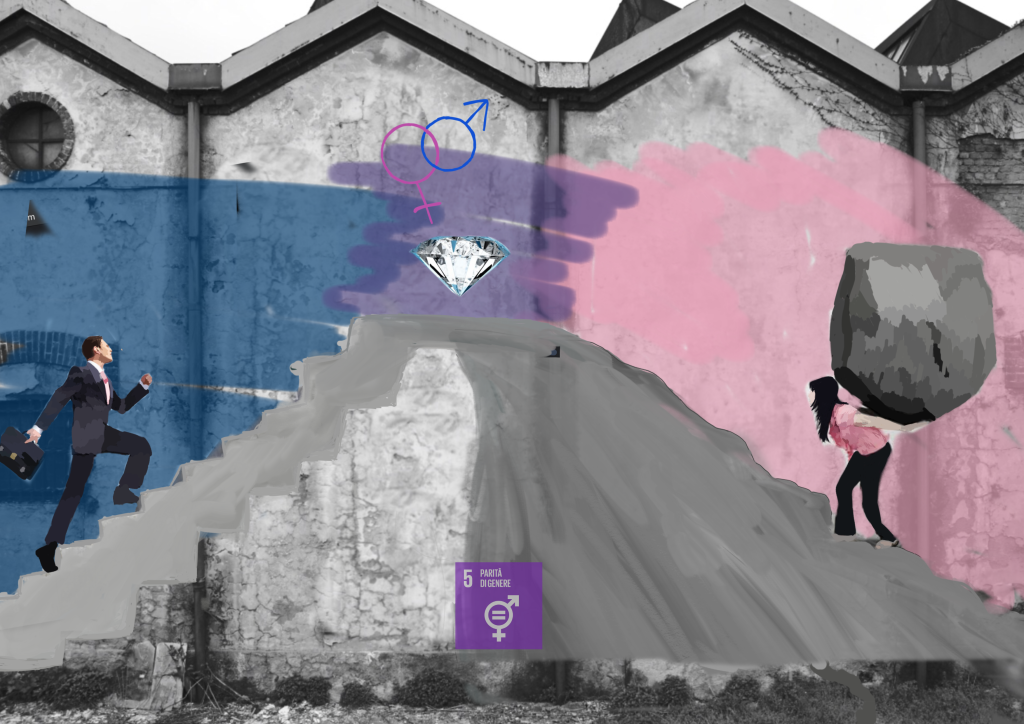
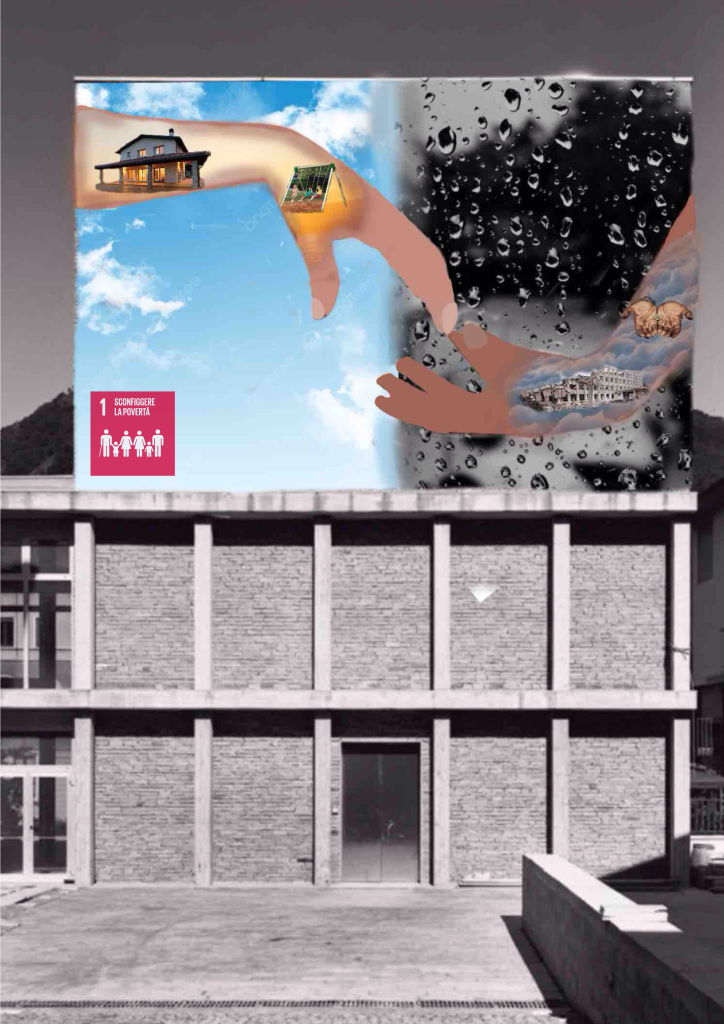
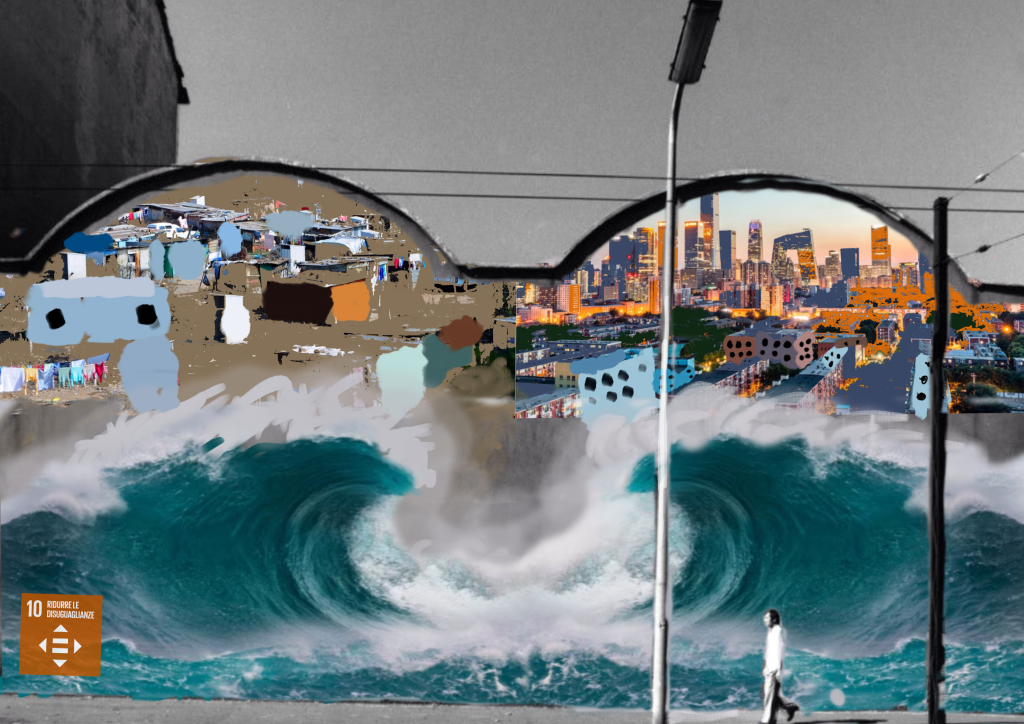
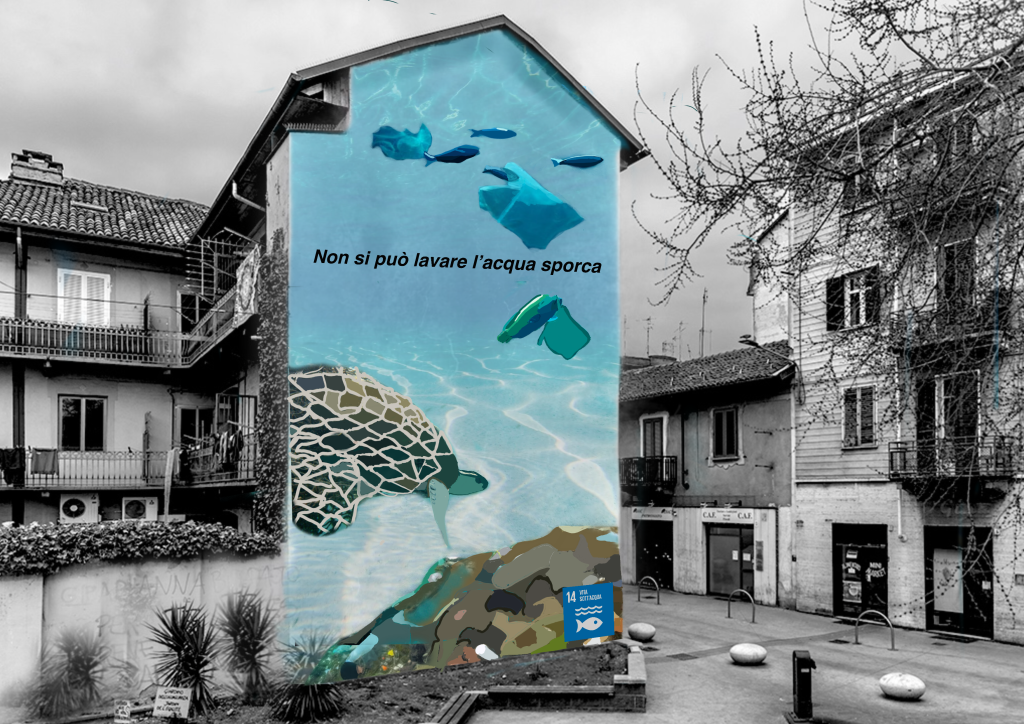
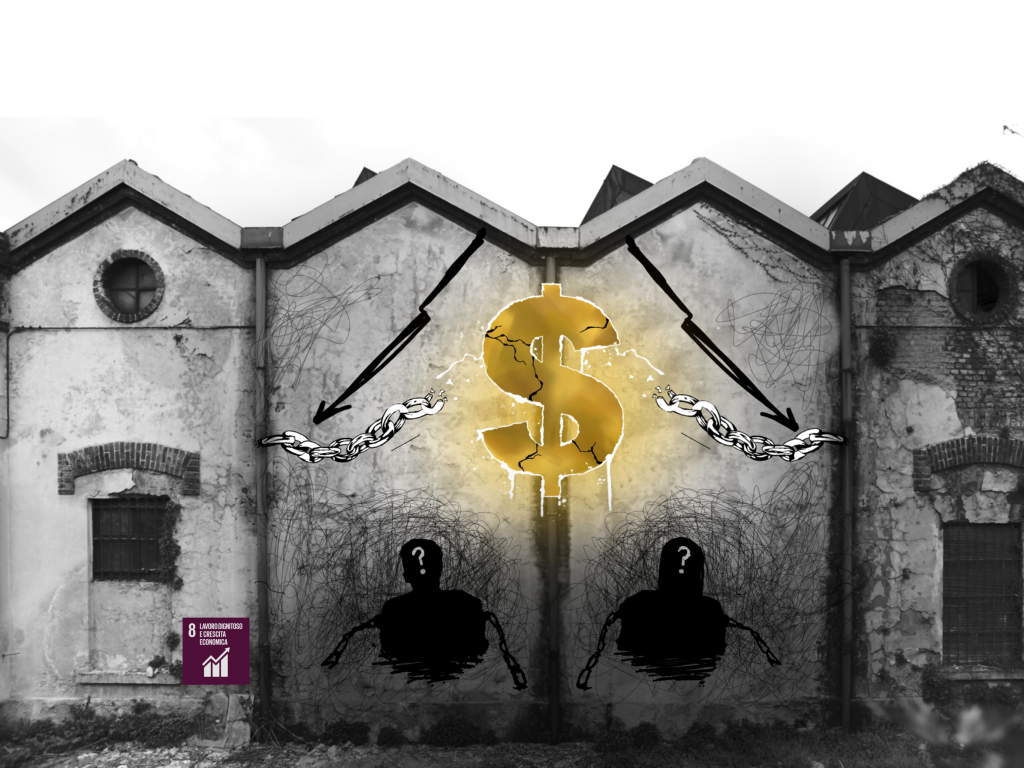
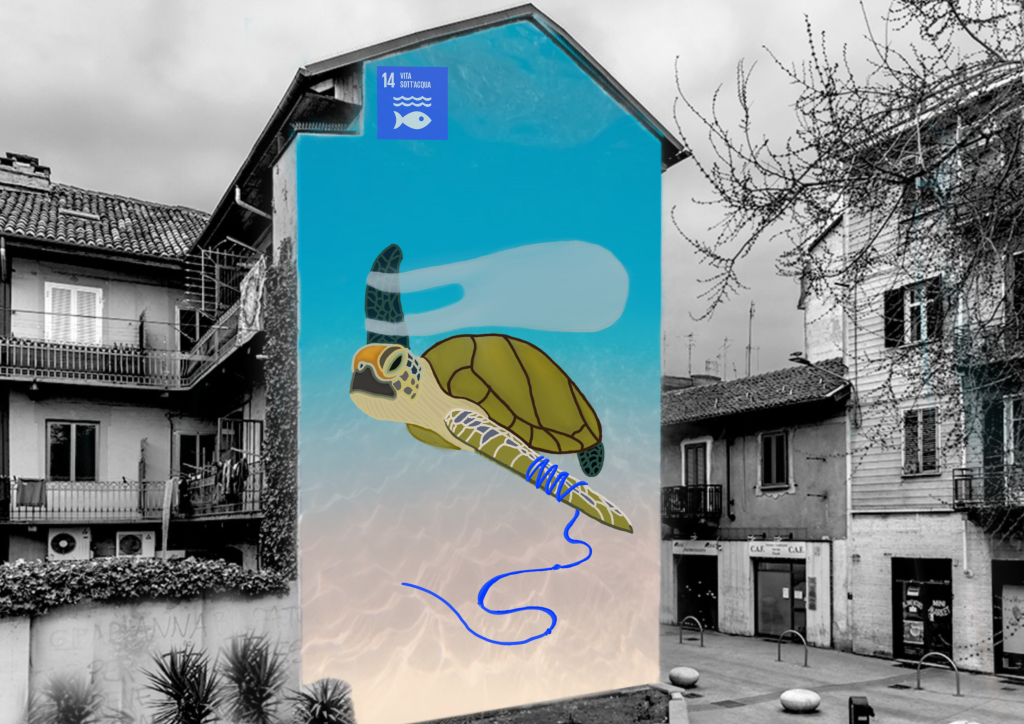
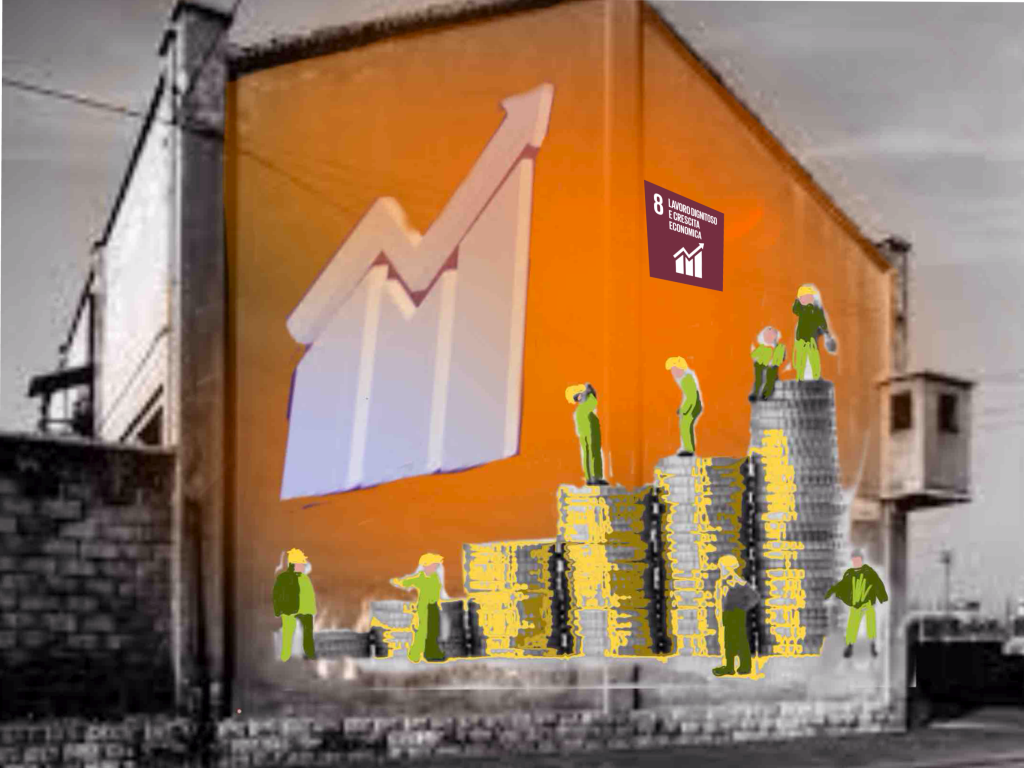
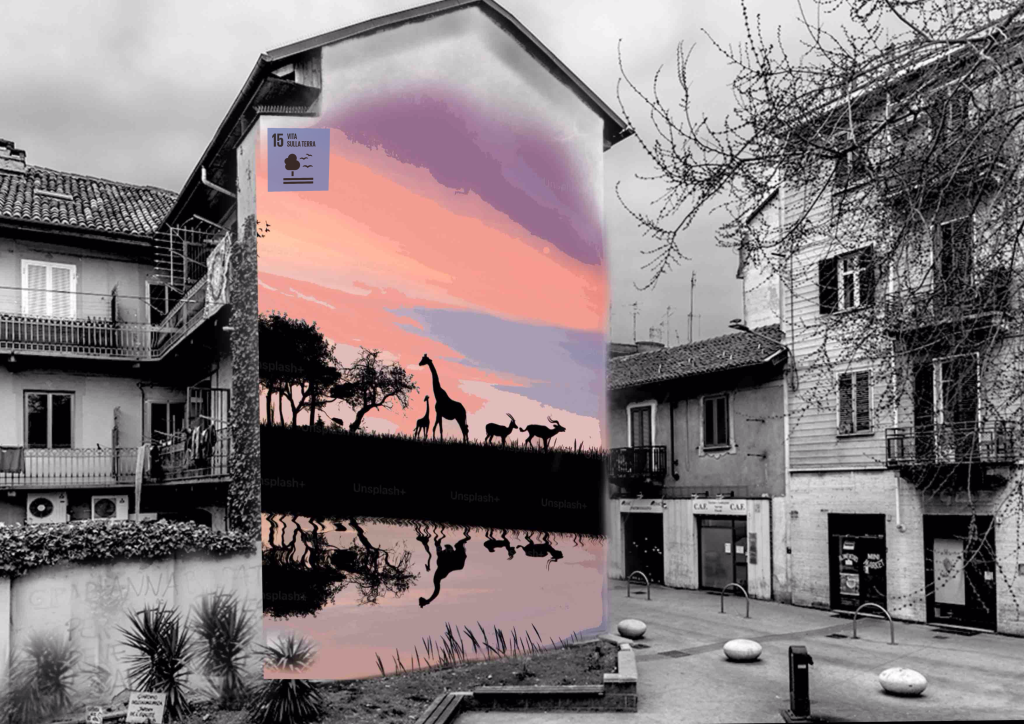
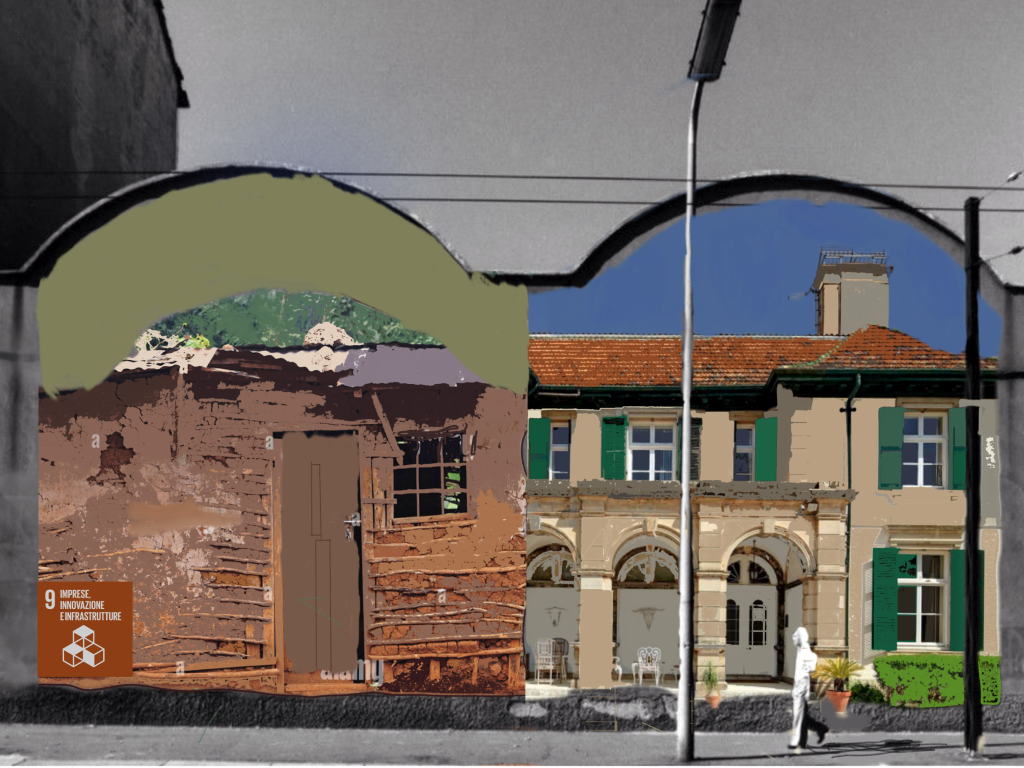
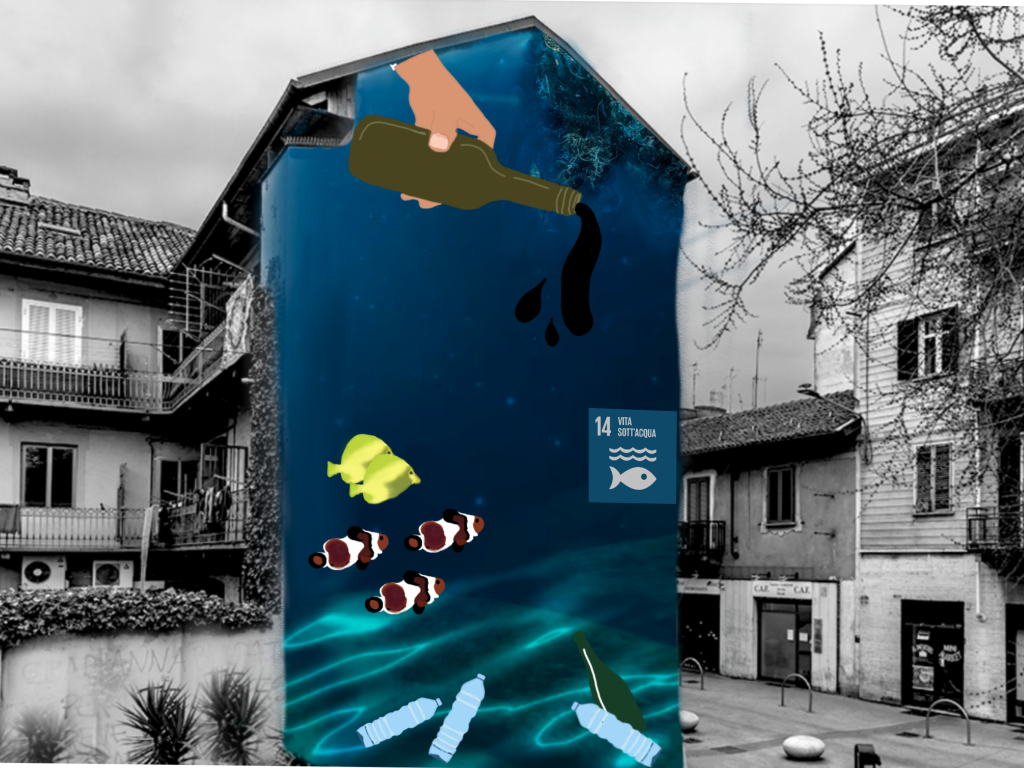
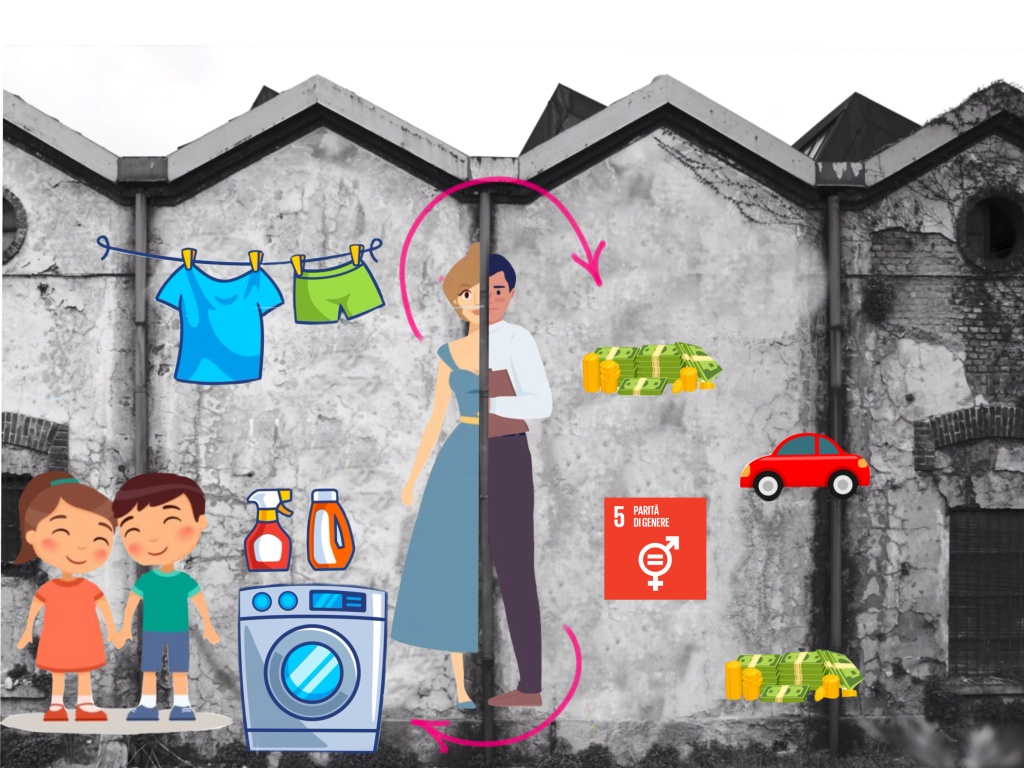
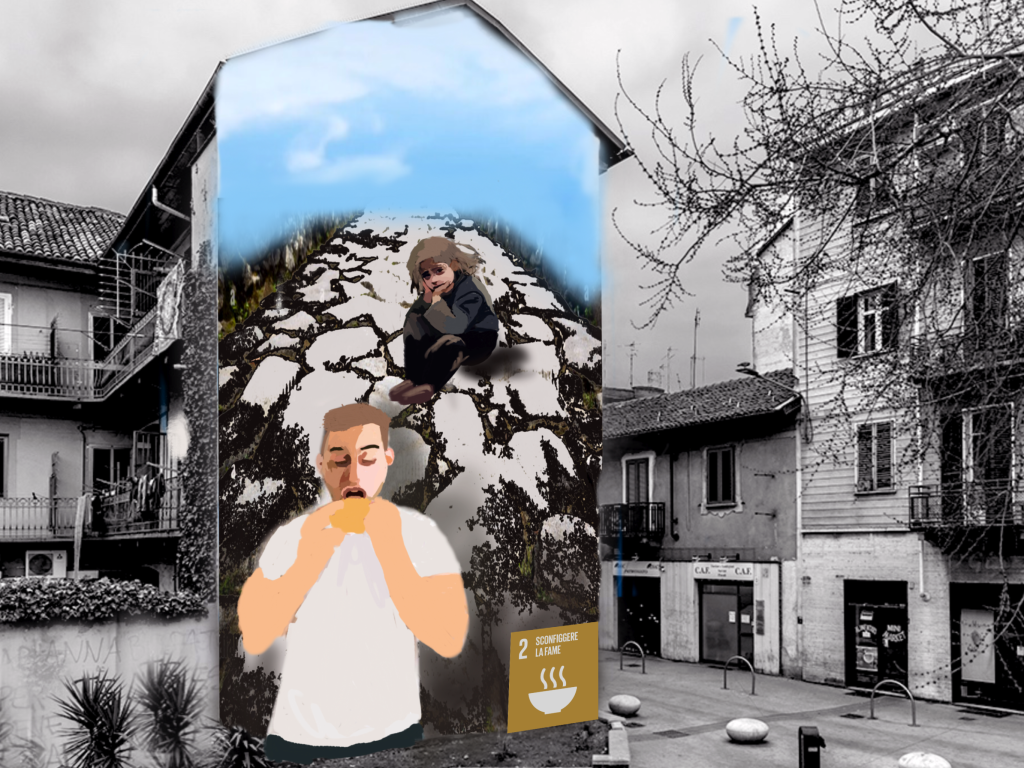
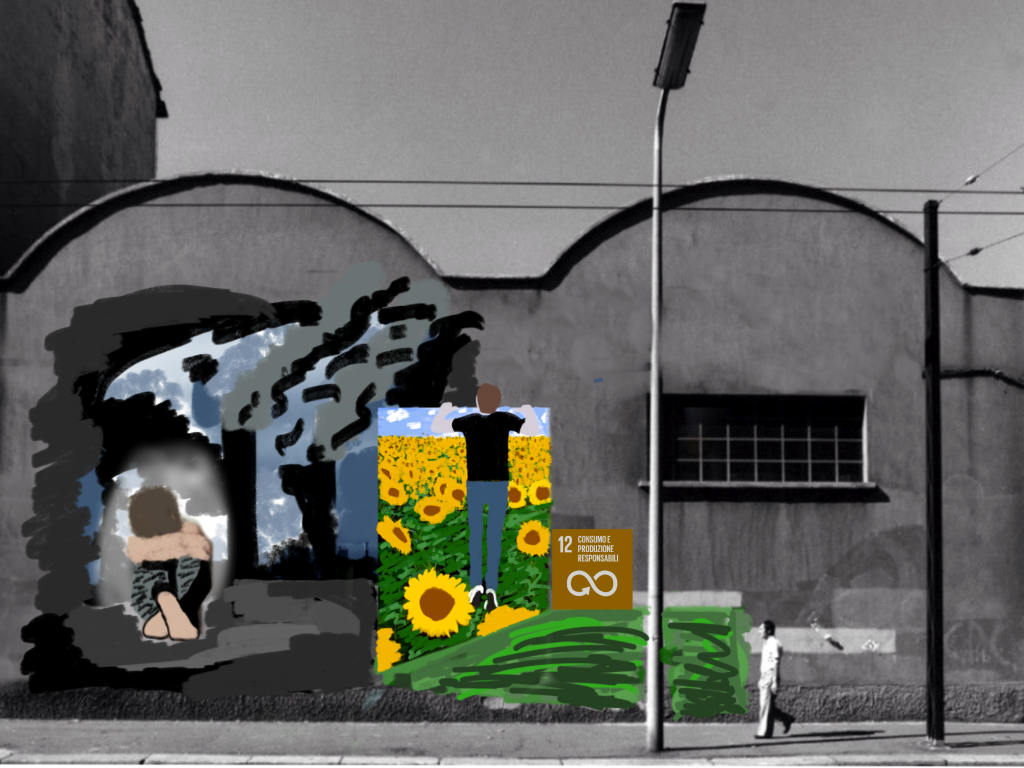
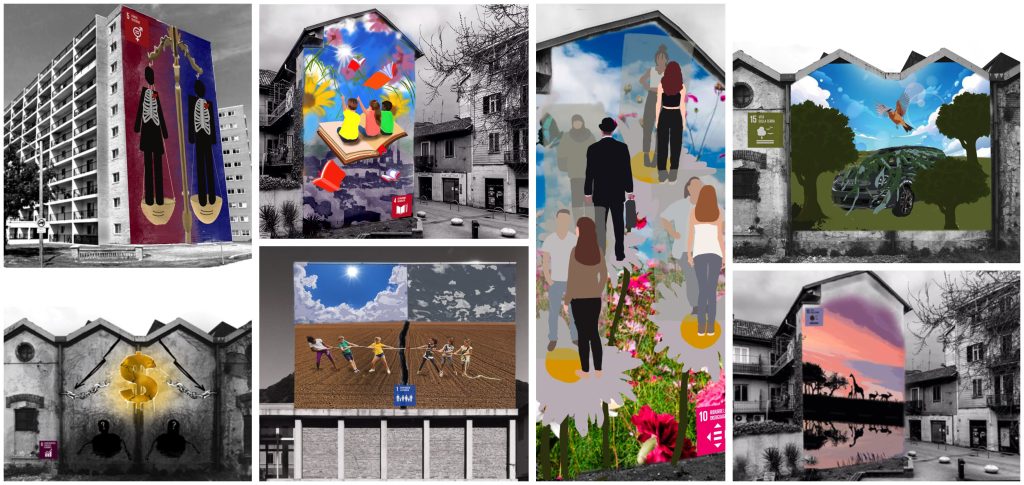
整个创作耗时两课时:第一课时用于填写表单与搜集参考图像;第二课时用于合成数字图像,以绘画性风格重绘,并最终添加所对应可持续发展目标的官方标识。以下是学生们的数字作品。如需本任务的纸质版教案,请点击此处并参阅本课内容。
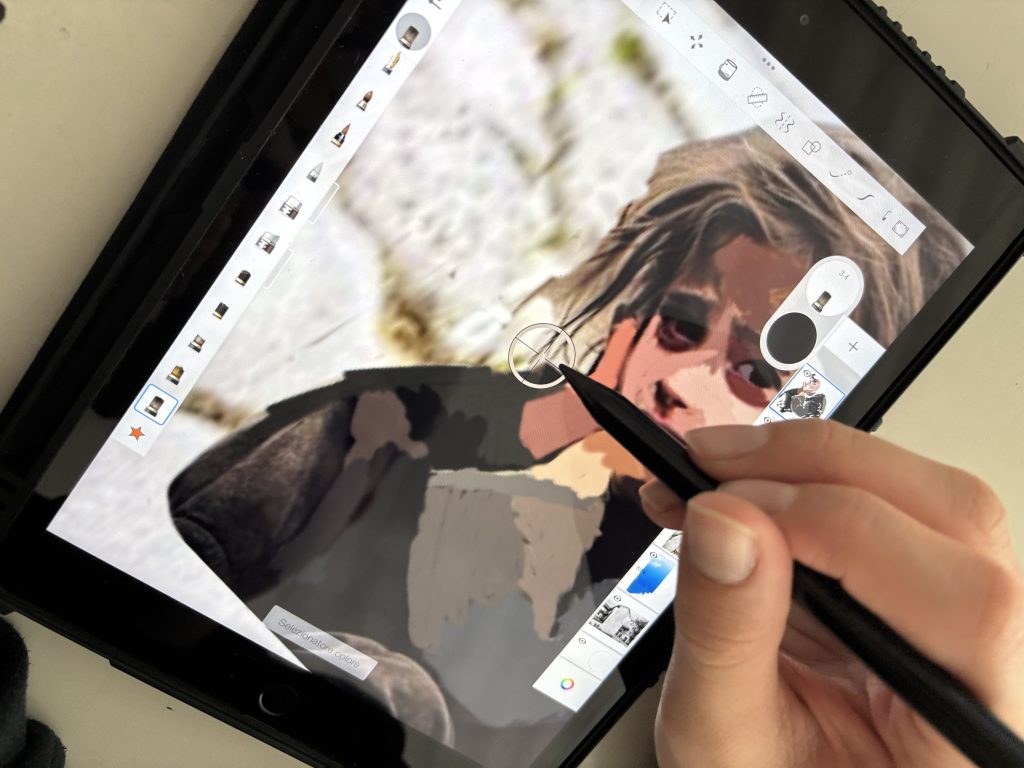
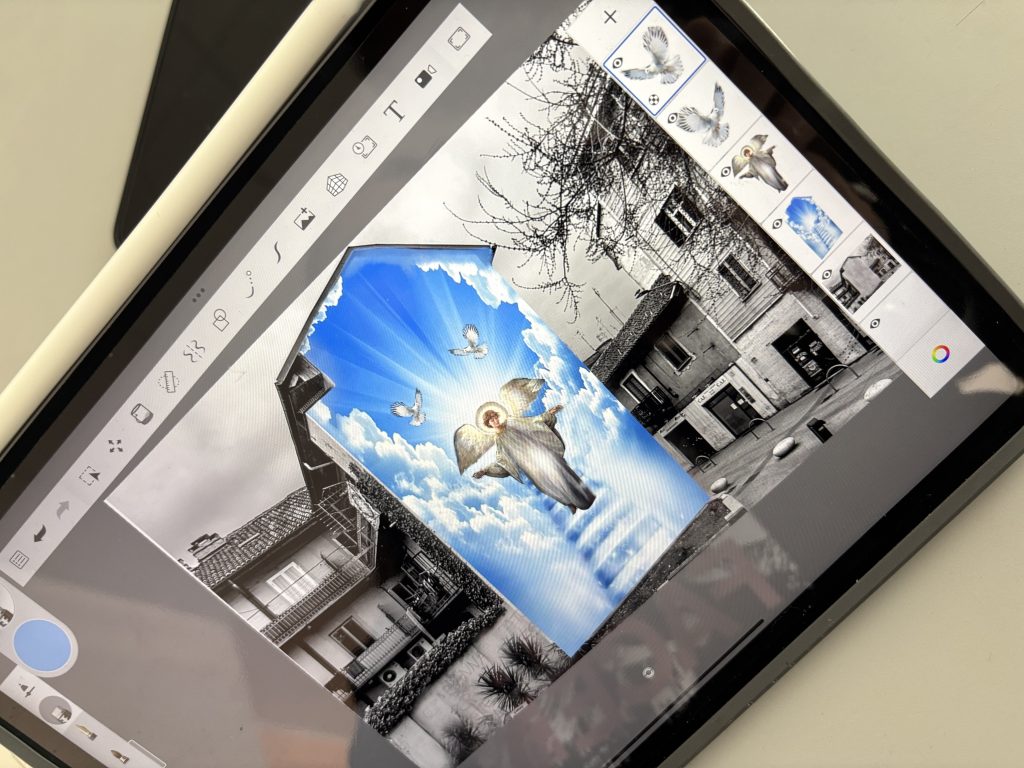
Digital Mural inspired by Agenda 2030
Let’s get ready to bring our digital mural to life. Our goal is to create a work of STREET ART inspired by one of the 17 Sustainable Development Goals (SDGs) of the 2030 Agenda using digital tools. In this case, we’ve used an iPad with the Sketchbook application. Let’s imagine we need to create a project to show a client, and therefore produce a digital “rendering” that will later be realized large-scale on the wall
Phase 1: Ideation and Design
Let’s start by filling out the project form. The first step is to choose one of the 17 Goals of the 2030 Agenda, selecting the one that is most important to us. The form PDF is available here for download:
ENGLISH Progetto Murales DIGITALE AGENDA 2030 schedaDownload
Next, it’s time to focus our vision. Let’s explain what we want to represent and why: what message do we want to communicate through our art? To clarify the idea, we’ll identify 10 keywords that encapsulate its meaning. We must also motivate our interest in this specific theme and describe the graphic idea we have in mind to depict it.
Now, let’s think about what we need for the realization. It’s essential to search for the reference images (References) needed to compose our mural. Remember this clearly: we cannot use ready-made images. Our work must be absolutely original and designed by us! We will need to take three or more different images and combine them to create a final image that is unique, conceived, and imagined exclusively by us.
Phase 2: Digital Realization
Once the idea has been defined and the reference images gathered, we choose one of the photos of buildings provided by the teacher. This will be our “canvas.” We upload the selected image to the Sketchbook application. At this point, we search online for the references for our project and insert them into the file, ensuring we place them on different layers so we can manipulate them individually.
The final phase consists of elaborating our digital image with a pictorial style. We must, in fact, imagine that the work is realizable as a true painted mural. Let’s think of it as a piece of street art that, once digitally completed, could actually be created on a real façade.
We can also create a simple pencil sketch on the back of the form to give shape to our idea and to create a schematic composition of the elements we intend to include.
Here is an example of a completed form and an example of the sketch made on the back of the sheet to shape the idea.
Here are examples of some “references” searched on the web to compose the image, and below that, the image of the building used and the digital mural created on Sketchbook:
The realization took two lessons: one to fill out the form and search for the references, and one to compose the digital image, redrawing it with a pictorial style and finally adding the symbol of the goal it refers to. Here are the students’ digital works. For a paper version of the assignment, click HERE and see this lesson.