数字热带风景:追随高更的脚步
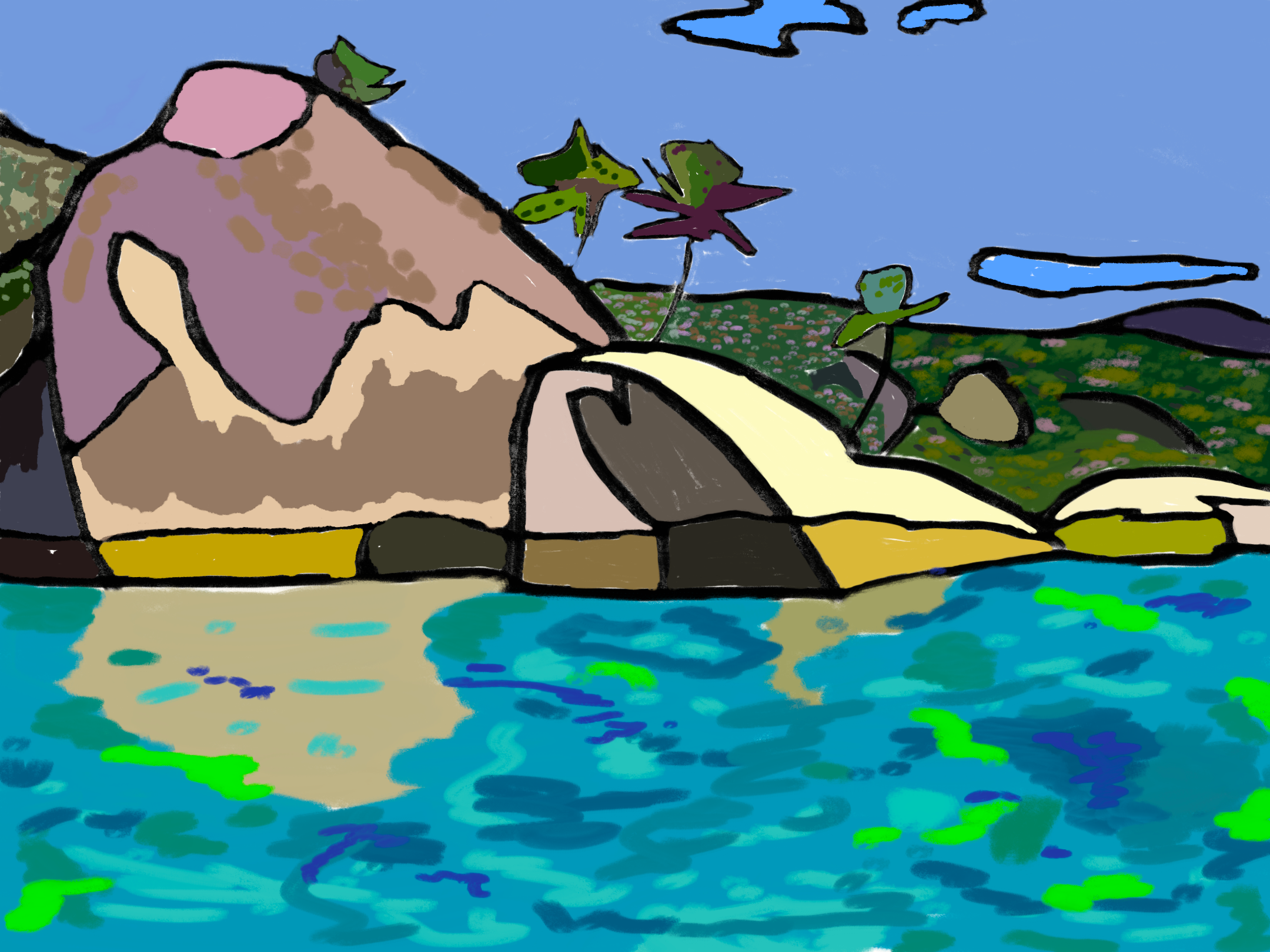
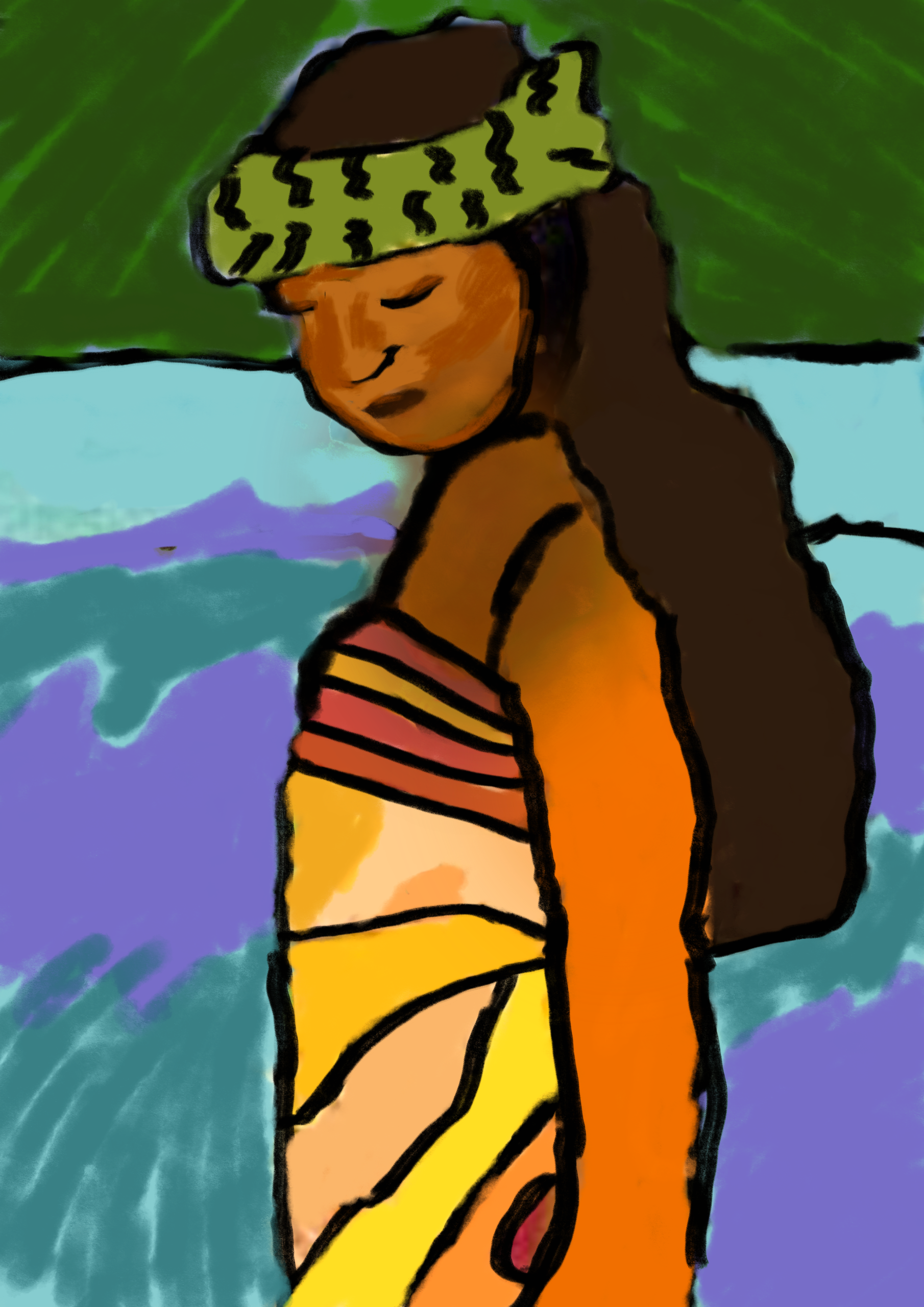
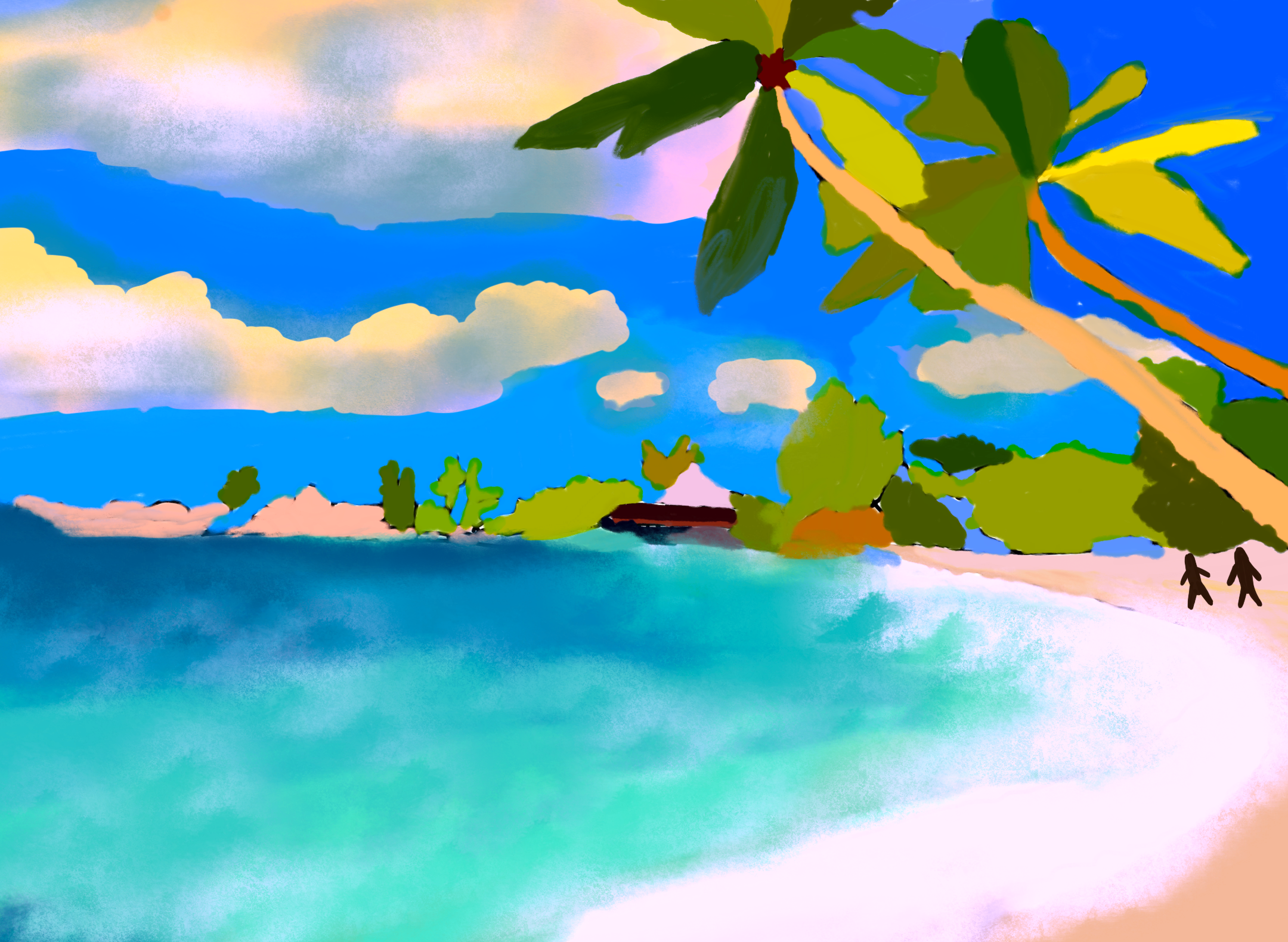
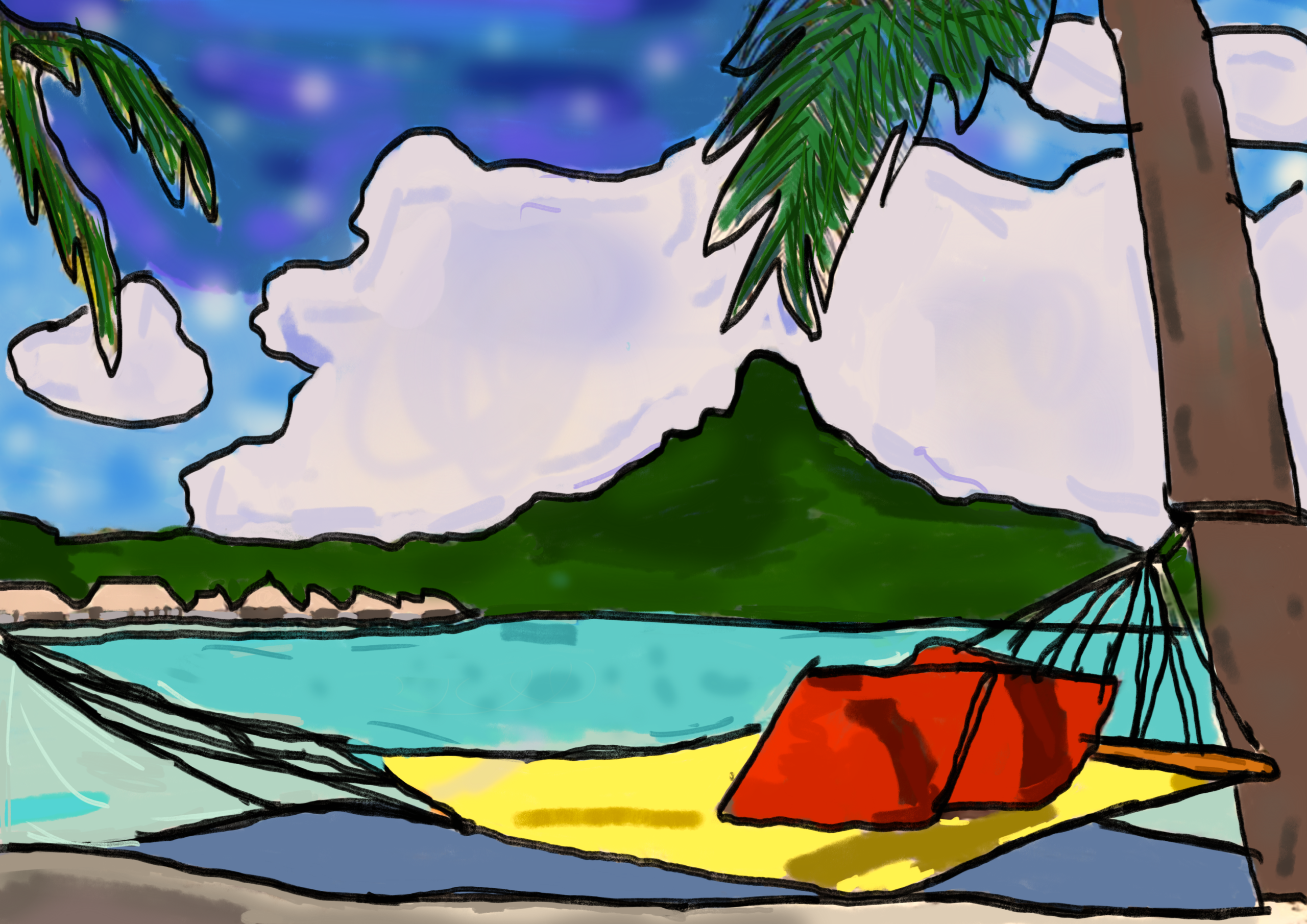
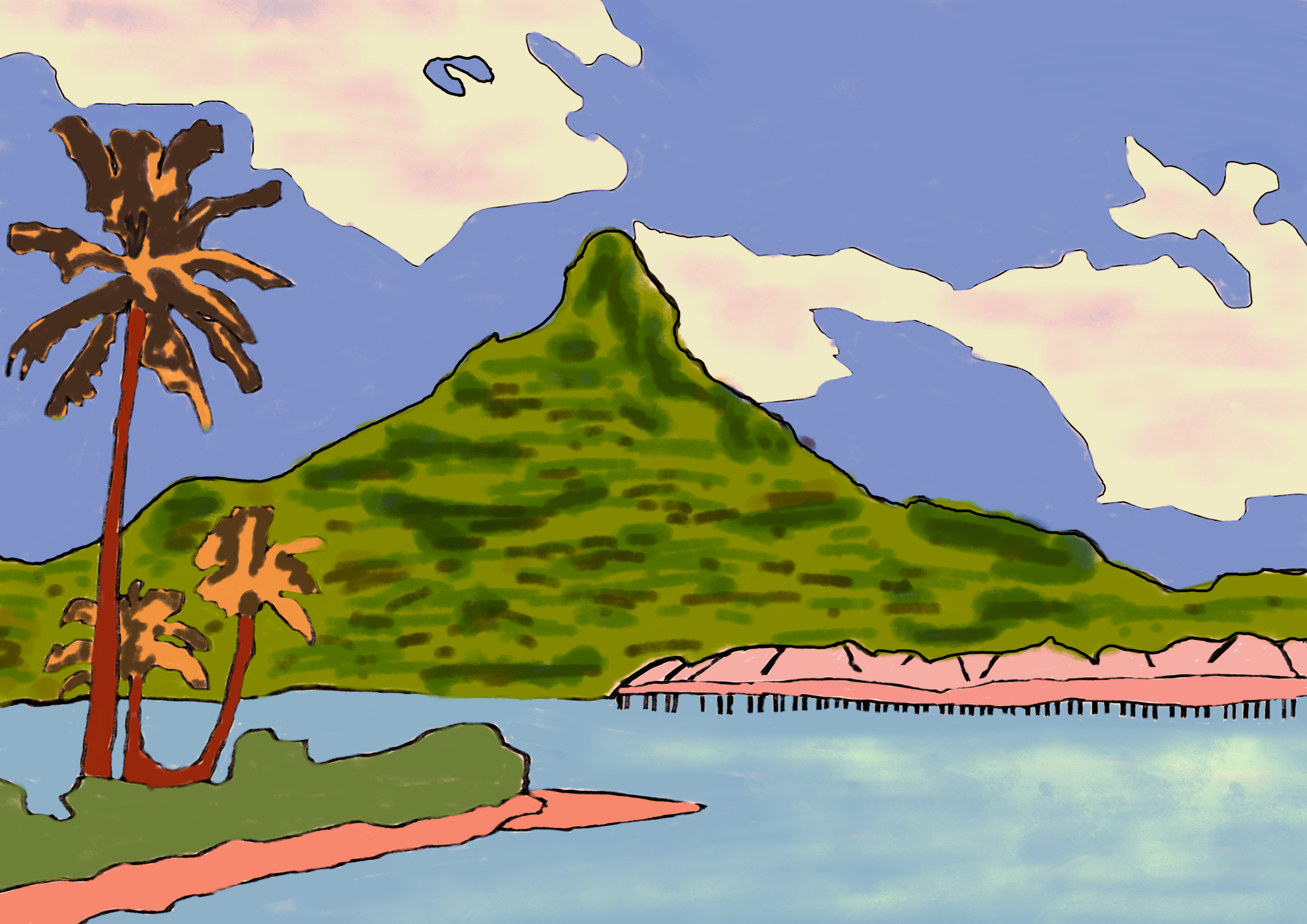
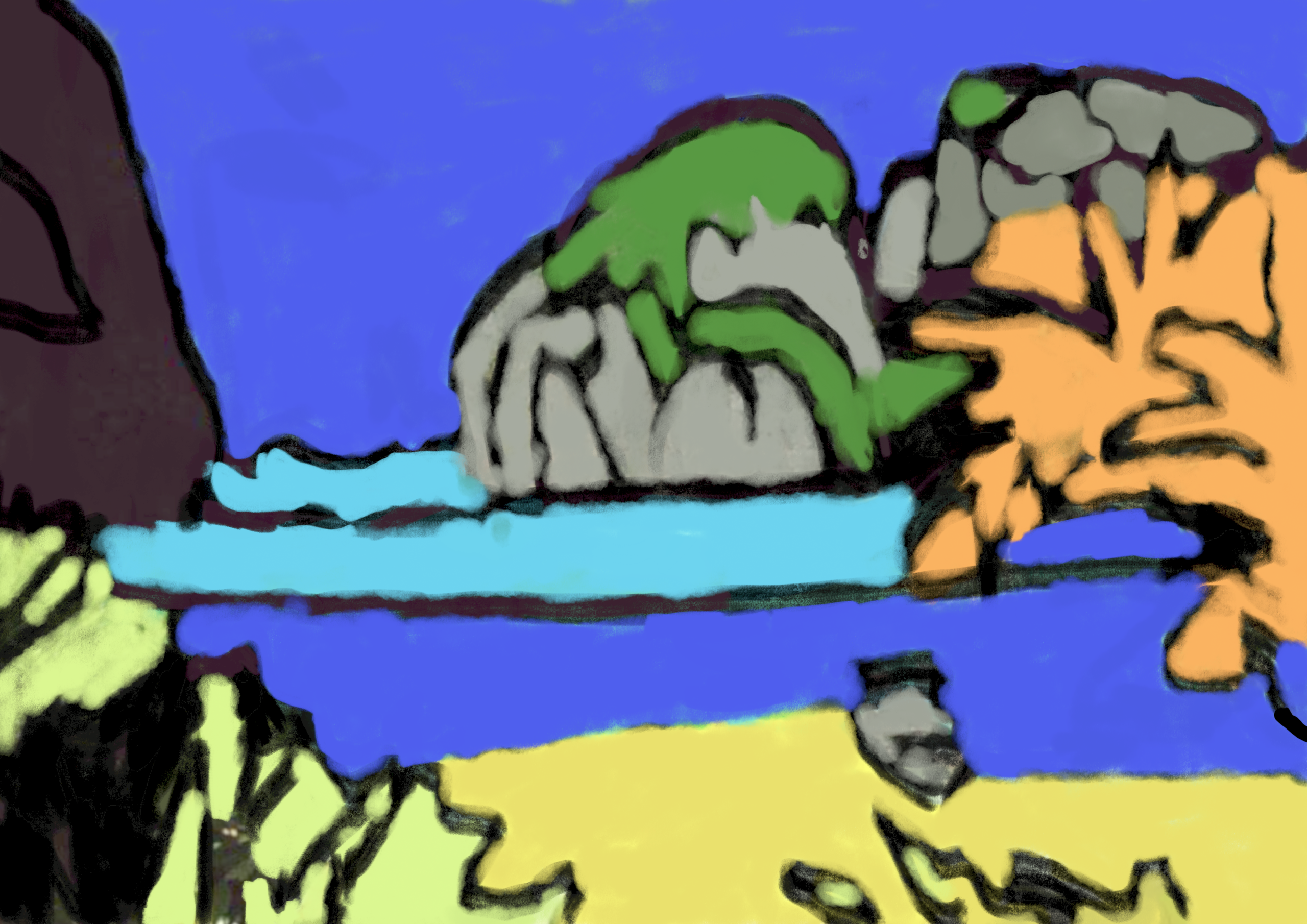
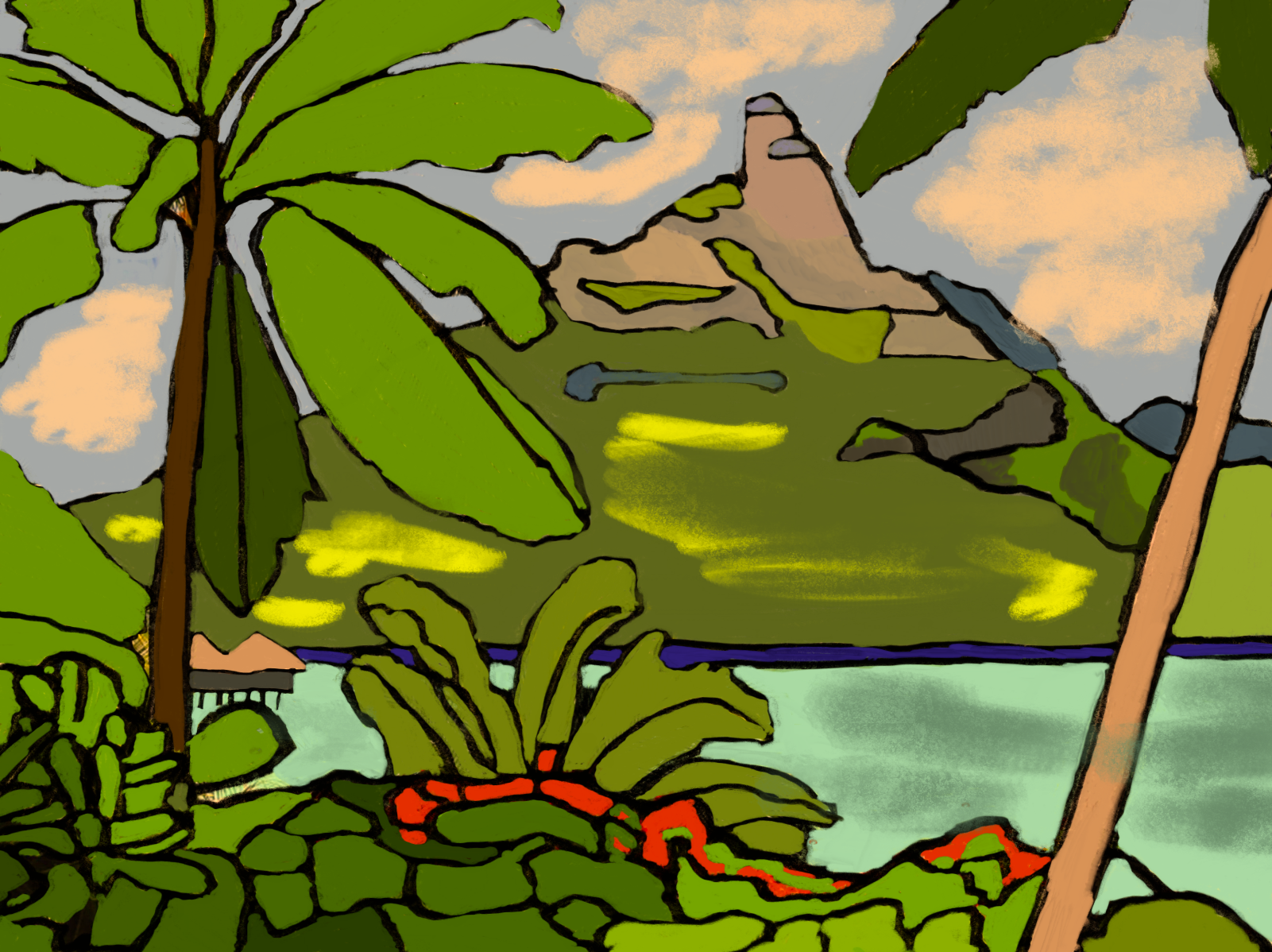
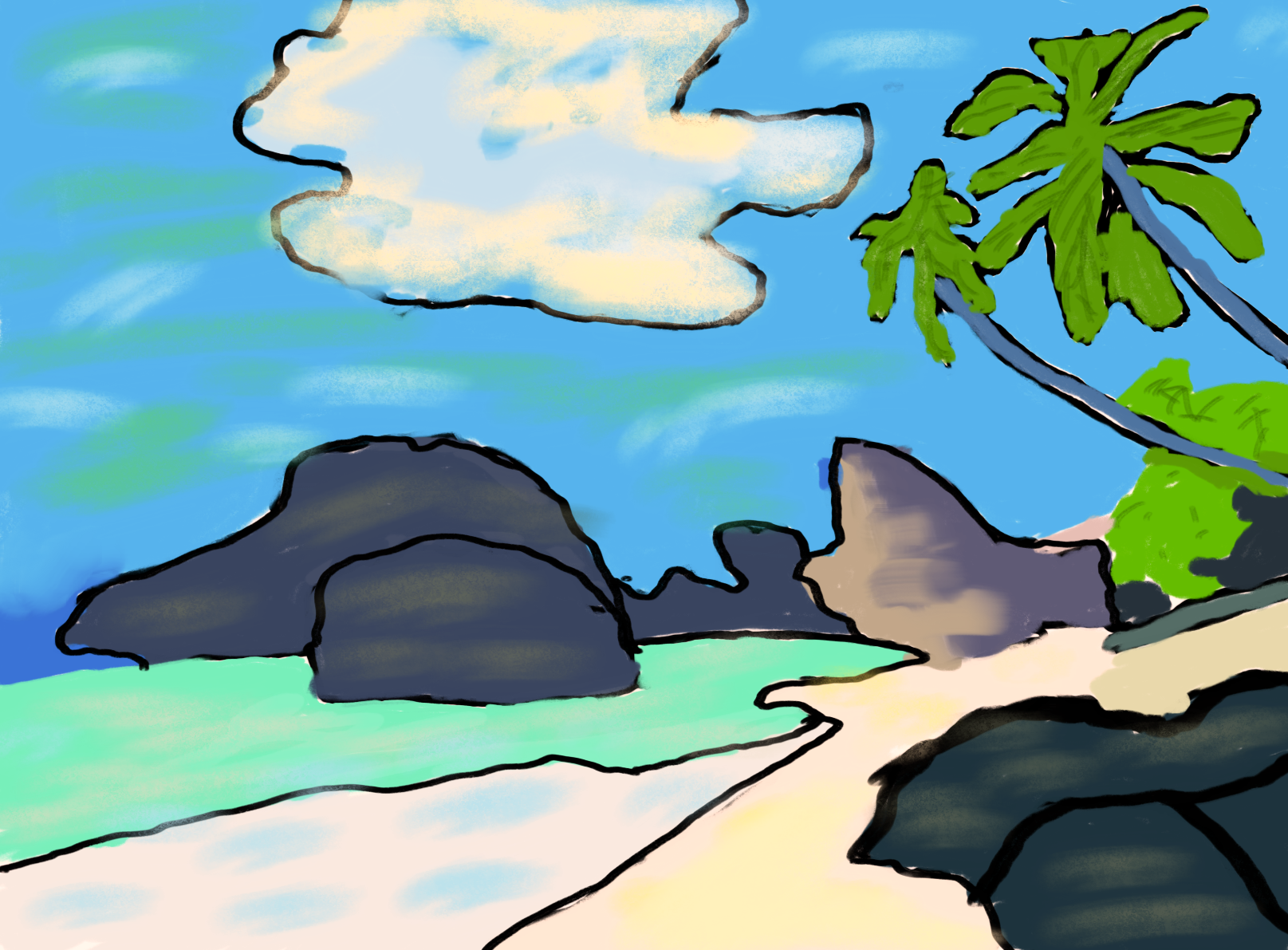
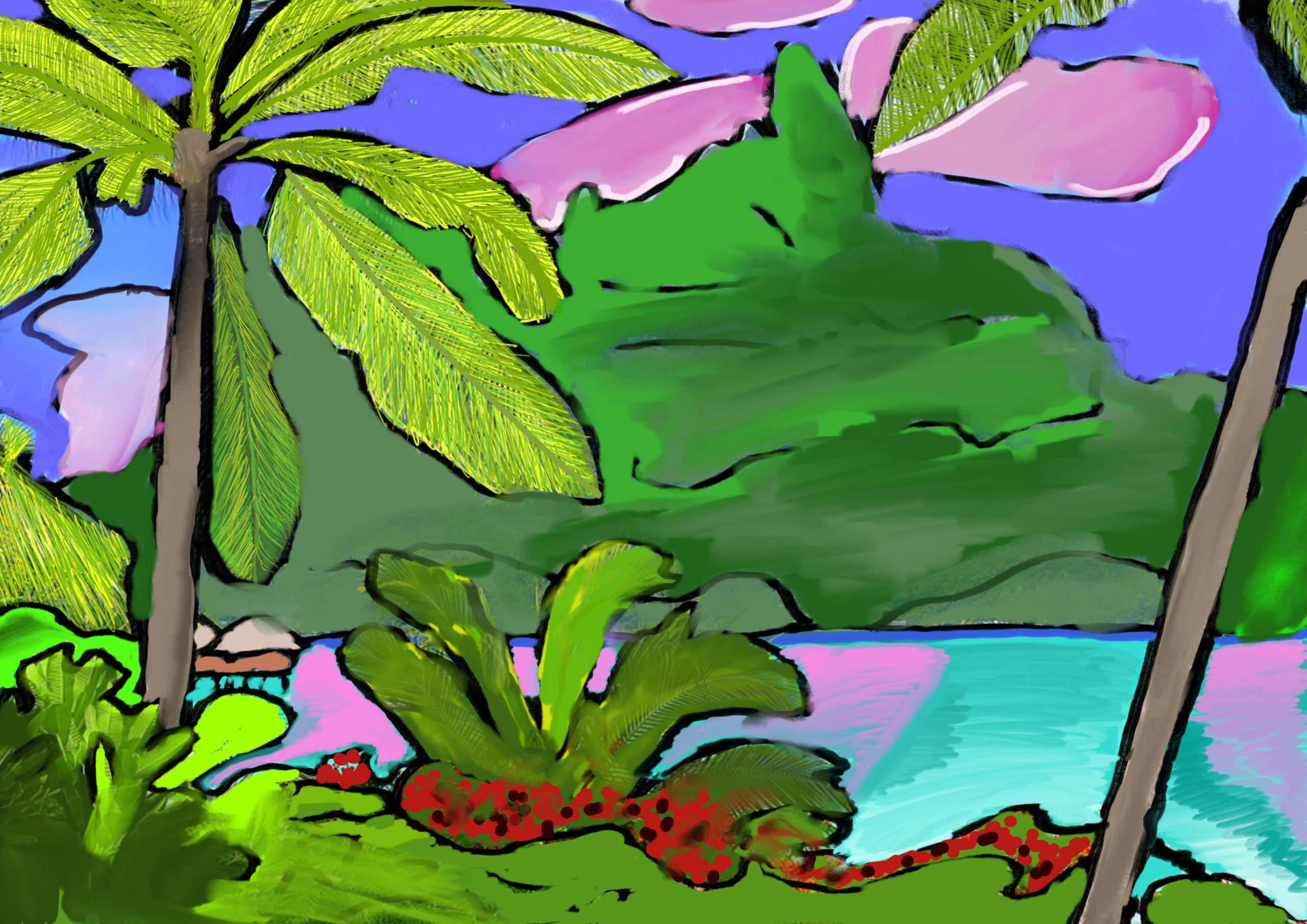
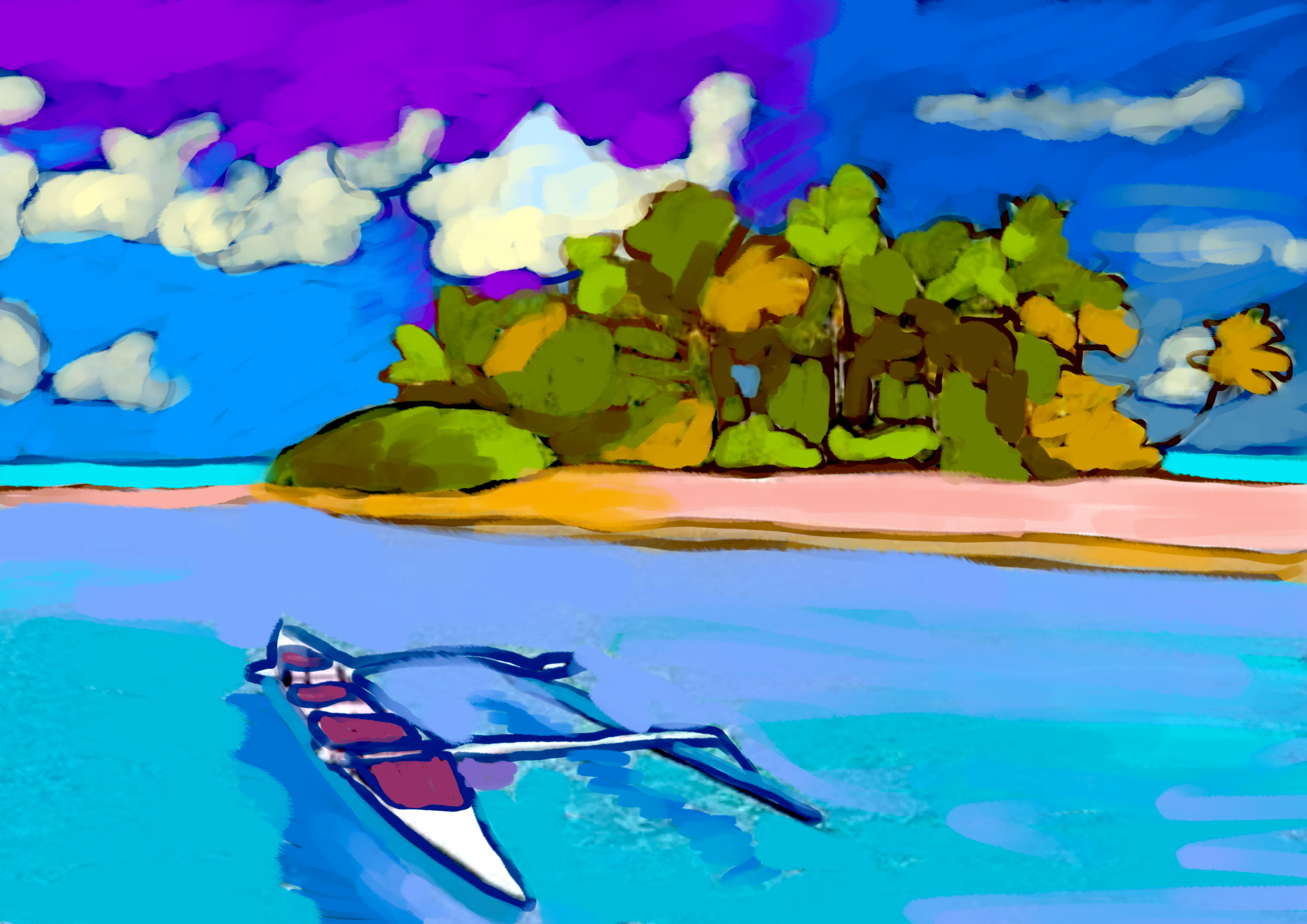
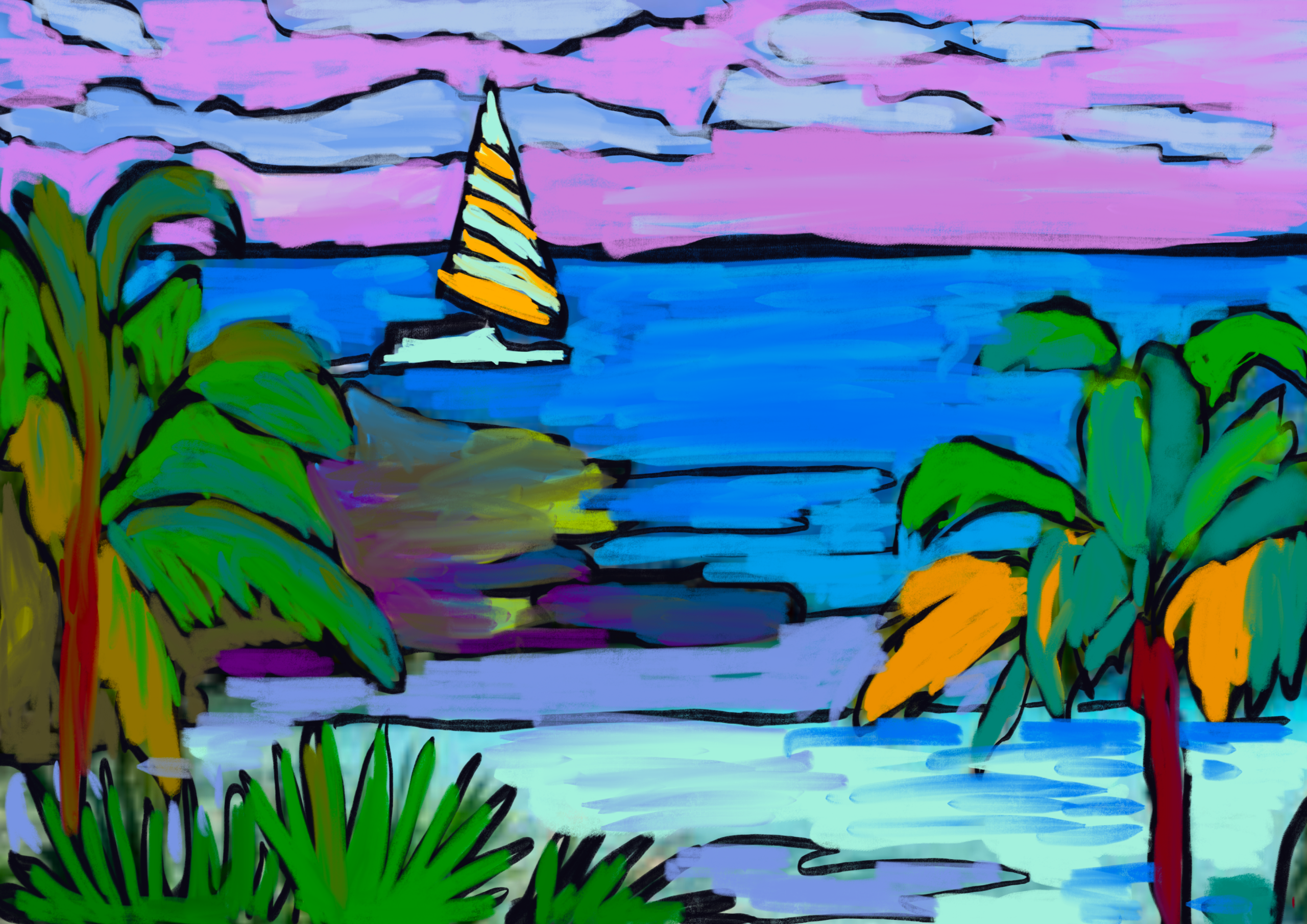
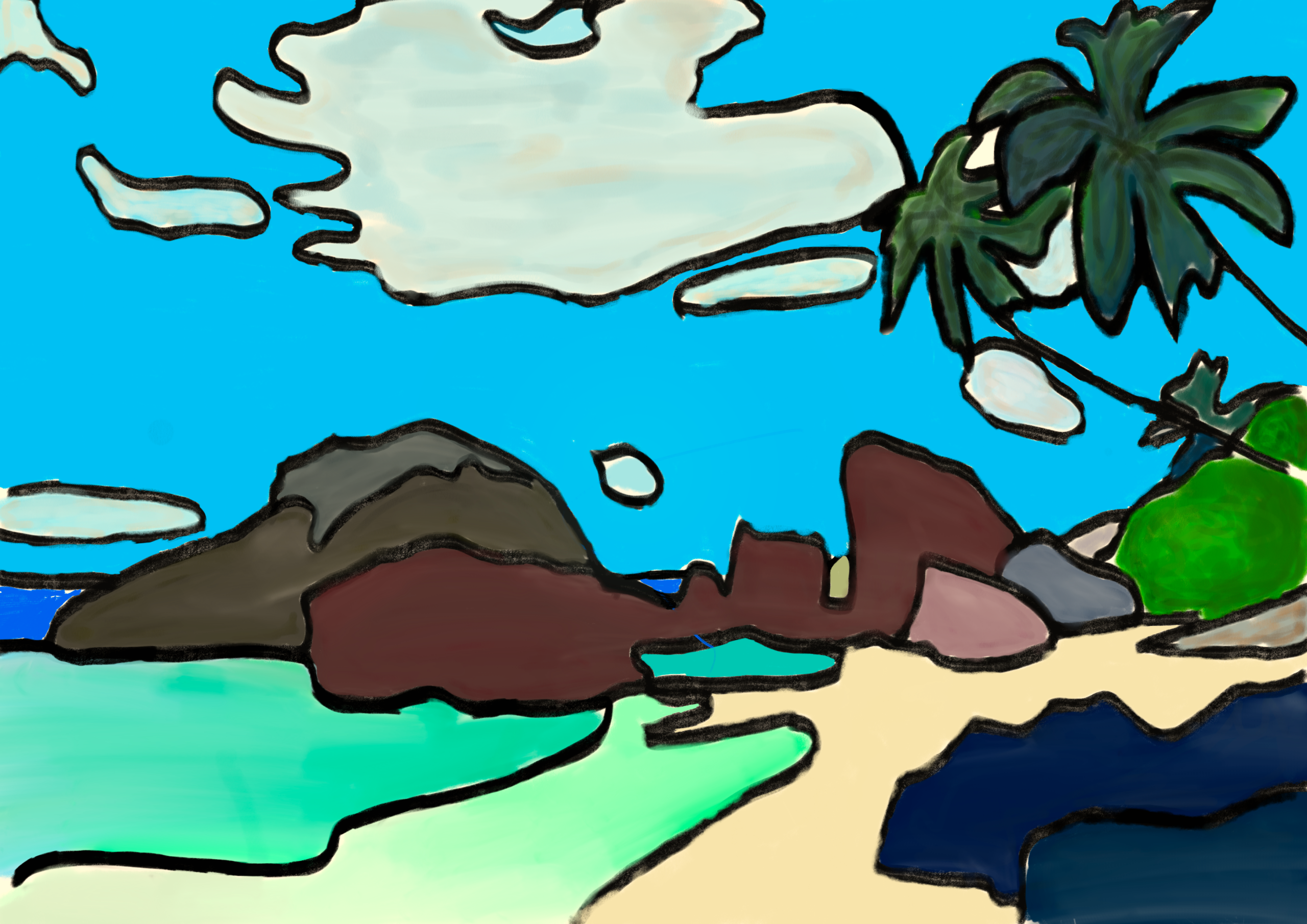
在本次工作坊中,我们以保罗·高更这位反叛而富远见的艺术家为灵感源泉。我们探讨了他如何毕生追寻南太平洋未被玷污的纯粹,并将自身情感转化为非自然主义色彩与综合化造型。通过这一活动,我们发展了运用于艺术创作的数字技能,学习观察现实,再对其进行主观性再诠释。我们的目标并非复制真实世界,而是表达内心感受,聚焦于视觉简化与技术的表现性运用。
所需材料:
- iPad 或平板电脑
- Sketchbook 应用程序
- Apple Pencil 或电容式触控笔
- 热带风景照片
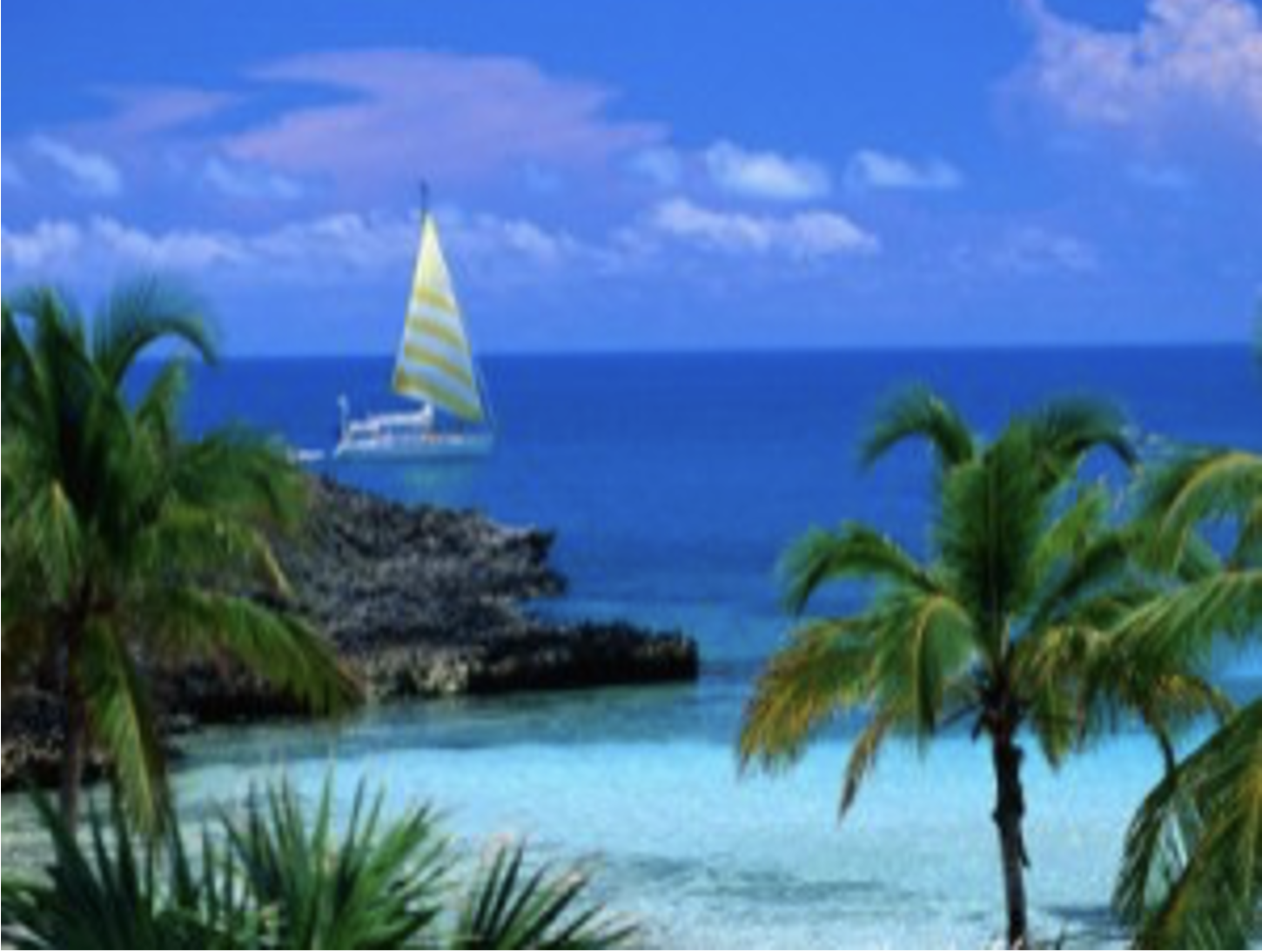
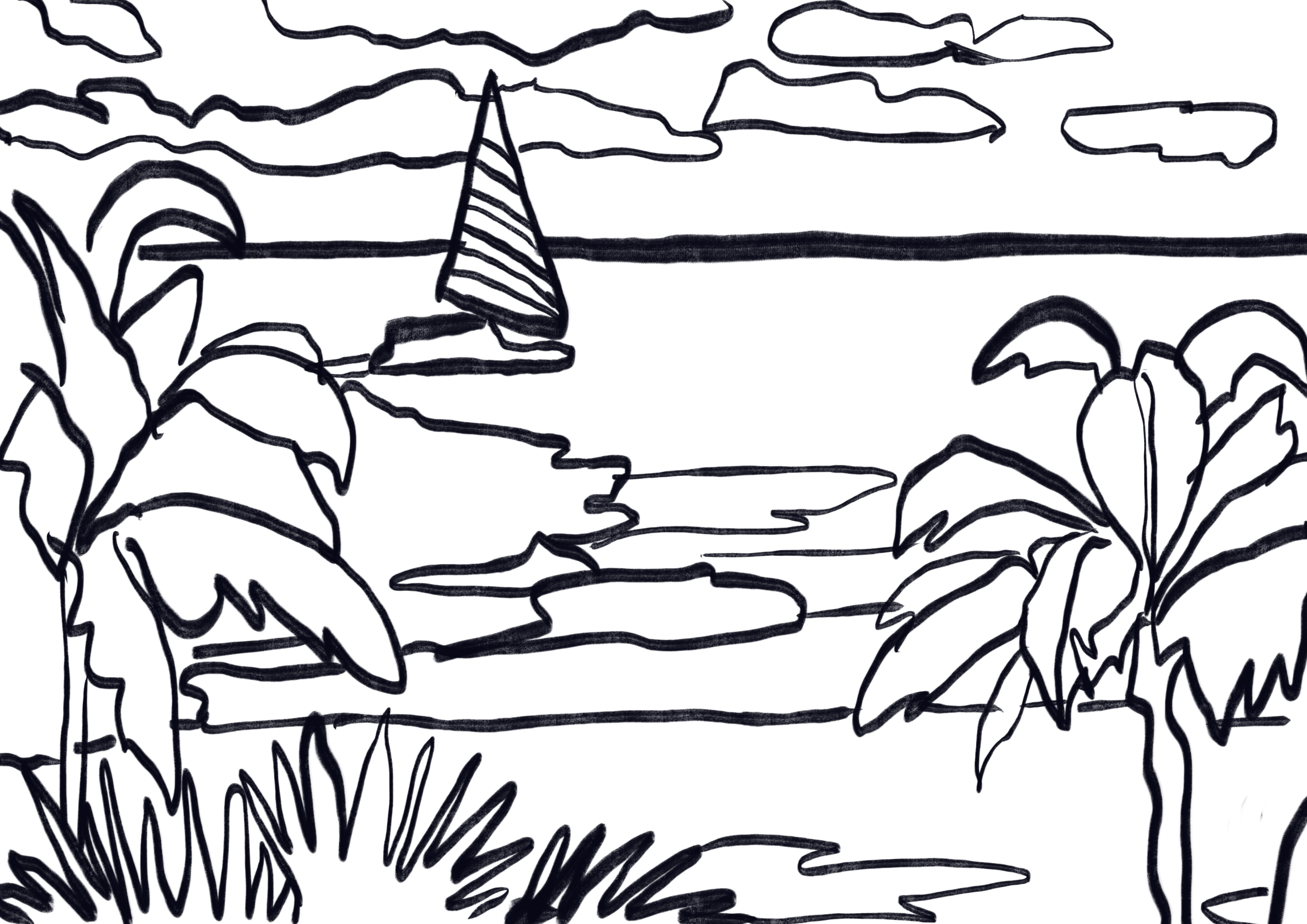
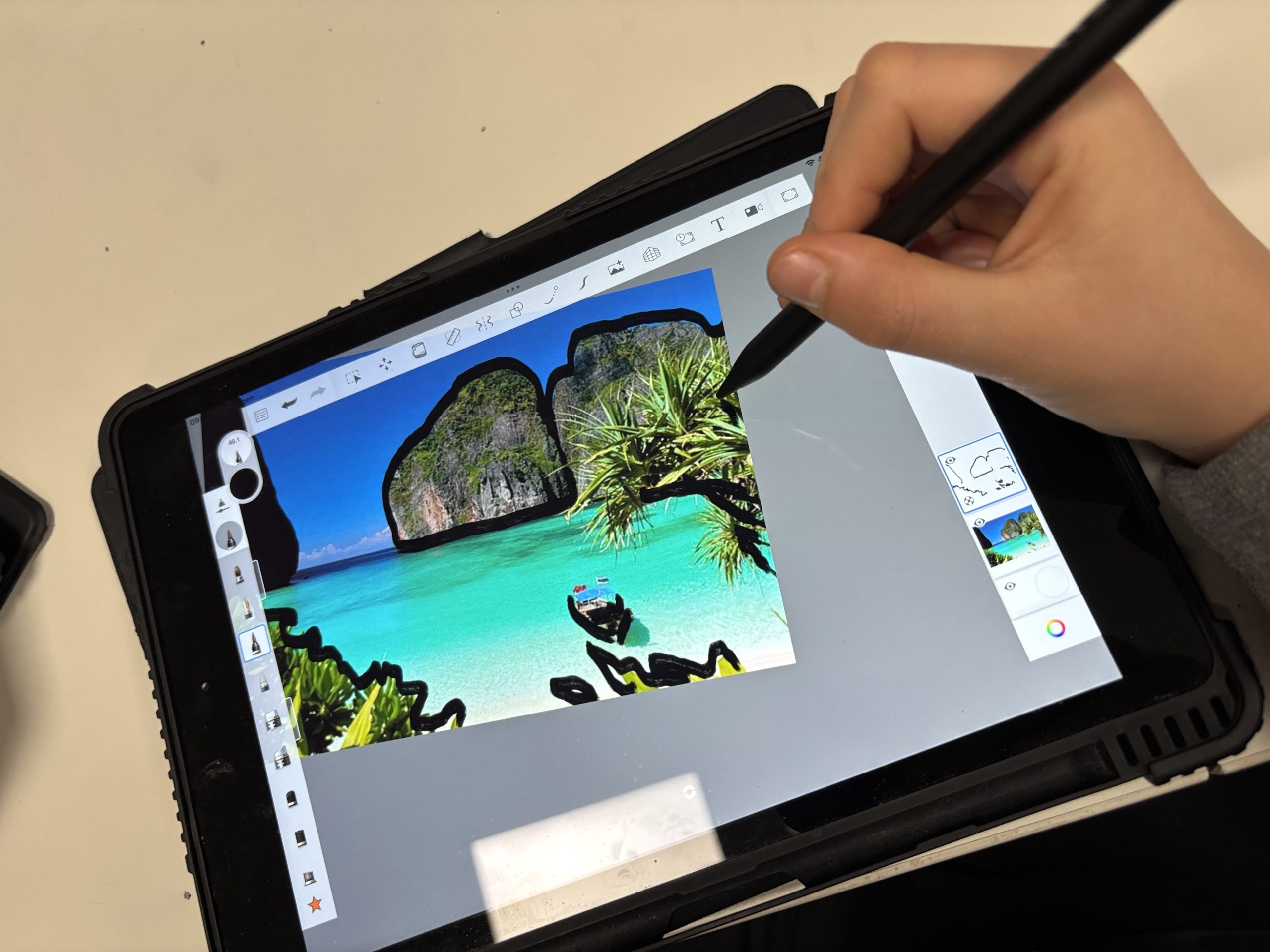
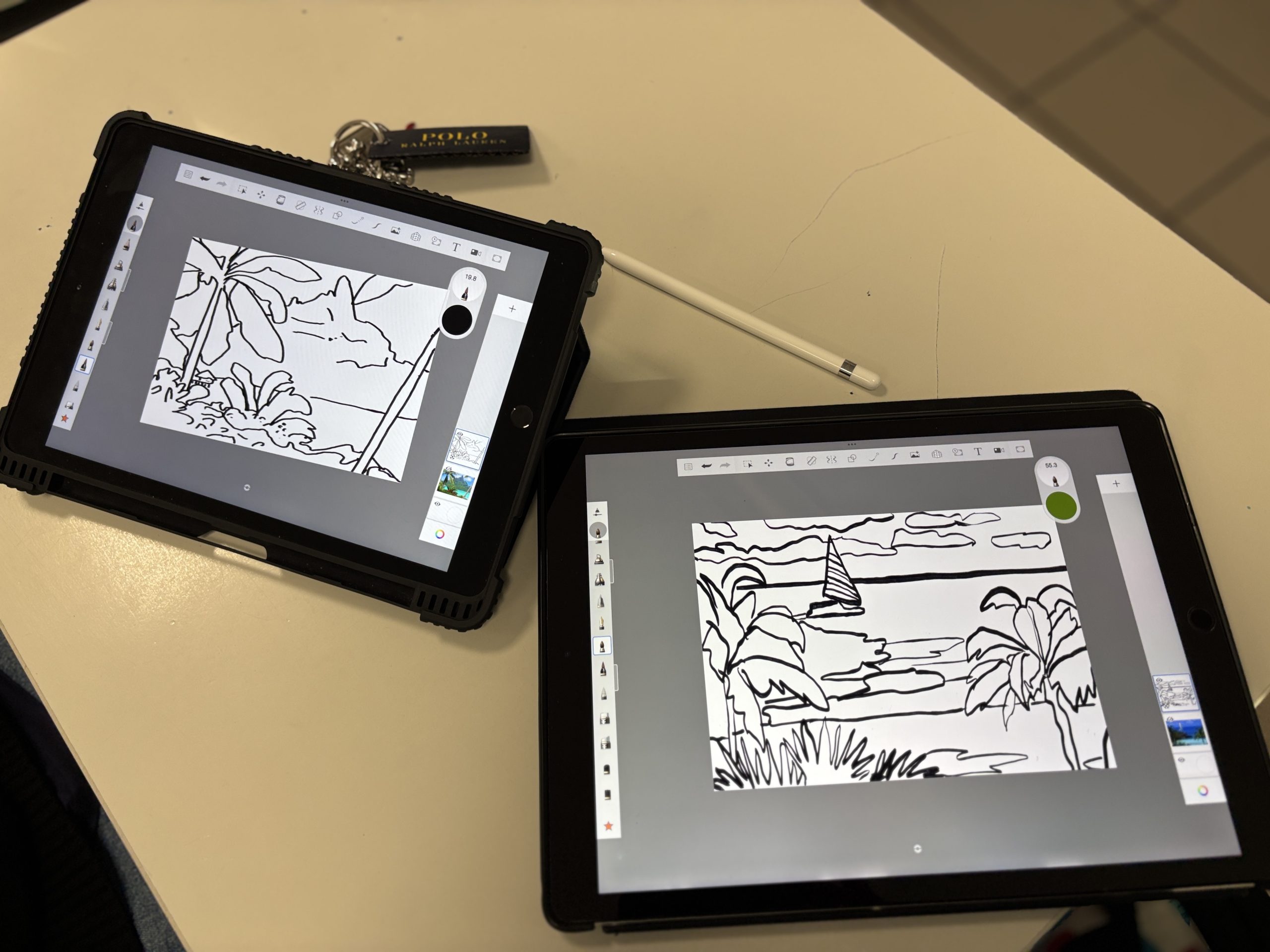
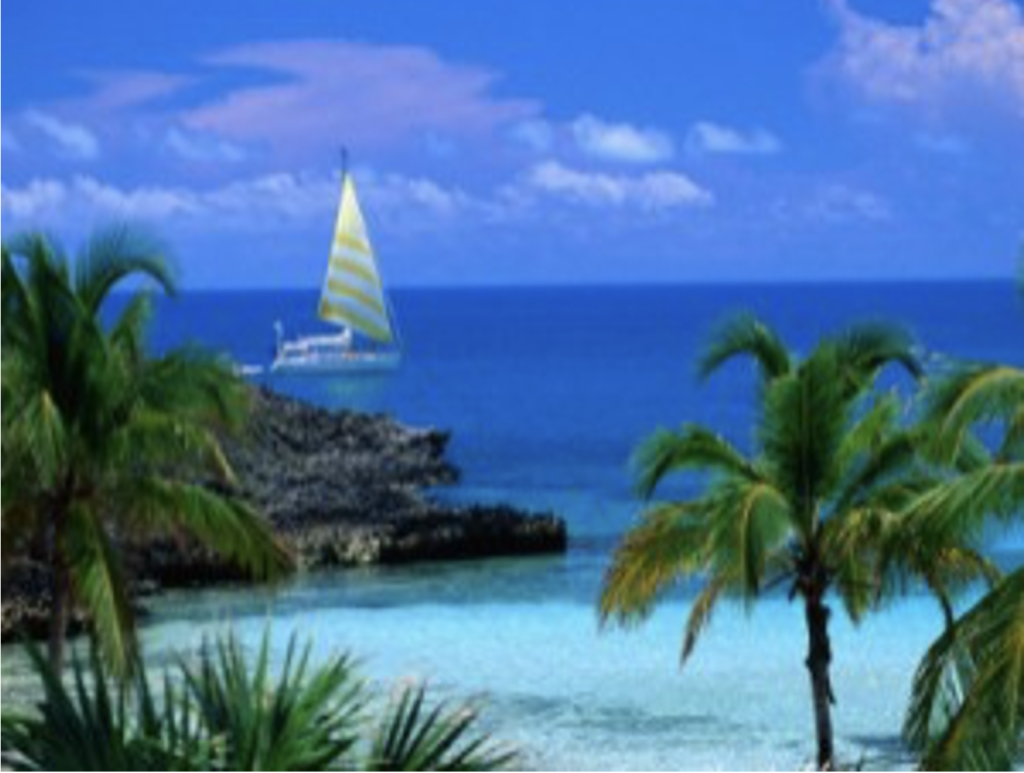
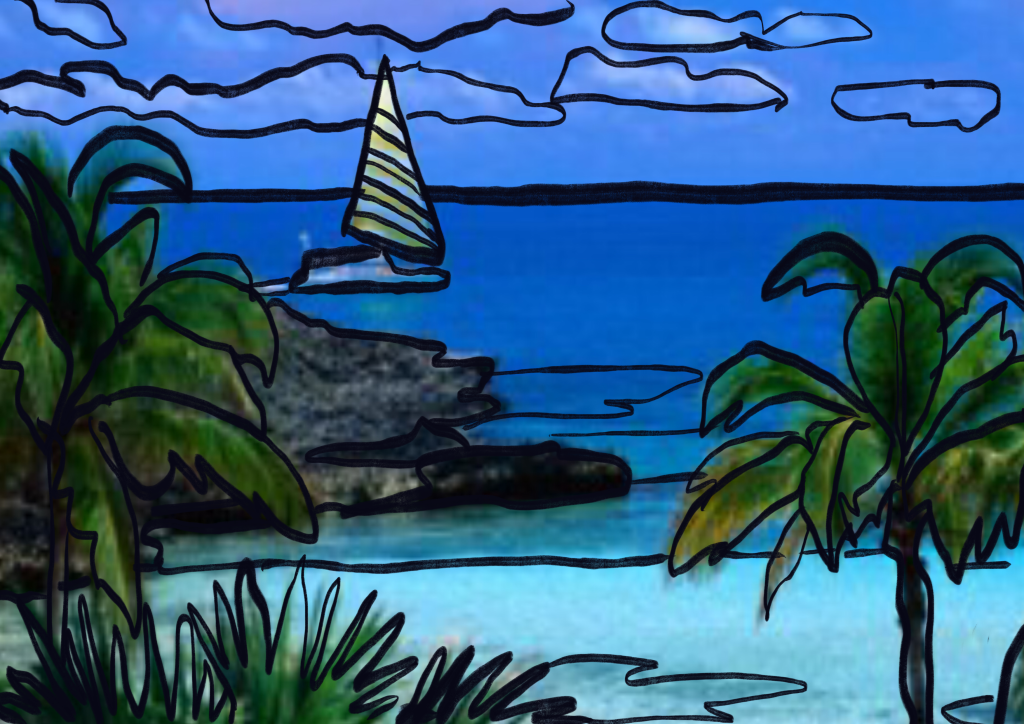
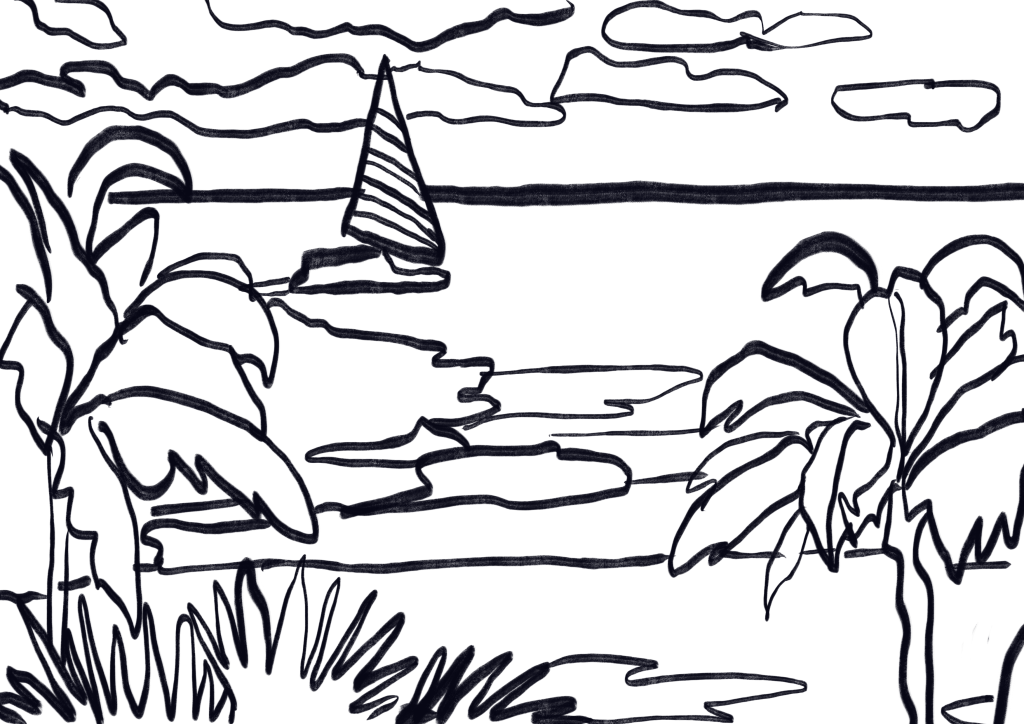
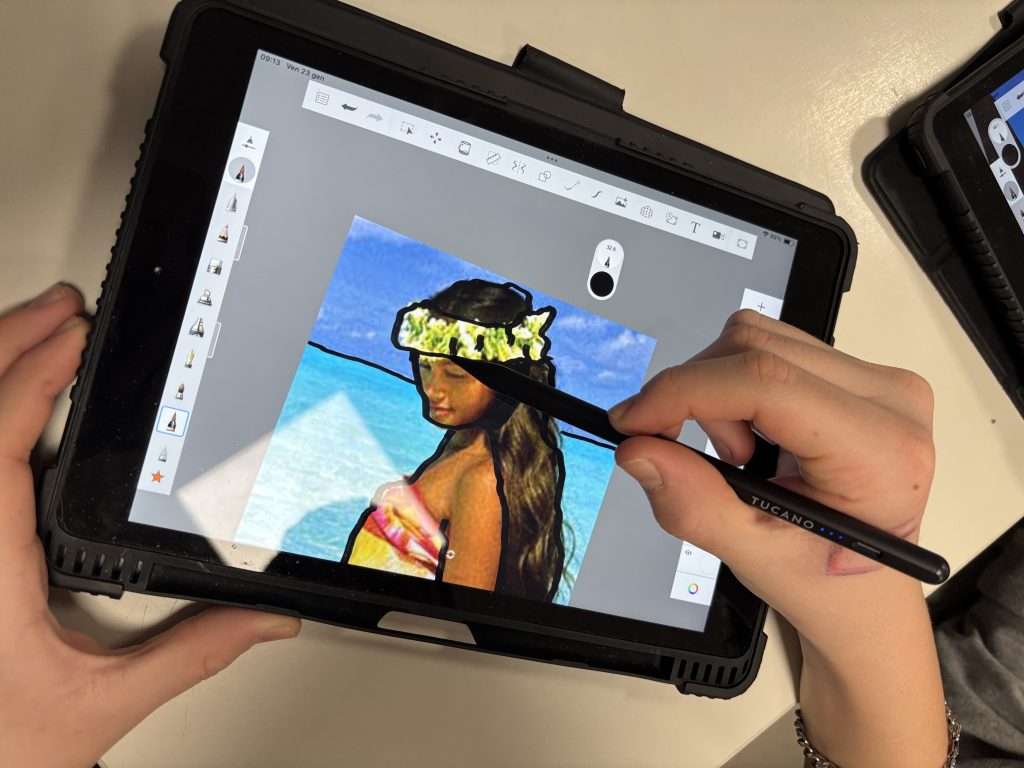
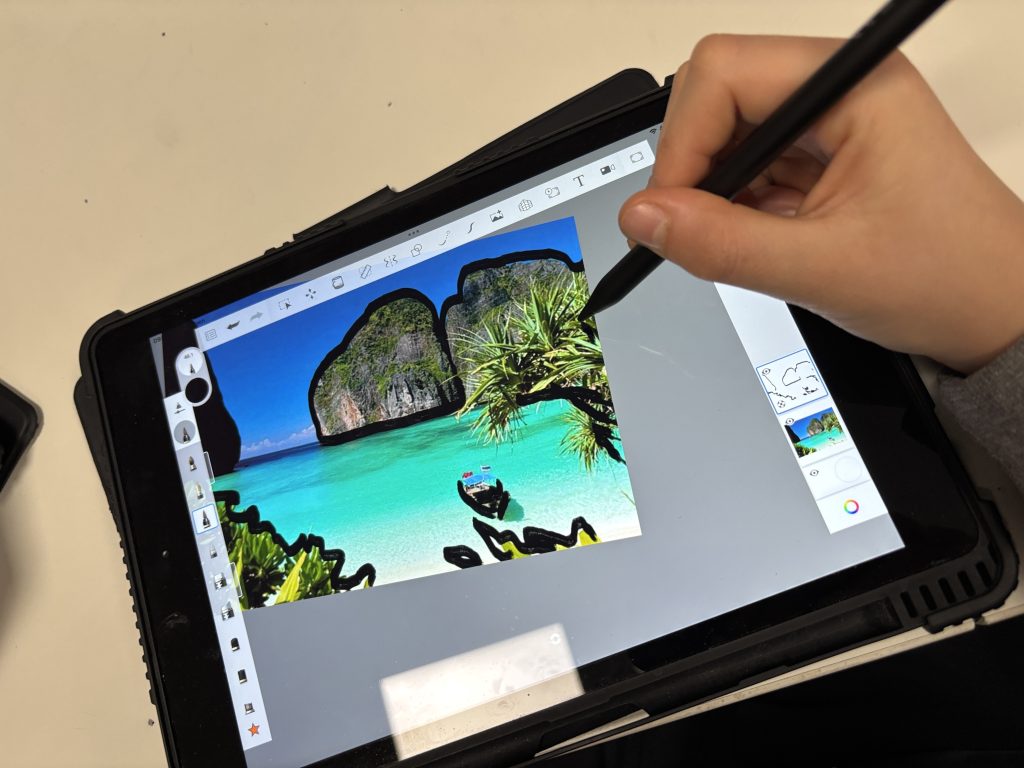
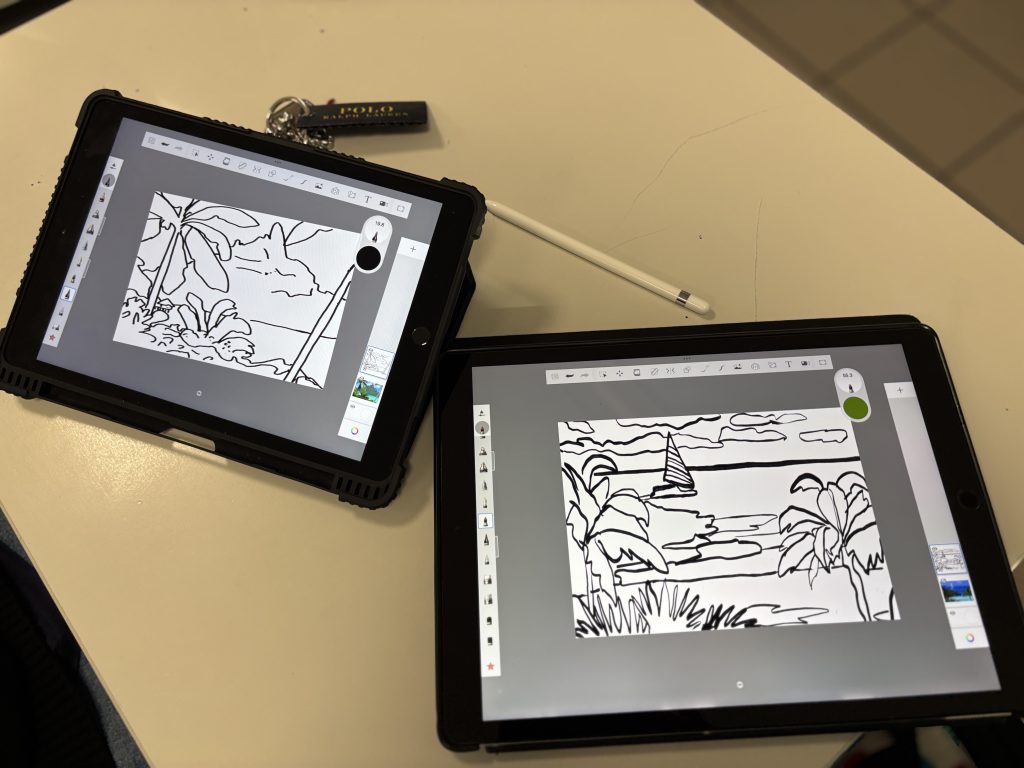
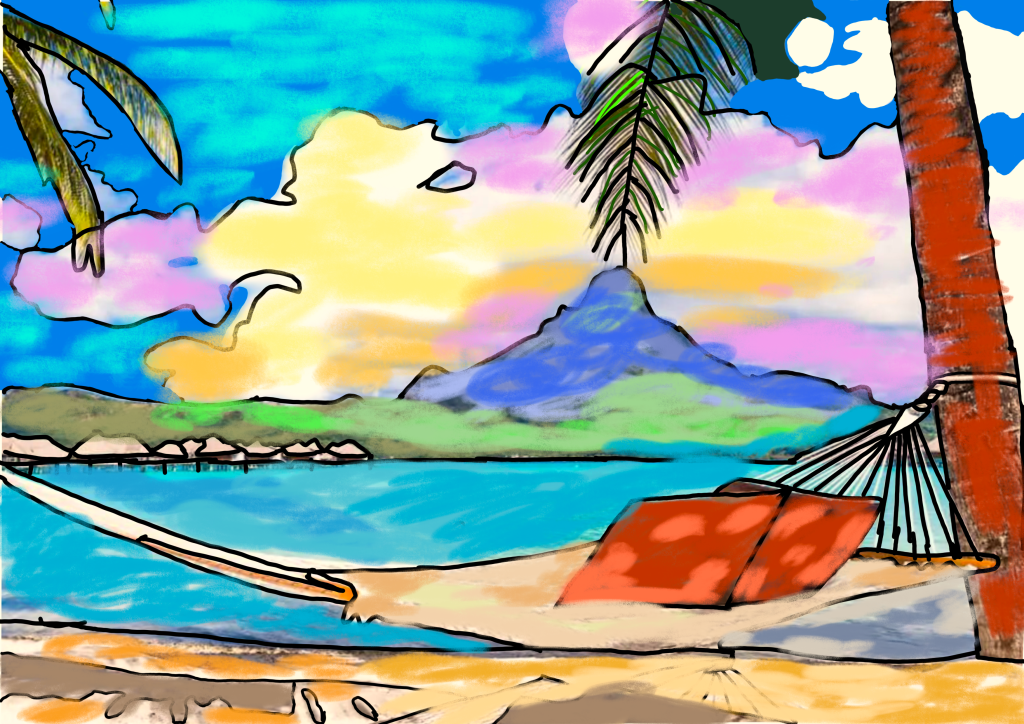
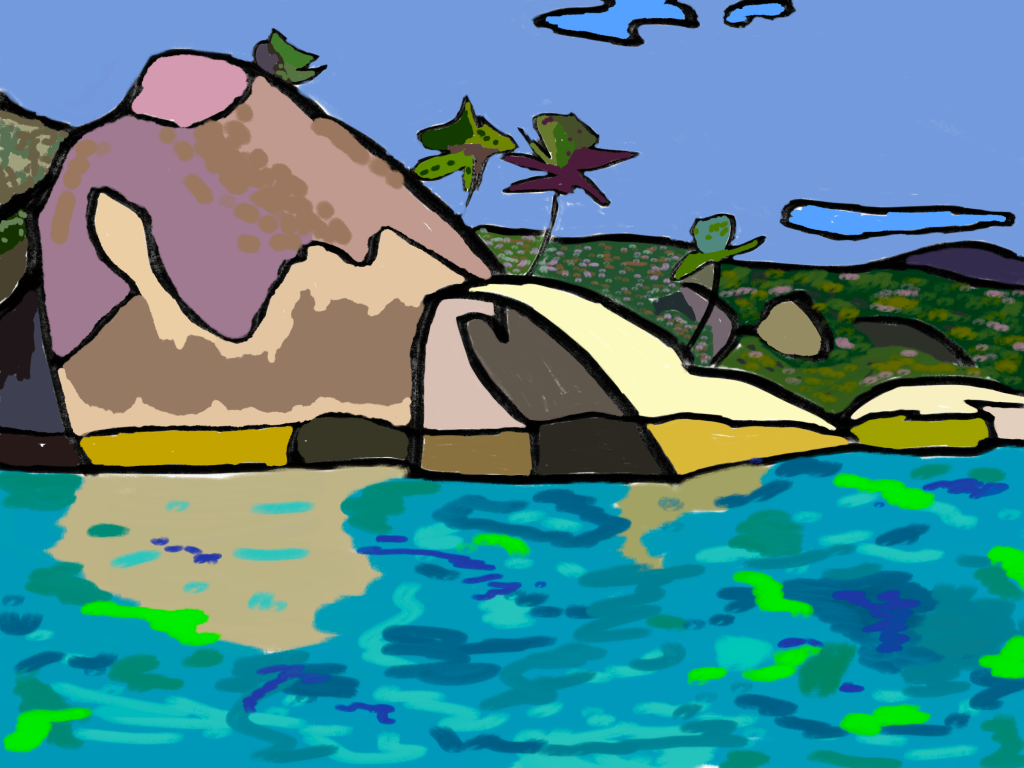
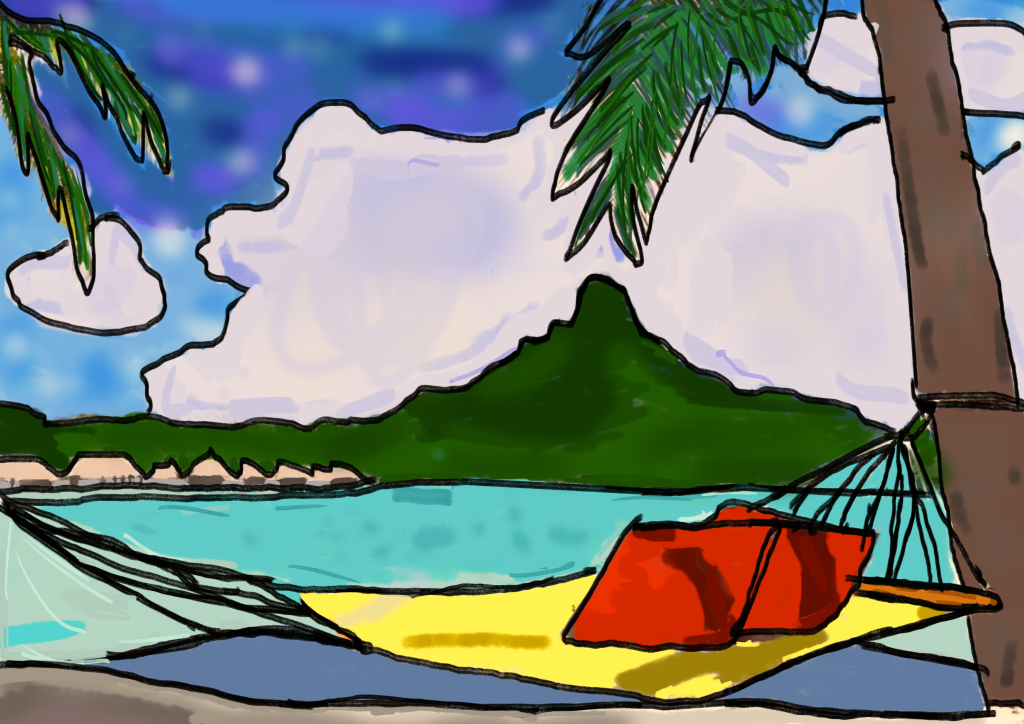
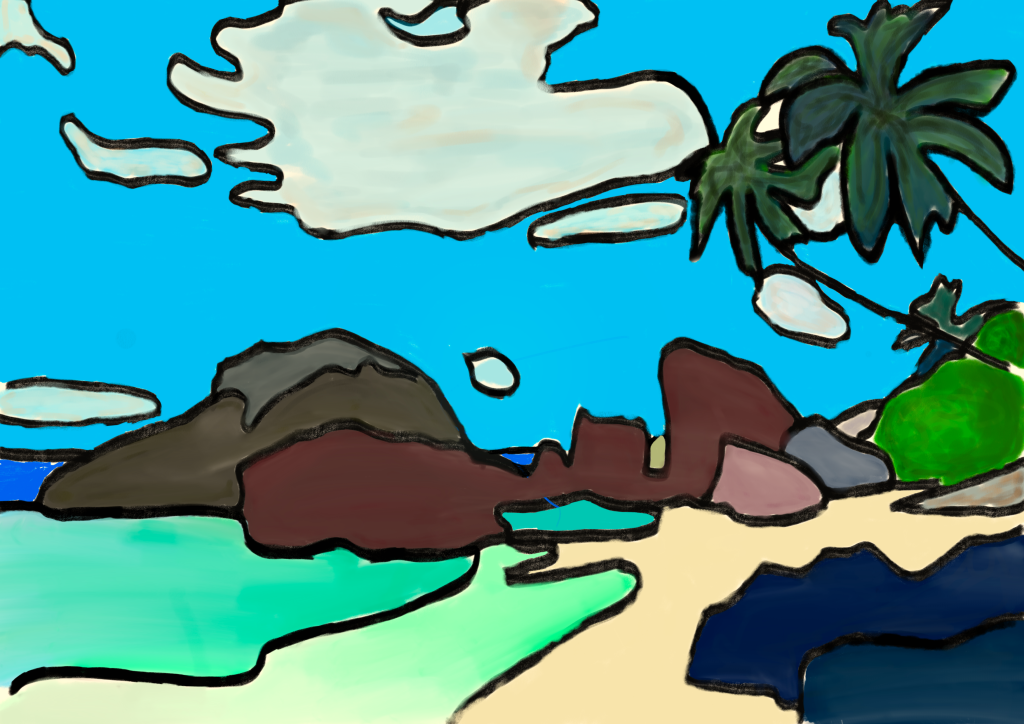
我们首先选择一张构图鲜明的热带风景照片。将其导入 Sketchbook 后,我们在原图上方新建一个图层。使用锐利、精准的黑色线条,开始简化形体。我们剔除不必要的细节,仅保留主要轮廓线——正如高更以其综合化风格所做的一样。
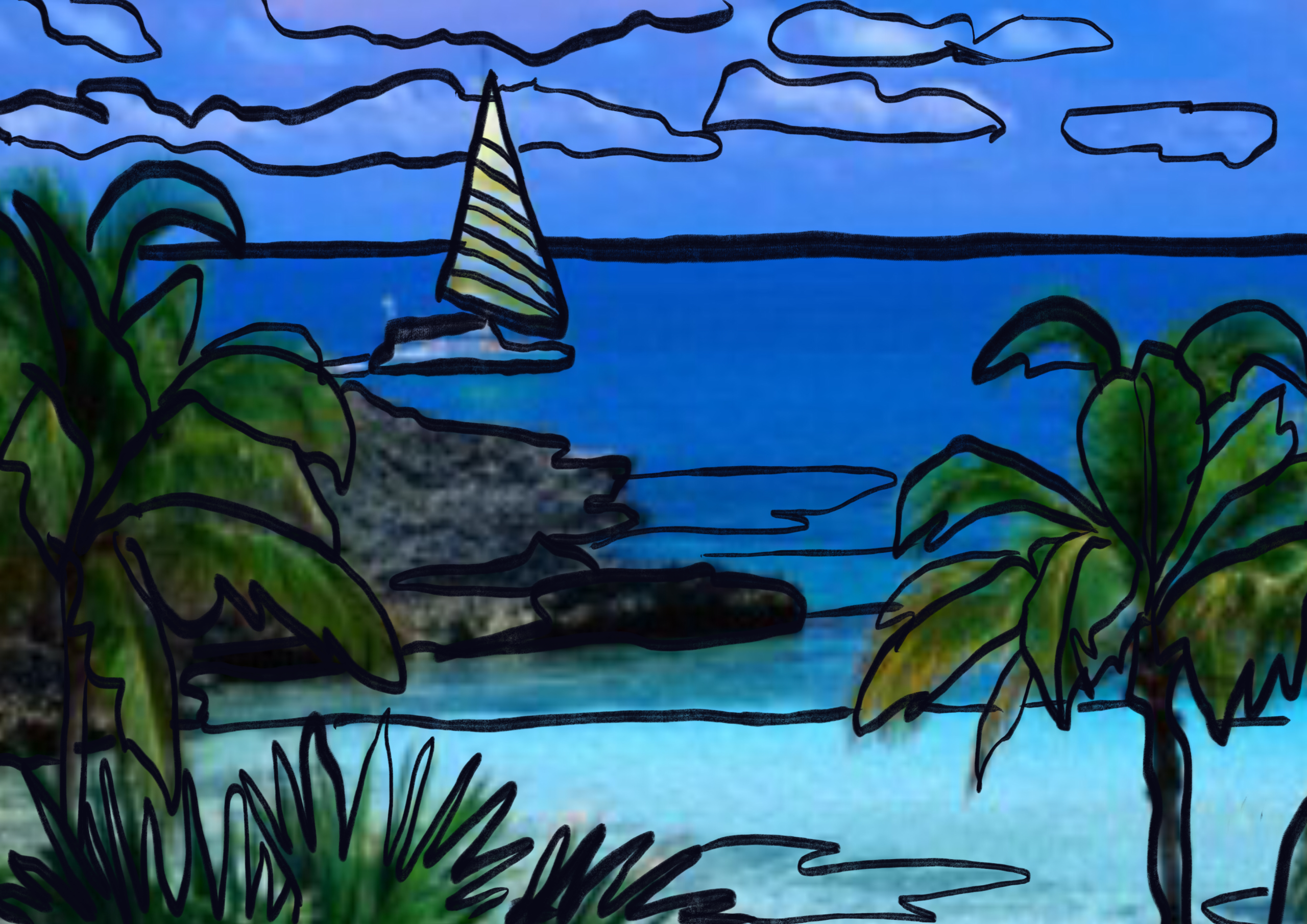
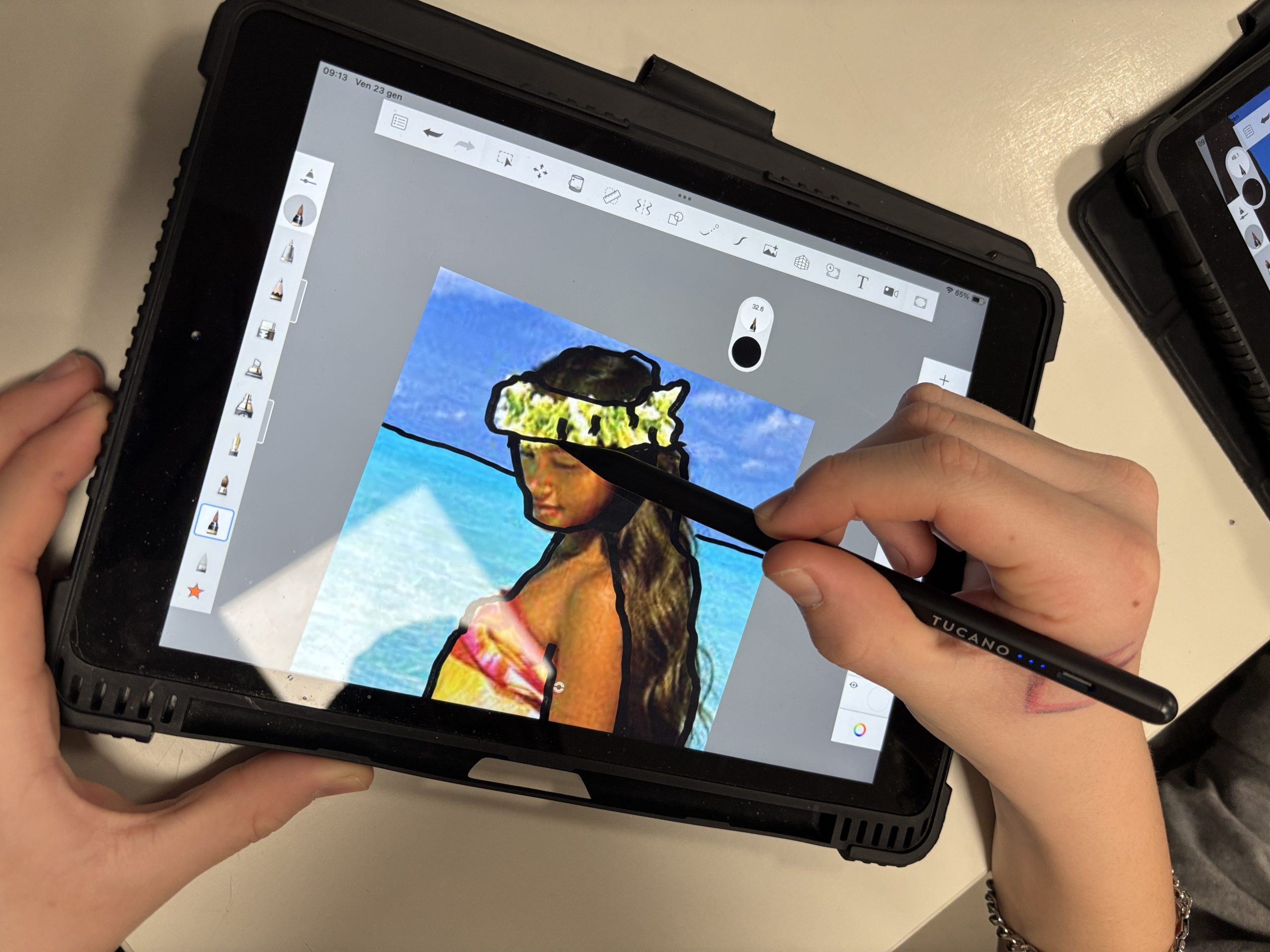
绘制清晰轮廓线时,最佳画笔是绘图钢笔(Technical Pen),不透明度设为 100%,尺寸选用中等偏细:这能让我们完美闭合形状,且无任何模糊。我们在图层面板中采用层级化方式组织图层结构。底层为我们的参考照片,我们将该图层不透明度调低,使其呈半透明状态,以免干扰绘画过程。在此之上,我们新建一个图层专用于黑色轮廓线:将线条与色彩分离,便于修改错误,而不必擦除已上色部分。
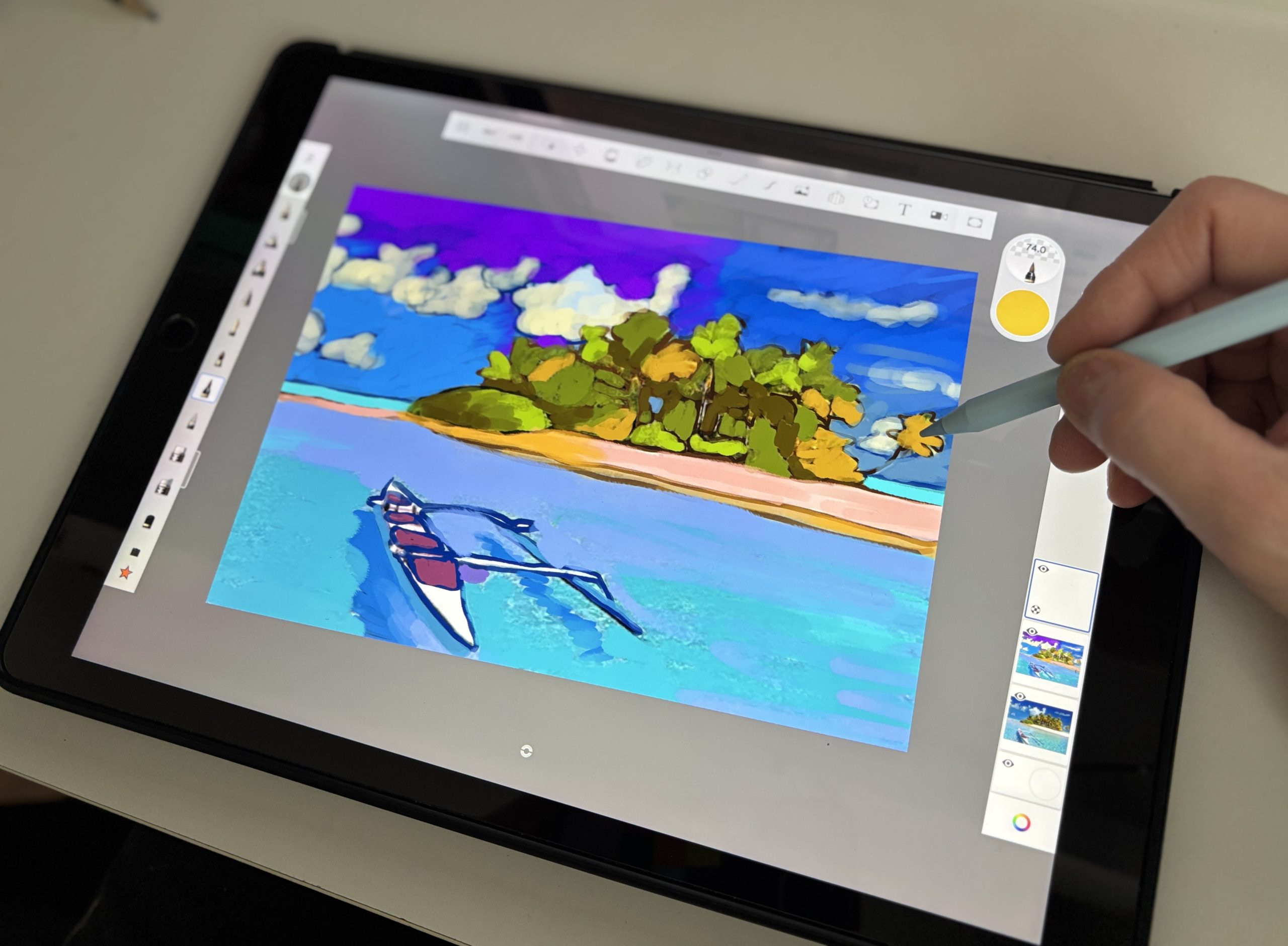
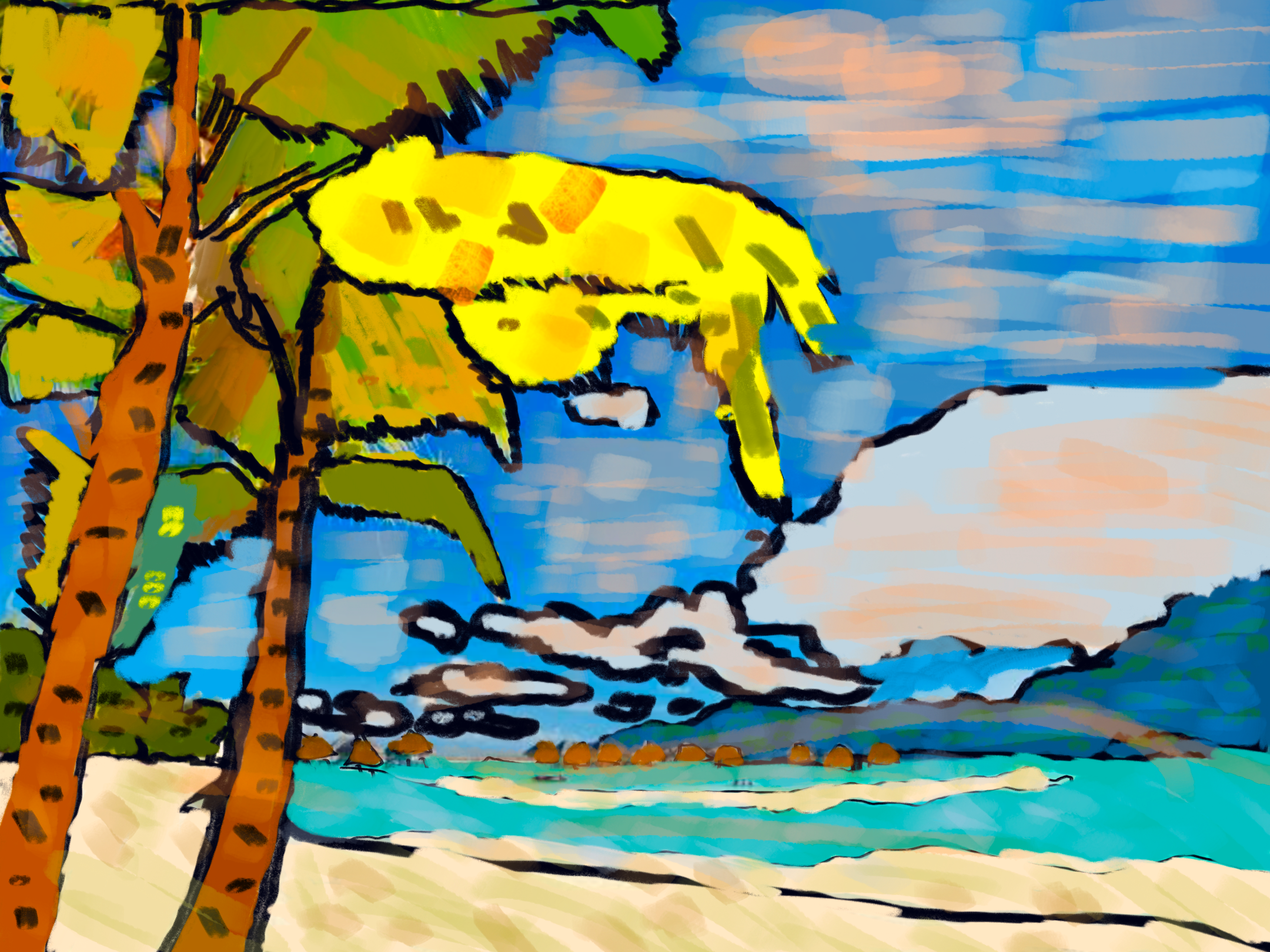
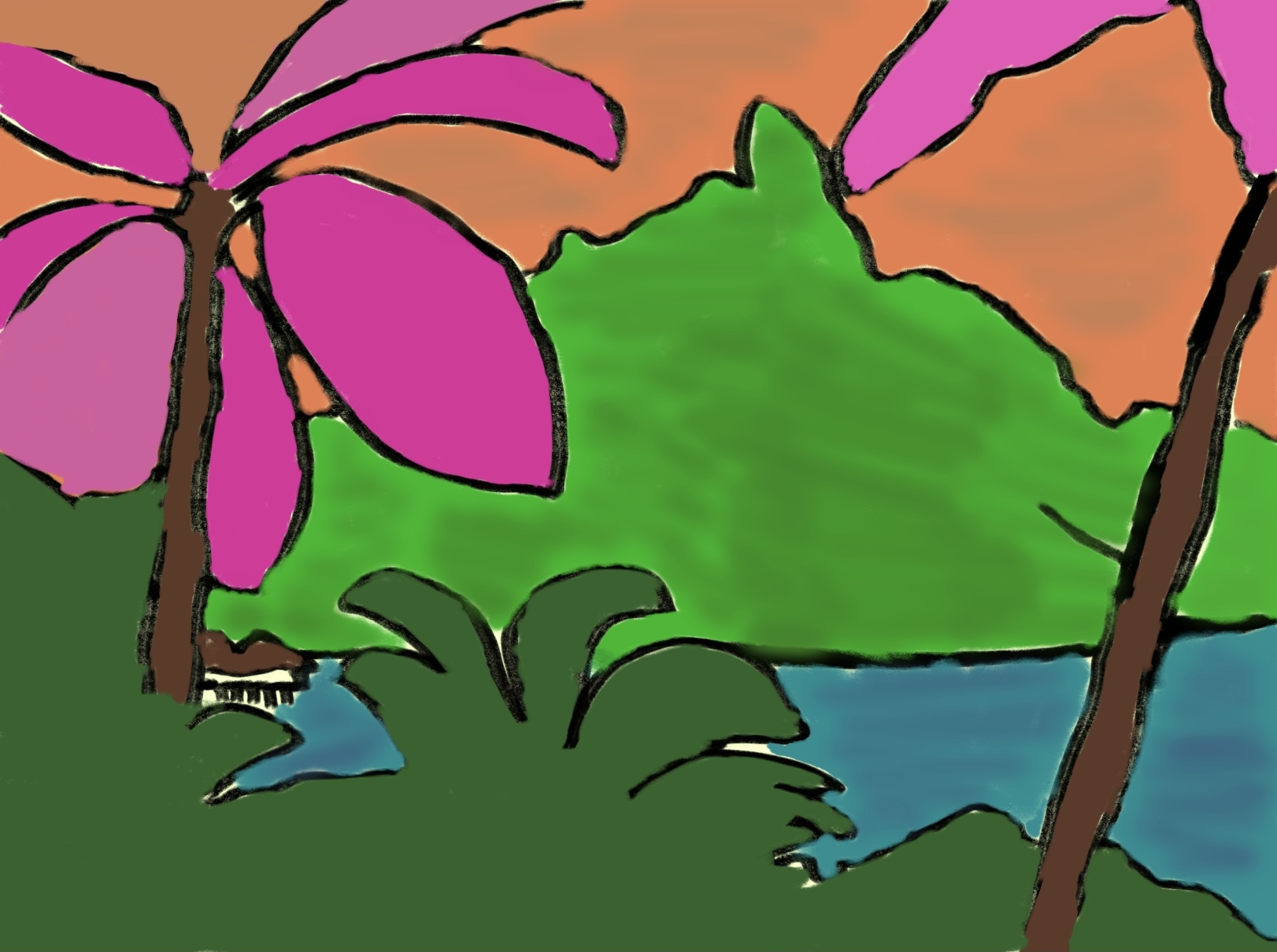
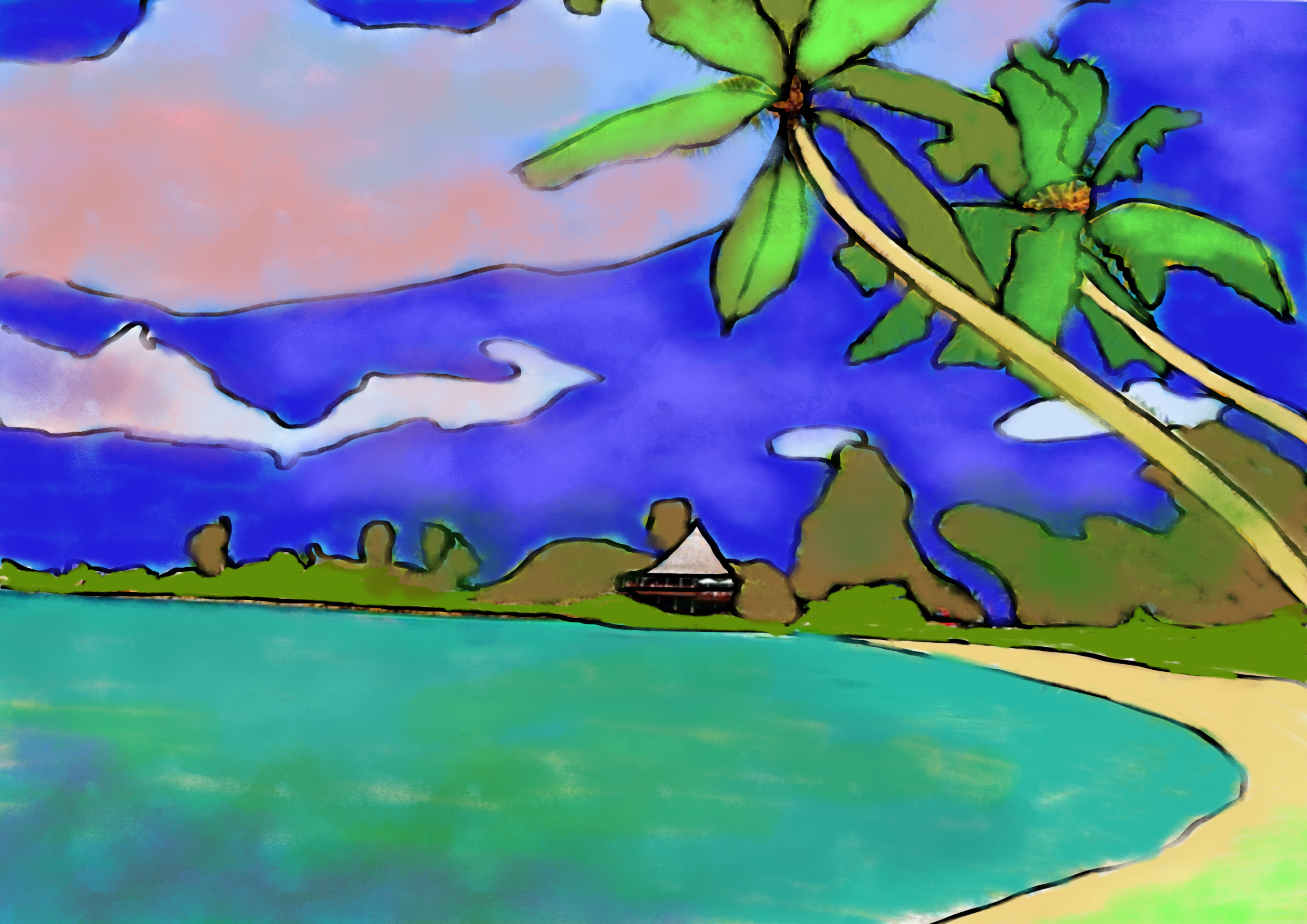
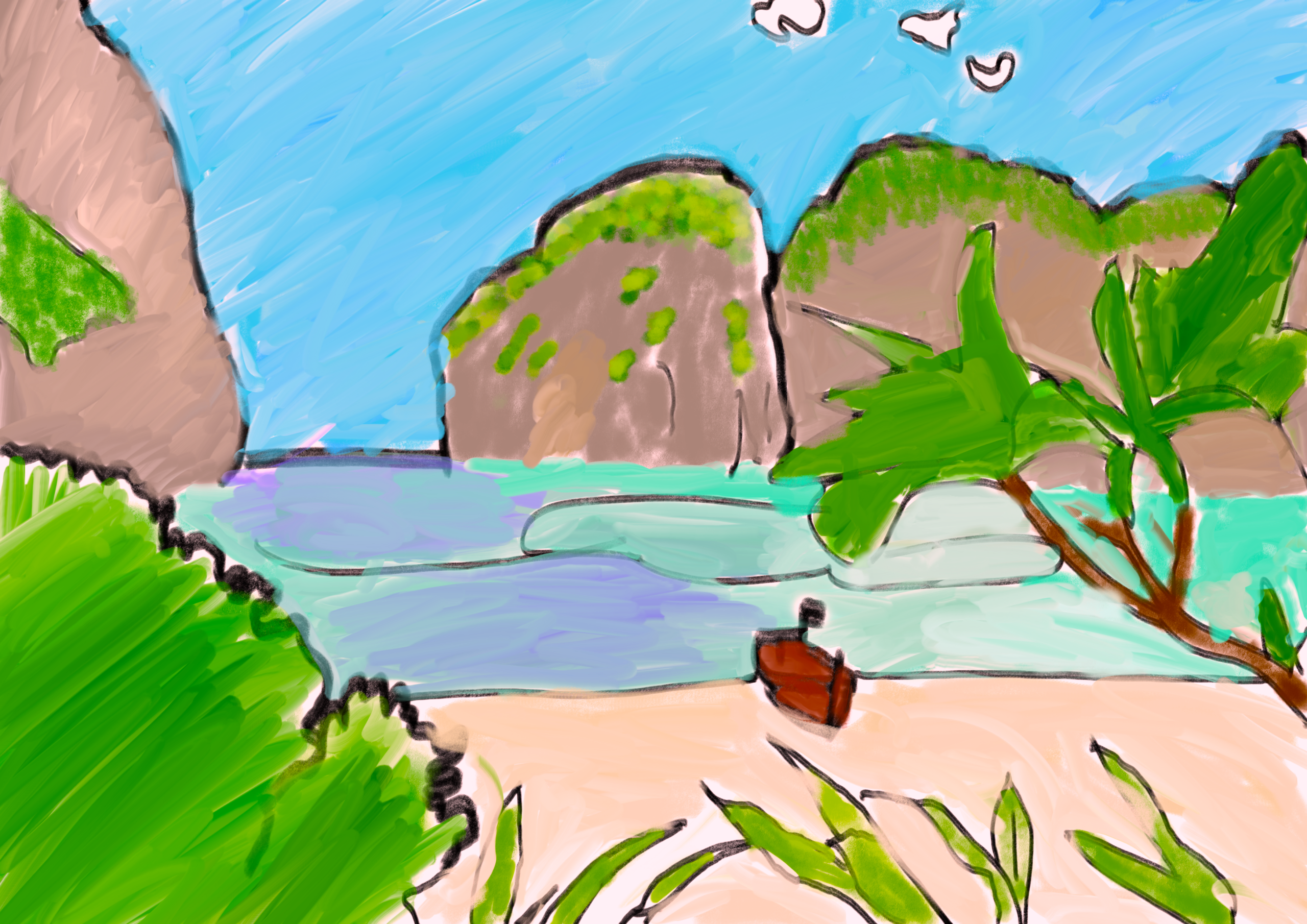
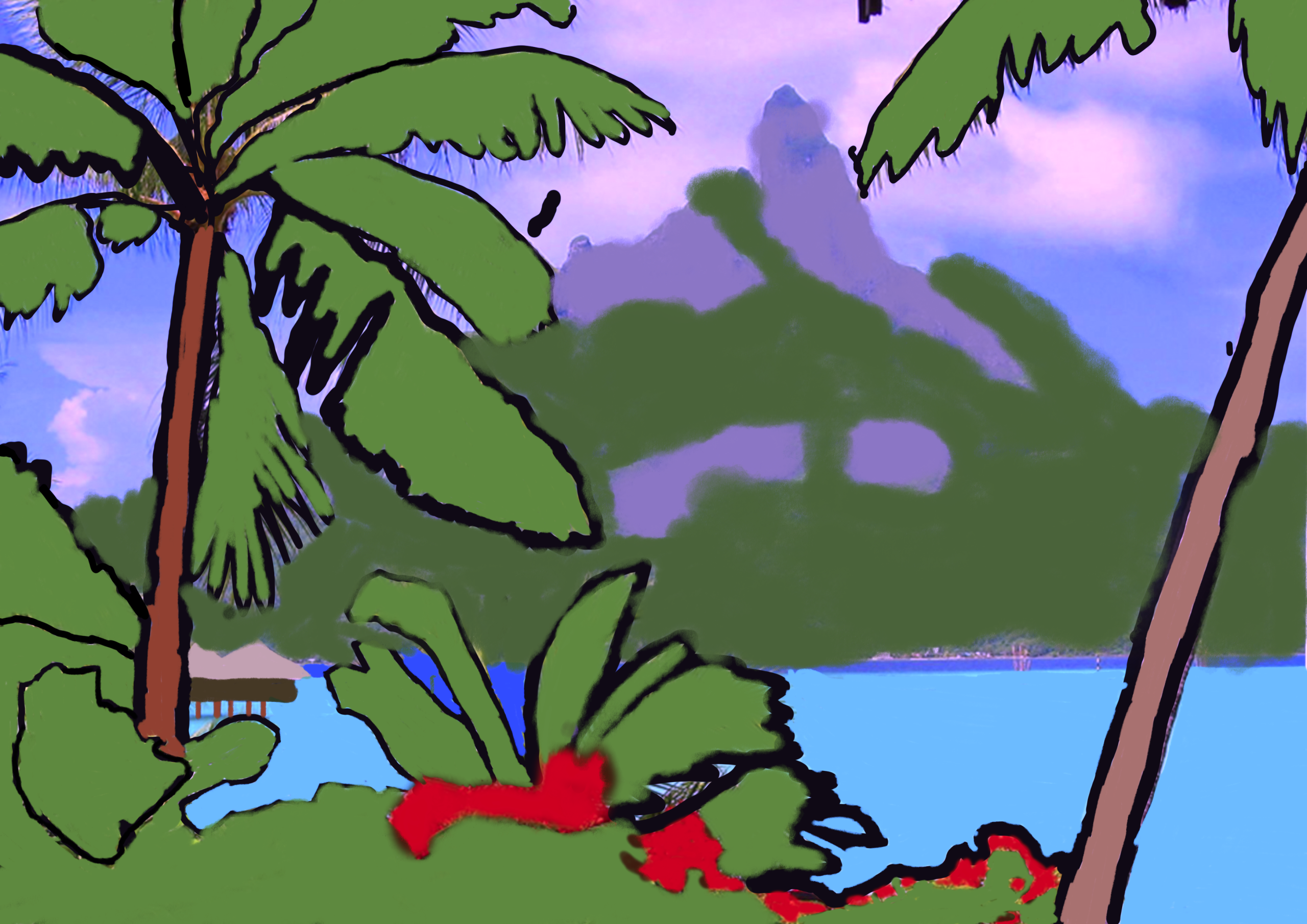
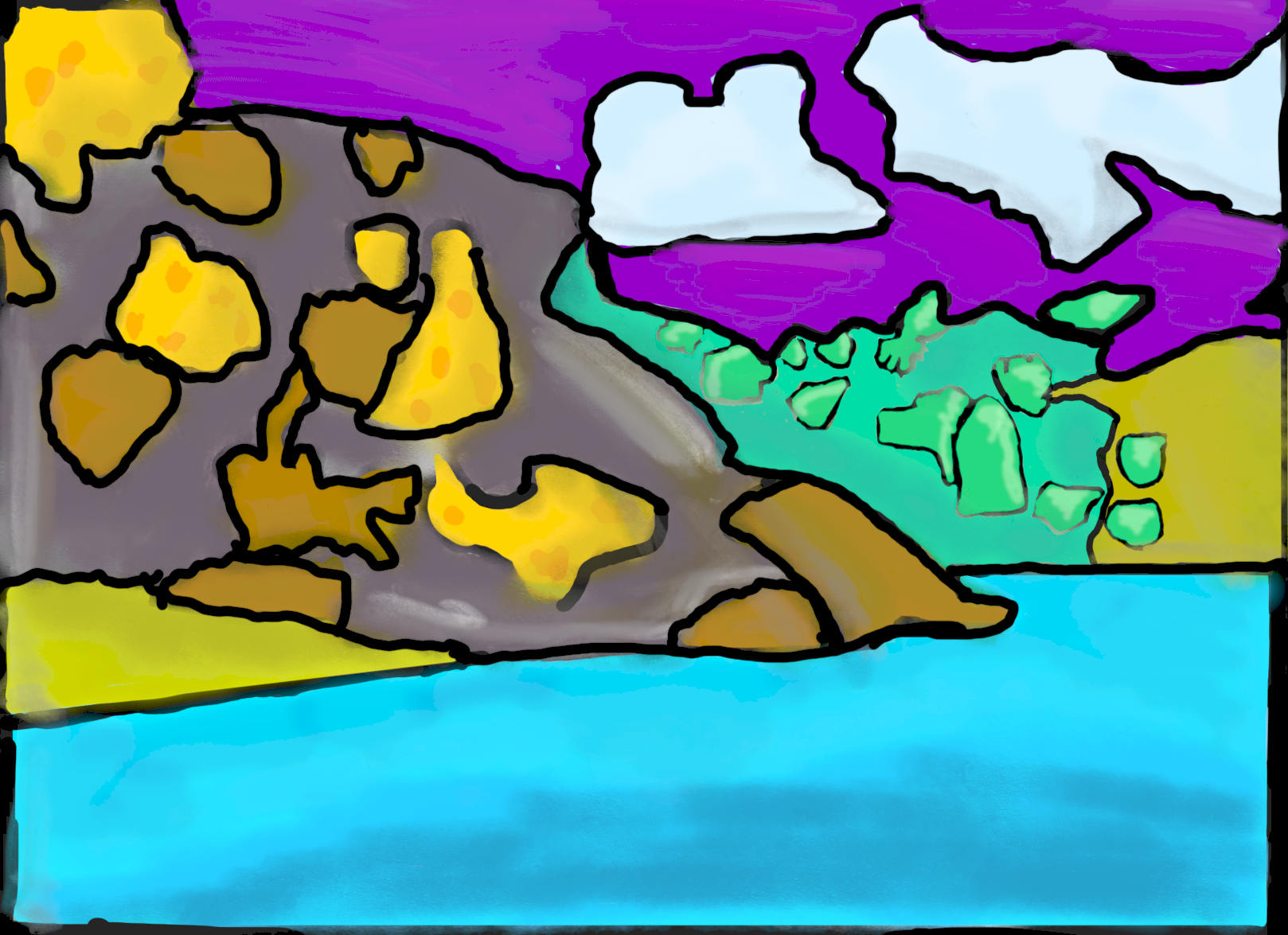
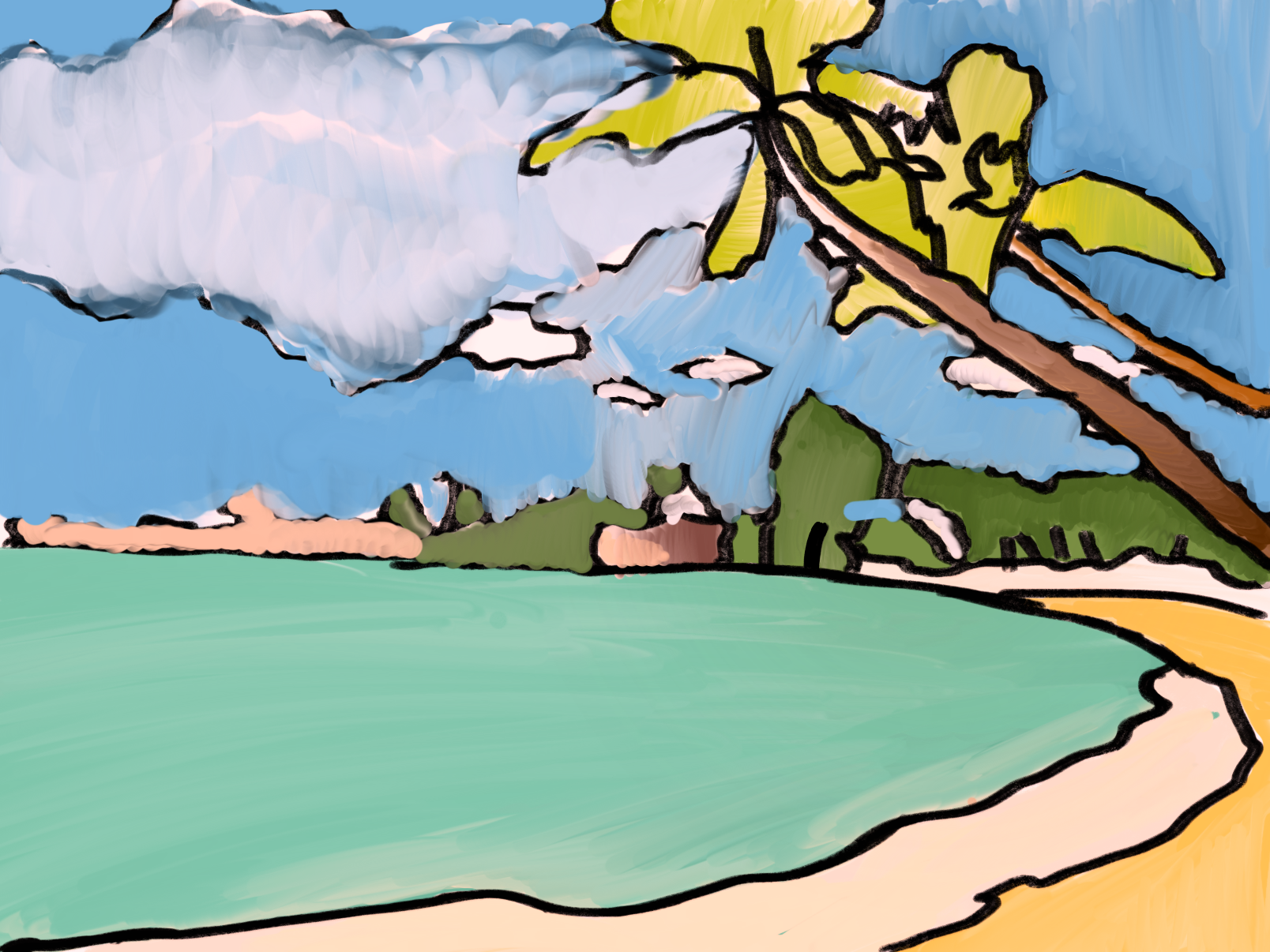
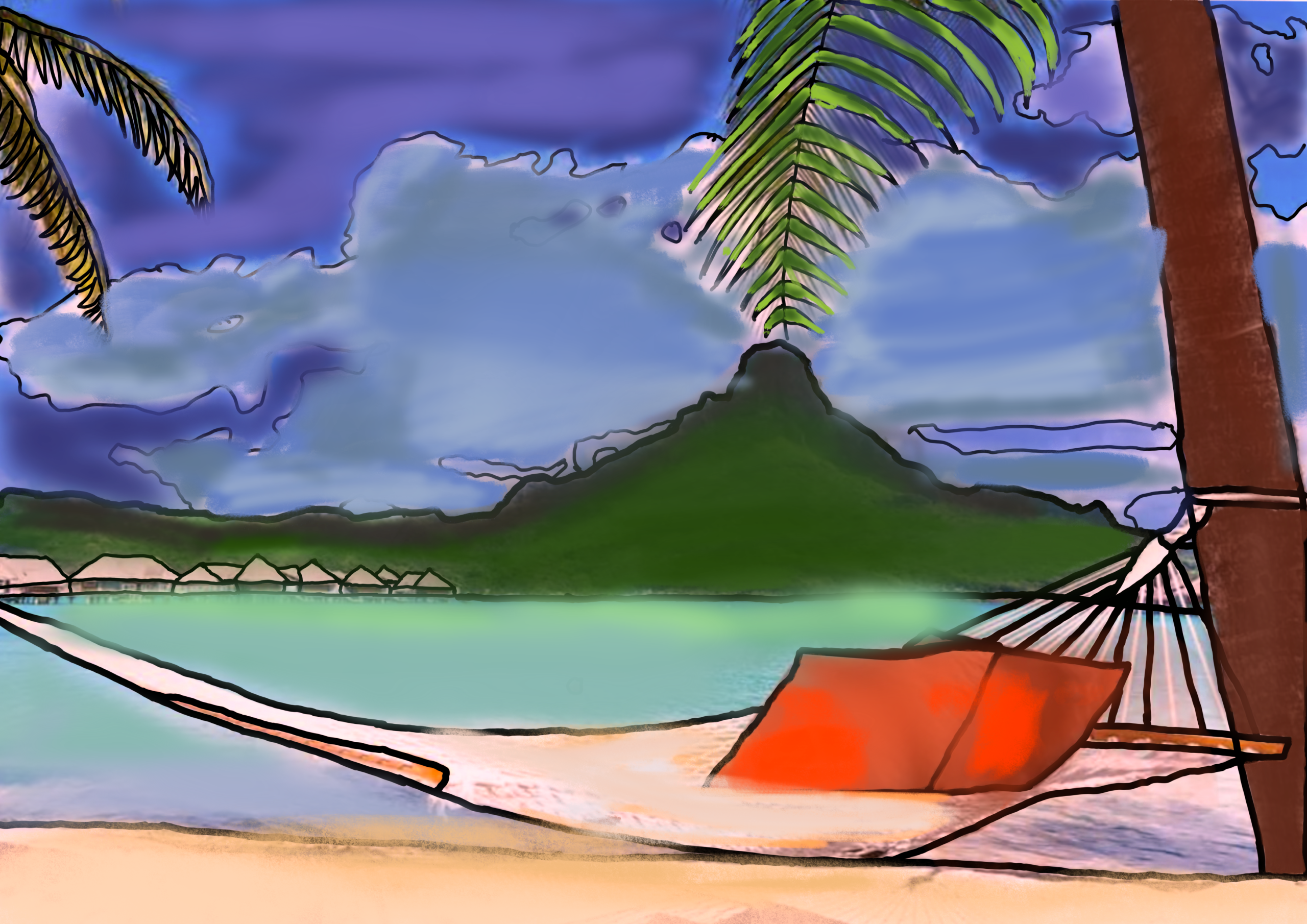
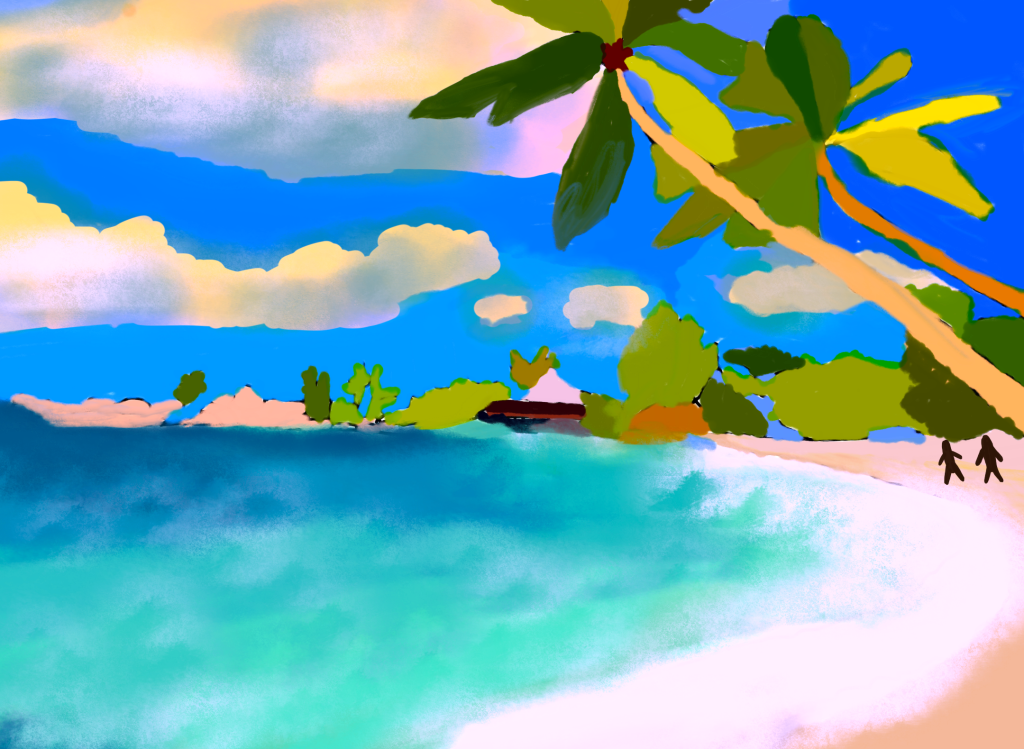
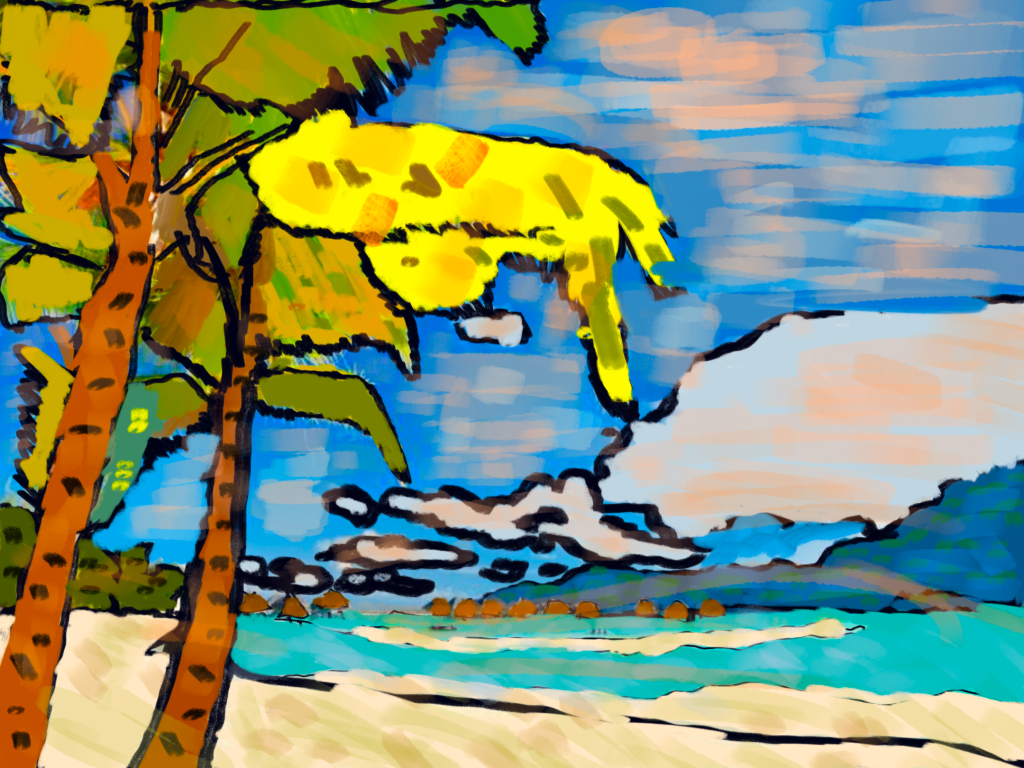
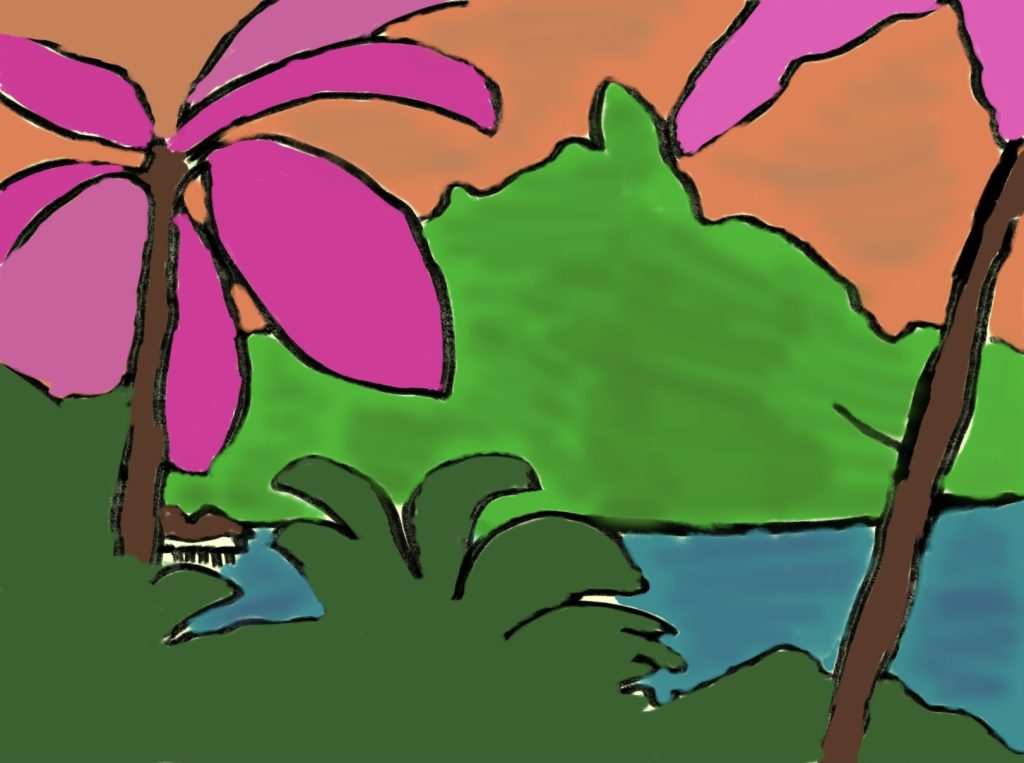
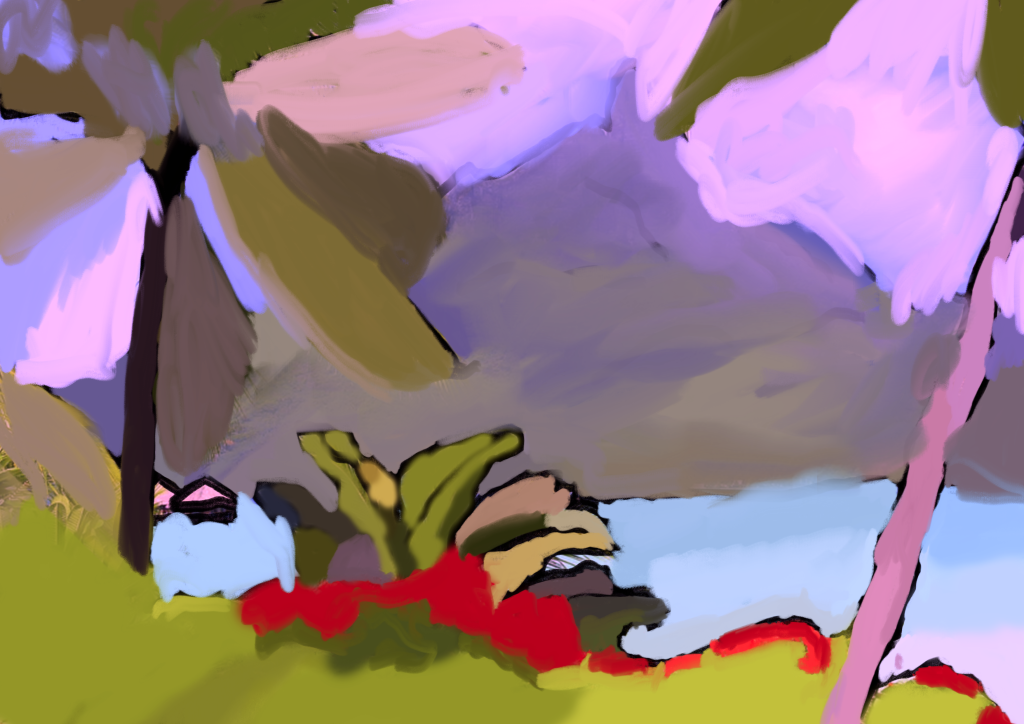
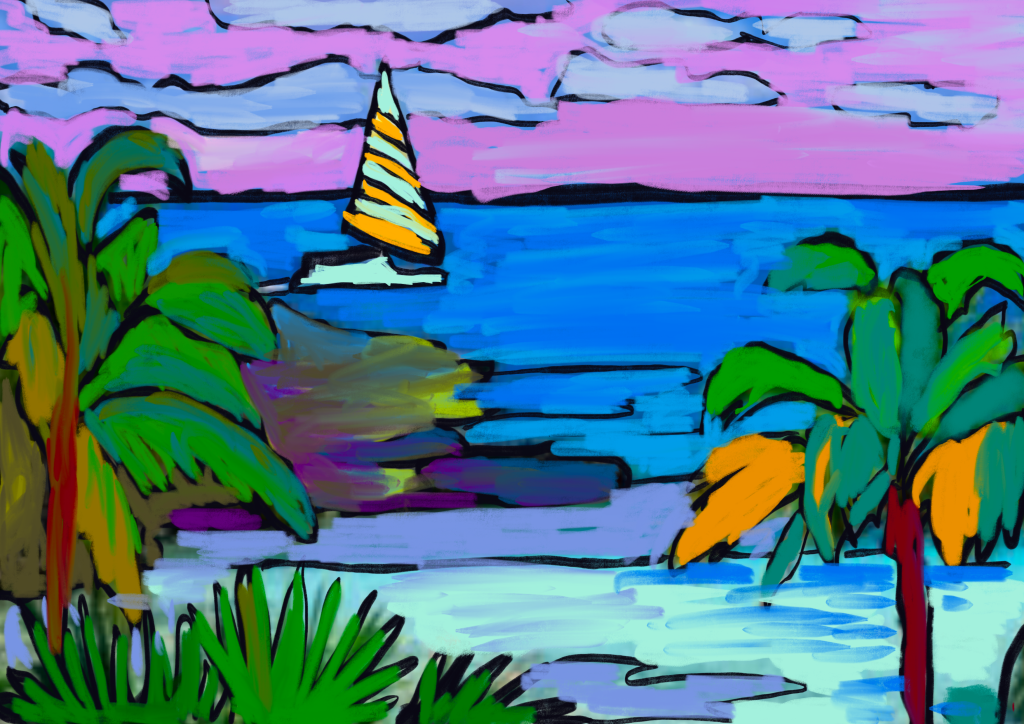
当画面结构确定后,我们进入最具创造性的阶段:色彩诠释。我们在独立图层上分别处理风景的不同区域,以便更高效地管理各部分。我们并未沿用照片中的真实色彩,而是选用平涂色块与高饱和色调,以反映个人趣味与情绪,彻底舍弃写实性明暗表现。
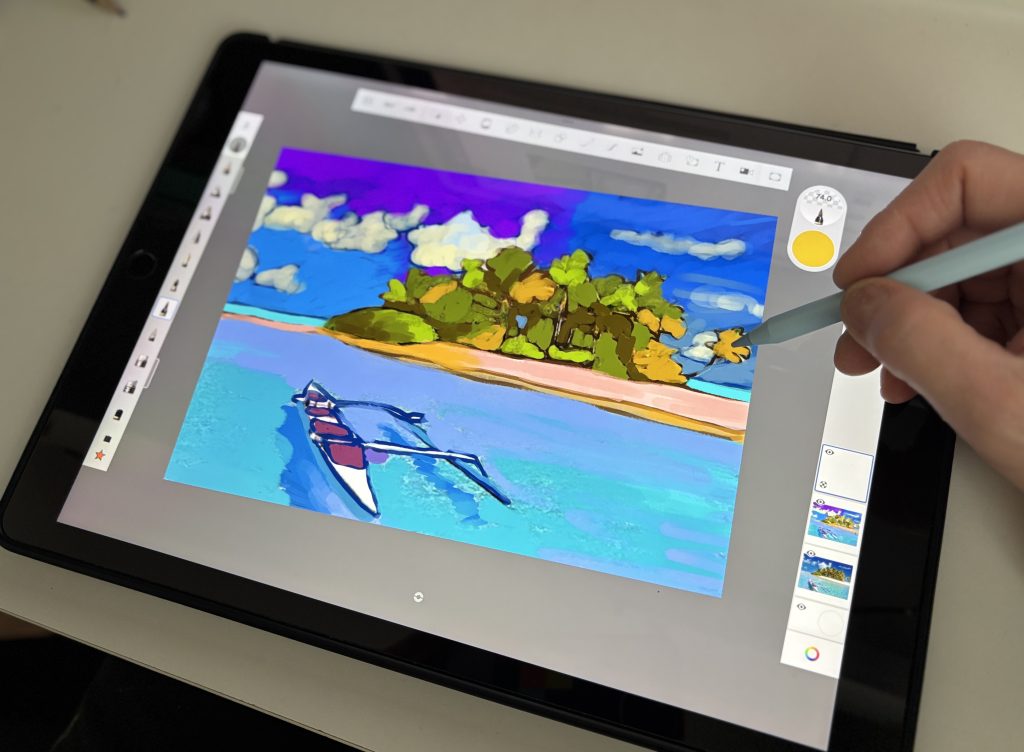
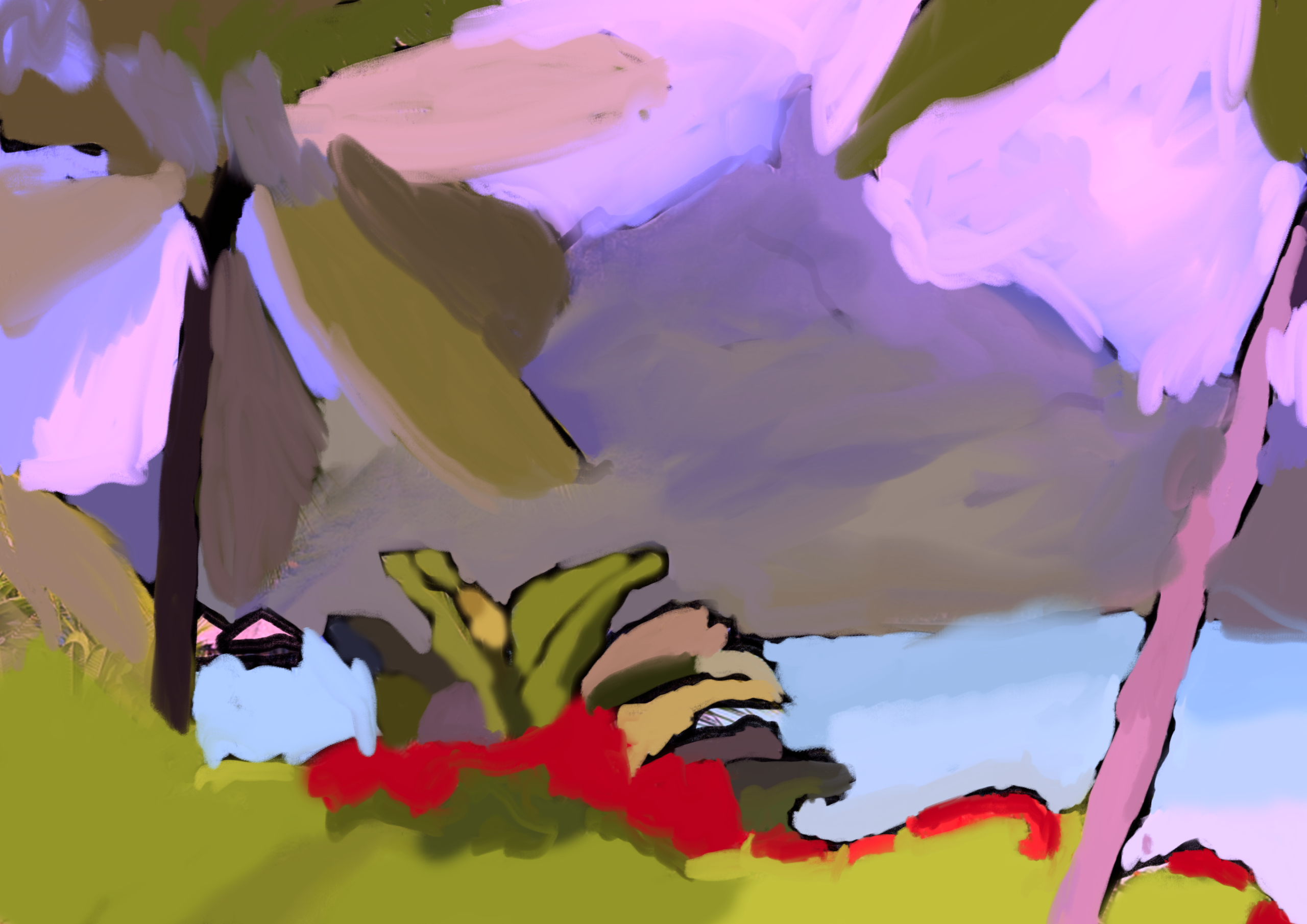
通过尝试不同数字画笔,我们均匀铺陈色彩,力求在画面不同区域间营造鲜明对比。我们发现,仅调整饱和度与明度,即可彻底改变原始风景的氛围,将其转化为一处充满魔力且极具个人印记的空间。
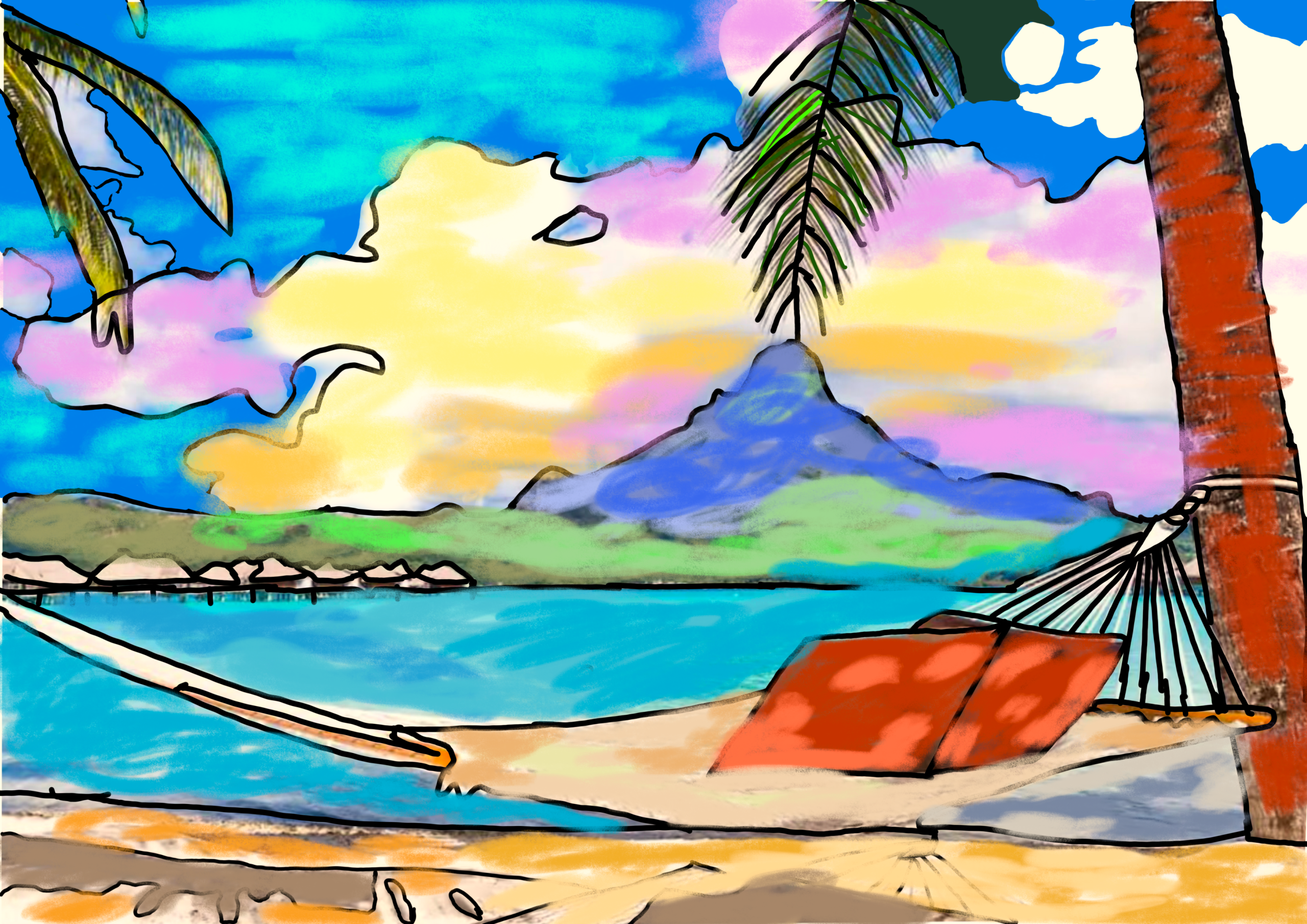
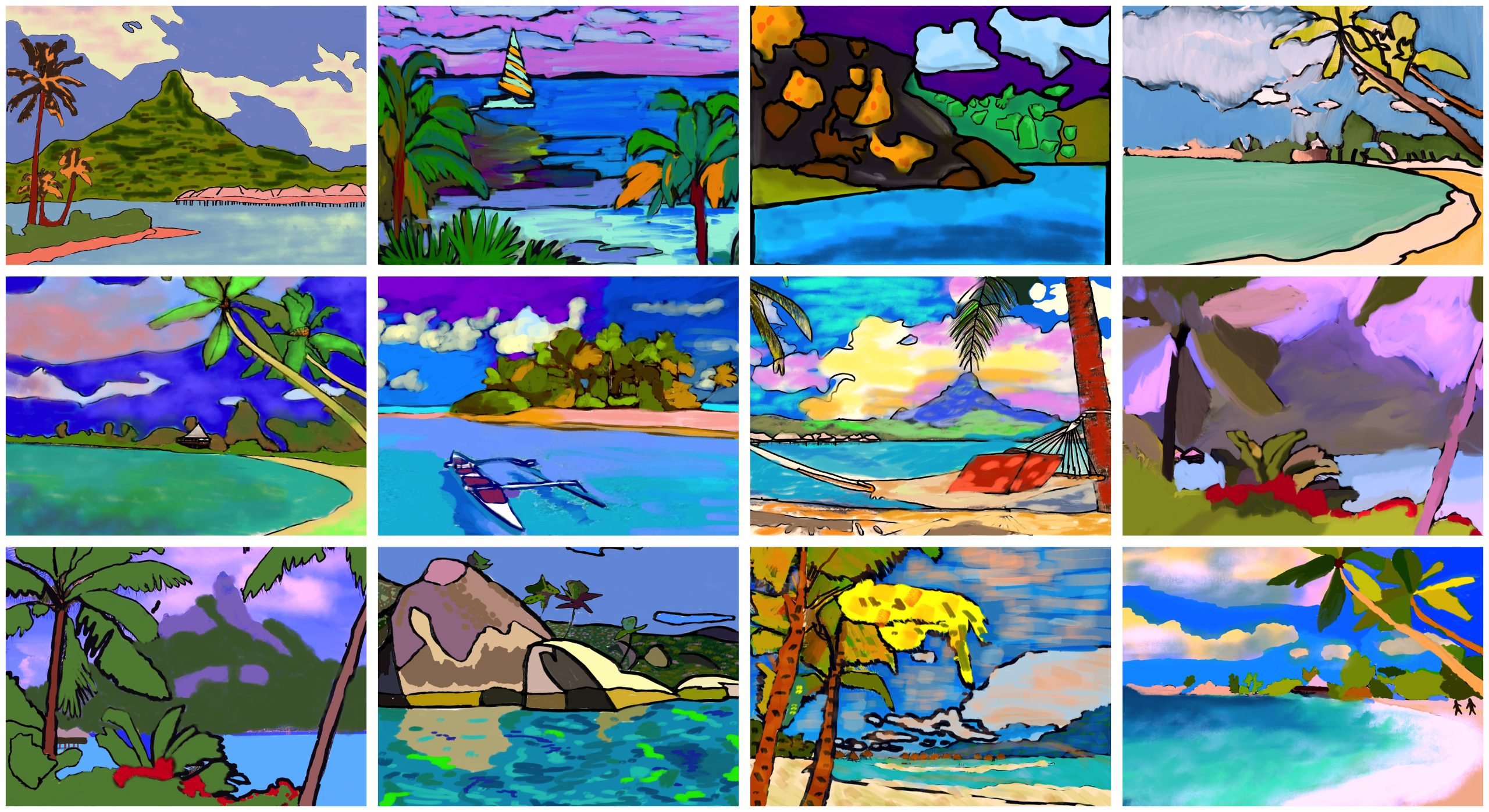
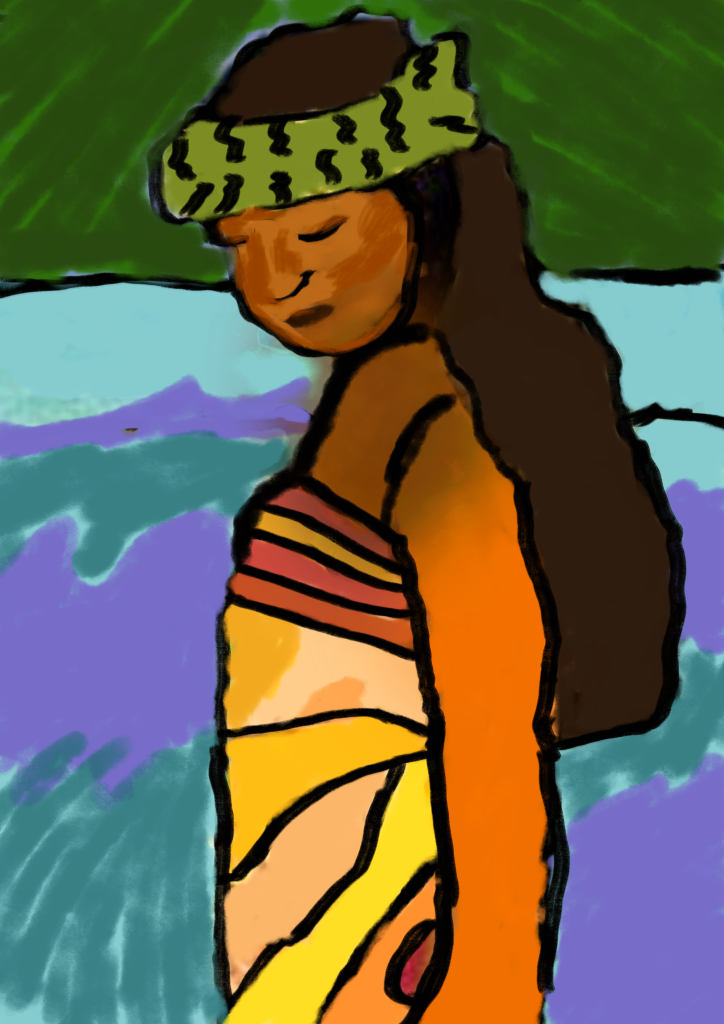
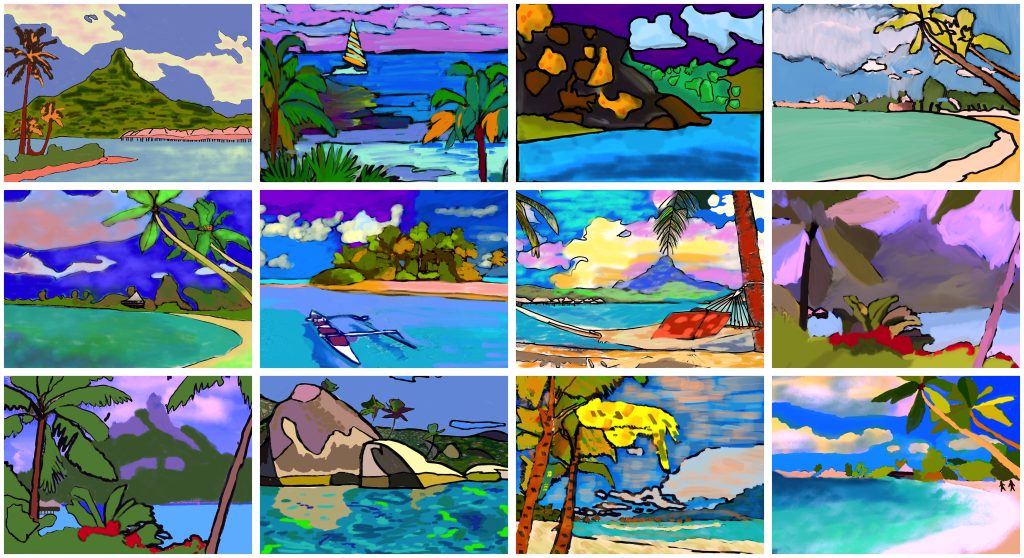
最后,我们精修细节,并确保整体构图和谐、富有表现力。最终成果是一系列鲜活的数字图像,每幅风景皆升华为一种内在视觉。我们真正理解了高更那句名言的含义——他所画的并非眼中所见,而是心中所感。通过本次工作坊,我们掌握了完整的图形工作流程:从参考图像的选择,到图层管理,再到色彩调控。这段经历向我们表明:技术若被审慎运用,便能增强表现力,为我们提供表达情感的全新路径——以别样的眼光观照世界,一如过往的伟大艺术家。
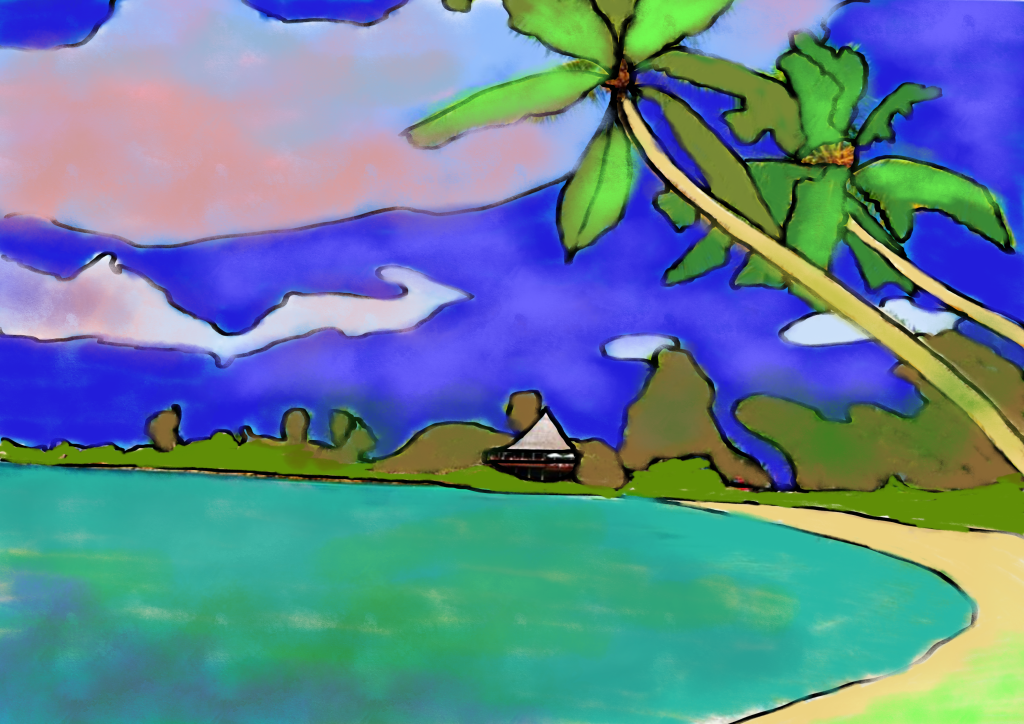
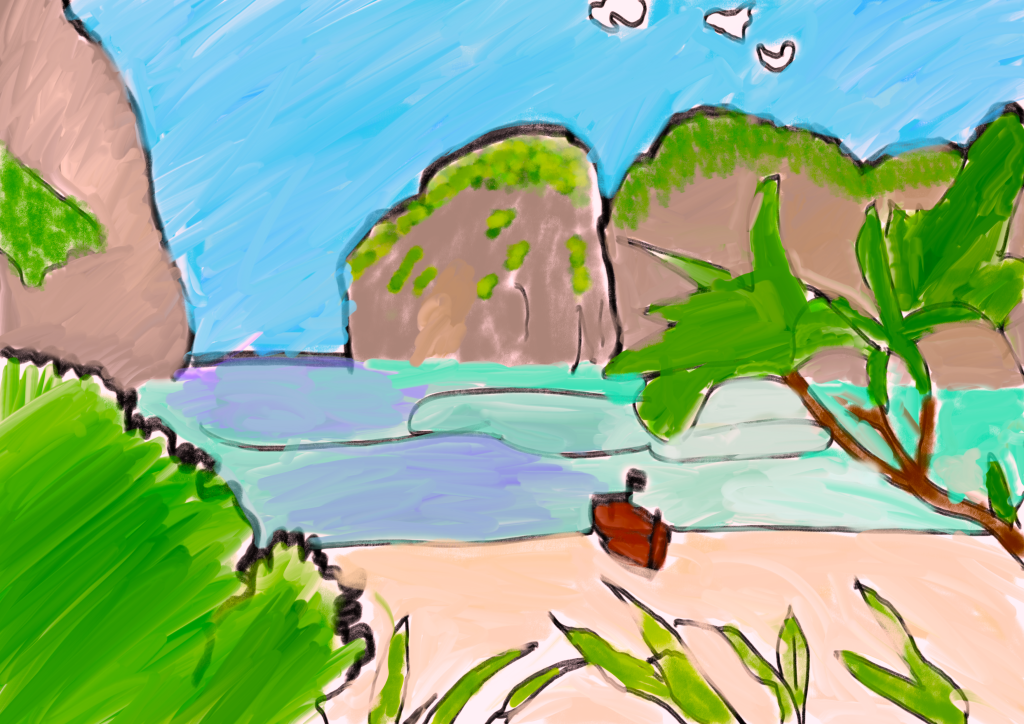
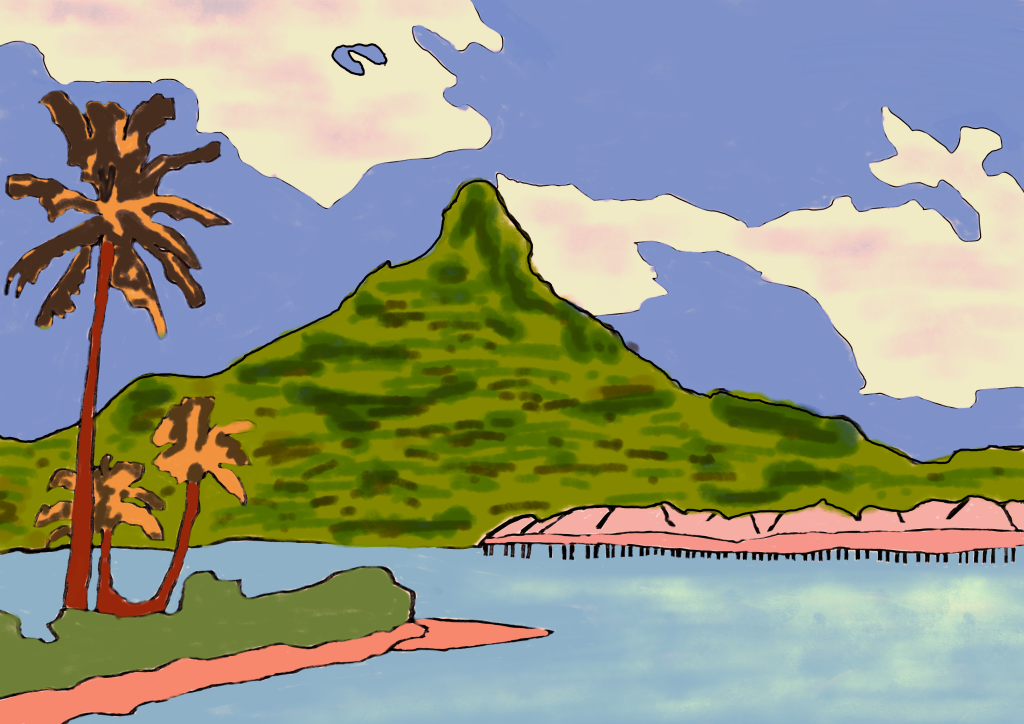
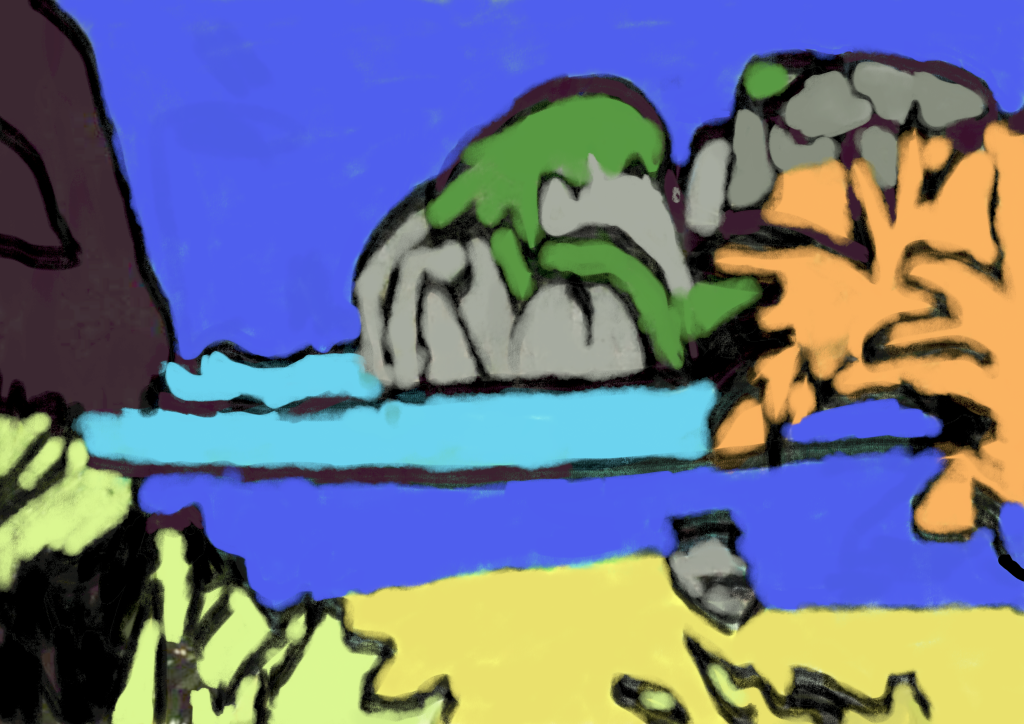
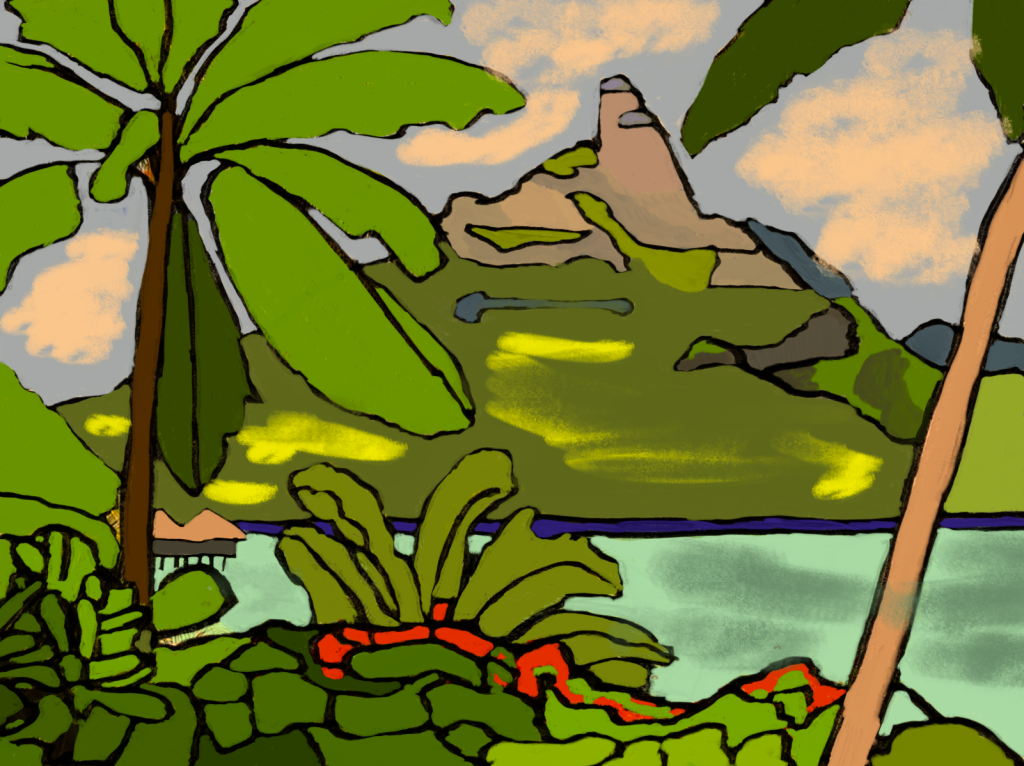
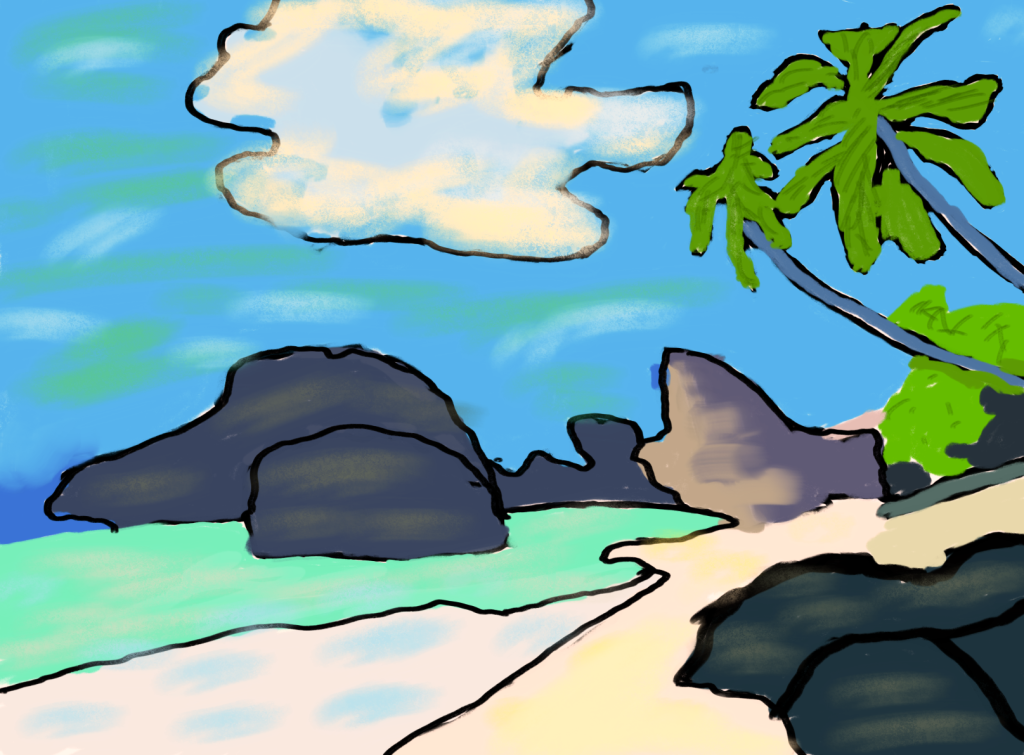
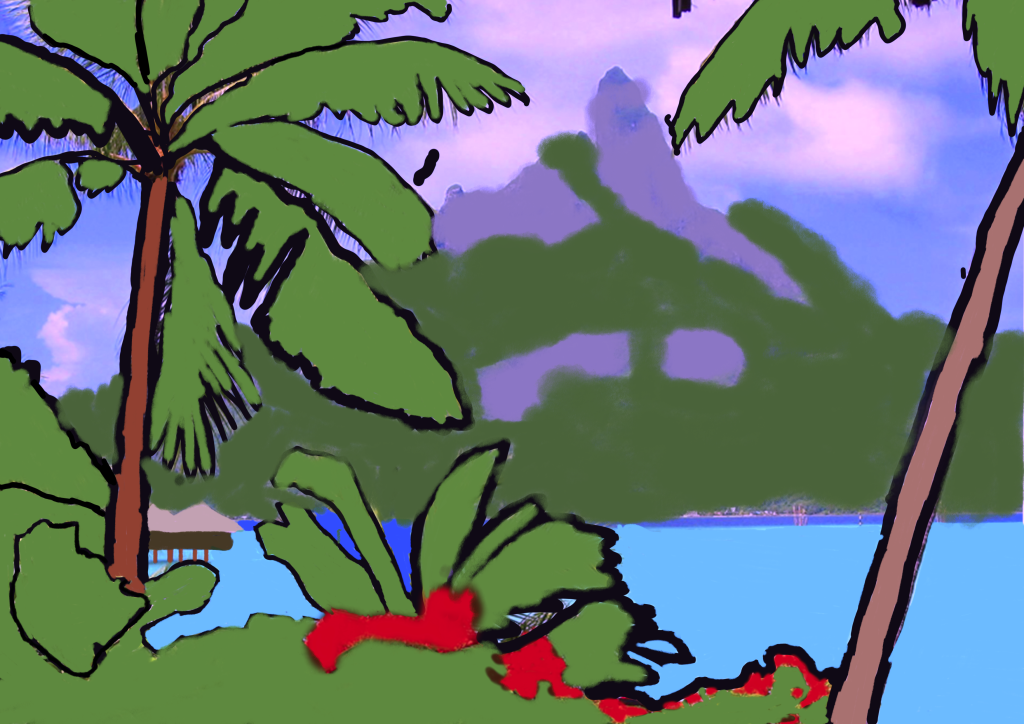
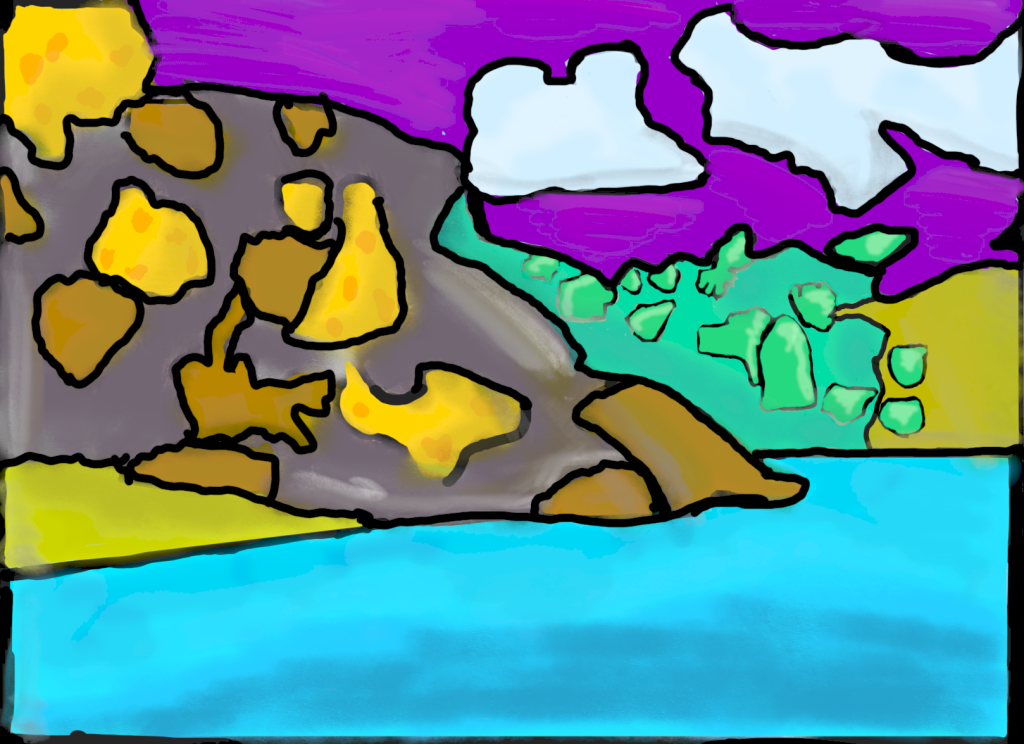
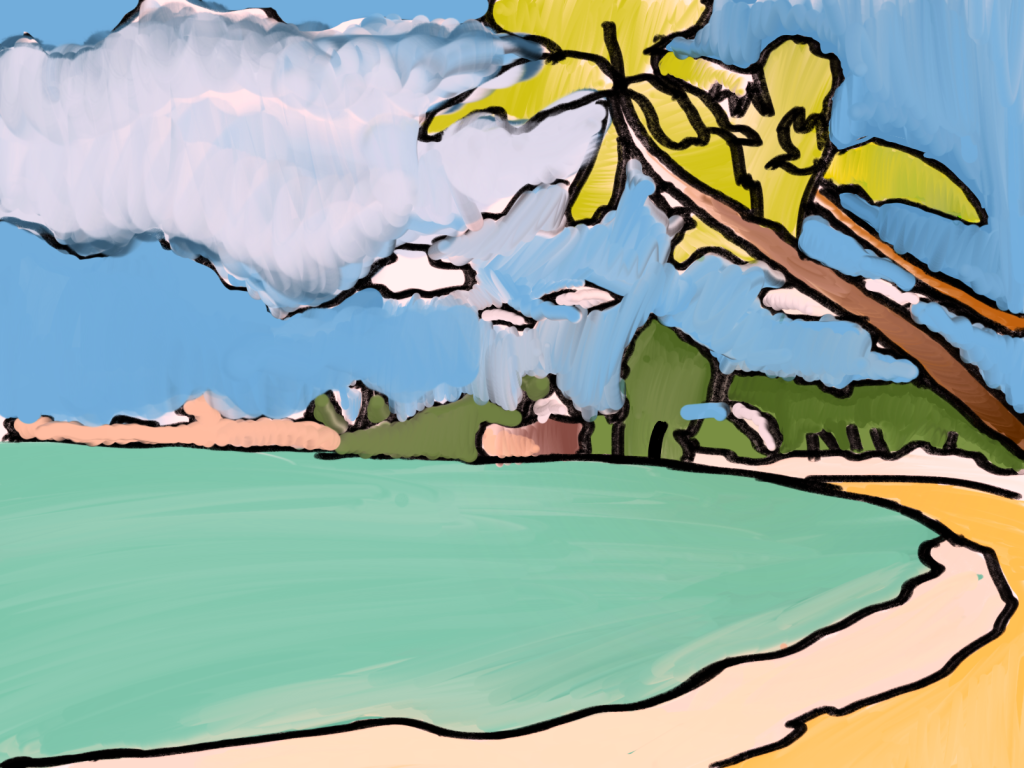
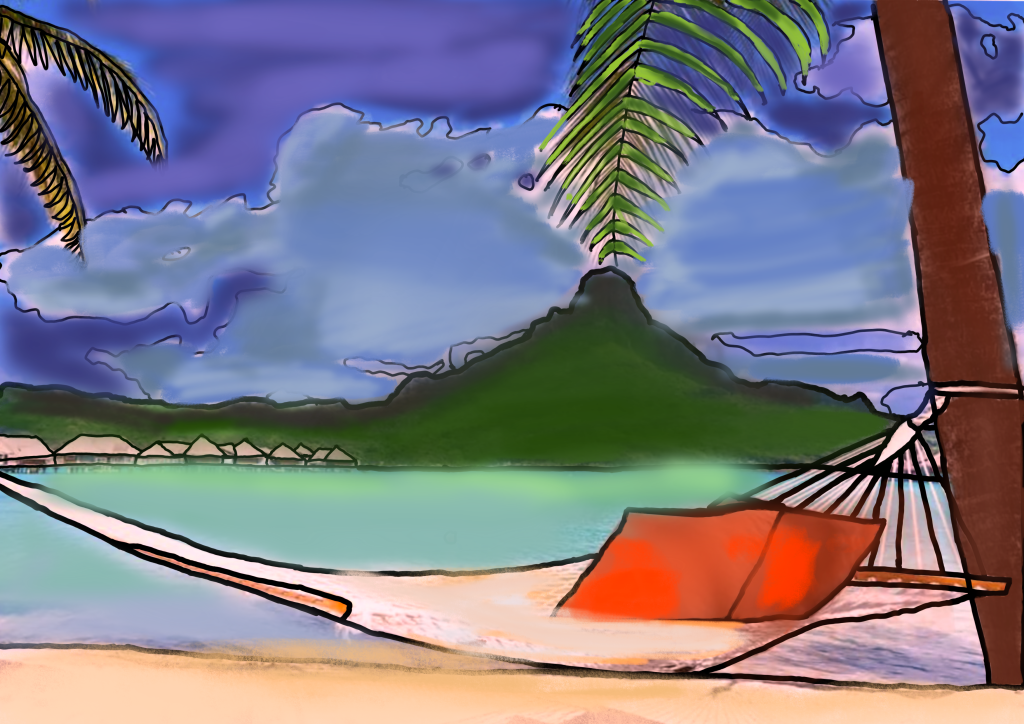
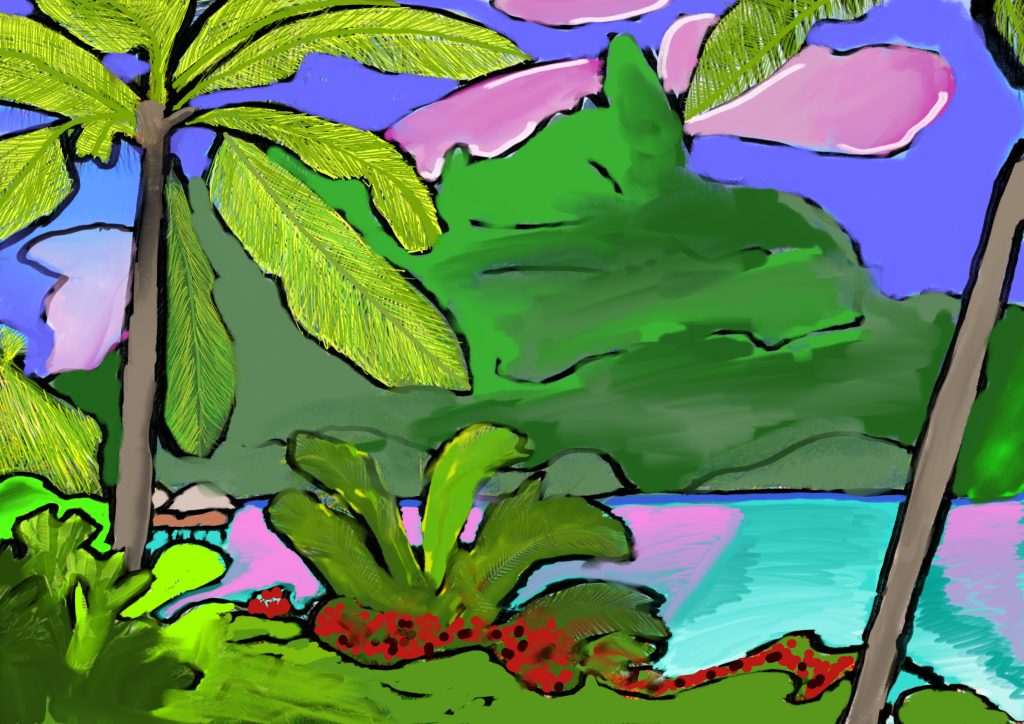
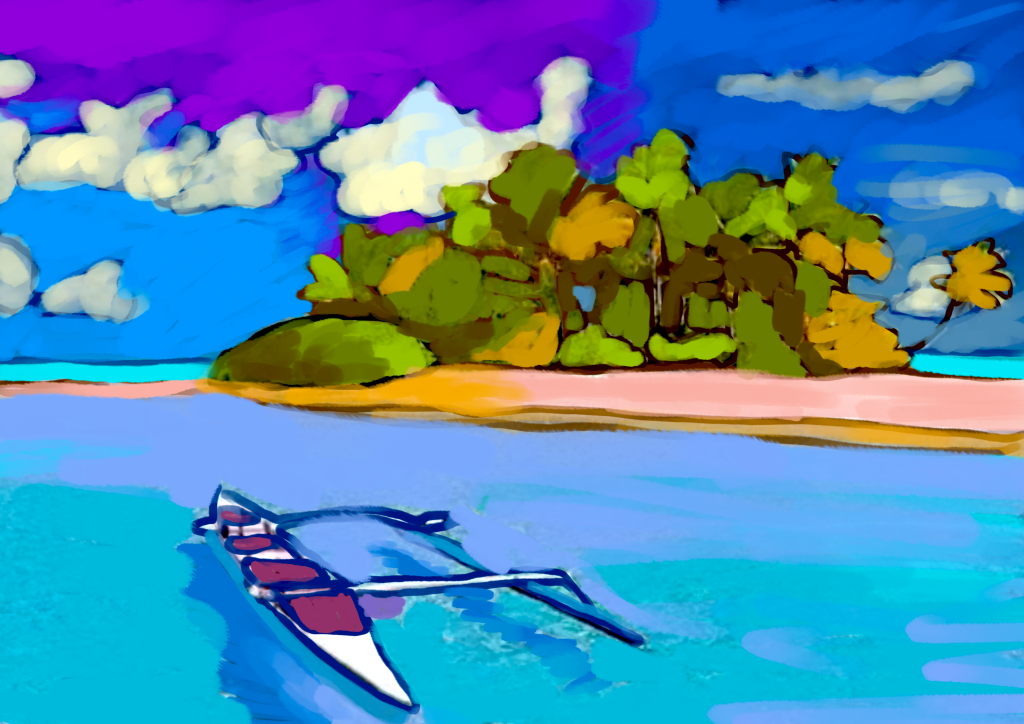
In this workshop, we let ourselves be inspired by the rebellious and visionary figure of Paul Gauguin. We explored how the artist spent his life searching for an untainted purity in the South Seas, translating his emotions into non-naturalistic colors and synthetic forms. Through this activity, we developed digital skills applied to art, learning to observe reality and then reinterpret it subjectively. Our goal was not to copy the real world, but to express what we feel, focusing on visual simplification and the expressive use of technology.
Required Materials:
- iPad or tablet
- Sketchbook App
- Apple Pencil or capacitive stylus
- Photographs of tropical landscapes
We started by choosing a photograph of a tropical landscape with a striking composition. After importing it into Sketchbook, we created a new layer above the image. Using a sharp, precise black line, we began to simplify the shapes. We removed unnecessary details to focus only on the main outlines, just as Gauguin did with his synthetic style.
For sharp outlines, the best brush is the Technical Pen with 100% opacity and a medium-thin size: this allows us to close the shapes perfectly without any blurring. We organized the layers panel hierarchically. The base layer was our reference photo, and we lowered its opacity to see it in transparency so it wouldn’t distract us while drawing. Above it, we created a layer for the black outlines: keeping the lines separate from the colors allowed us to fix mistakes without erasing what we had already colored.
Once the structure of the drawing was defined, we moved on to the most creative phase: color interpretation. We worked on separate layers to better manage the different areas of the landscape. Instead of using the real colors from the photo, we chose flat fills and saturated tones that reflected our tastes and emotions, leaving behind realistic shading.
Experimenting with different digital brushes, we applied the color evenly, aiming to create vivid contrasts between different areas of the picture. We discovered that by changing saturation and brightness, we could completely transform the atmosphere of the original landscape, turning it into a magical and personal place.
Finally, we refined the details and ensured the overall composition was harmonious and communicative. The end result is a series of vibrant digital images, where each landscape has become an inner vision. We truly understood what Gauguin meant when he said he didn’t paint what he saw, but what he felt. Through this workshop, we learned to manage a complete graphic workflow: from choosing a reference to layer management and color modulation. This experience showed us that technology, when used mindfully, enhances expressiveness and offers new ways to communicate our emotions, looking at the world through different eyes—just like the great artists of the past.