为联合国2030年议程创作定格动画
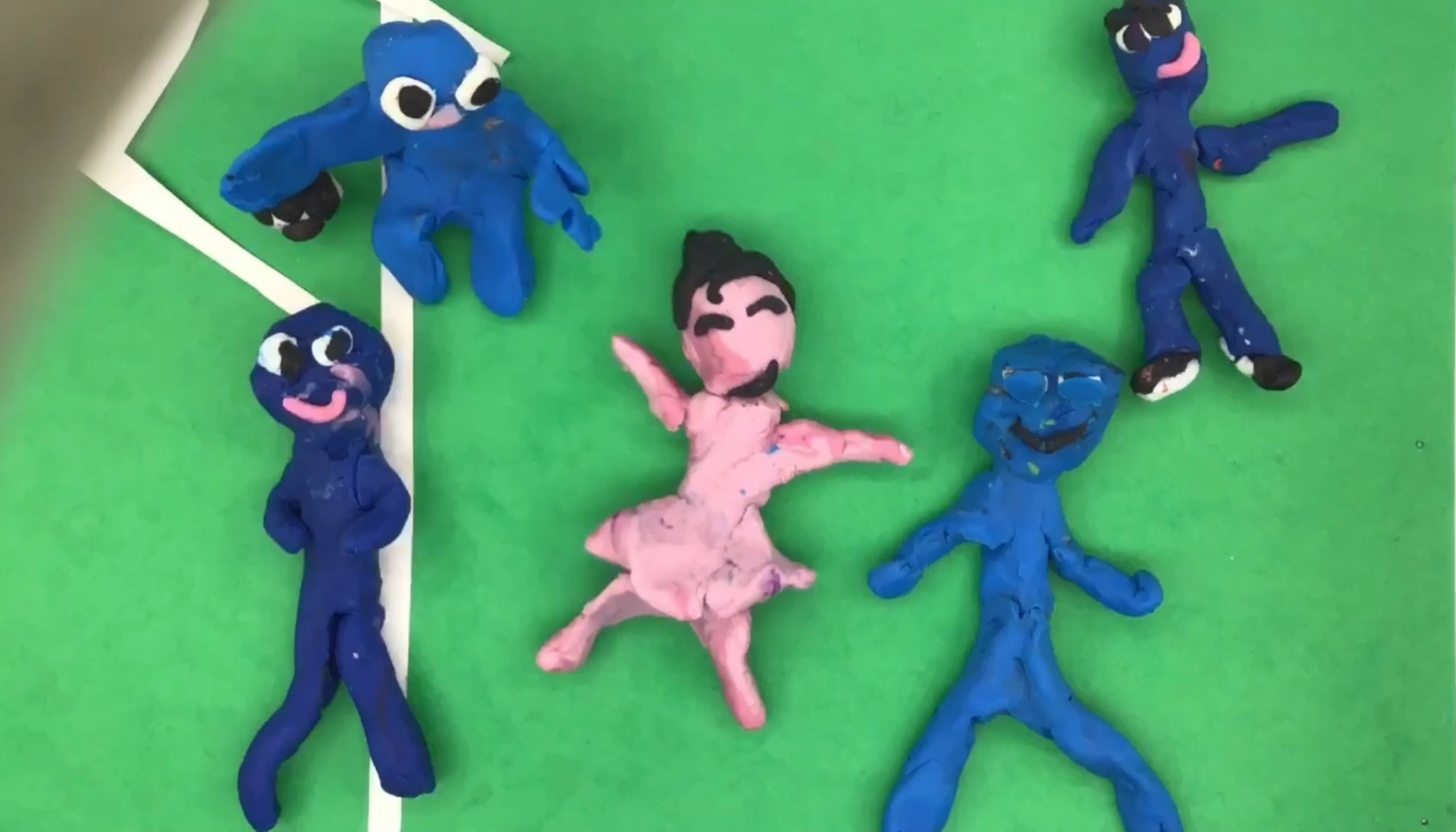
今年,我与六年级学生共同参与了由Agiscuola Tre Venezie发起的一项项目,该项目旨在推动视听技术在校内教学中的应用。该项目名为“AnimeSmart助力2030年议程:动画电影作为公民教育与促进更公平世界之工具”,要求学生围绕联合国2030年议程的各项目标,创作短片定格动画(STOP MOTION)视频。以下是我们的作品:
我们如何制作这些动画?在与学生共同讨论联合国2030年议程所提出的17项目标中哪些最令他们感兴趣之后,我们选定第5项目标与第10项目标作为两部短片的主题。第5项目标聚焦“性别平等”,第10项目标为“减少不平等”。
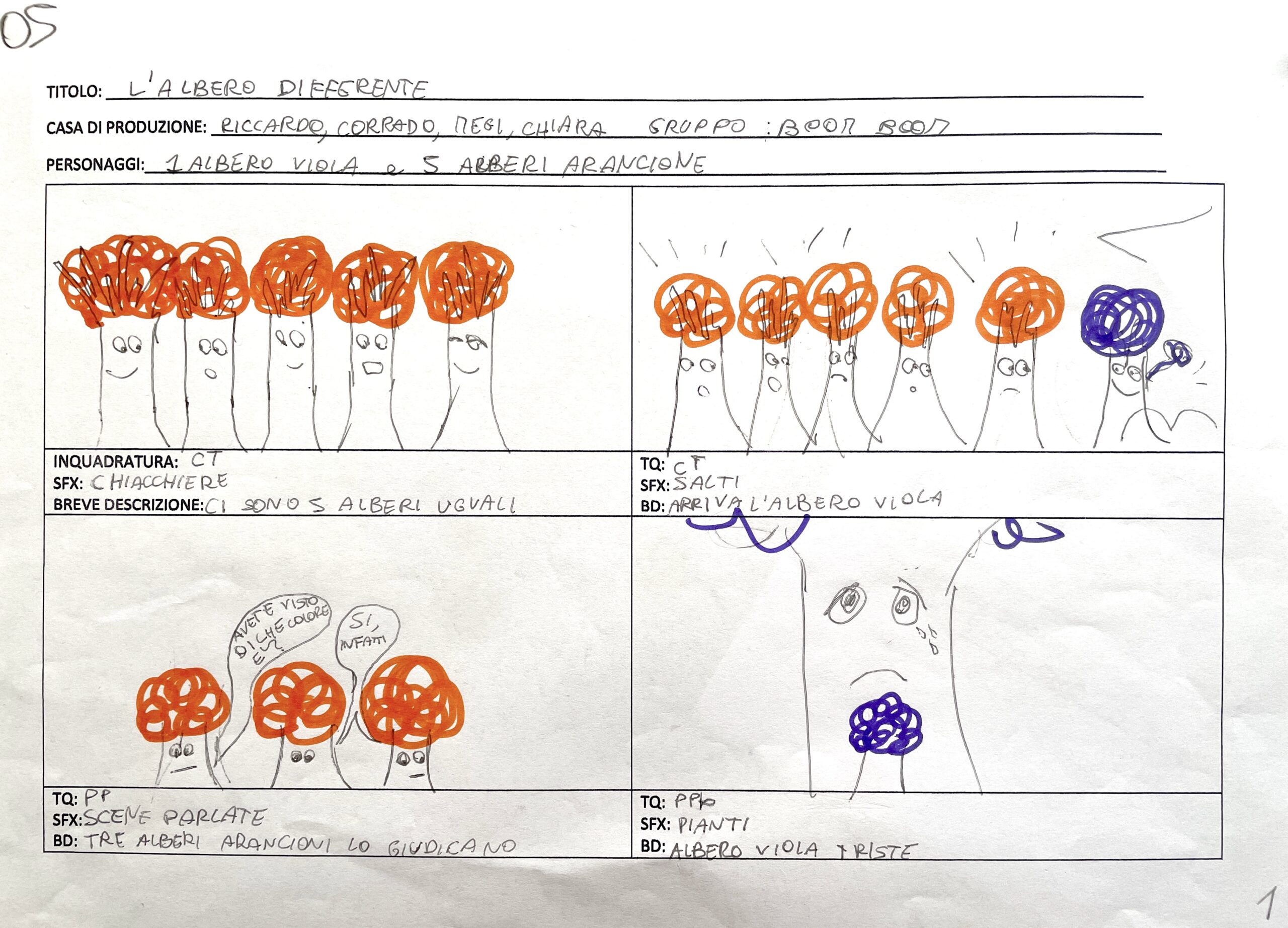
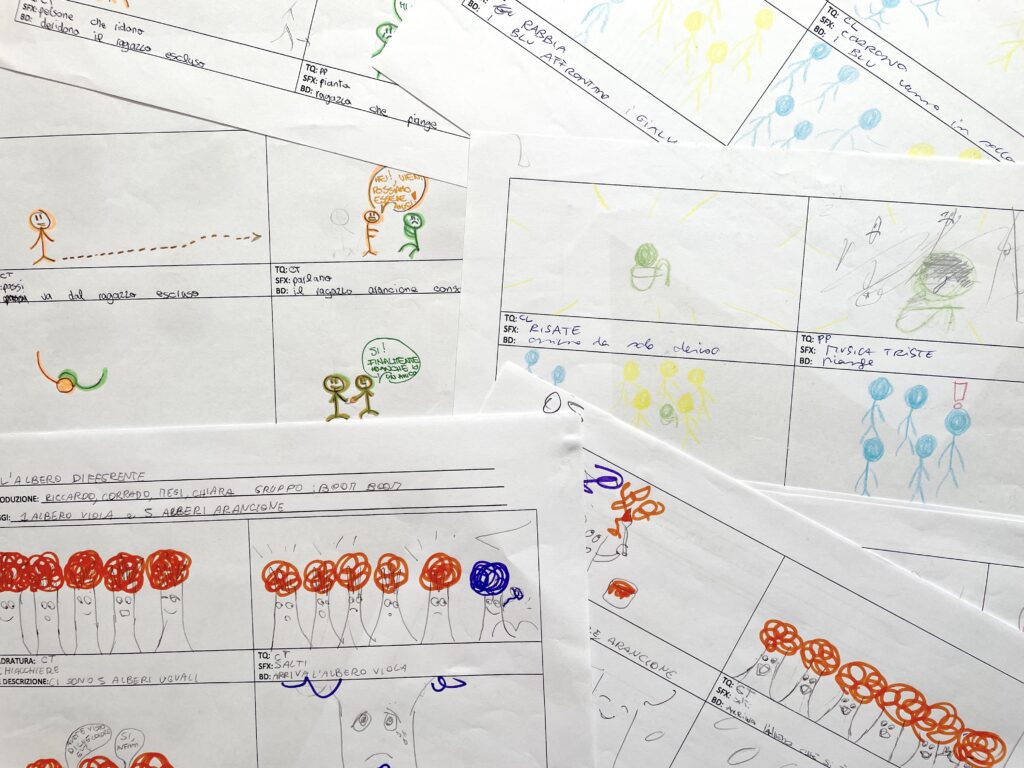
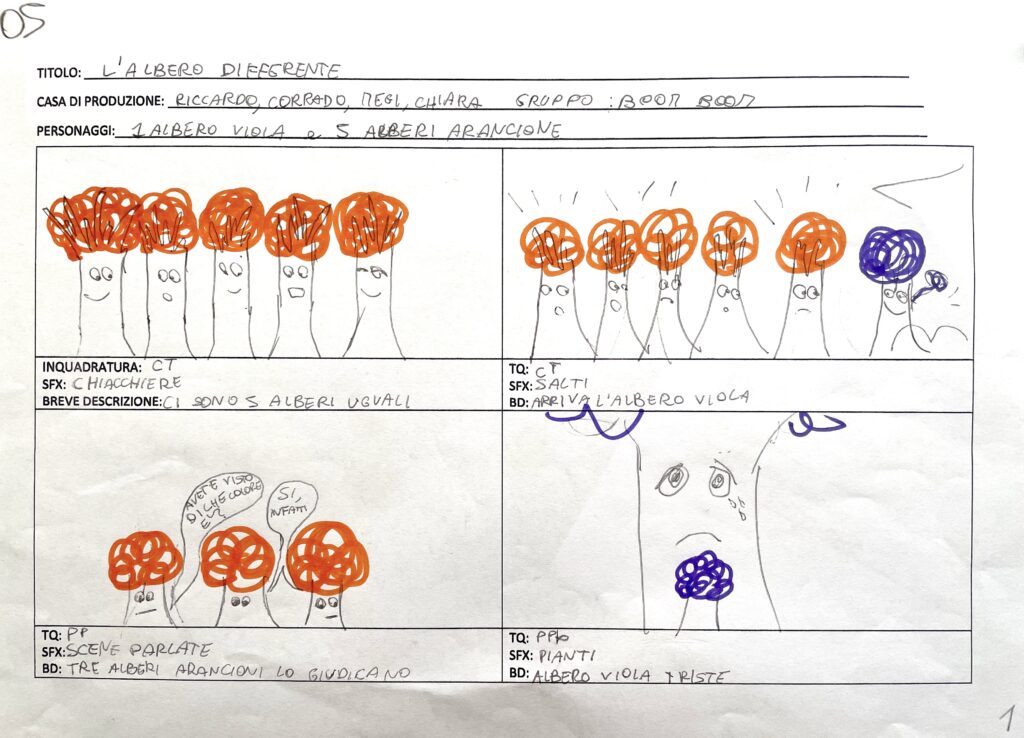
插画与动画专家CRISTINA QUETTI(参见其Youtube频道与Instagram主页)带领我们探索动画电影及其魔力。首先,我们共同确定创作重点;随后,学生分为四至五人一组,每组构思一个简短故事。为完成视频制作,专家向我们阐明:分镜脚本(STORY BOARD)是任何多媒体产品创作中不可或缺的工具。以下为学生绘制的分镜脚本示例,含镜头、场景描述及所需音效与配音:
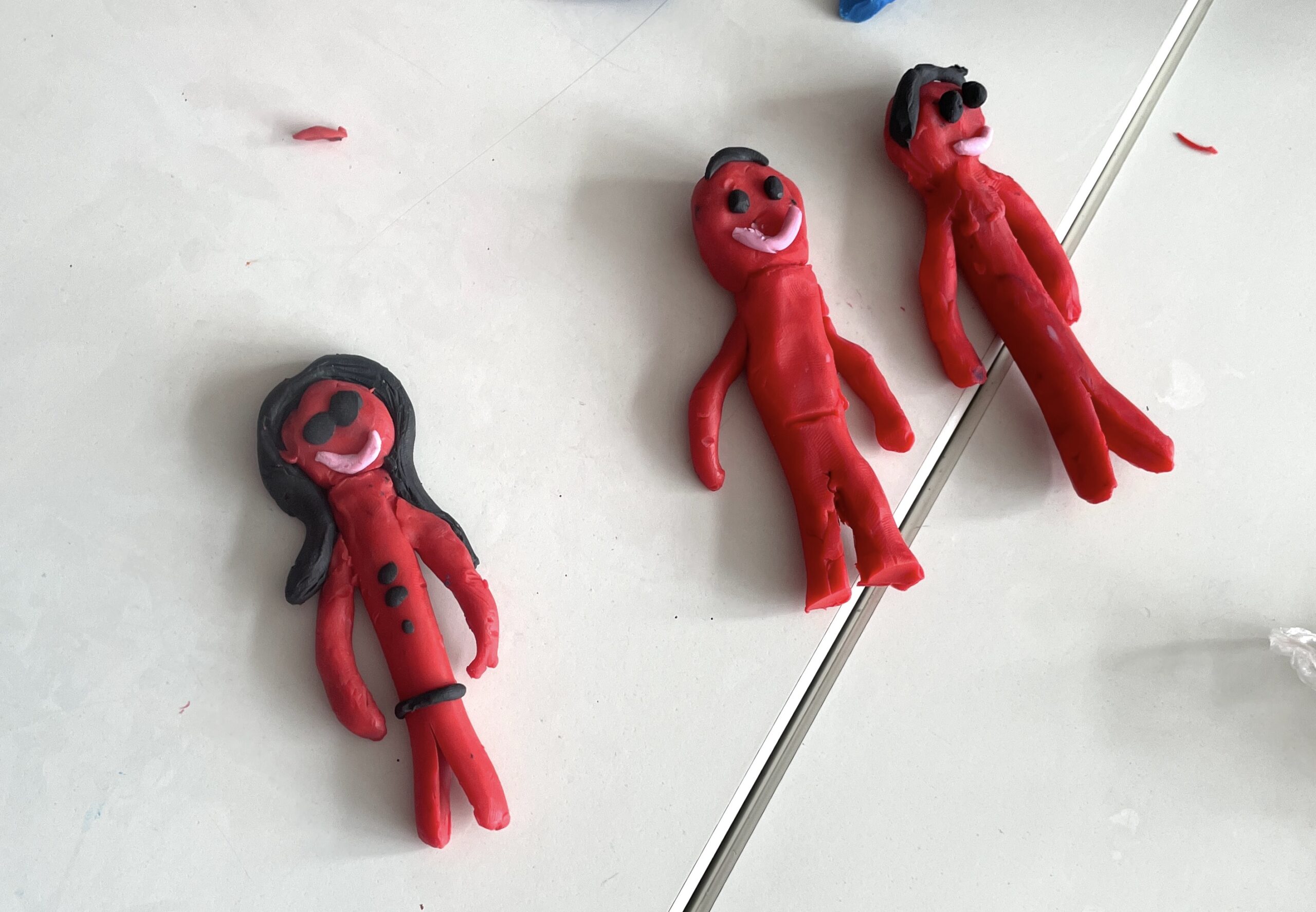
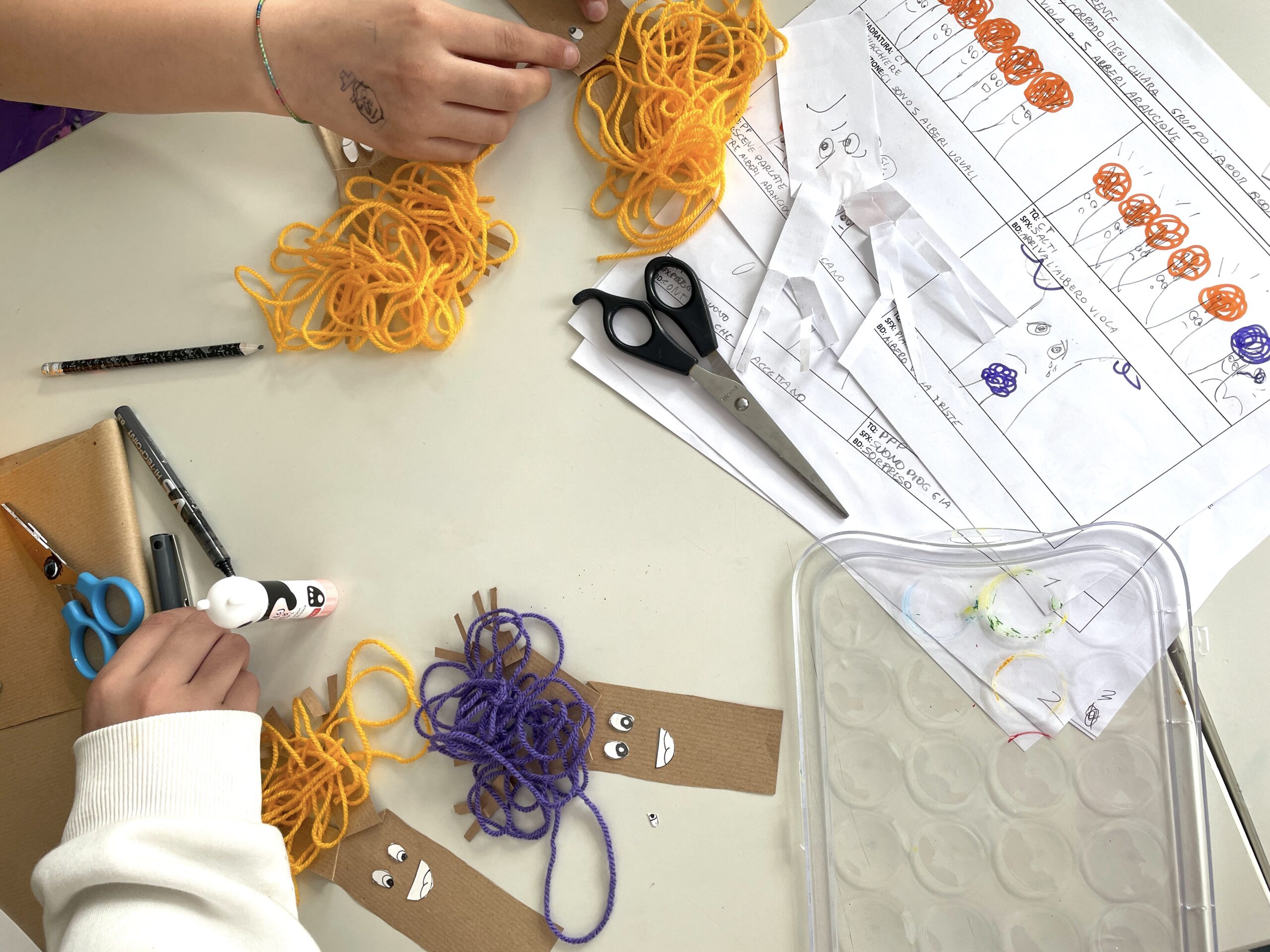
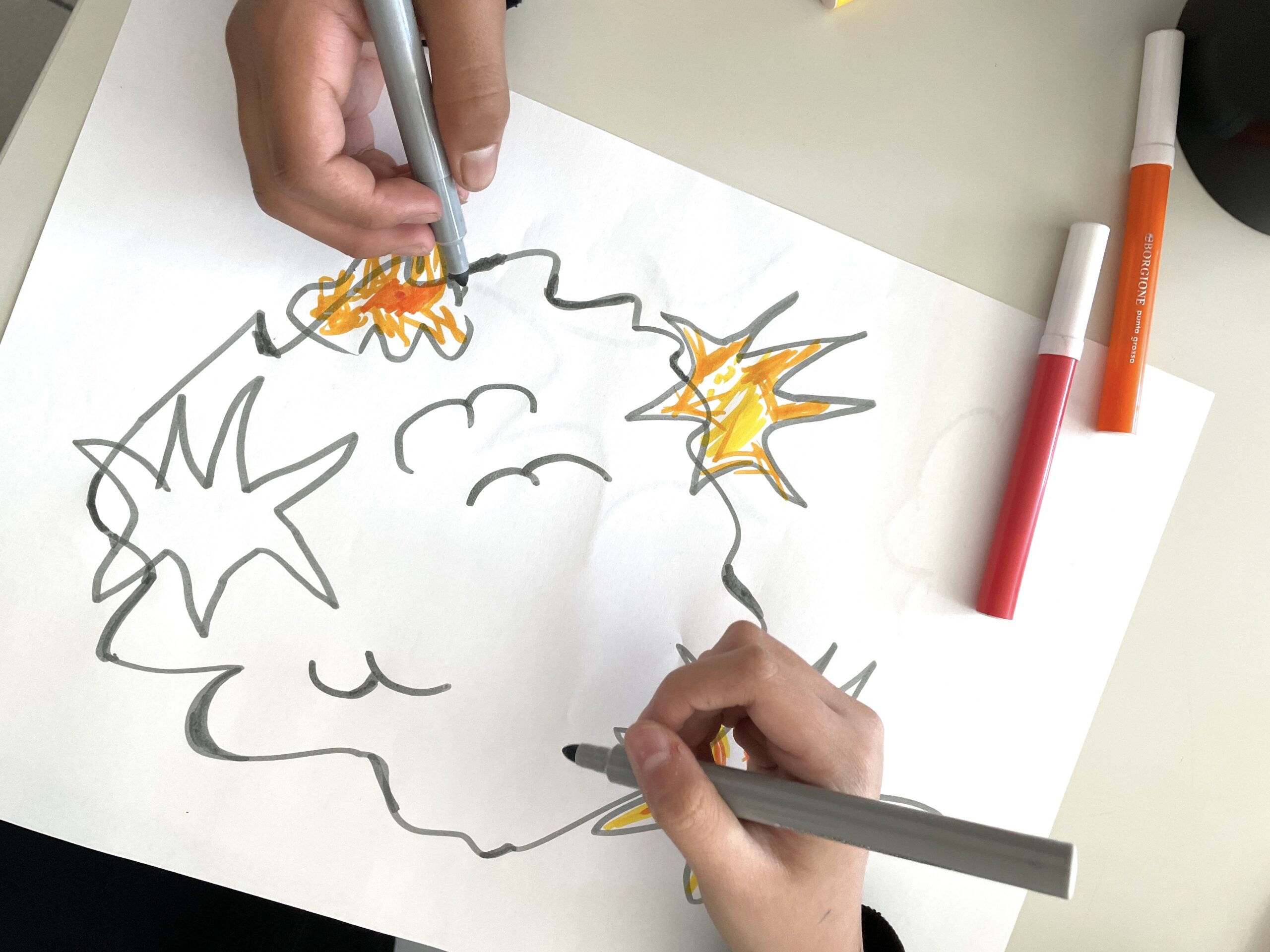
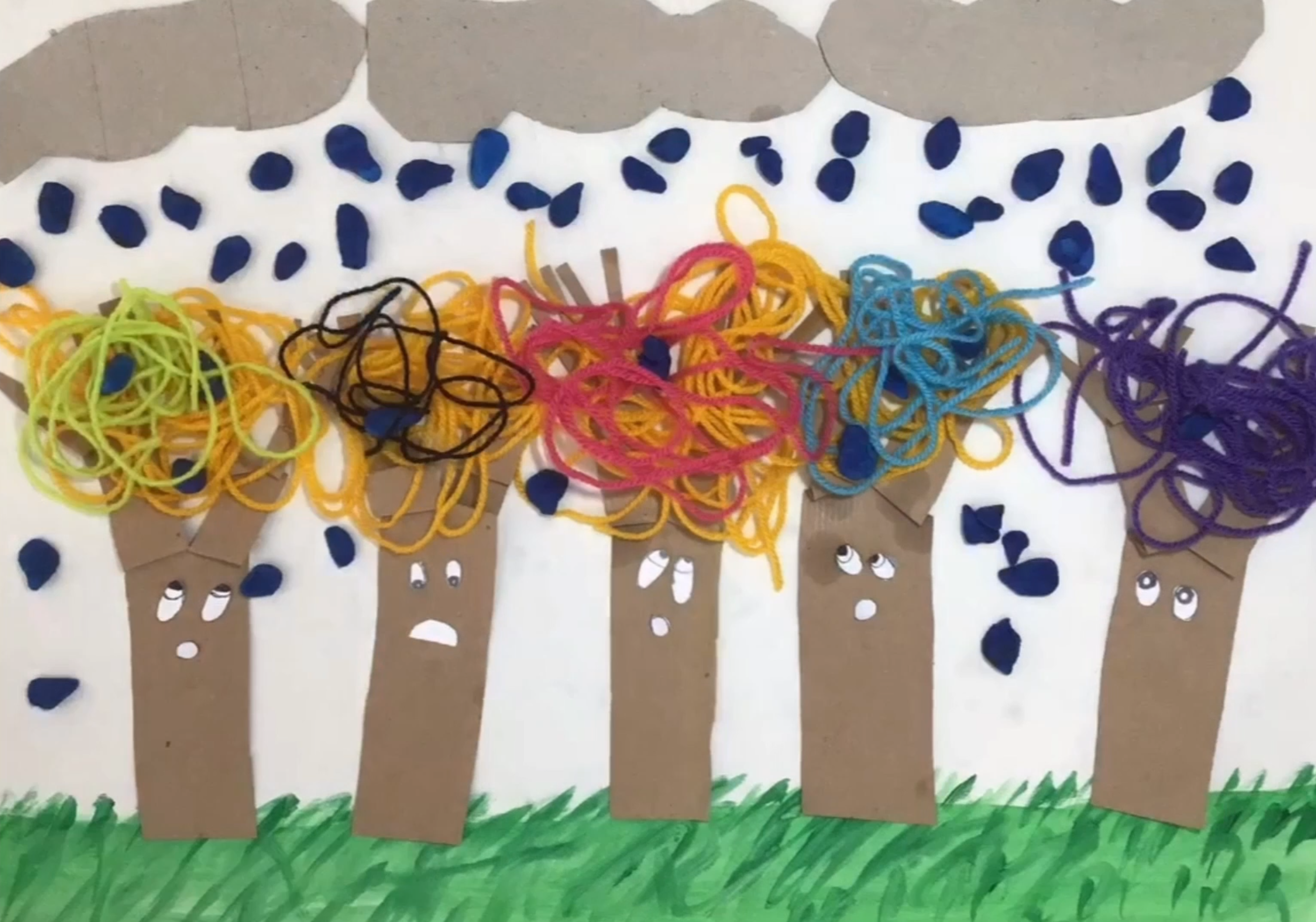
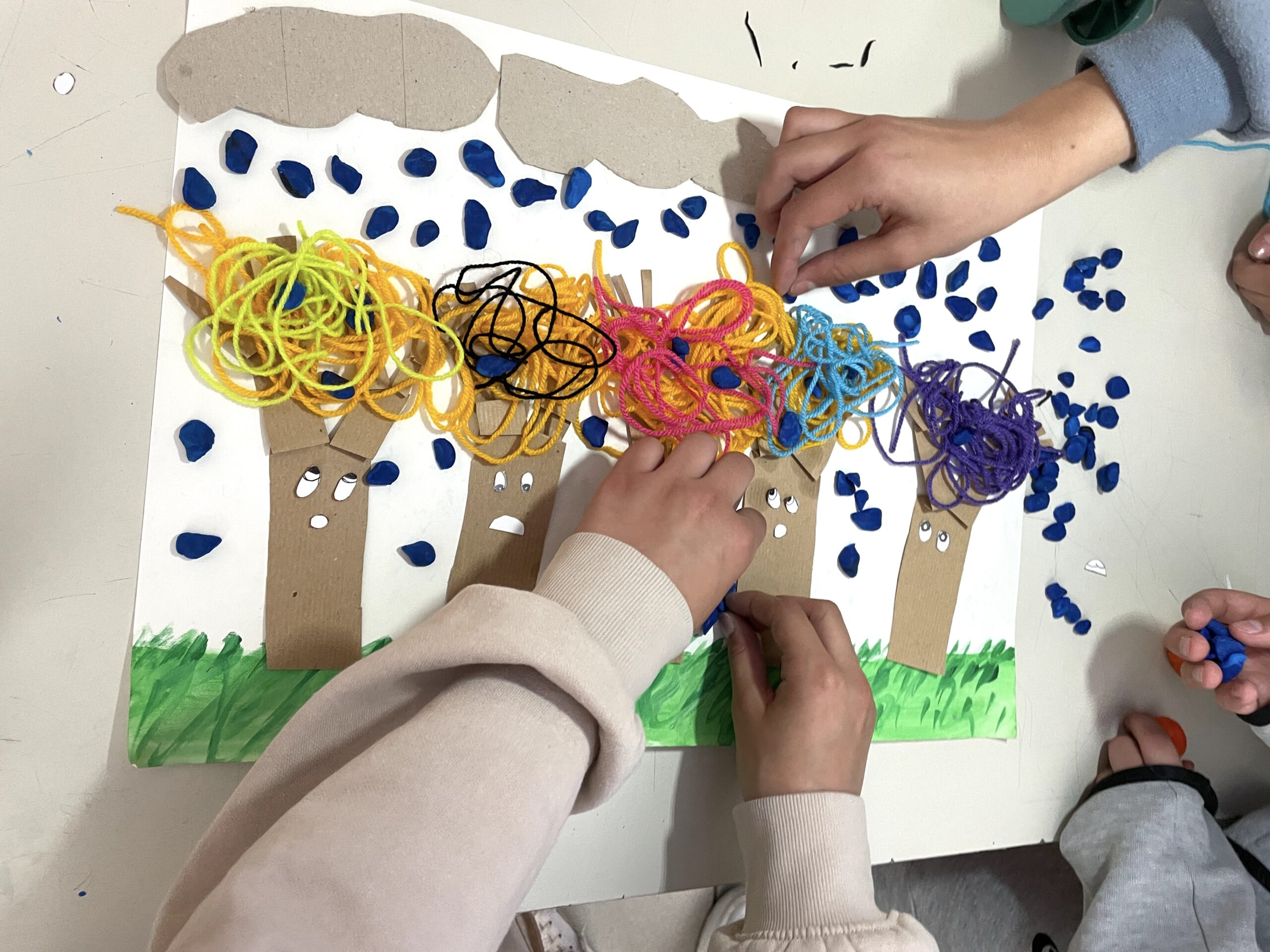
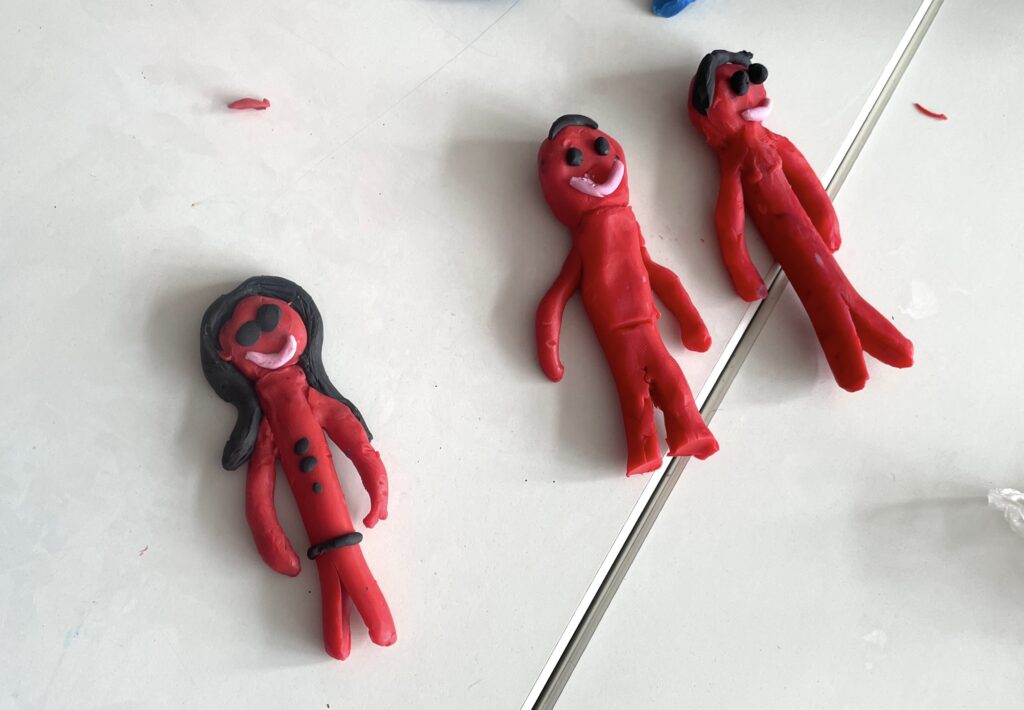
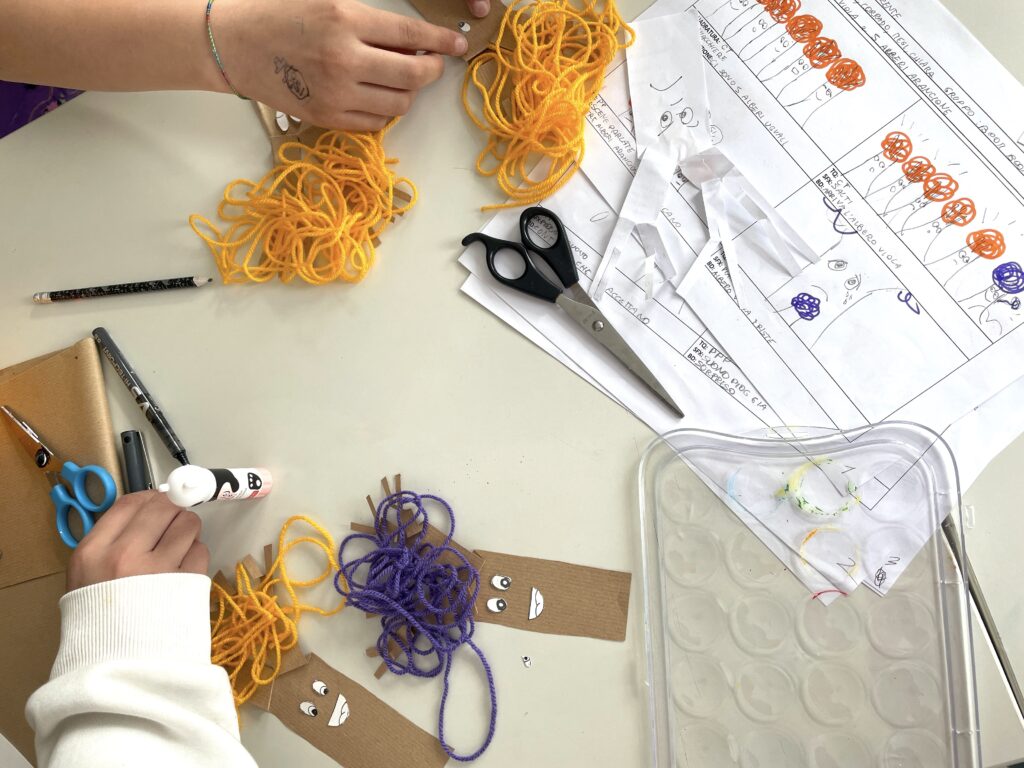
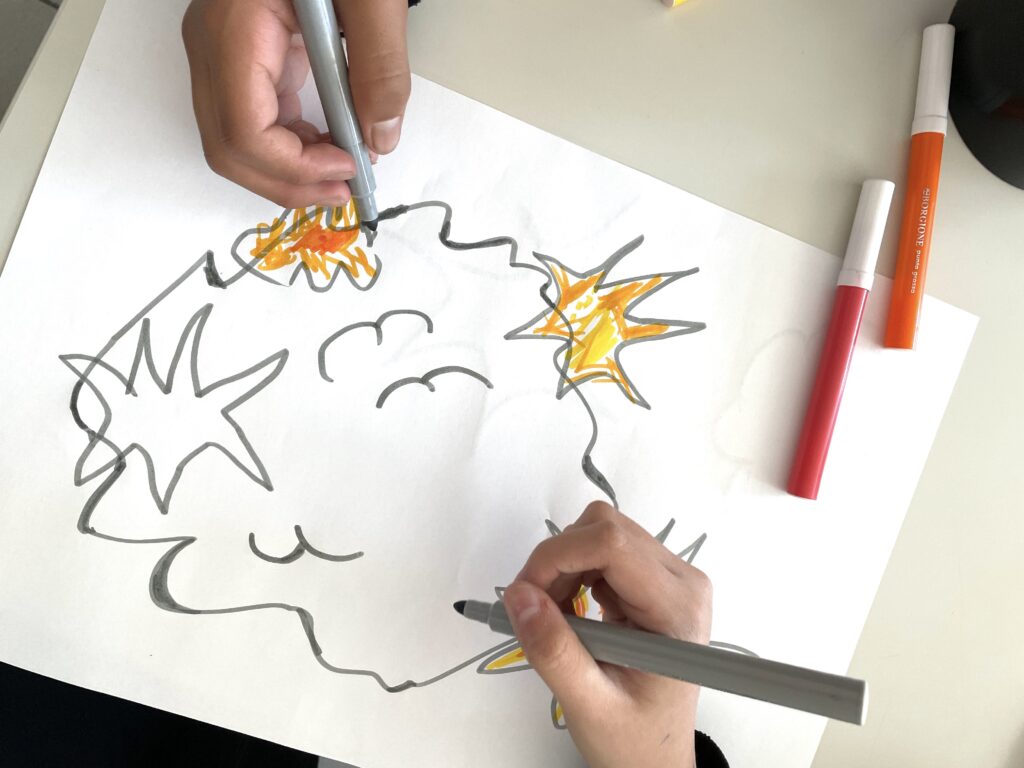
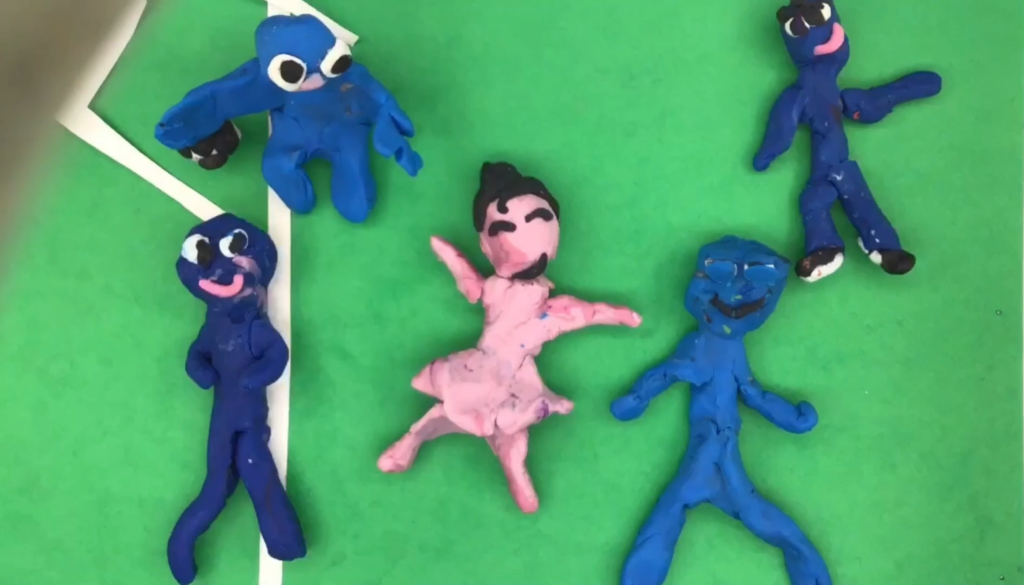
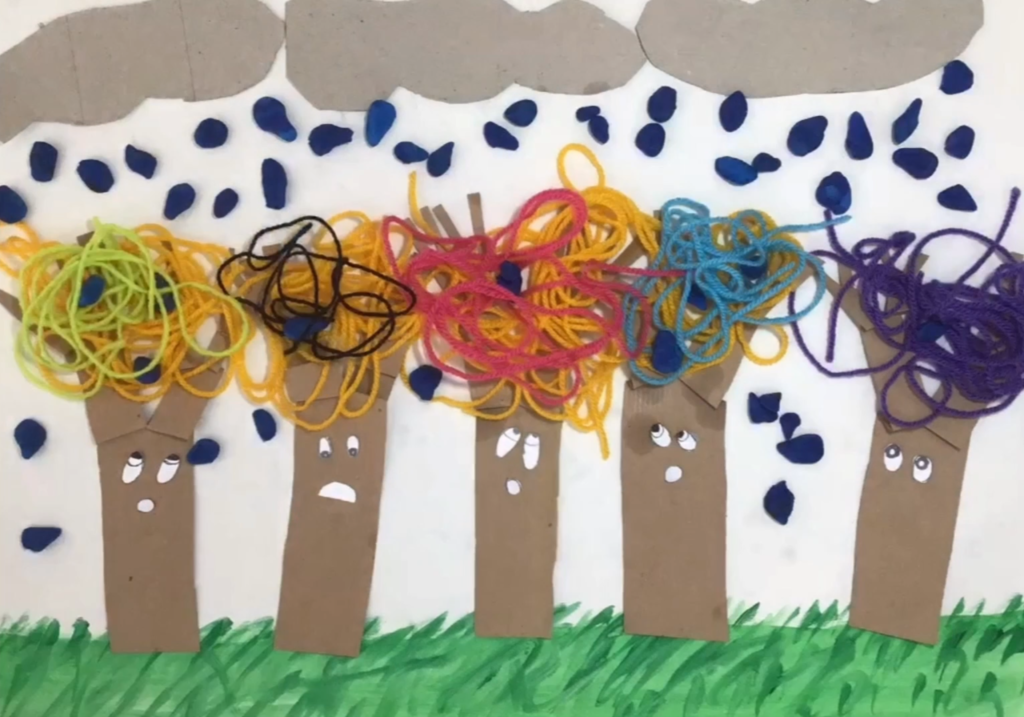
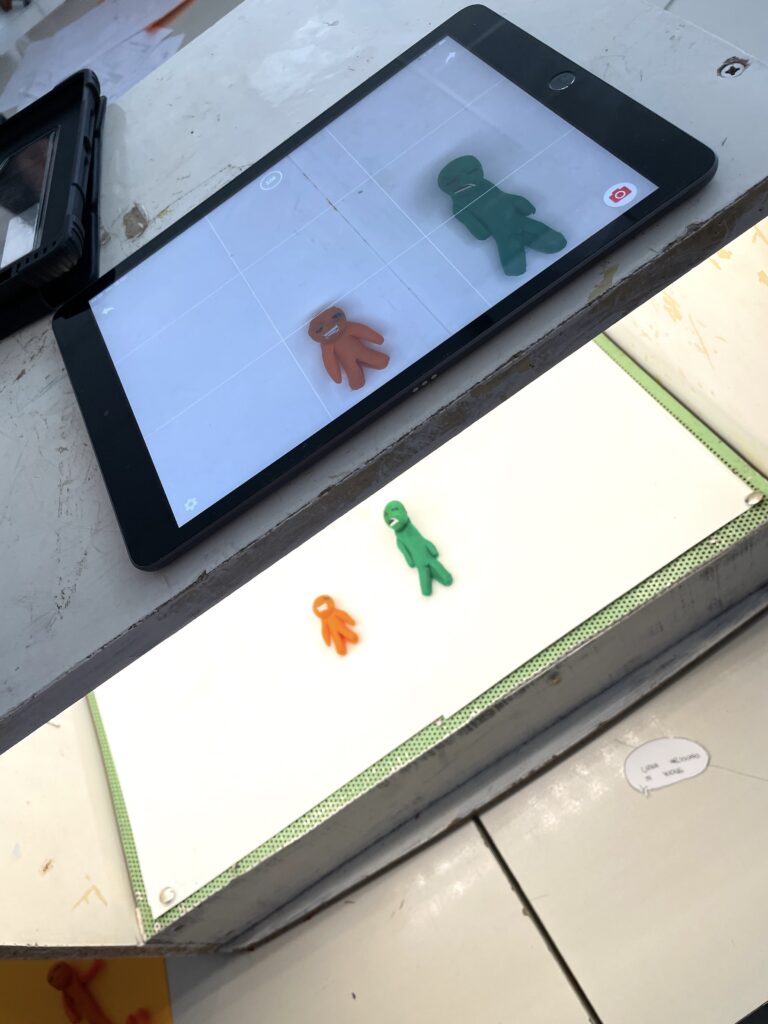
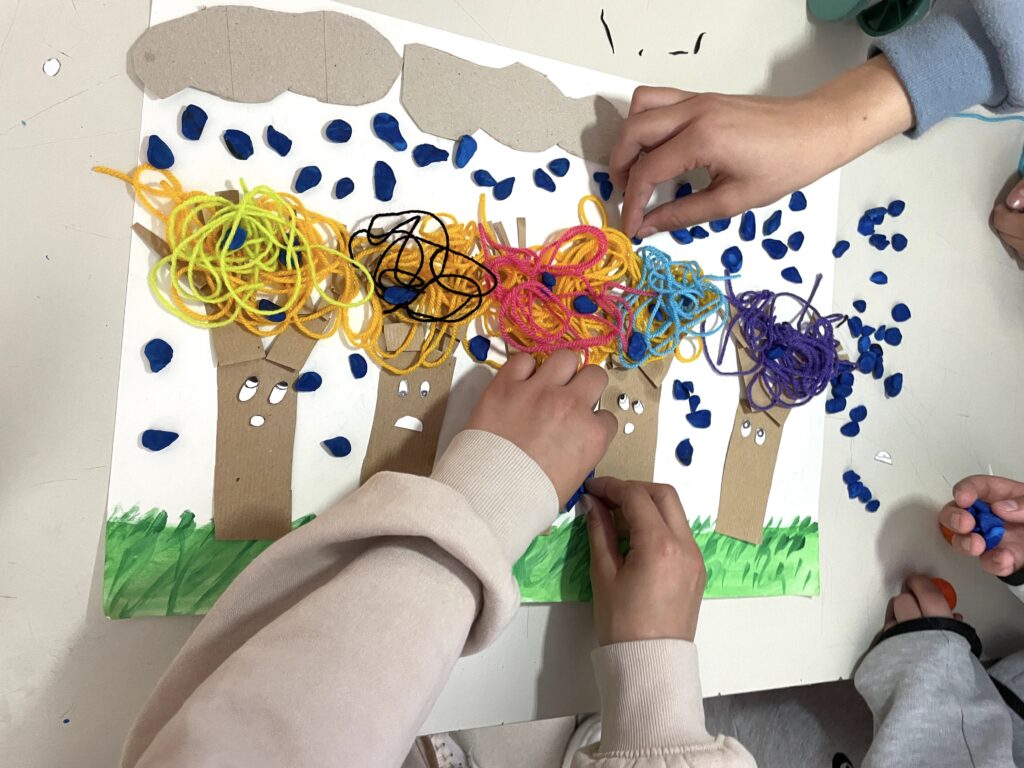
随后,各小组使用橡皮泥或纸张制作定格动画角色,并通过手绘与彩色卡纸搭建各场景背景。布景准备就绪后,我们按顺序逐帧拍摄,每次拍摄均微调角色位置。
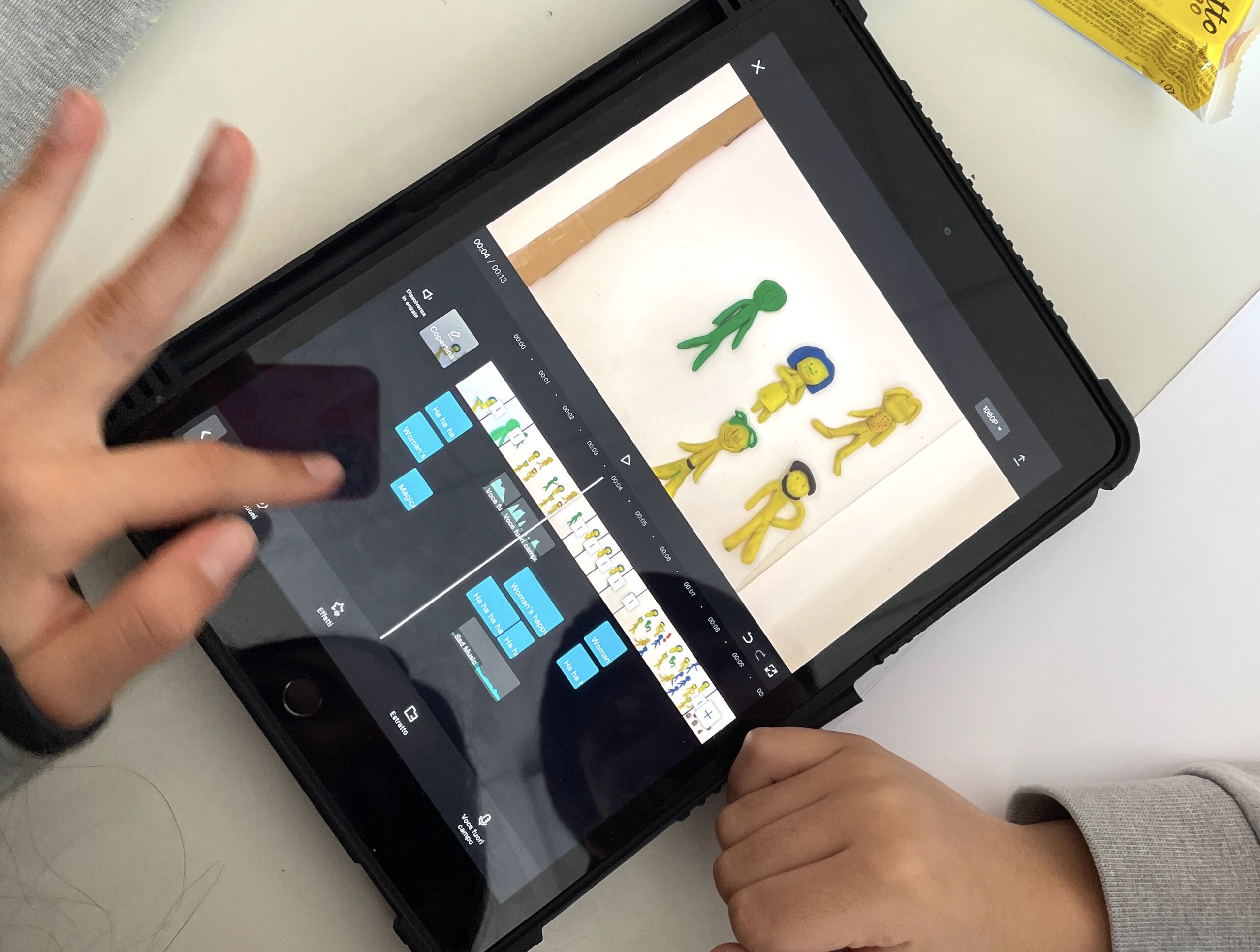
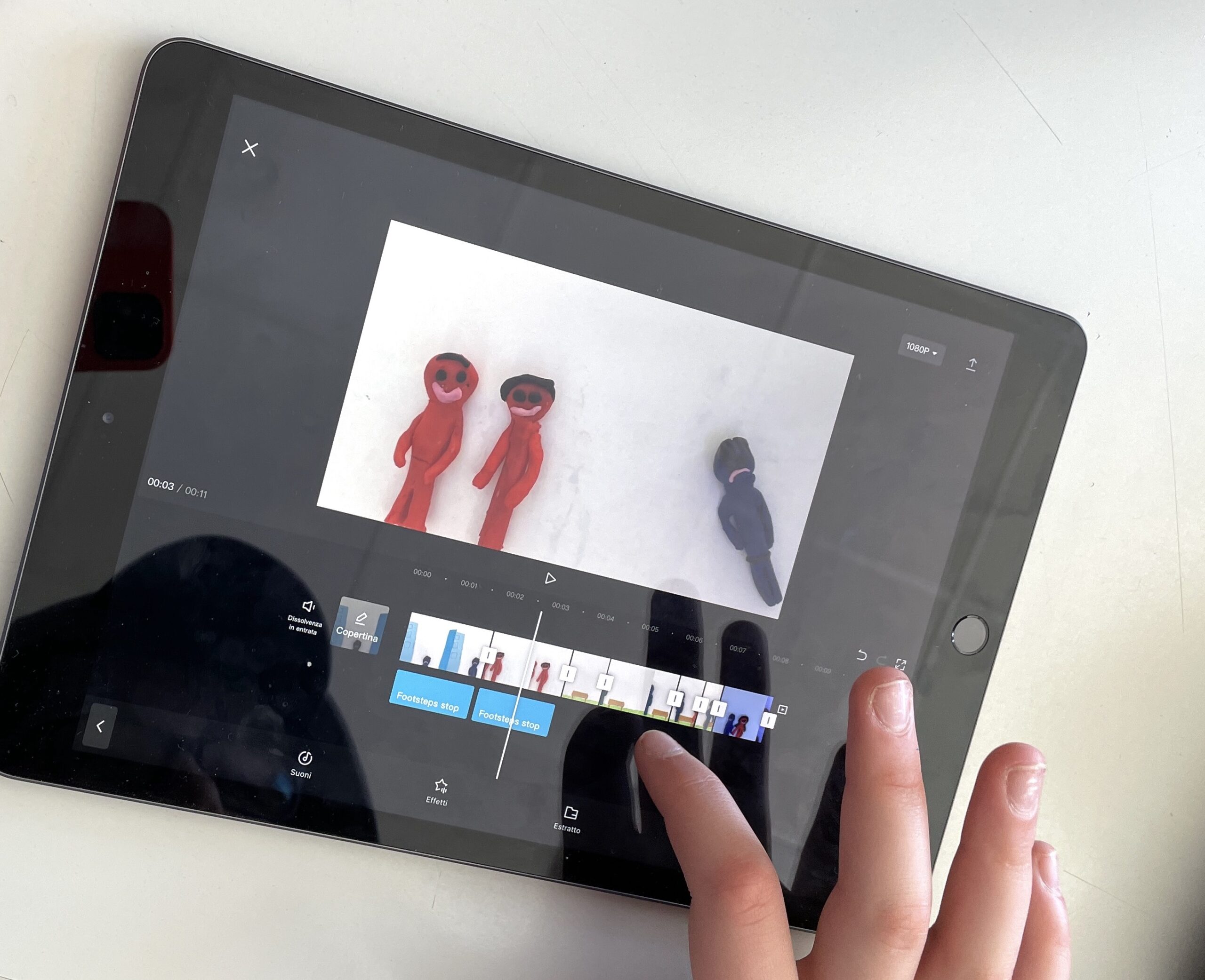
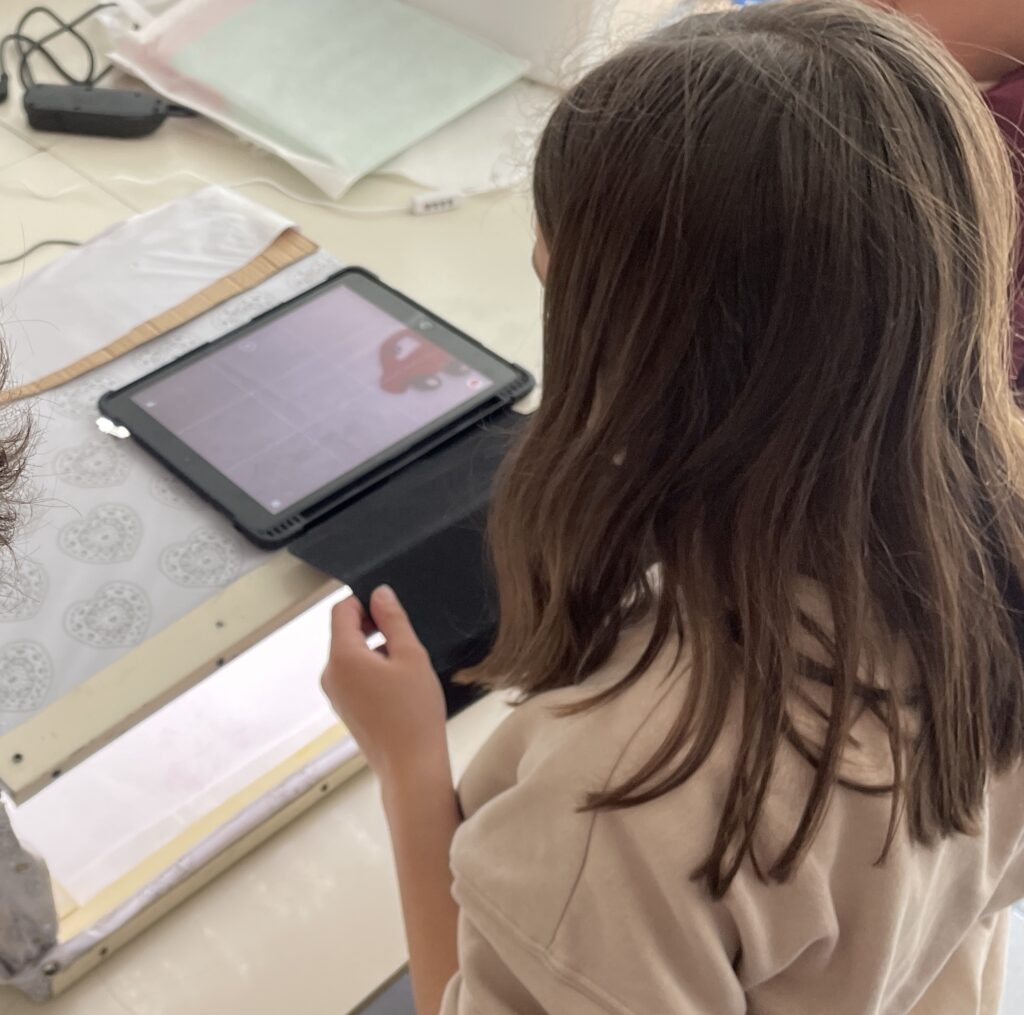
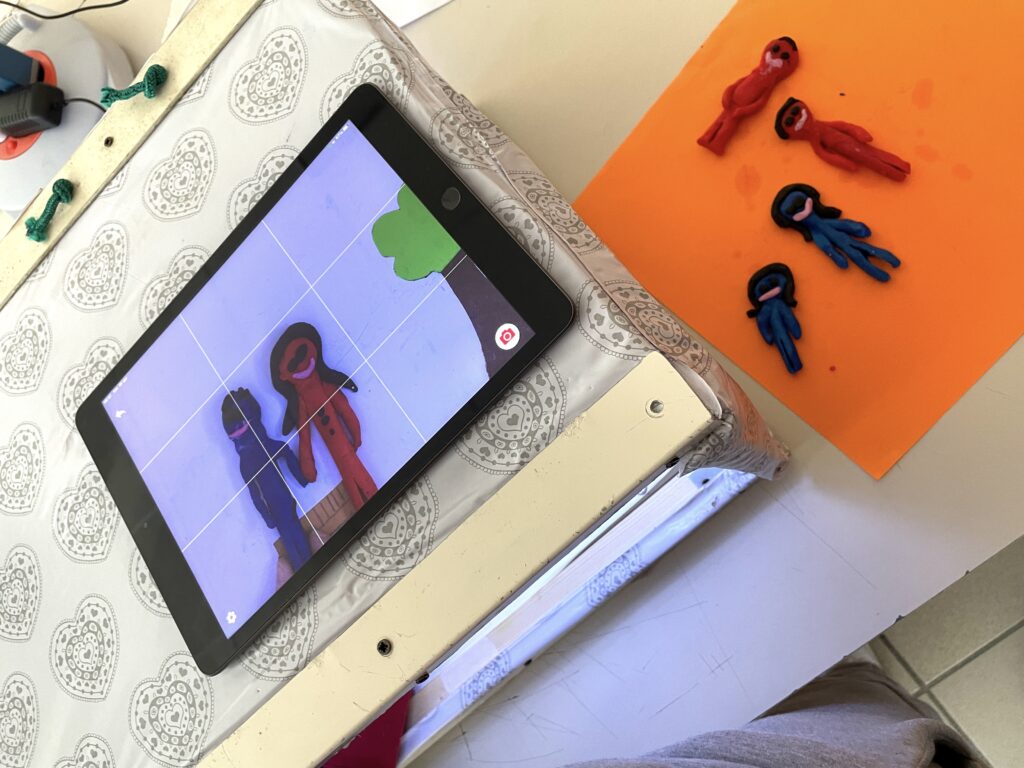
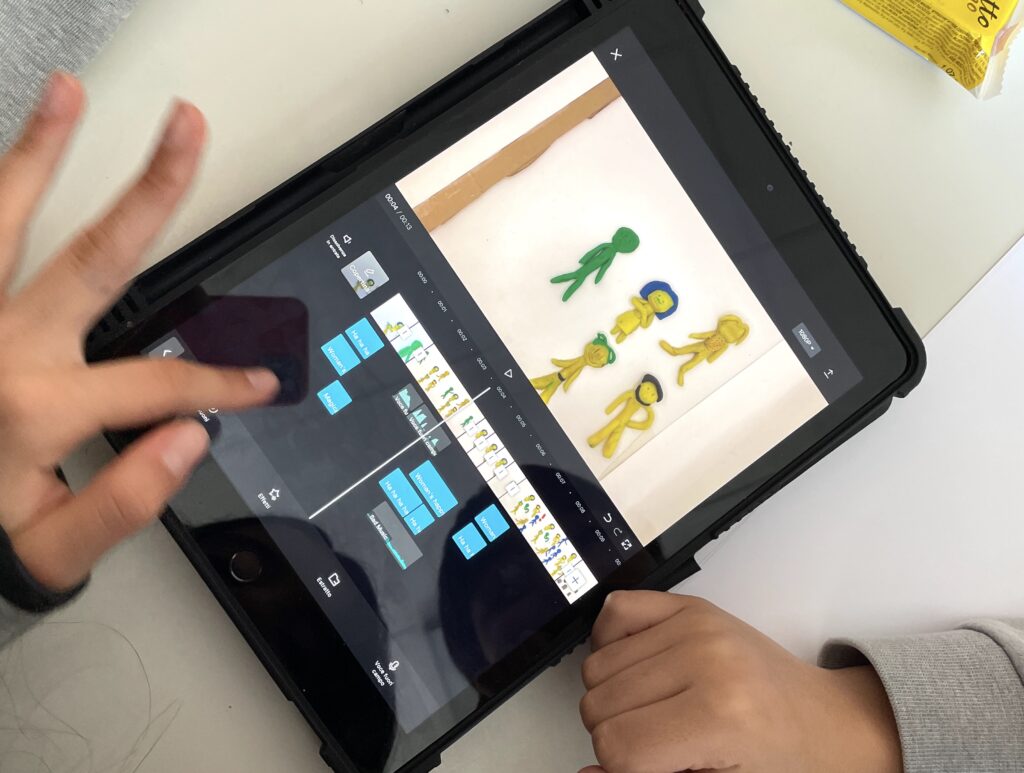
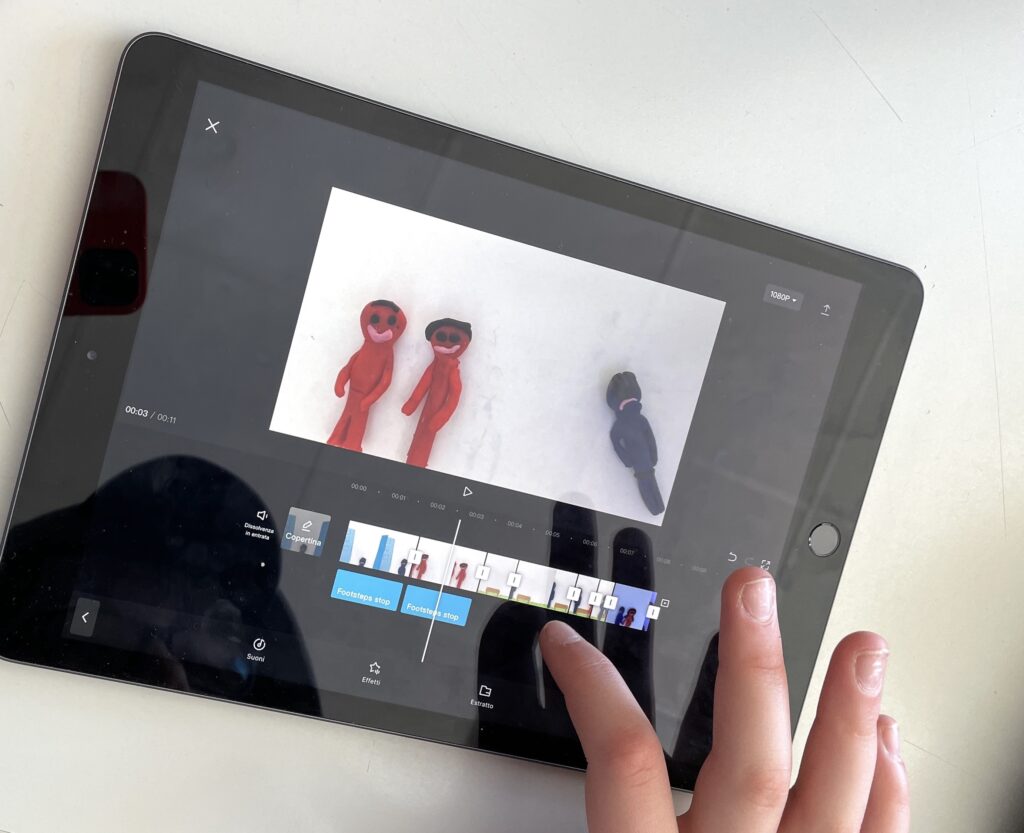
视频制作过程中,我们使用iPad配合ZING STUDIO应用程序进行序列拍摄,并用CAP CUT视频编辑软件完成剪辑,加入音乐、配音与音效。
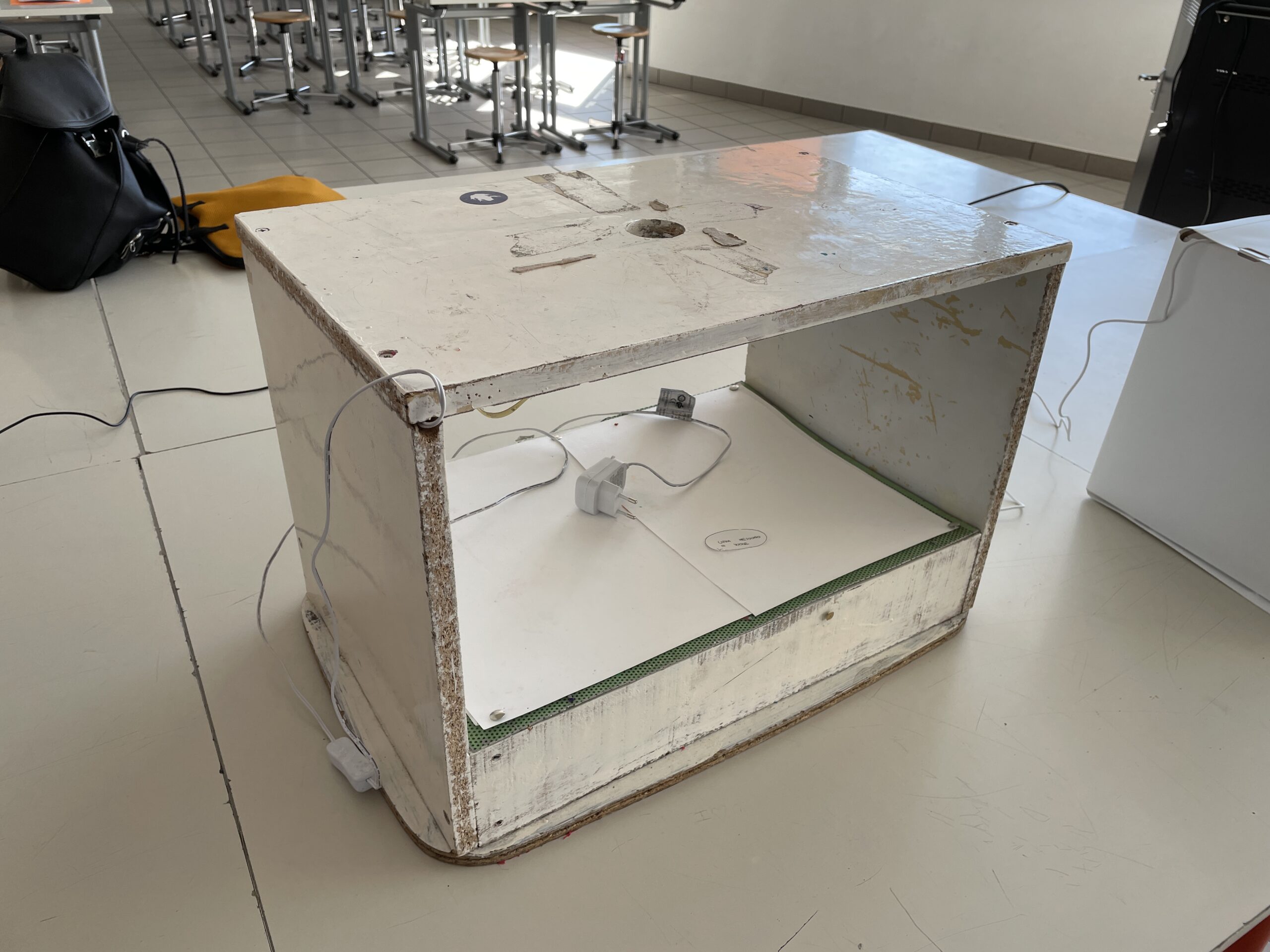
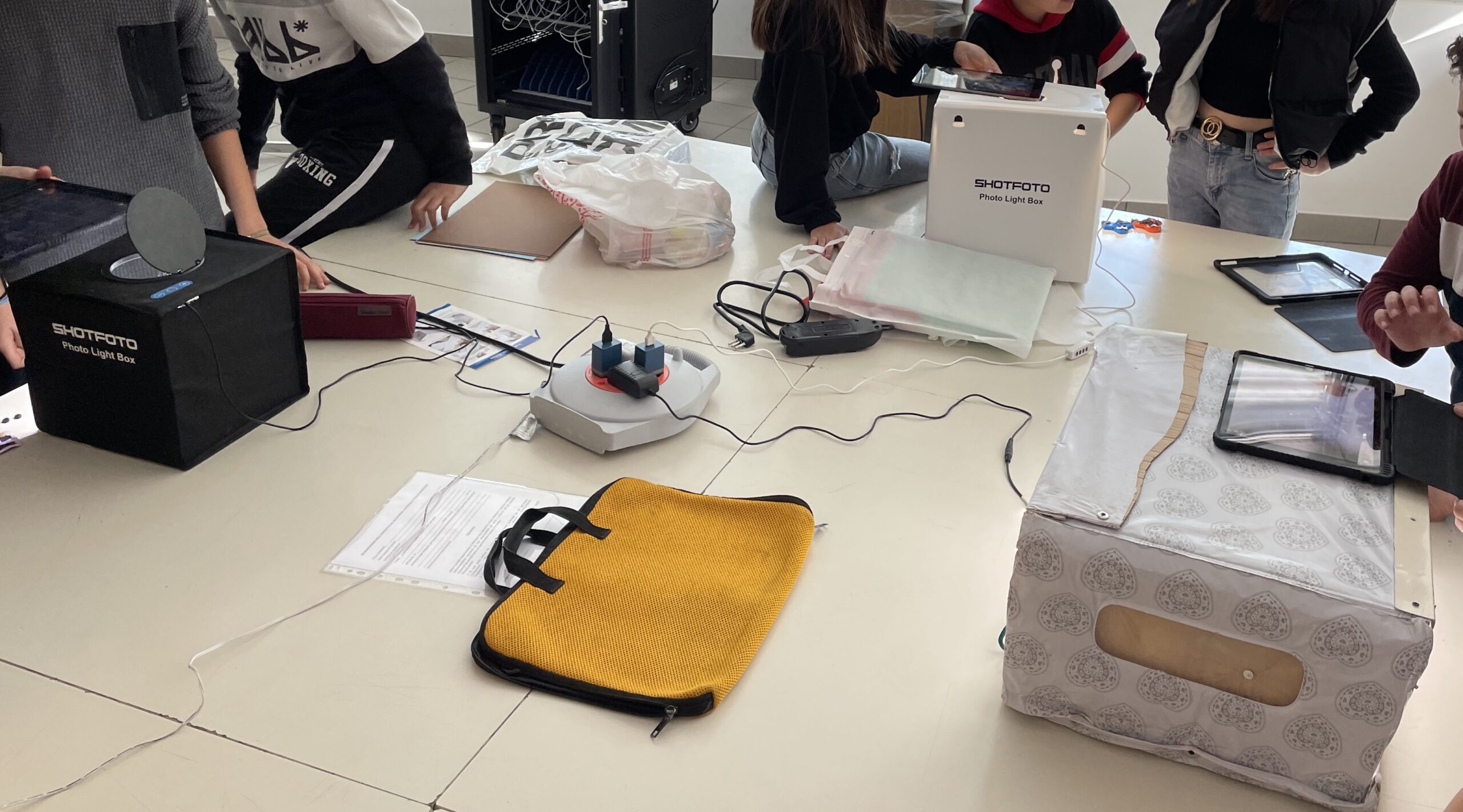
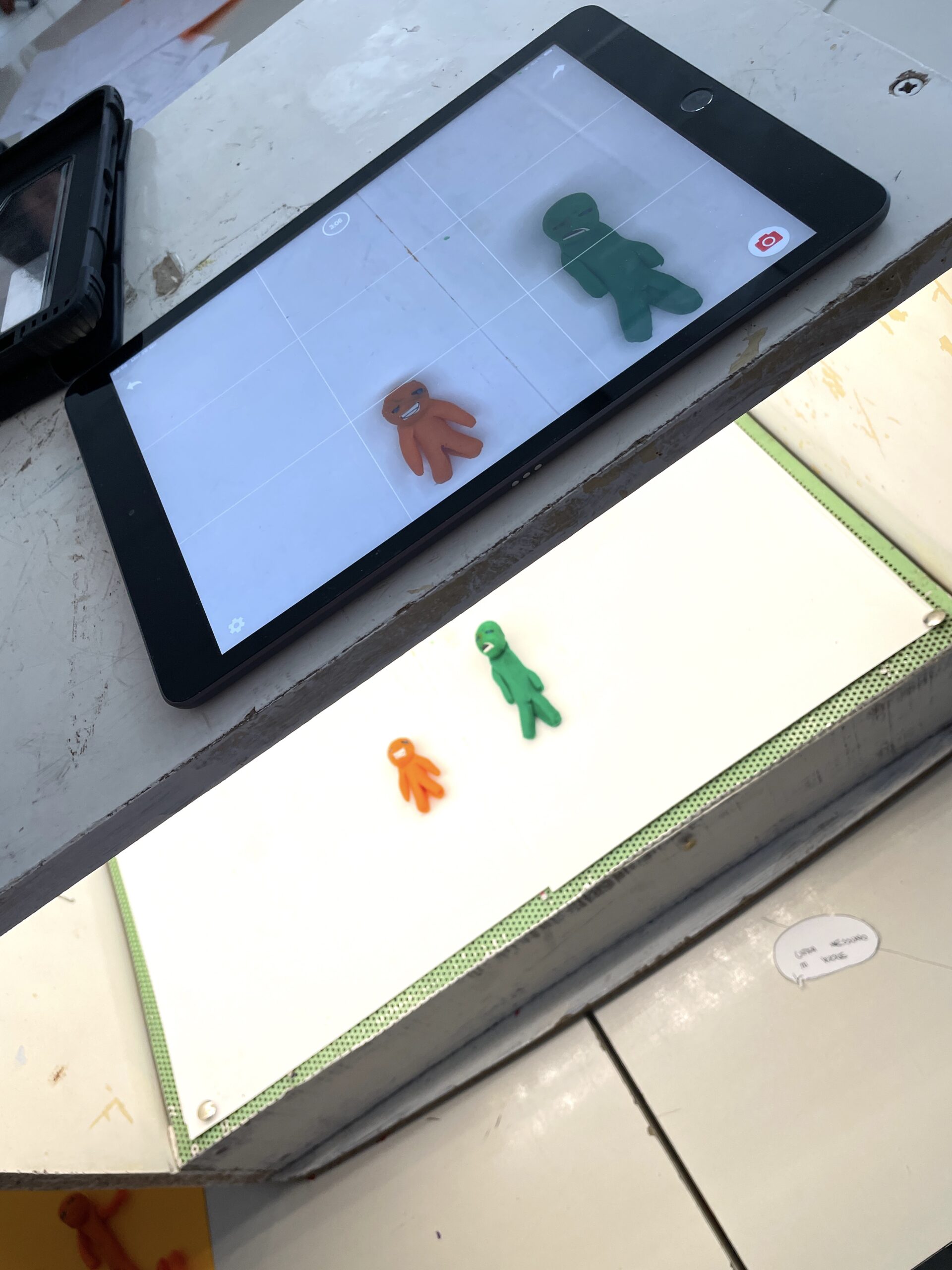
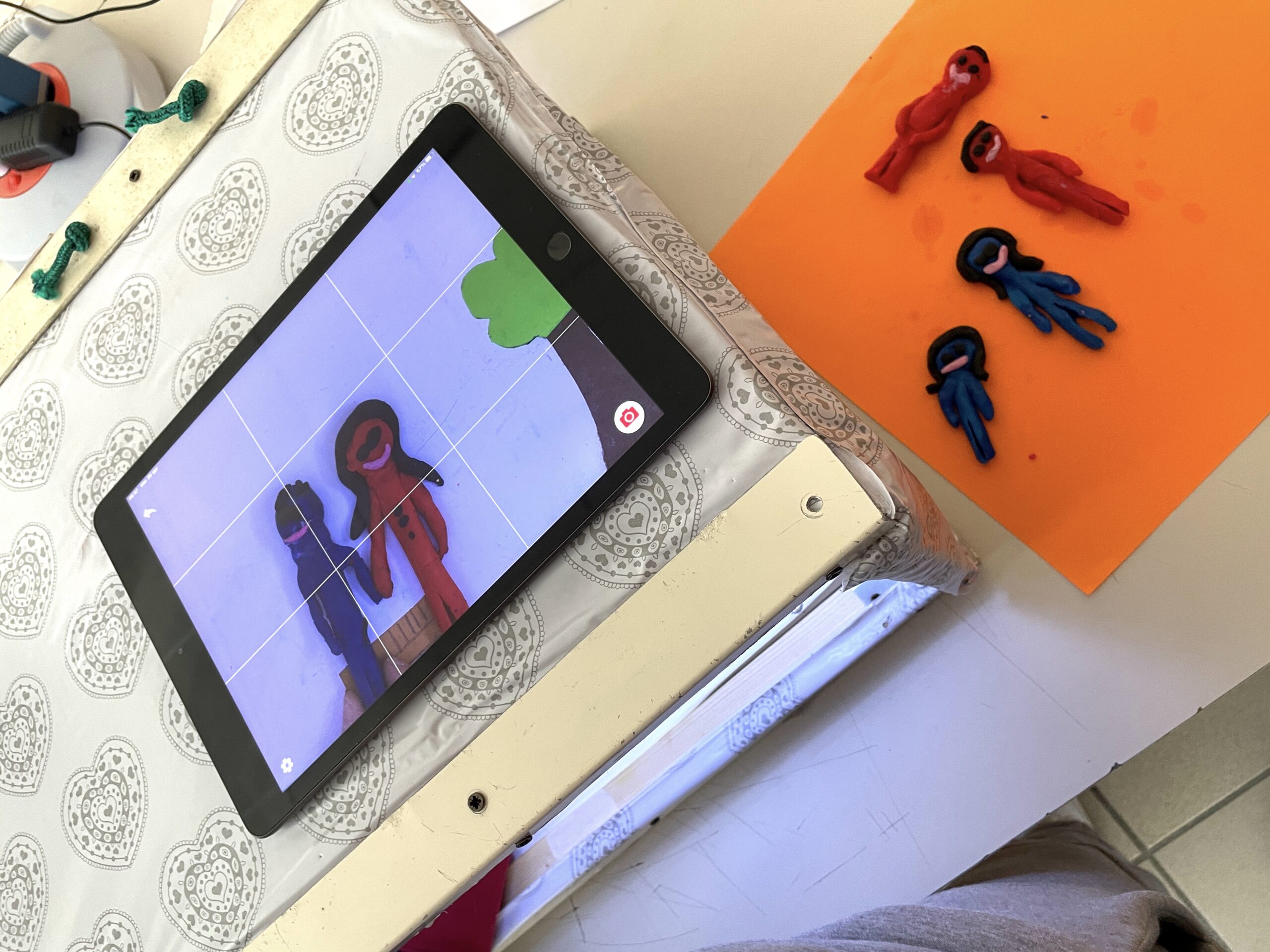
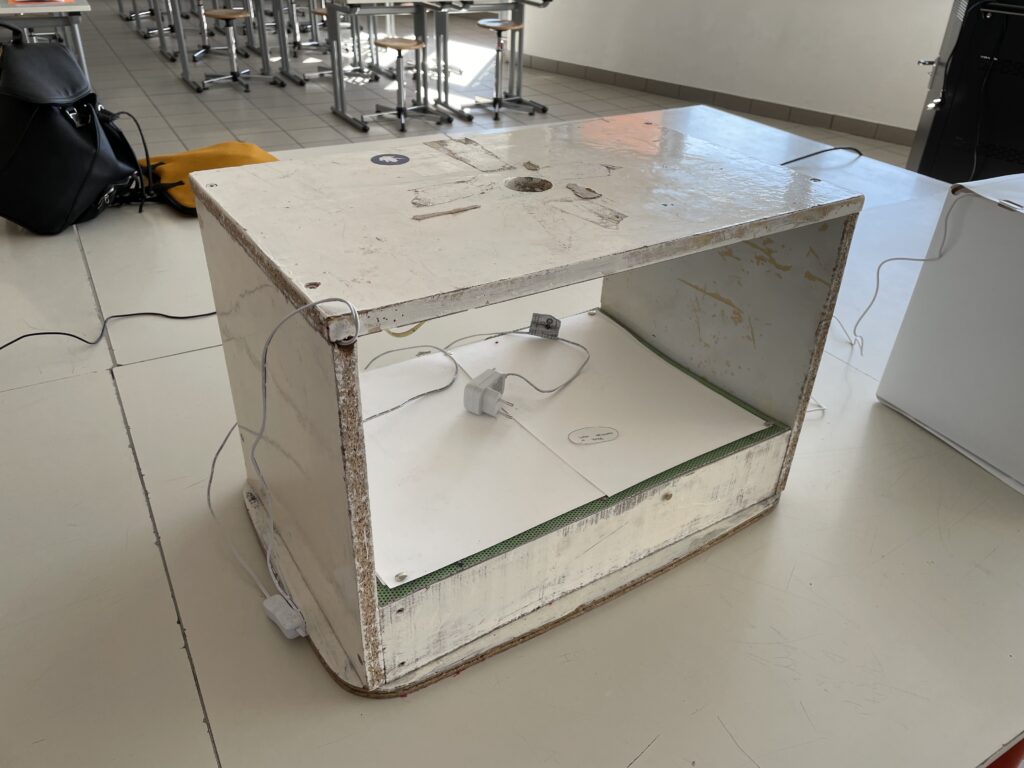
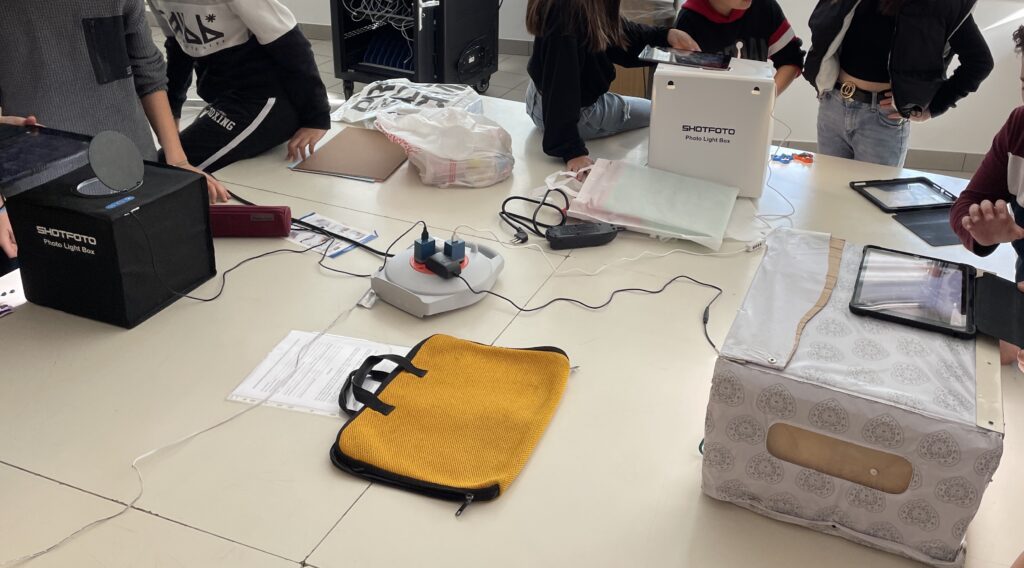
拍摄时,我们使用“卡通屋”——一种木质结构装置:顶部开孔用于固定iPad,底部为LED灯照明空间,供放置并拍摄待动画角色。各小组独立开展工作:
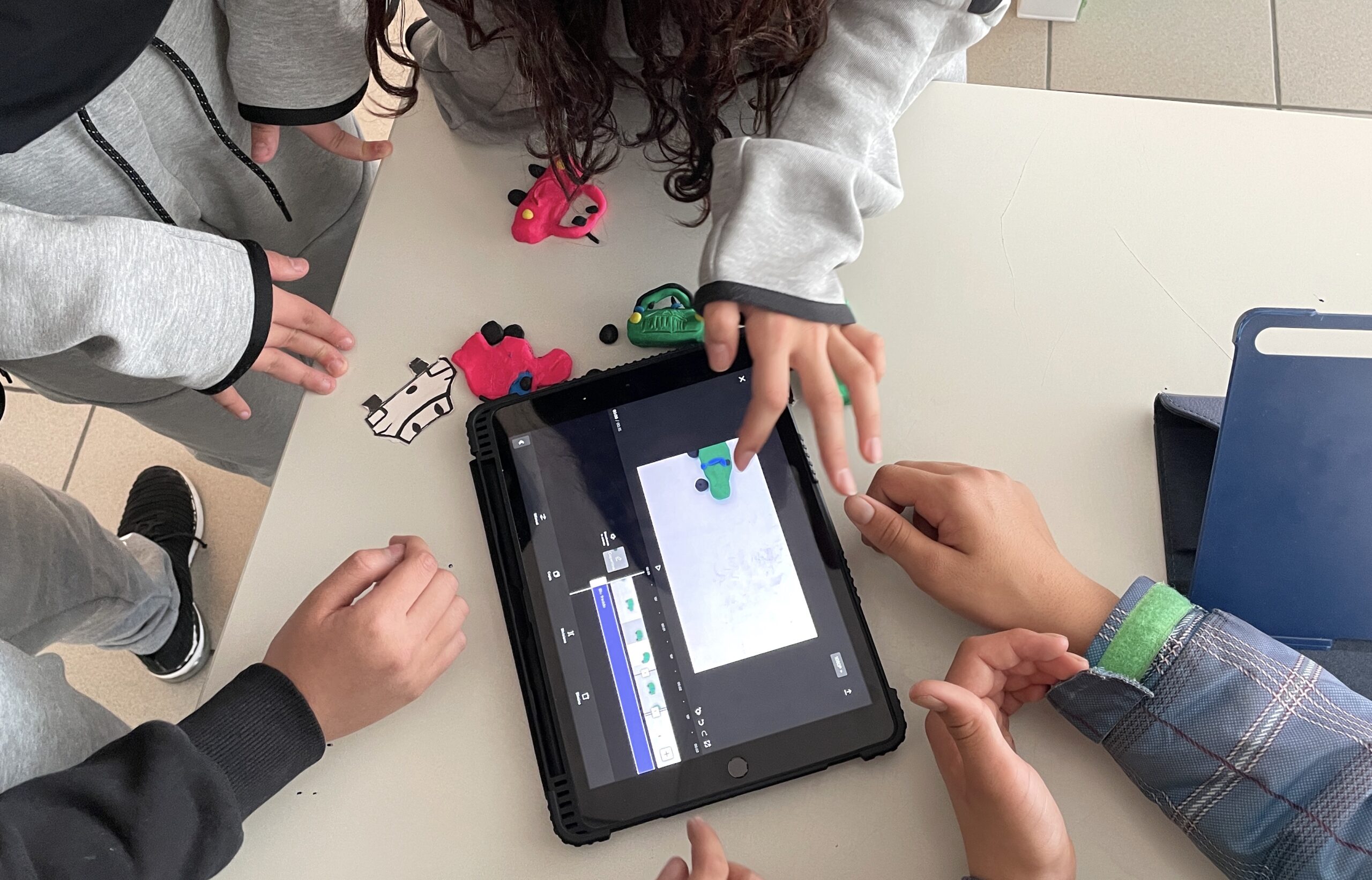
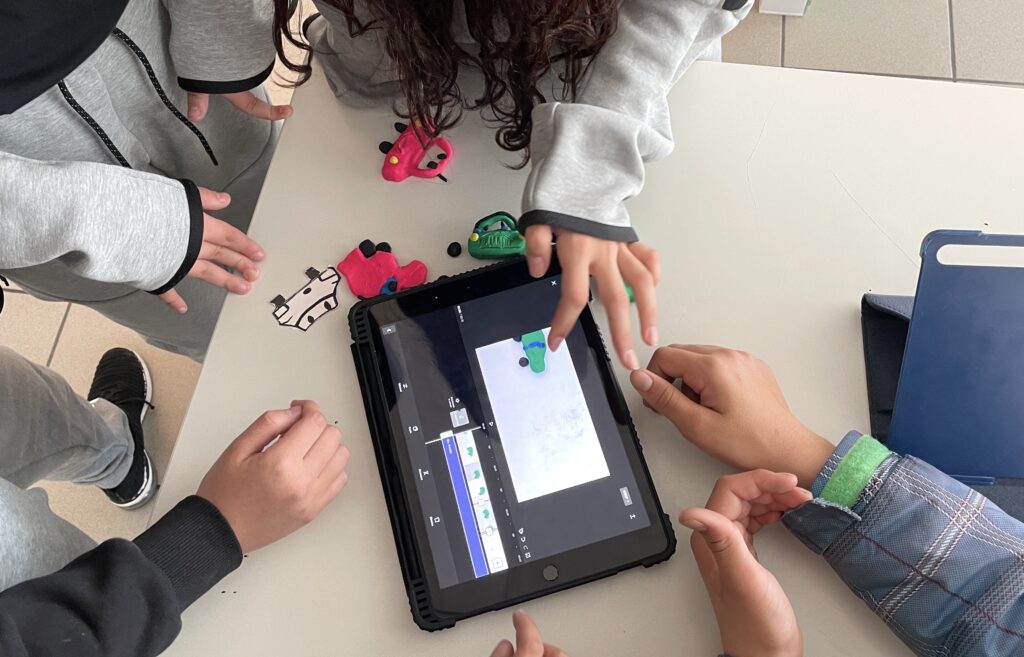
拍摄与照片采集完成后,进入剪辑阶段:学生直接在CAP CUT中录制并添加音效、音乐与对白。
整个活动共耗时8课时。参与学生乐在其中,并展现出对相关设备与应用程序的出色掌握能力——这无疑是一项值得在公民教育与公民素养教育领域持续推广的活动。
Stop Motion for the UN Agenda 2030
This year, with 6th grade students , I joined a project created by Agiscuola Tre Venezie which promotes the use of audiovisual at school. The project called “AnimeSmart for the 2030 Agenda: Animated cinema as a tool for citizenship and the promotion of a more equitable world” involves the creation of short STOP MOTION animation videos concerning the objectives of the UN Agenda 2030. Here are the videos we made:
How did we create these animations? After discussing with the students which goals were most interesting for them among the 17 proposed by the UN 2030 Agenda, we chose goals no. 5 and n.10 as themes for our little videos. The goal n.5 is about GENDER EQUALITY and the goal n.10 is to REDUCE INEQUALITIES.
The illustration and animation expert CRISTINA QUETTI (see her Youtube channel and Instagram profile here) leaded us in the discovery of animation cinema and its magic. First we agreed about the focus, we split into groups of four or five students and each group came up with a little story. To make the video, our expert made us understand the importance of the STORY BOARD as an indispensable tool for the creation of any multimedia product. Below we see an example of the storyboards created by students, with shots, description of the scene and any sounds and voices:
Subsequently, each group created the characters for the STOP MOTION, with plasticine or paper. They created even the backgrounds of the various scenes with drawings and colored cardboards. Once the set was ready, we photographed the scenes in sequence, moving the characters with each shot.
For the making of the videos we use the iPad with the ZING STUDIO app for the sequence photos, and CAP CUT Video Editor app to edit the video, including music, voices and noises.
To take the photographs we used the “cartoon house” a wooden structure with a hole in the upper part where to place the iPad, and with a space below illuminated by LEDs, where to insert the characters to animate and photograph. Each group worked independently:
After the filming and photographs phase there was the editing phase, with the addition of noises, music and dialogues recorded by students directly on CAP CUT.
The whole experience took up 8 lessons: the students involved had a lot of fun and demonstrated great skills in the use of these devices and applications, certainly an activity to be repeated also in the field of civic and citizenship education.