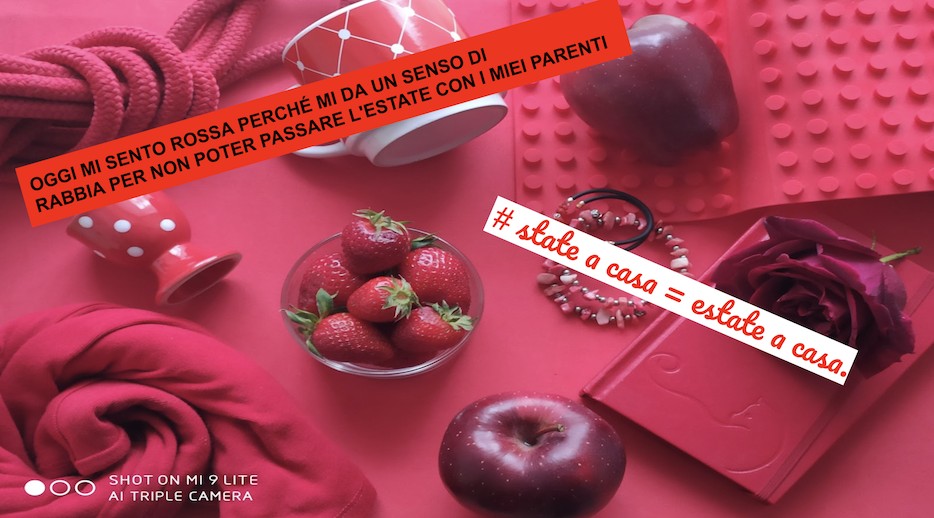
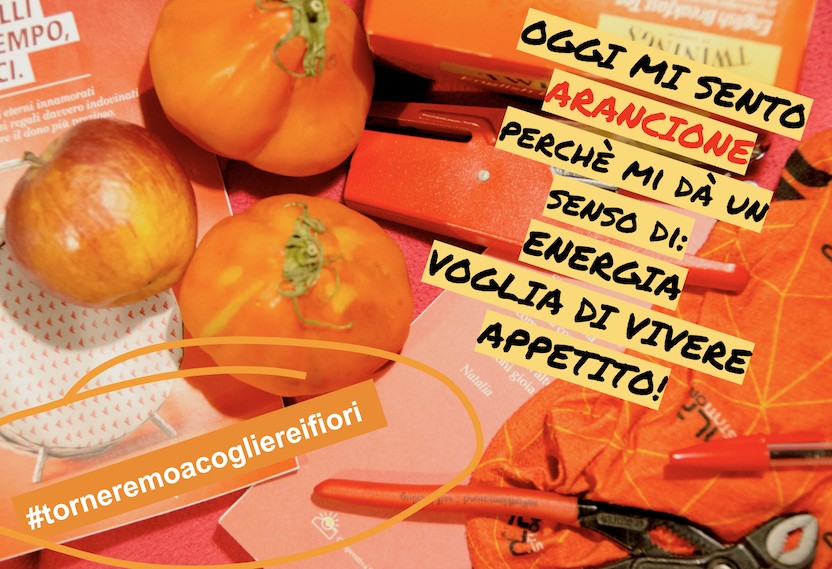
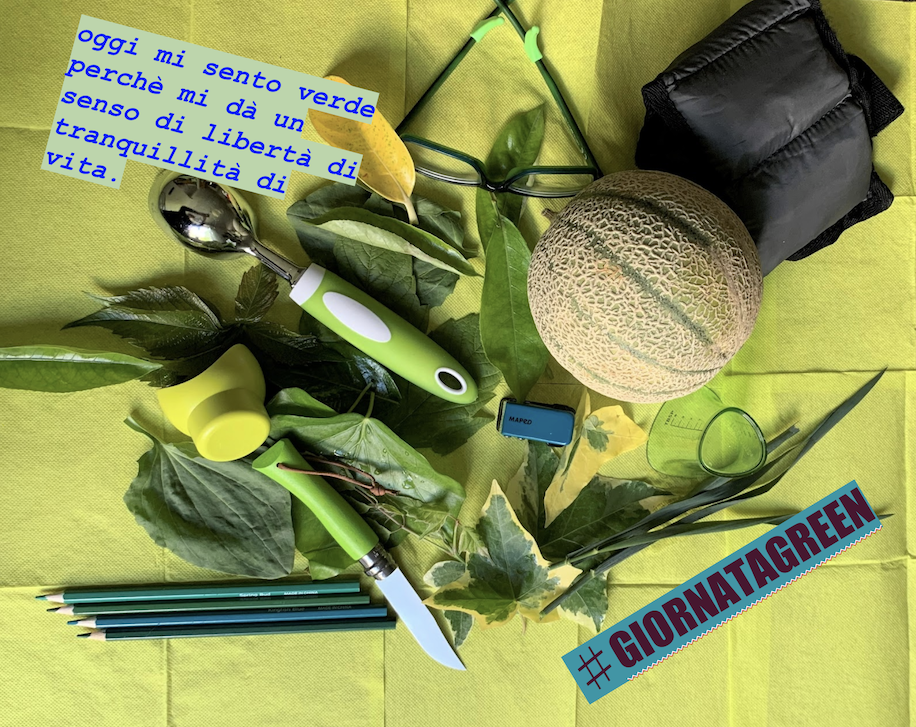
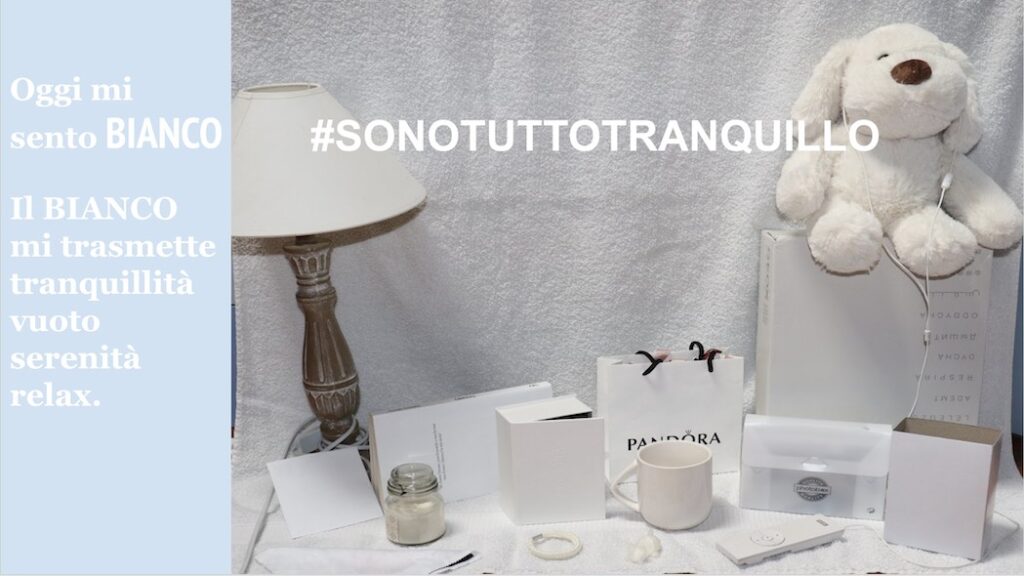
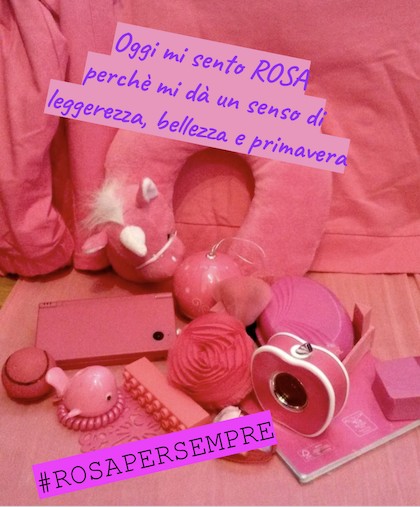
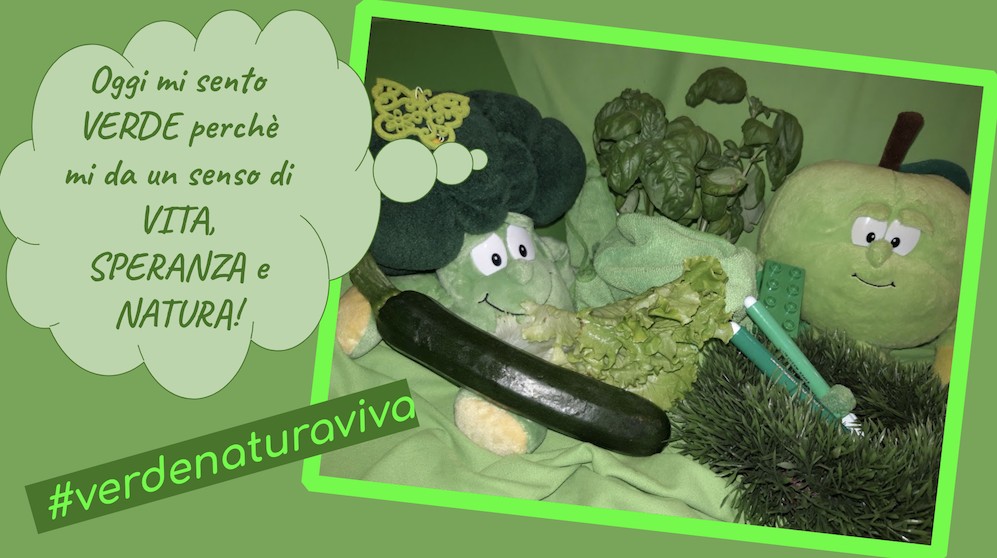
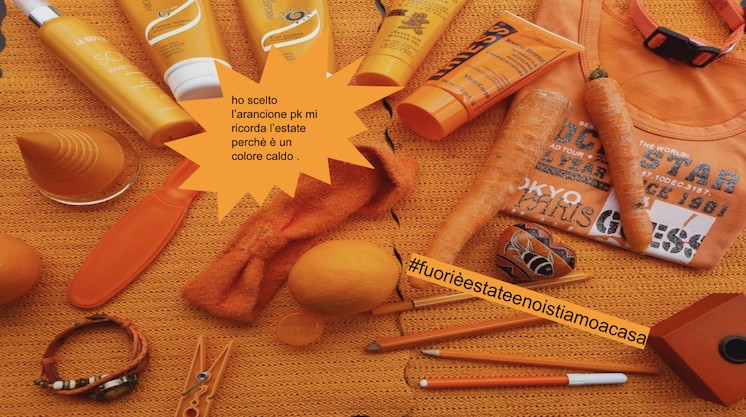
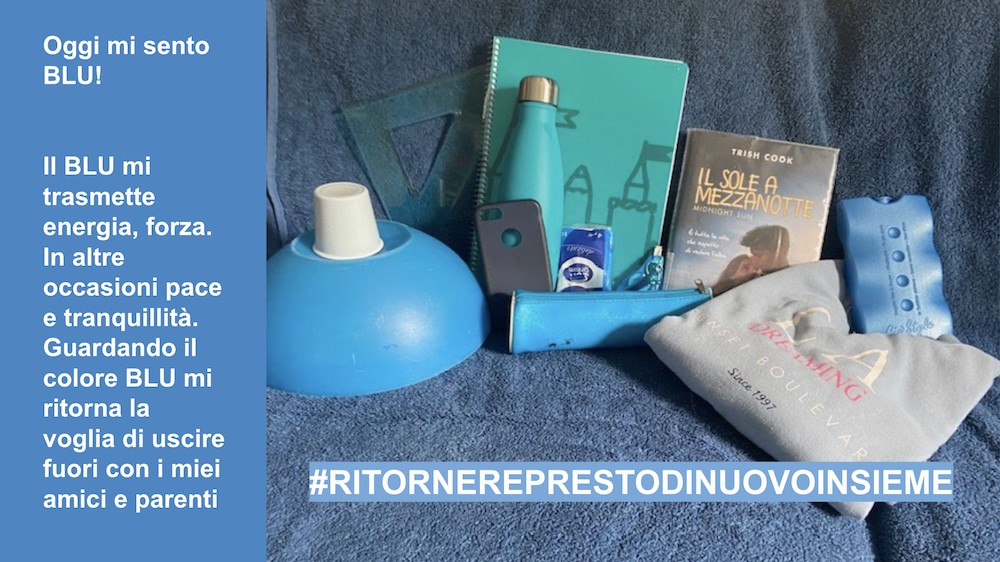
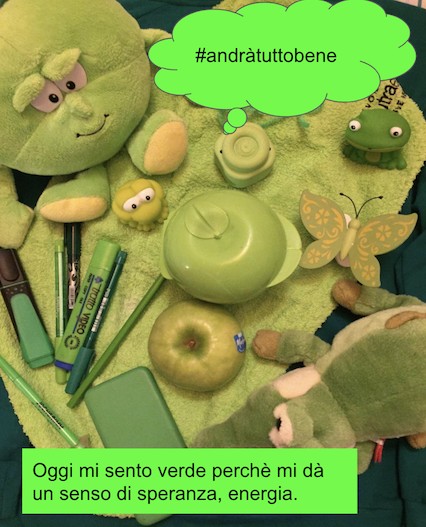
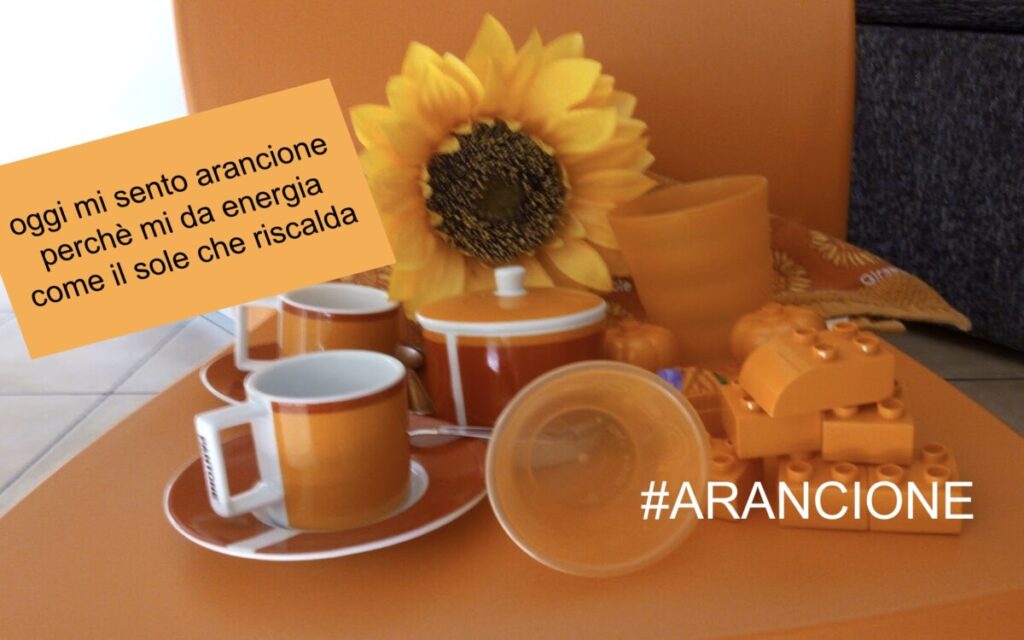
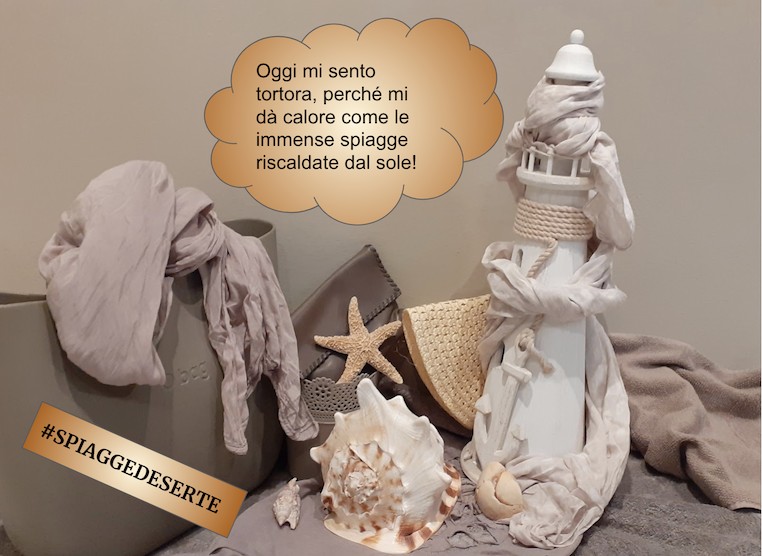
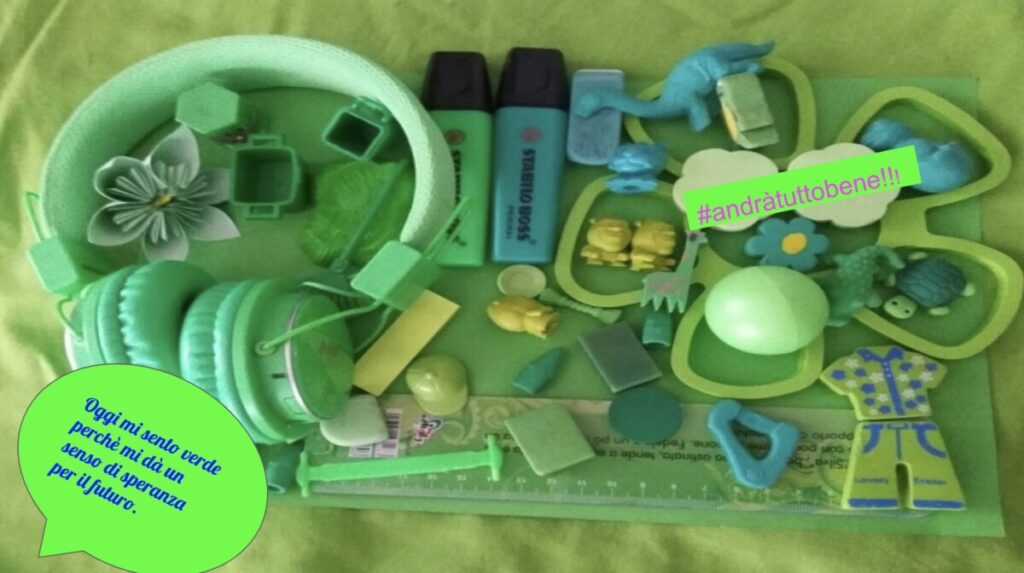
我让学生们在家四处寻找色彩,用同一种颜色的物品在同色背景上组合构图,拍摄一张单色照片。下一步是将照片上传至 Google 幻灯片(Google Slides)的一张幻灯片中,并添加一句以“今天我感到……”开头的个人感想,接着续写:“因为它让我产生……的感觉”。例如:“今天我感到橙色,因为它让我产生温暖、活力与热爱生活的感受。”随后,我要求他们在图像中加入一个#话题标签。
借此,我们发展了数字素养——因为我们必须证明自己能够熟练操作 Google 幻灯片这类工具;同时也培养了社会与公民素养——因为活动结束时,我们当然必须将所有收集来的物品归类整理、恢复原状!!!😉
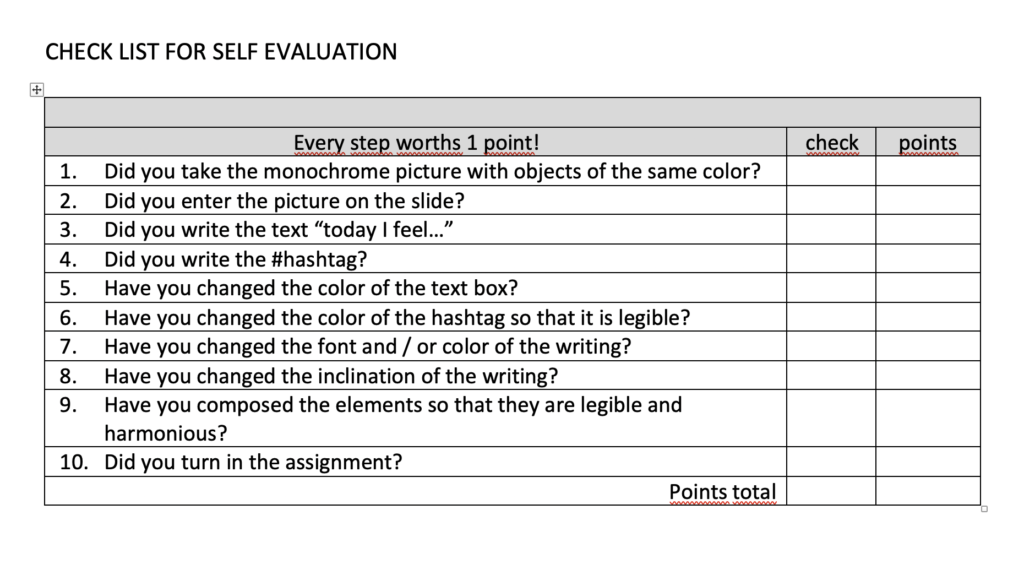
我在任务中还附上了一份自评表格,帮助每位学生理解整个创作步骤,独立完成并自我评估:
A monochrome picture with #hashtag
I sent my students chasing colors around the house, they took a MONOCHROME photo by grouping a series of objects on a colored background, all of the same color. The next step was to upload the photo into a Google Presentations slide and add a personal thought that began with the phrase: Today I feel … continuing with: because it gives me a sense of … For example today I feel Orange because it gives me a sense of warmth, energy, and desire to live. Then I asked to add a #HASHTAG in the image.
We thus develop DIGITAL competence, because we must demonstrate that we know how to handle a tool such as Google Slides and we also develop social and civic competence, because surely we must put all the objects we have gathered in order and tidy up at the end of the activity !!! 😉
In the task I also included a grid for self-assessment so that each student is able to understand the steps of the work, complete and evaluate them by himself: