莫奈系列绘画启发的摄影作品
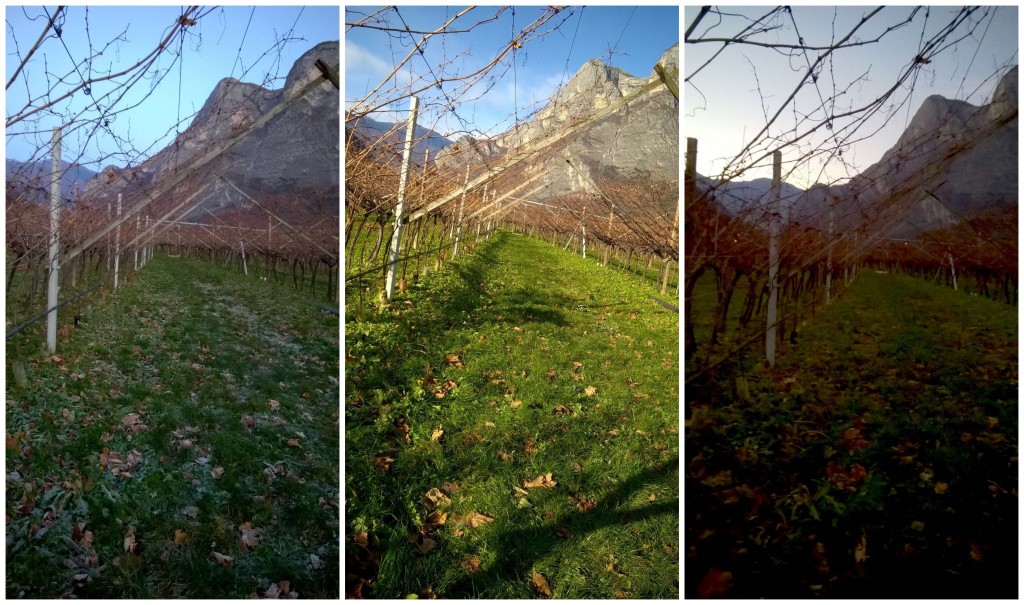
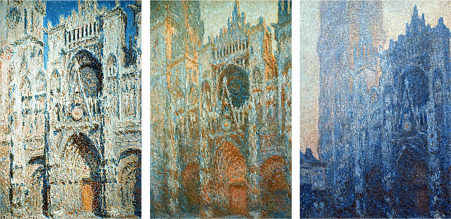
我让学生们观察克劳德·莫奈(Claude Monet)创作的系列绘画。我们尝试把握《鲁昂大教堂系列》([Rouen Cathedral Series](https://en.wikipedia.org/wiki/Rouen_Cathedral_(Monet_series))或《干草堆系列》([Haystacks](https://en.wikipedia.org/wiki/Haystacks_(Monet_series))中各幅作品在光线、明暗与色彩上的差异。随后,我请他们用摄影方式,在自己生活的环境中寻找并呈现这些差异。
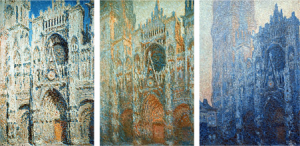
克劳德·莫奈《鲁昂大教堂系列》中的三幅作品
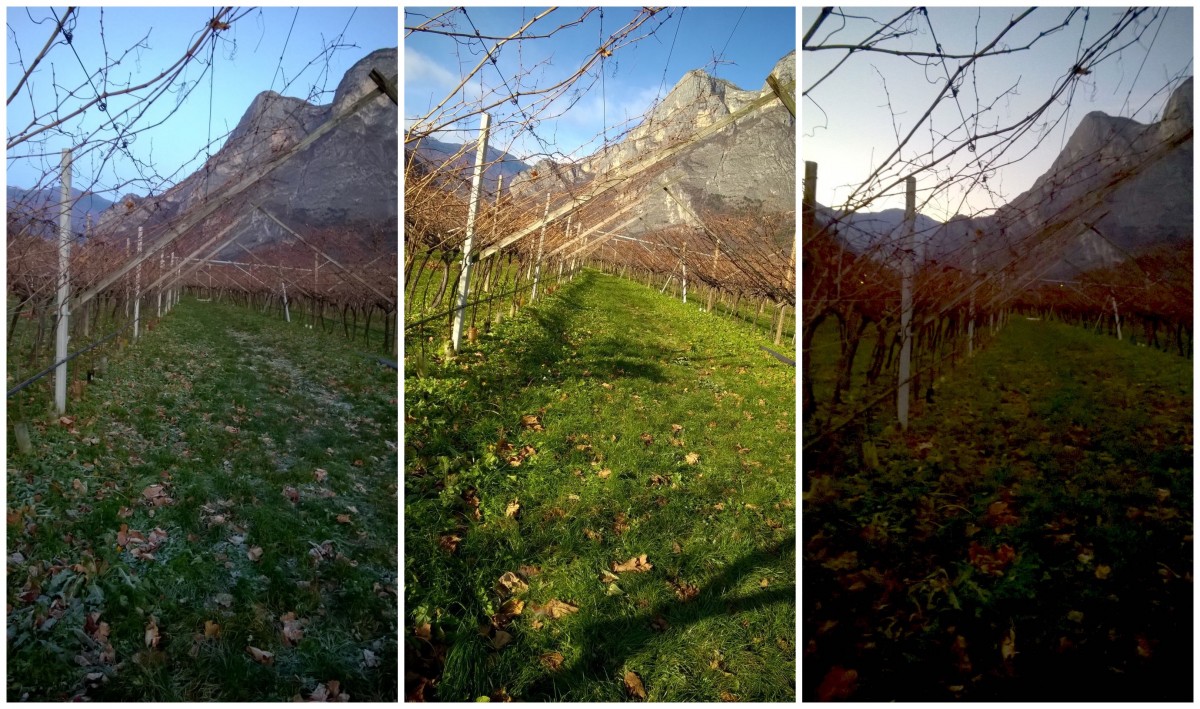
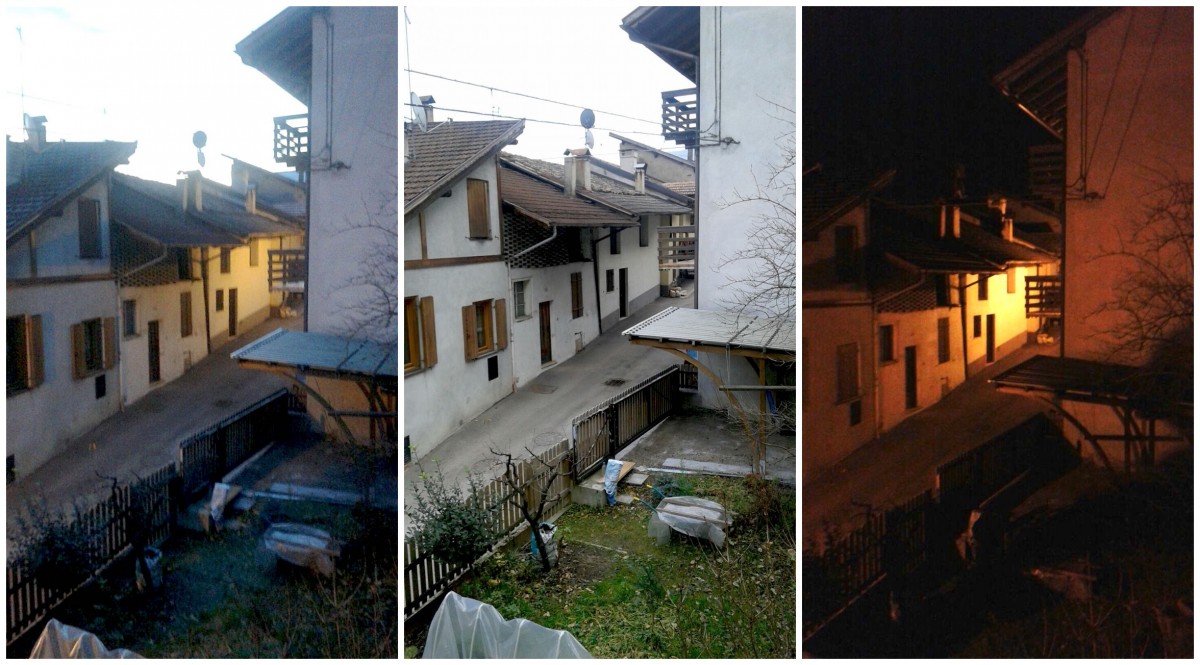
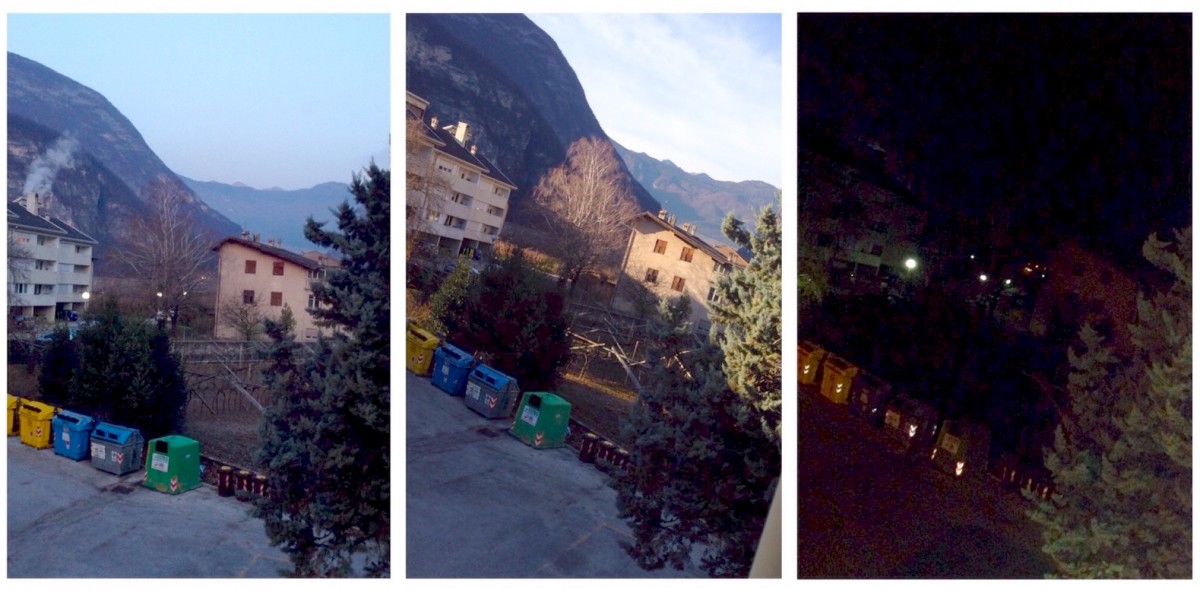
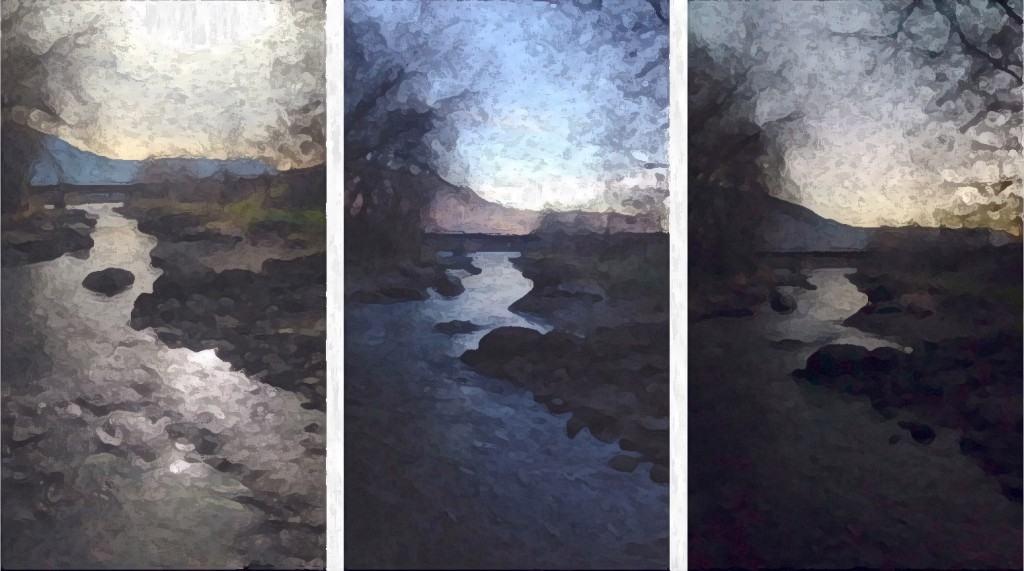
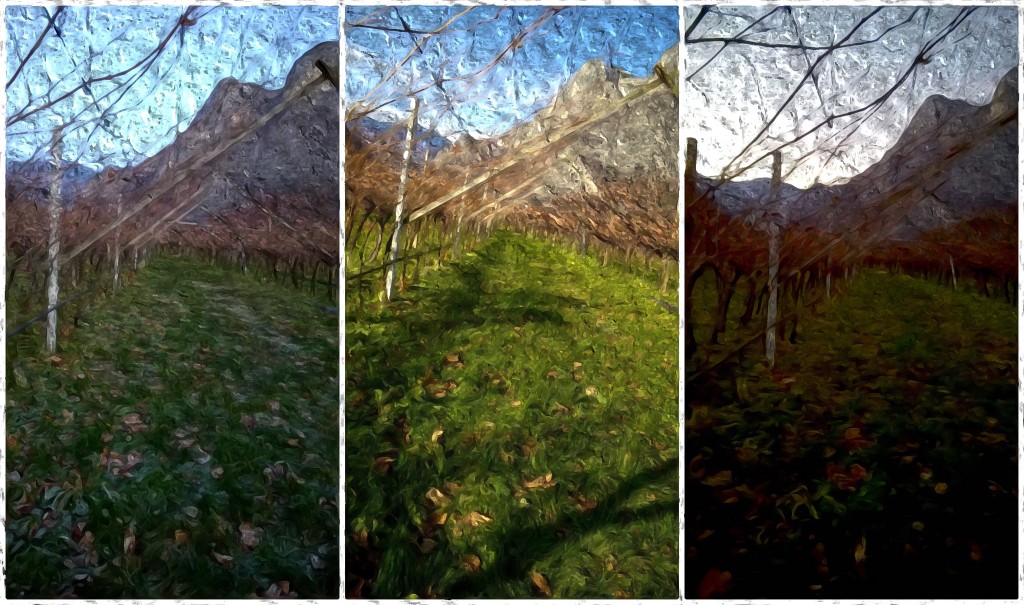
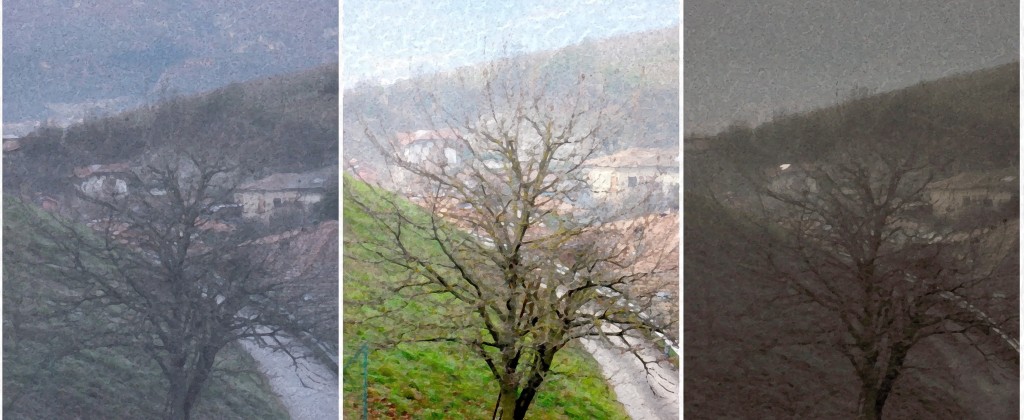
任务如下:我们选取一处习以为常、令人感到亲切的风景作为拍摄对象——例如从自家窗户望出去的景色。接着,我们挑选一天中三个光照、明暗与色彩特征截然不同的时刻进行拍摄。理想时段为清晨、午后和傍晚。我们在不同时间拍摄三张照片,尽量保持取景构图基本一致。如今借助智能手机,拍摄风景变化已十分便捷,人人都可轻松完成,只需选对恰当的时刻!
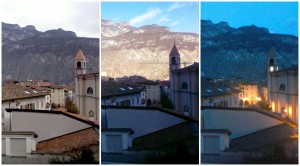
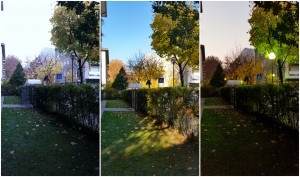
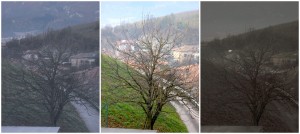
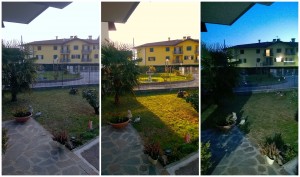
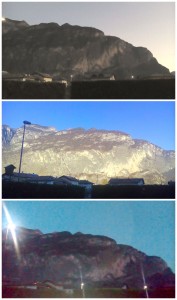
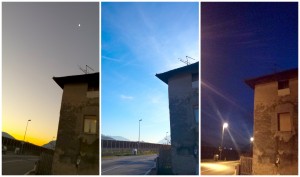
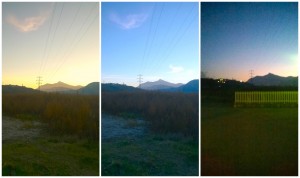
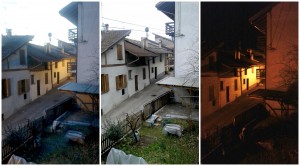
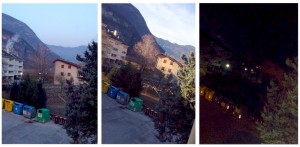
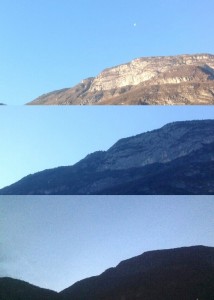
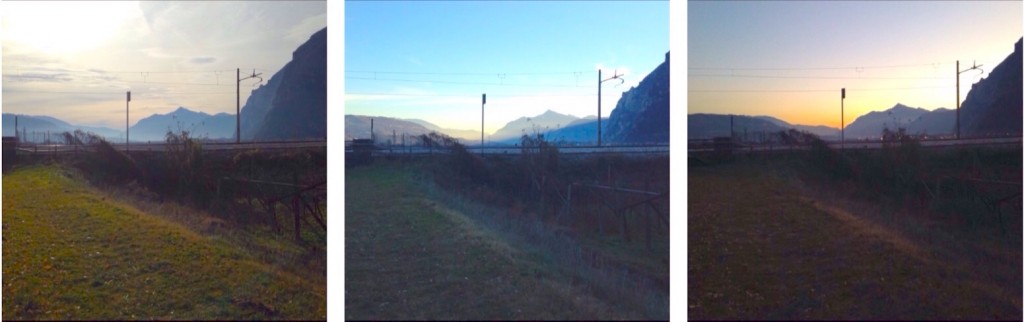
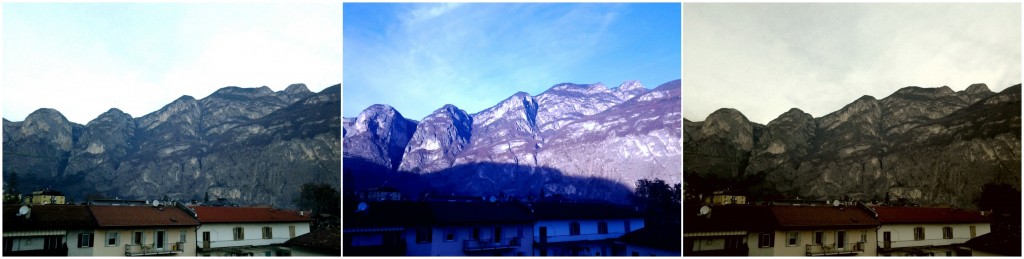
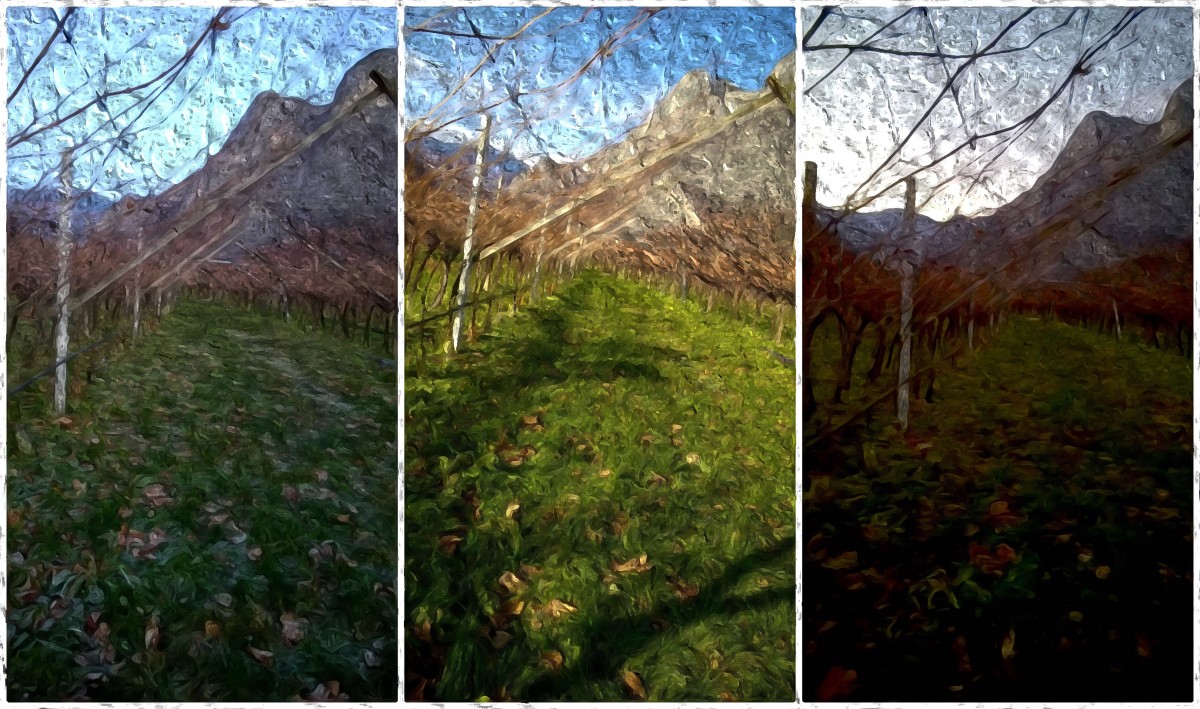
更进一步的步骤是将照片编辑成油画效果。我们借助Photoshop的“滤镜”(filter)功能(油画布效果),制作出这些虚拟油画,呈现出莫奈风格!
Photographs inspired by Series Paintings of Monet
I asked my students to observe the paintings that Claude Monet painted in series. We tried to grasp the differences of light, shade and color, among the Rouen Cathedral Series, or among the paintings in the series of Haystacks. Then I asked them to find these differences in the environment where they live, using photography.
Three works of “Rouen Cathedral Series” by Claude Monet
That’s the task: we seek a shot of a landscape habitual and comfortable, as the view of what we see from the windows of our house. Then we choose three moments of the day with features of light, shade and color very different. The ideal would be the early morning, the early afternoon and the evening. We take three photos at different times, trying to keep more or less the same shot. Now with smartphones it is very easy to make photographs and everyone can photograph landscapes changing, you just choose the right moments!
A further step was to edit photos making them look like oil paintings. With an option of Photoshop filter (oil on canvas) we created these virtual paintings, Monet-style!