即时照片:绘制小幅风景画
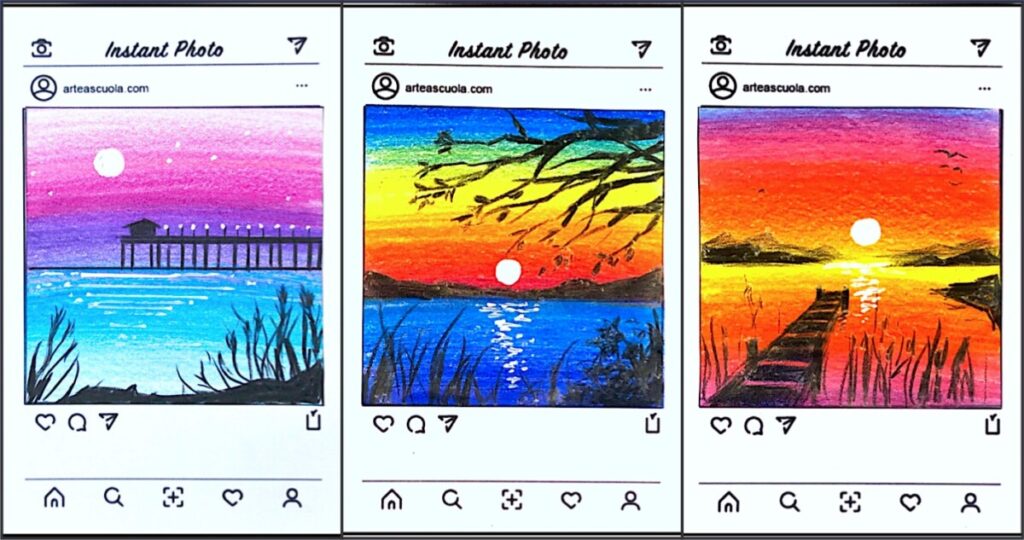
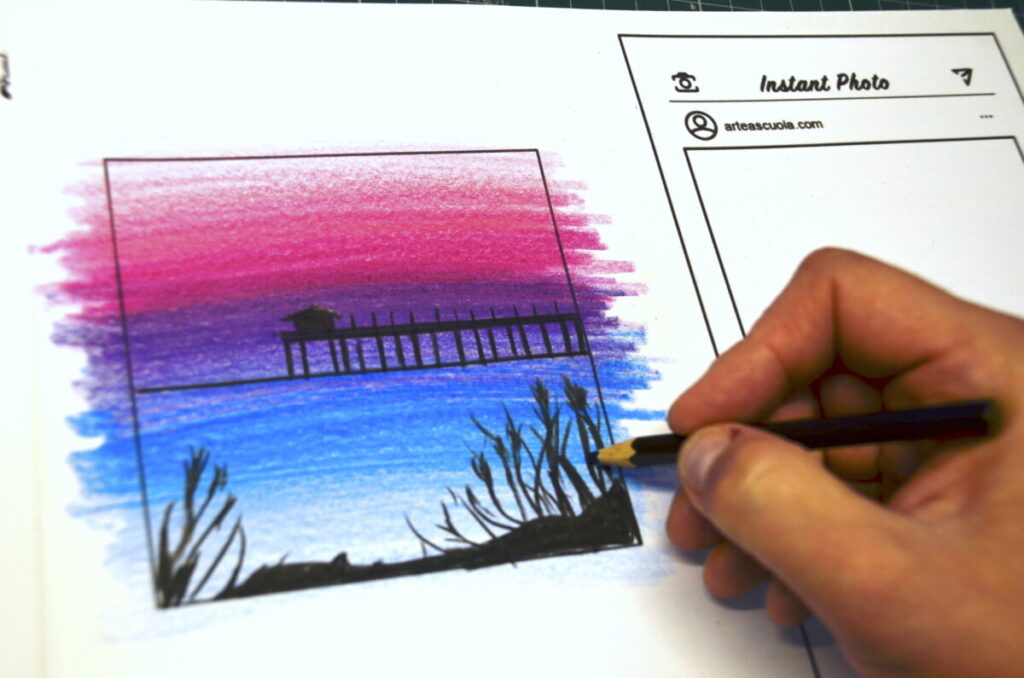
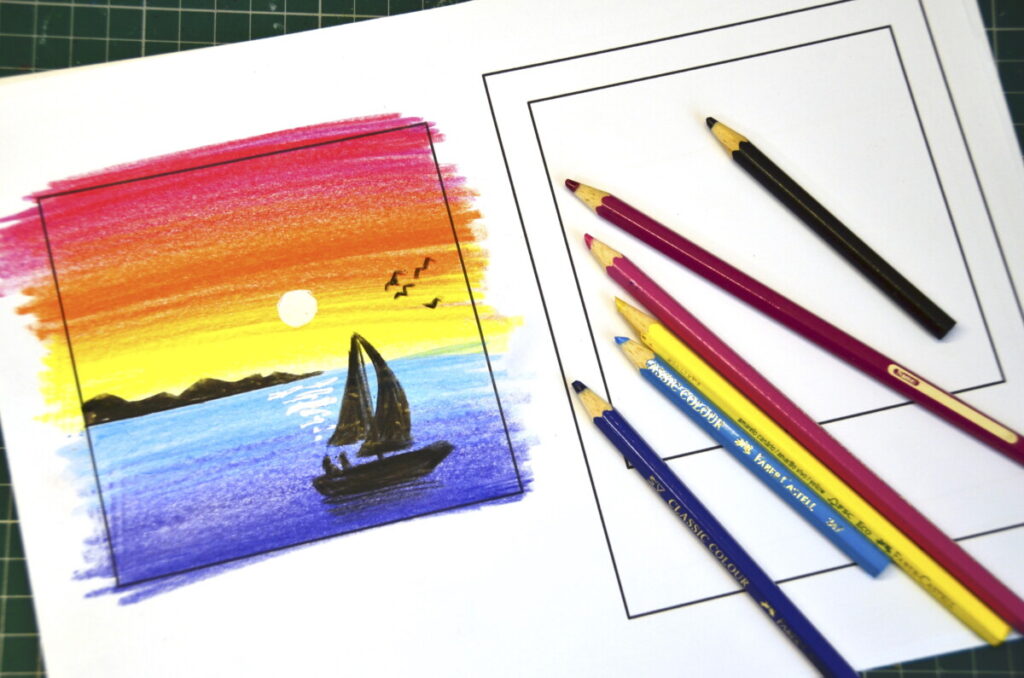
这些小幅风景画采用社交媒体或即时成像照片的常见风格。正方形画幅适合用少量彩铅绘制优美的风景,营造景深与空间感。我们从彩色底色入手,仅使用彩铅,并通过叠涂来表现色彩的明度变化。
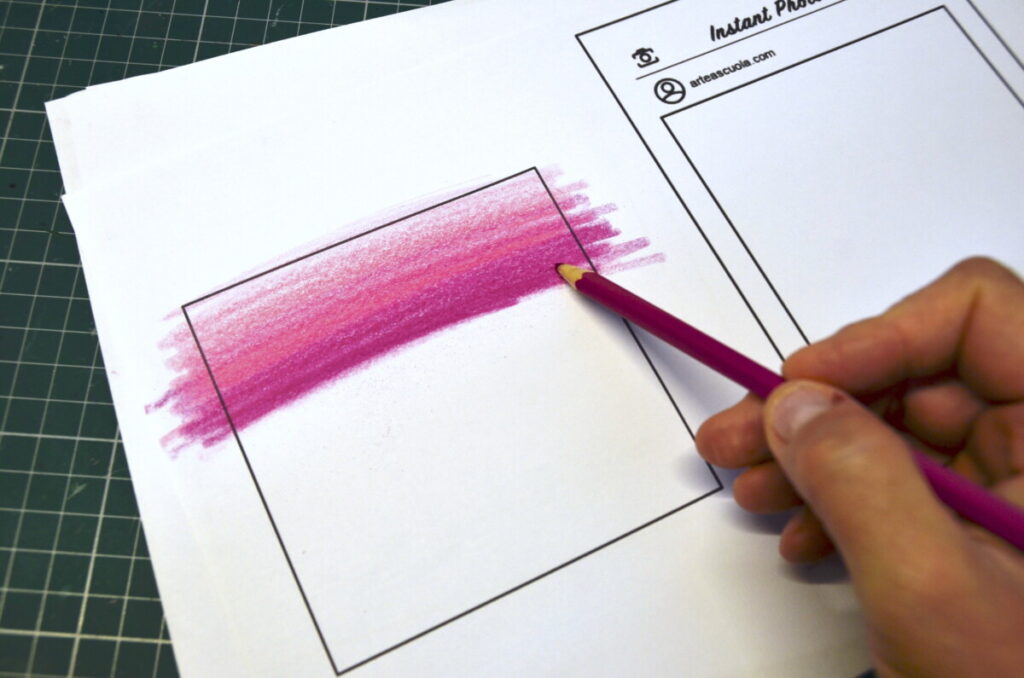
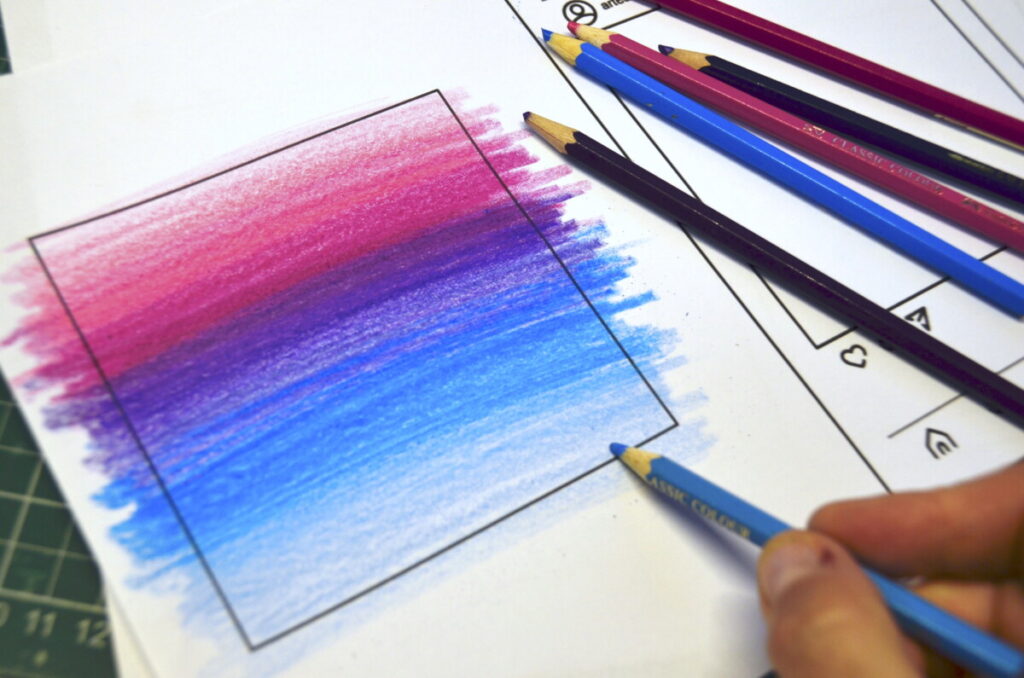
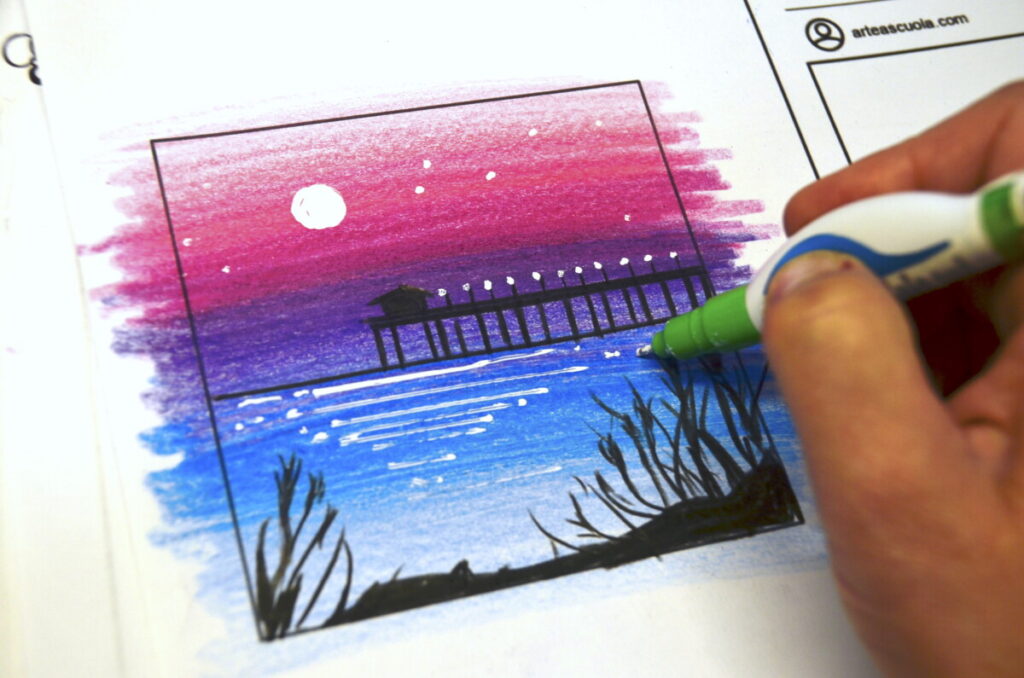
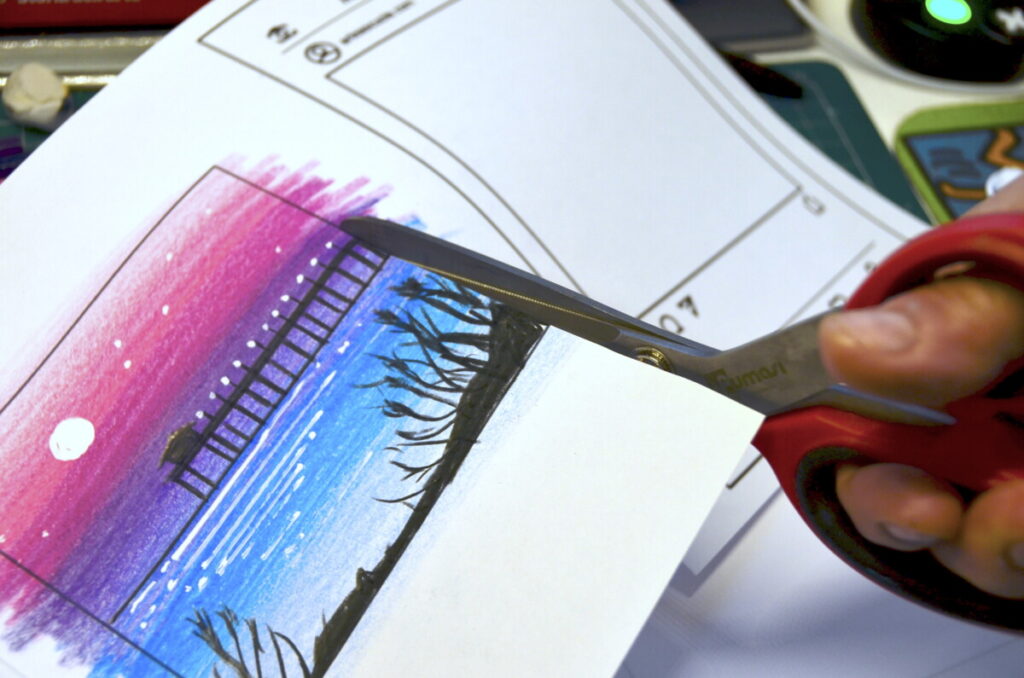
建议先从浅色开始,以轻薄的笔触逐层叠加颜色,从而获得具有明暗过渡的背景。彩铅叠涂时,也应由浅色向深色逐步推进。白色细节可用液态涂改液提亮。完成后将风景画剪下,粘贴到工作单上。
你还可以在彩色背景上,以逆光剪影的形式描绘中景与前景中的不同物体,以此增强画面纵深感。
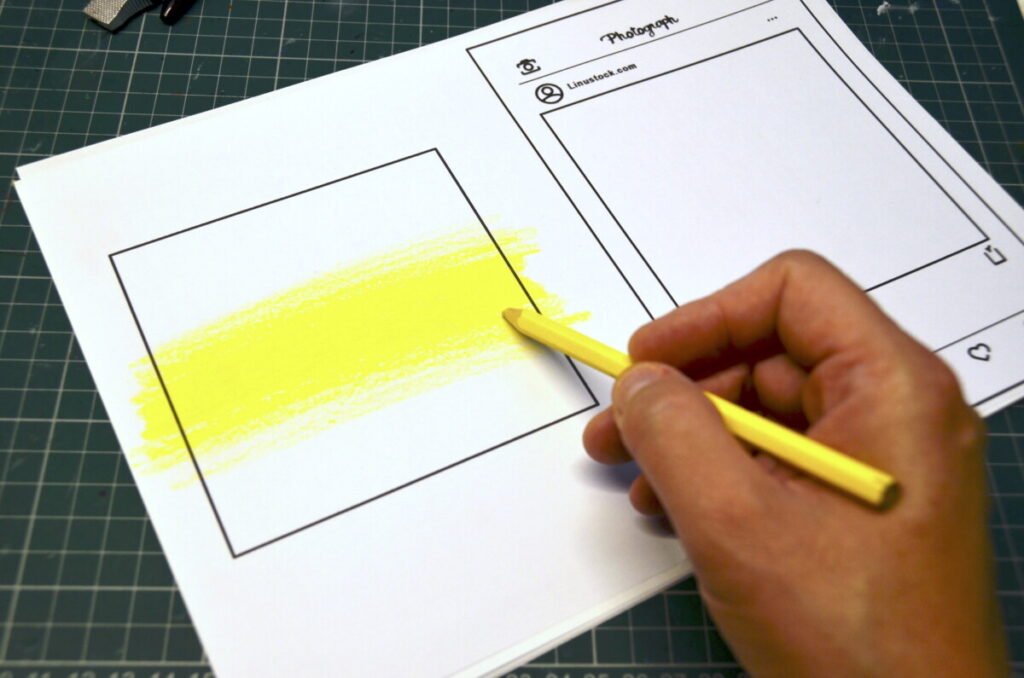
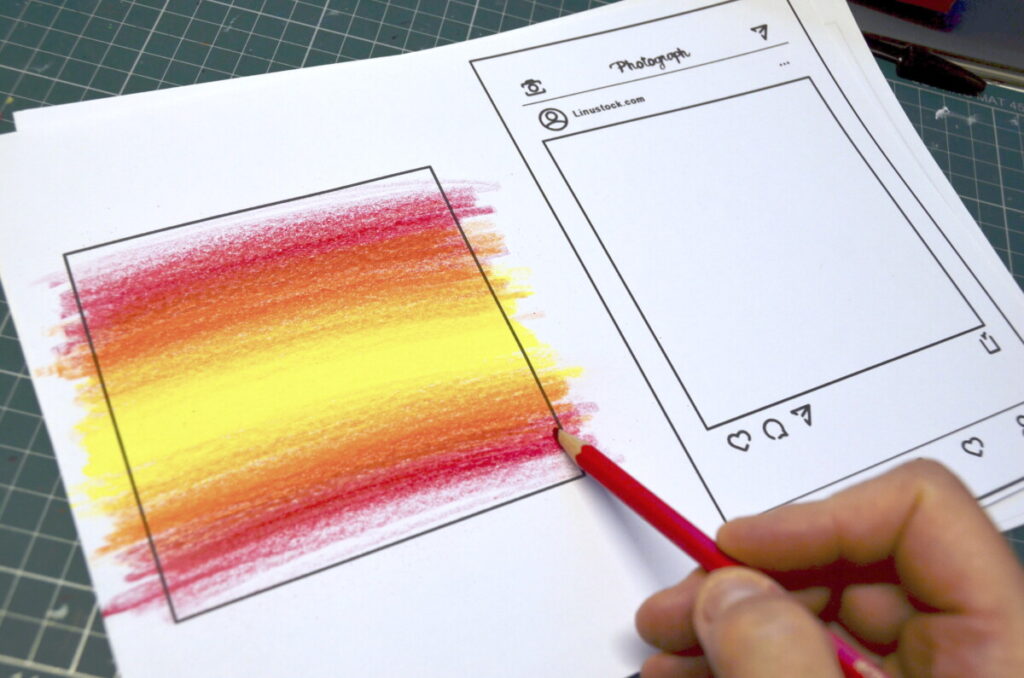
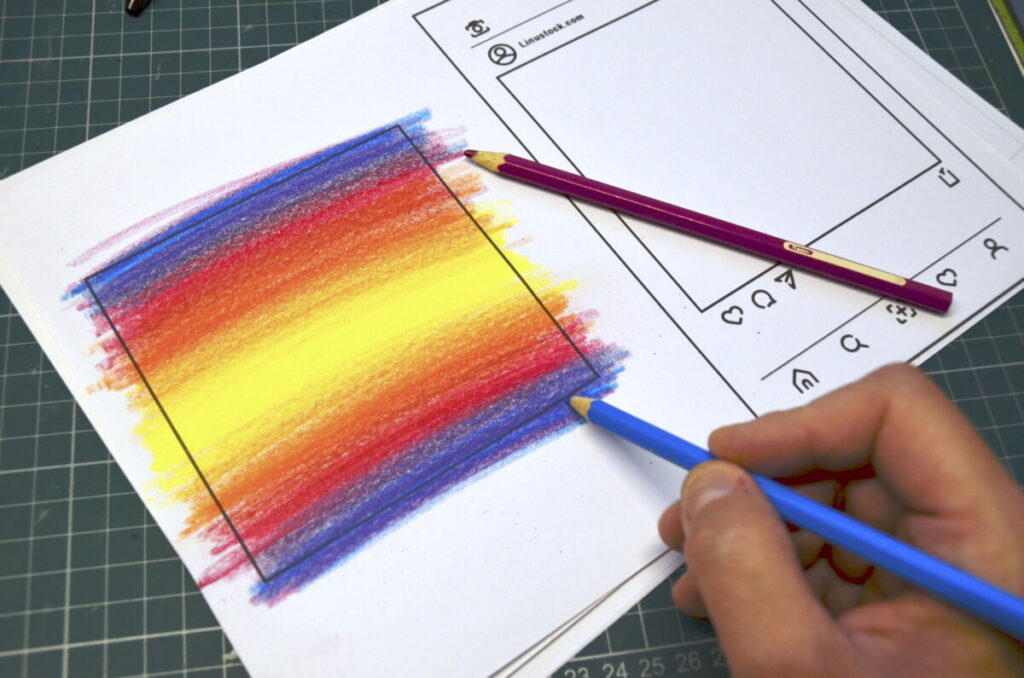
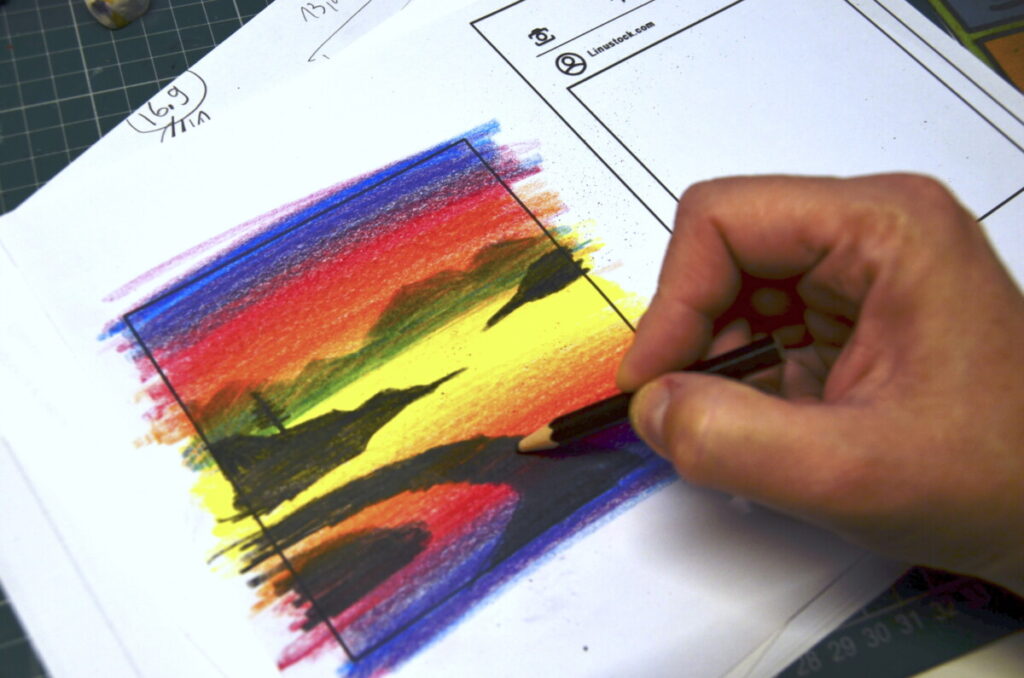
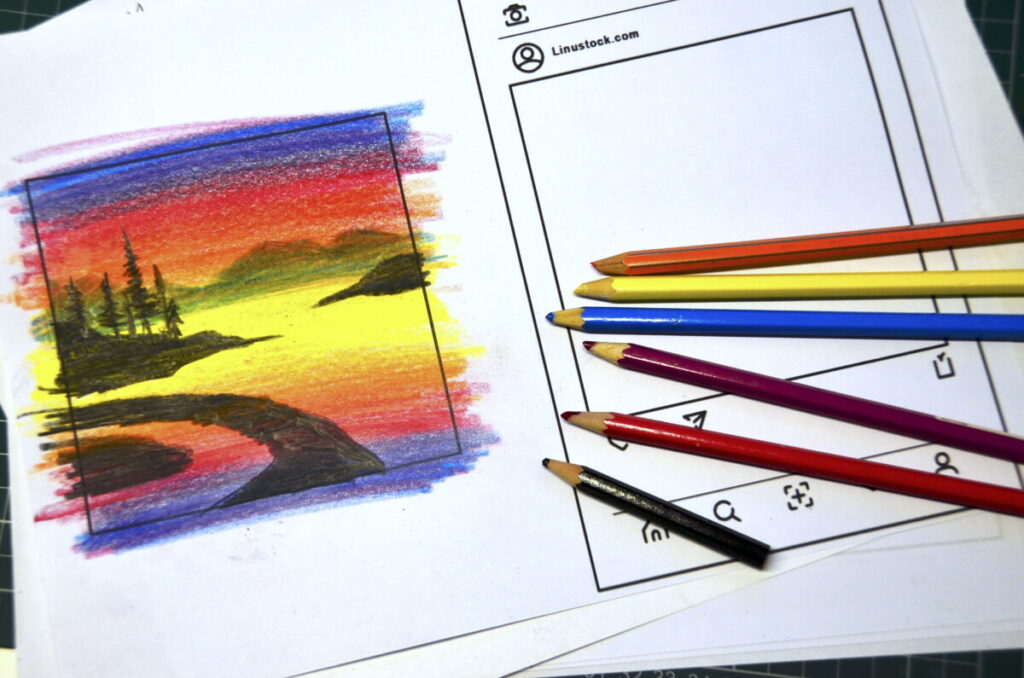
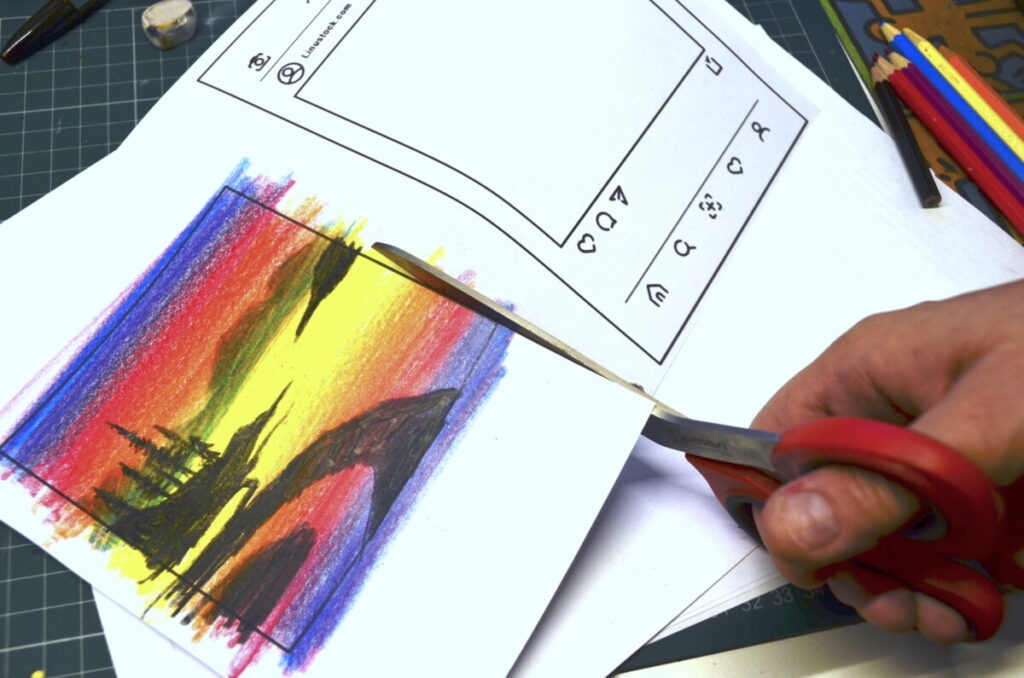
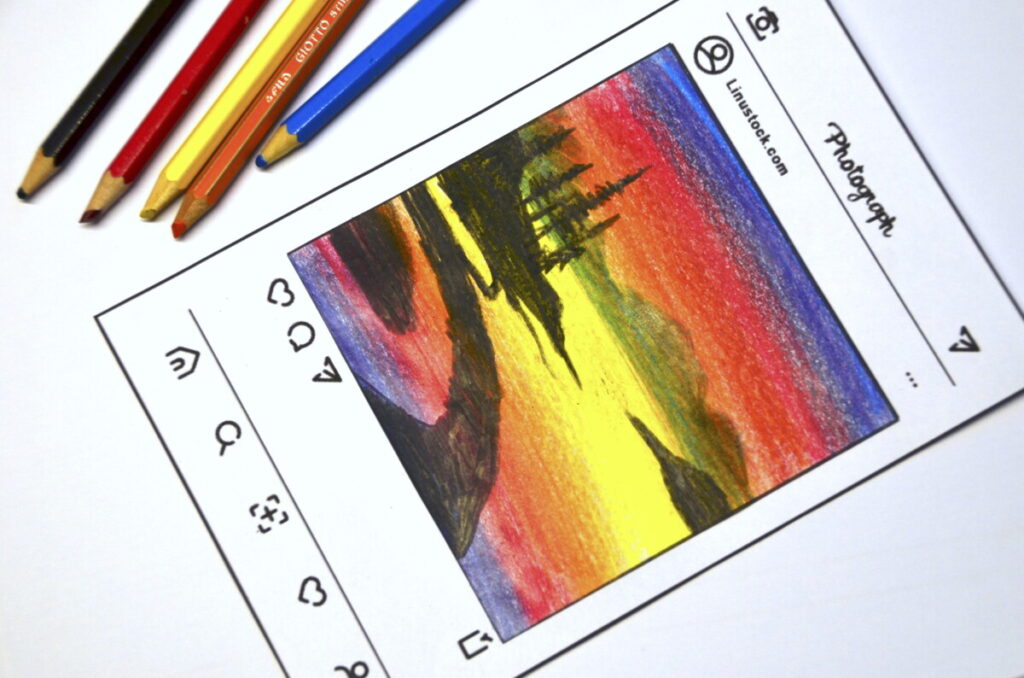
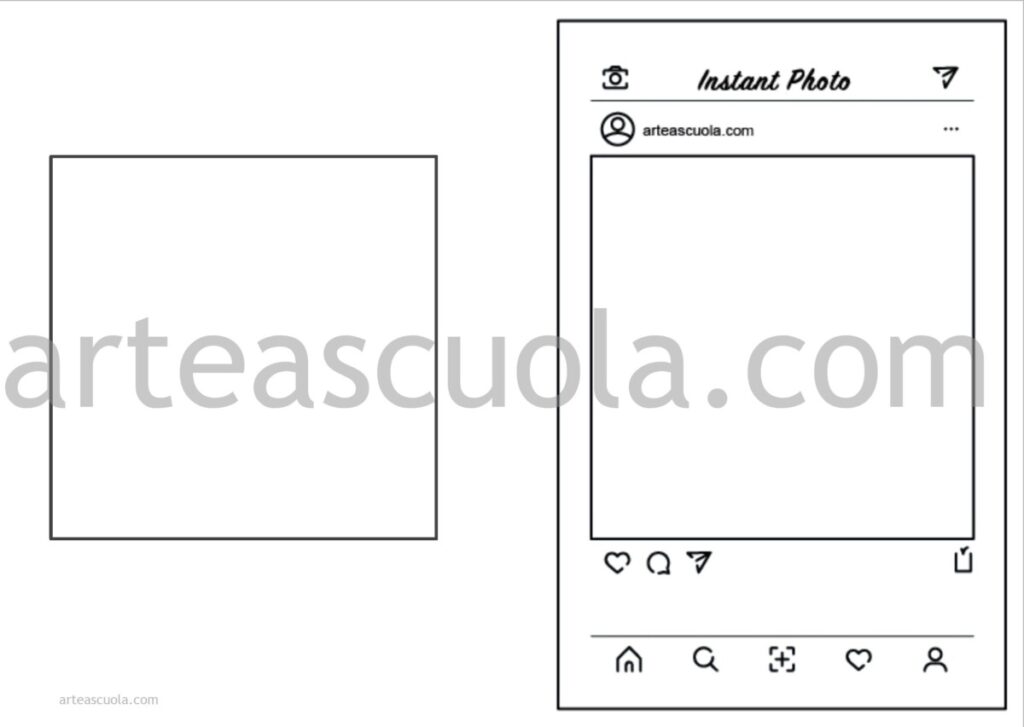
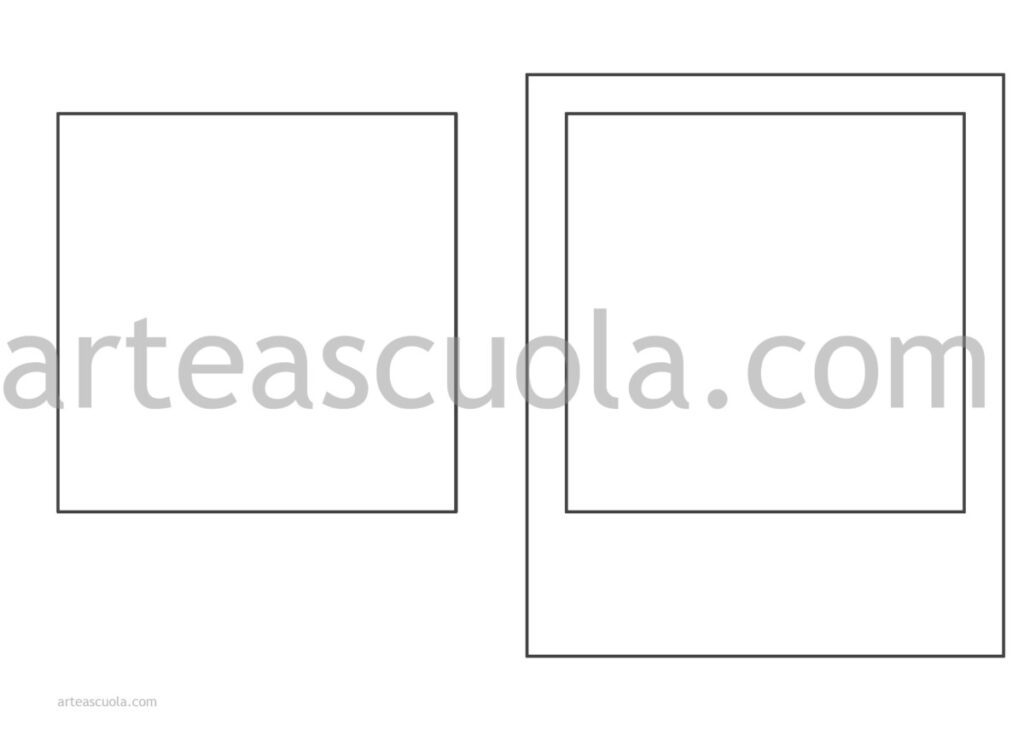
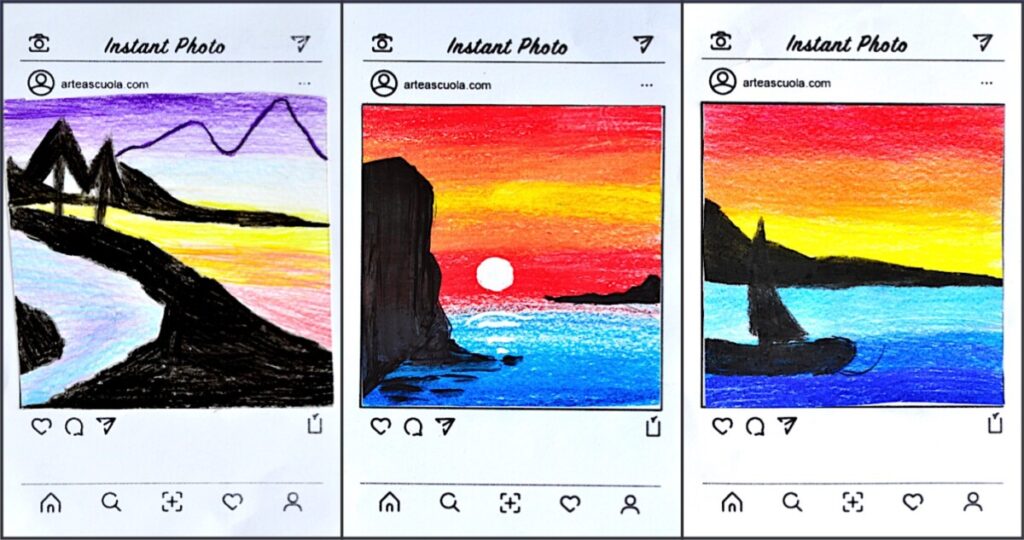
这些工作单中包含2个PDF模板,可直接打印于卡纸或普通纸张上。你可在其上绘制或绘制一幅小幅风景画,风格模仿即时成像照片,或模拟智能手机上的社交媒体帖文。
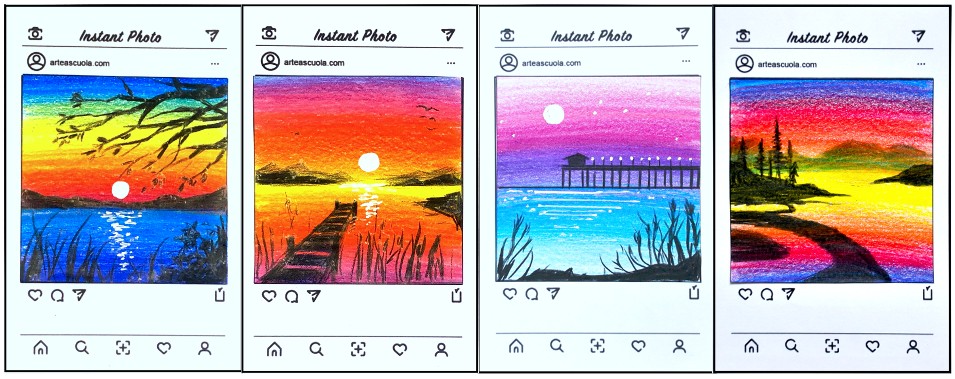
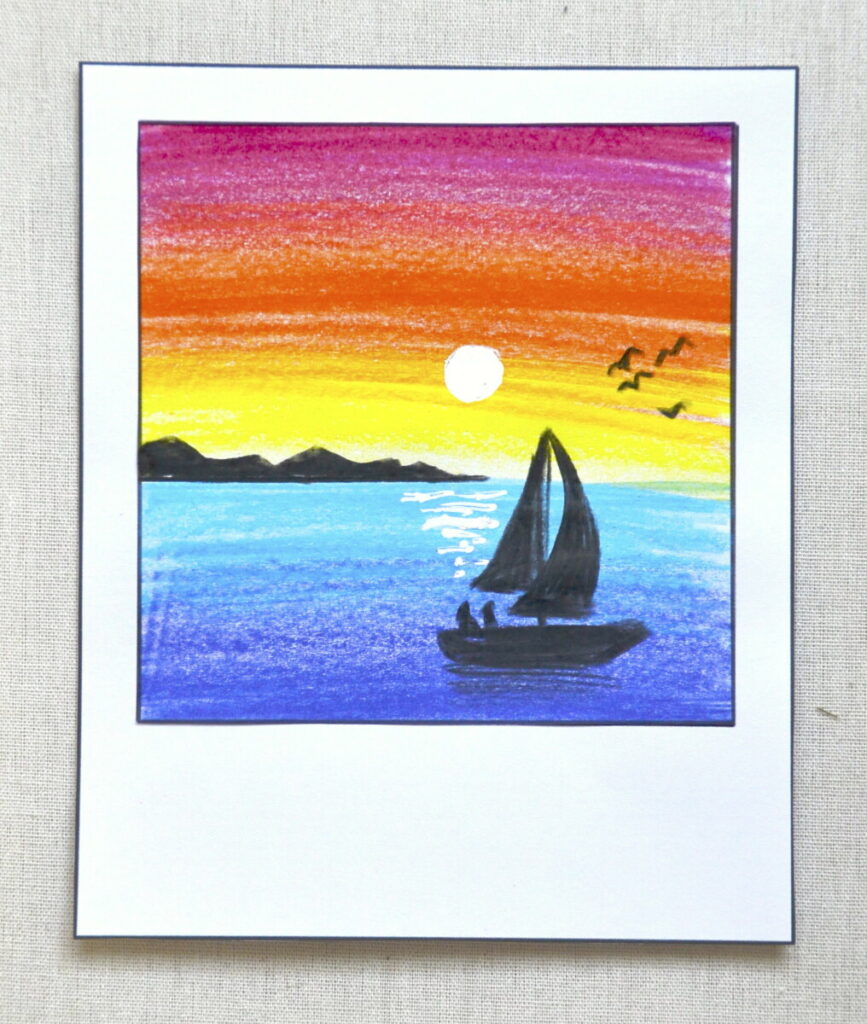
这是“宝丽来”风格范例:
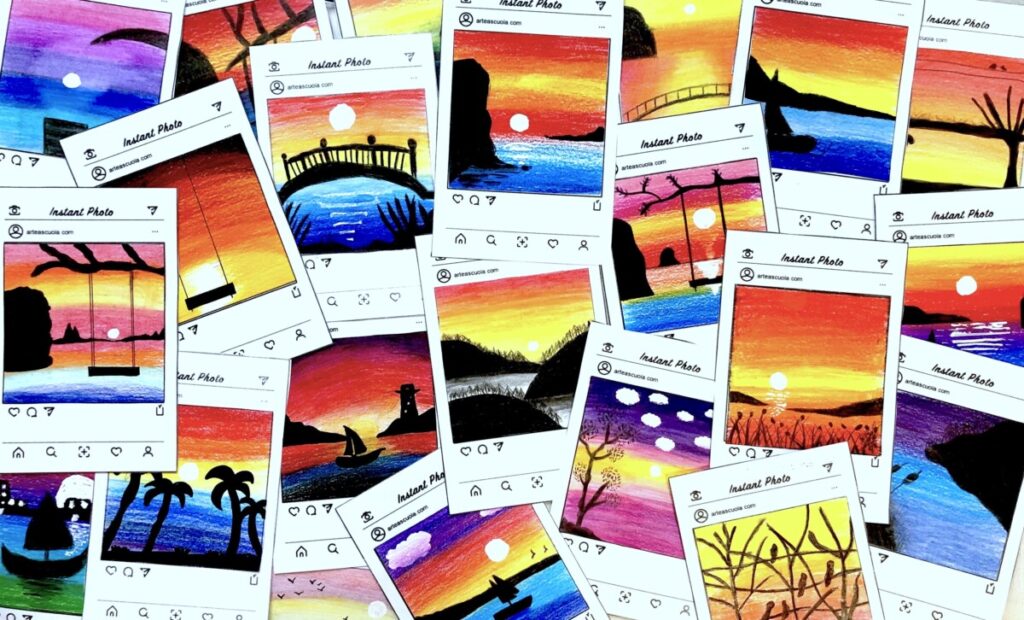
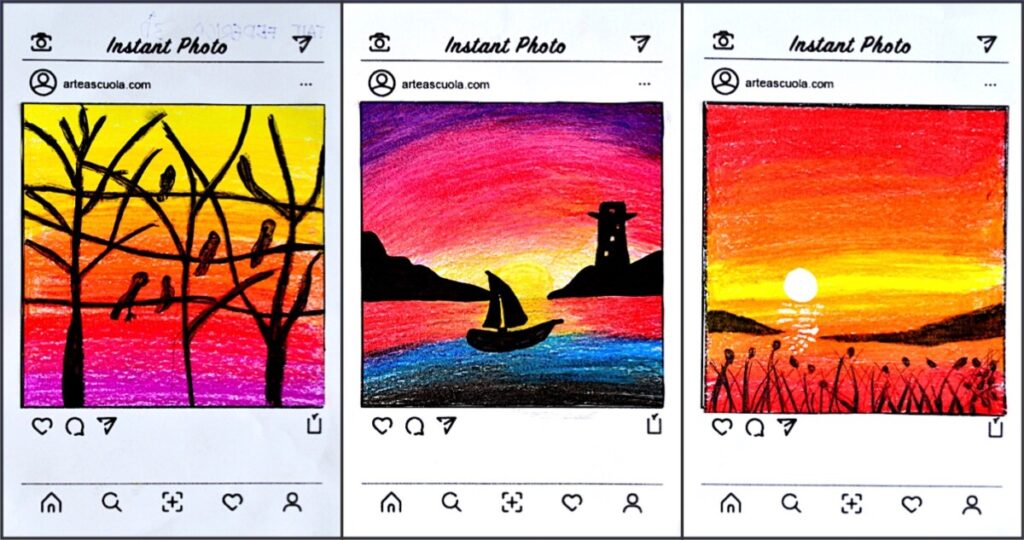
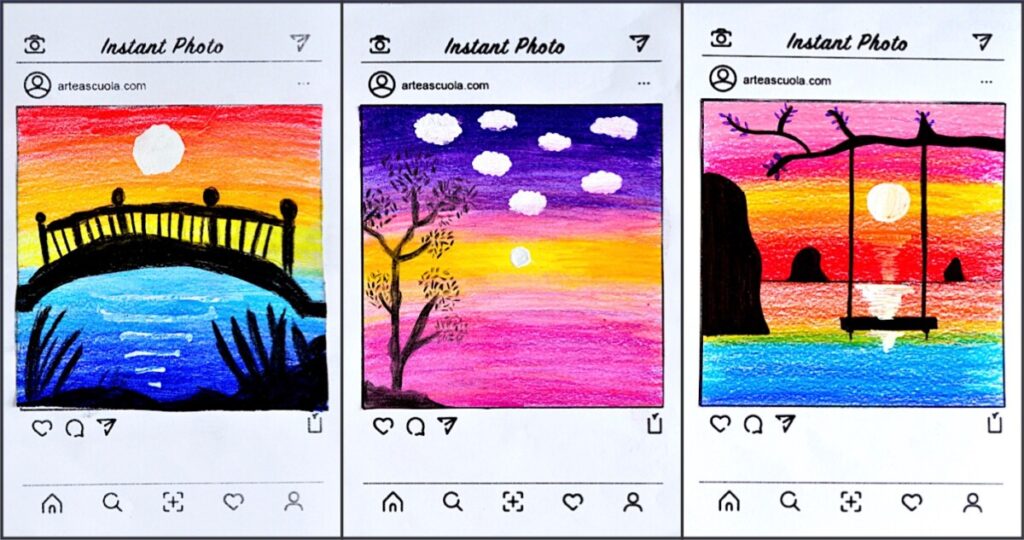
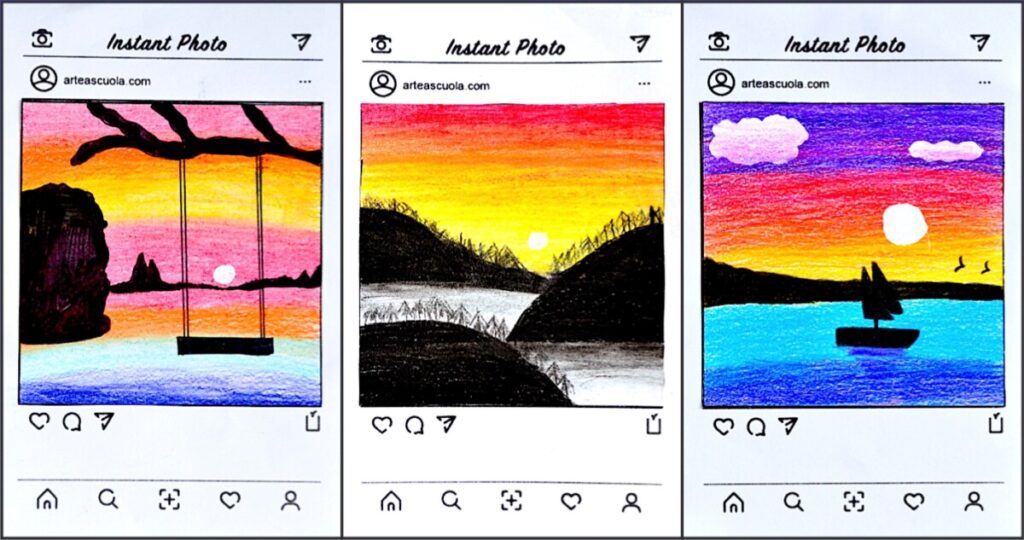
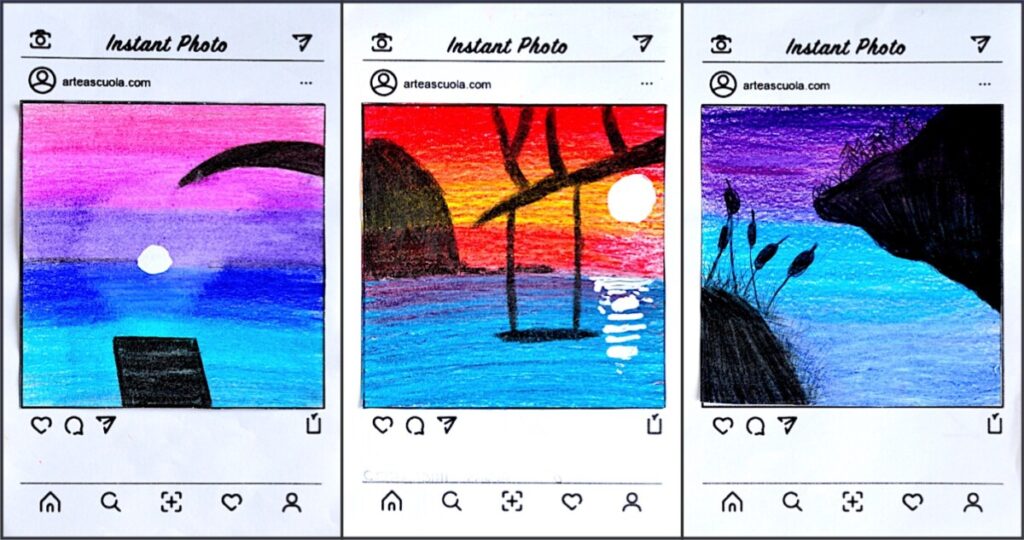
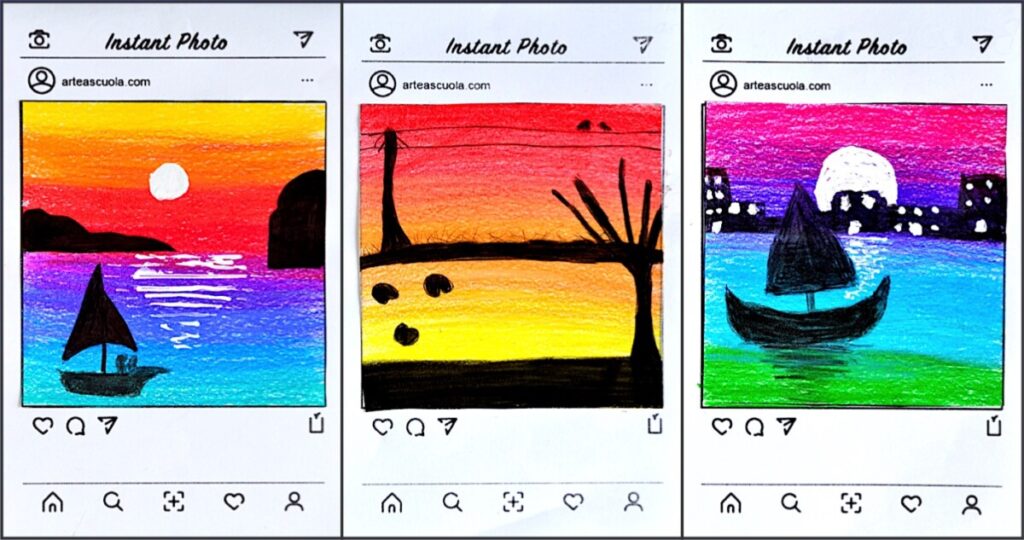
八年级学生的习作:
Instant photo: drawing small landscapes
These small landscapes are created in the common style of social network or instant photo. The square format is suitable to draw nice landscape with few colored pencils creating depht and space. Starting from the colored background we used just colored pencils, blending them to create chromatic values.
It’s better to start from light colors and overlap light layers of colors, in order to obtain the shaded background. Start blending colored pencils with light layers from light colors to dark colors. You can use a liquid corrector for white details. Cut out your landscape and past it on the worksheet.
You can create depth by drawing different objects in the middle ground and in the foreground, as backlight silhouette on the colored background.
In these worksheets, you can find 2 templates in pdf ready to be printed on cardboard or paper. You can draw or paint a small landscape in the style of an instant photo or like a social network post on a smartphone.
This is the “polaroid” sample:
8th grade students’ drawings: