单色大气透视数字画
原文链接:https://tabithaannthelostsock.blogspot.com/2013/03/monochromatic-atmoshperic-perspective.html
日期: 2013-03-28
标签: 空间感、细节、数字绘画、风景画、教案、Microsoft Paint、单色、情绪化色彩、透视、视觉透视技法
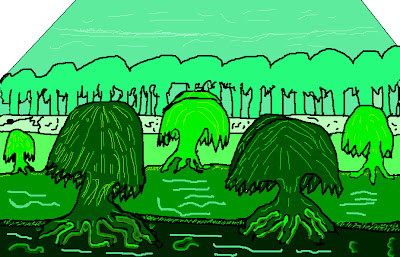
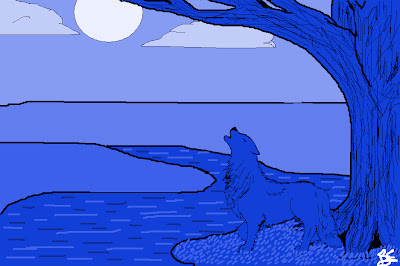
达拉娜,七年级
作业要求
开始前,我向学生讲解以下内容:
我解释“单色”(Monochromatic Color)是指同一色相的浅色调(tint)与深色调(shade)。
我讲解艺术中的透视如何表现物体随距离地平线变远而显得更小、细节更少、有时明度更高(即更浅)。
我强调这并非物体真实发生变化,而仅是观者视觉所呈现的效果。
例如:若我朝日落方向远离你,并不会真的缩小、丢失细节或变亮;
只是我们的眼睛让我们产生了这种错觉。
接着,我们前往计算机教室,打开 Microsoft Paint。
我会提供大量实用提示,帮助学生顺利起步:
我讲解如何使用放大镜工具更精准地添加细微细节;
如何自定义新颜色,并调出该色的浅色调与深色调;
以及如何避免颜料溢出未封闭图形的边界。
我反复强调:务必在每一步操作后及时保存作品,以防误删;同时提醒学生,“编辑/撤销”功能仅支持极有限次数的回退。
尽管我不断提醒……仍有一些学生操作失误。
祝您教学成果精彩!
欢迎分享您的学生作品——我很期待看到它们!
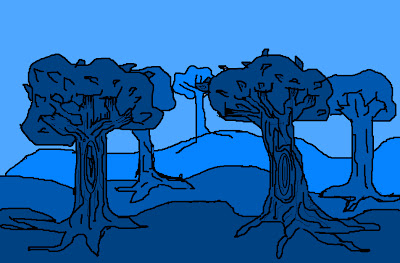
海莉,七年级
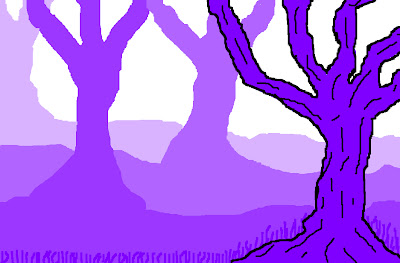
阿什顿,七年级
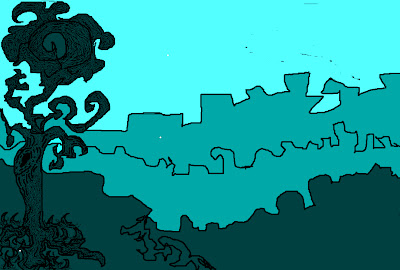
布里安妮,七年级
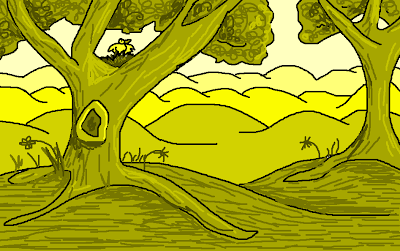
塞德里克,八年级
西顿老师
分步指导
-
在风景画中绘制三层或更多层次。
须包含前景、中景与背景。
(天空不计入第三层)
-
仅从颜料盒中选择一种你喜欢的颜色。
-
仅用这一种颜色(即单色)完成整幅画。通过运用该色的不同浅色调与深色调,营造空间纵深感与远景的空气透视衰减效果。
-
逐层填色:随着景物向远处退缩,各层色彩应逐层变浅。
-
返回第一层(前景),添加更多细节(如草叶纹理、树皮肌理、树叶等)。
使用较深的色阶或黑色刻画细节;切勿因添加浅色细节而使前景整体变亮。
前景必须保持比中景更深的明度。
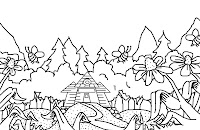
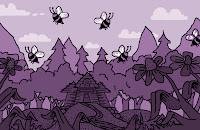
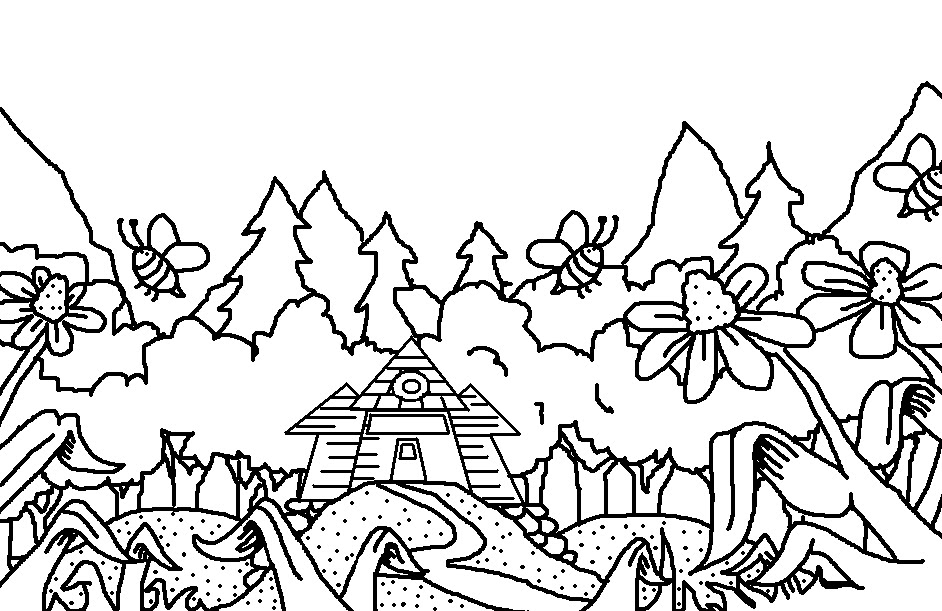
第1步与第5步
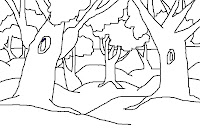
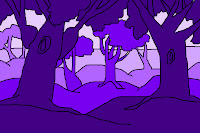
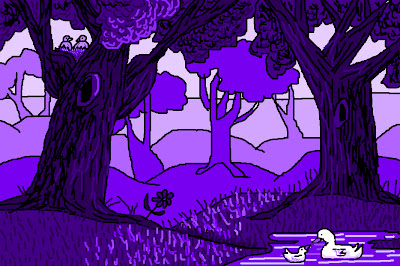
第1、4、5步
查看更多学生作品,请访问:
http://classroom.mineolaisd.net/default.aspx?Mrs.+Tabitha+Seaton%2FMonoChromatic+Landscape
单色大气透视数字画
Original: https://tabithaannthelostsock.blogspot.com/2013/03/monochromatic-atmoshperic-perspective.html
Date: 2013-03-28
Tags: depth, detail, digital art, landscape, Lesson Plan, Microsoft Paint, monochromatic, moody colors, perspective, visual perspective techniques
Dallana, 7th grade
THE ASSIGNMENT
Before we begin, I explain these things to the students.
I talk about what Monochromatic Color is referring to Tints and Shades.
I go over how perspective in art shows how things appear to be smaller, less detailed, and occasionally lighter as the go further back towards the horizon line.
I talk about how they do not really do this, it just appears that way to the viewer.
If I walk away from you into the sunset, I do not really shrink, lose detail, or get lighter.
Our eyes just make it appear so.
Then we march to the computer lab and we open Microsoft Paint.
I go over quite a few hints to help them get started.
I explain how the magnifying glass can help them add small detail more successfully, how to create new colors and get to the tints and shades of them, and how to avoid paint spilling out of open shapes. I stress saving their work continually after each step to avoid erase work while reminding them that "Edit/Undo" can only be done minimally.
Despite this constant reminder... some still had a hard time.
Hope you have wonderful results!
Please share any that you do. I would love to see them.
Haley, 7th grade
Ashton, 7th grade
Brianne, 7th grade
Cederick, 8th grade
Mrs. Seaton
Step by Step
- Draw in three or more layers to your landscape.
There should be a foreground, midground, and background.
(sky does not count as 3rd layer)
-
Choose only 1 color you like on the paintbox
-
Use that one color (MonoChromatic) to create your picture. You will used different tints and shades of this 1 color to make the atmosphere appear to go back and fade in the distance.
-
Fill in each layer getting lighter as the land recedes.
-
Go to first layer to put in more detail (grass texture, tree bark, leaves, etc).
Use darker shades or black to add in the details. Do not let this later get lighter by adding in lighter details.
It should stay darker than the middle layer.
Step 1 and 5
Steps 1, 4, and 5.
to see more student examples...
go to
http://classroom.mineolaisd.net/default.aspx?Mrs.+Tabitha+Seaton%2FMonoChromatic+Landscape