以对称图形创作图案
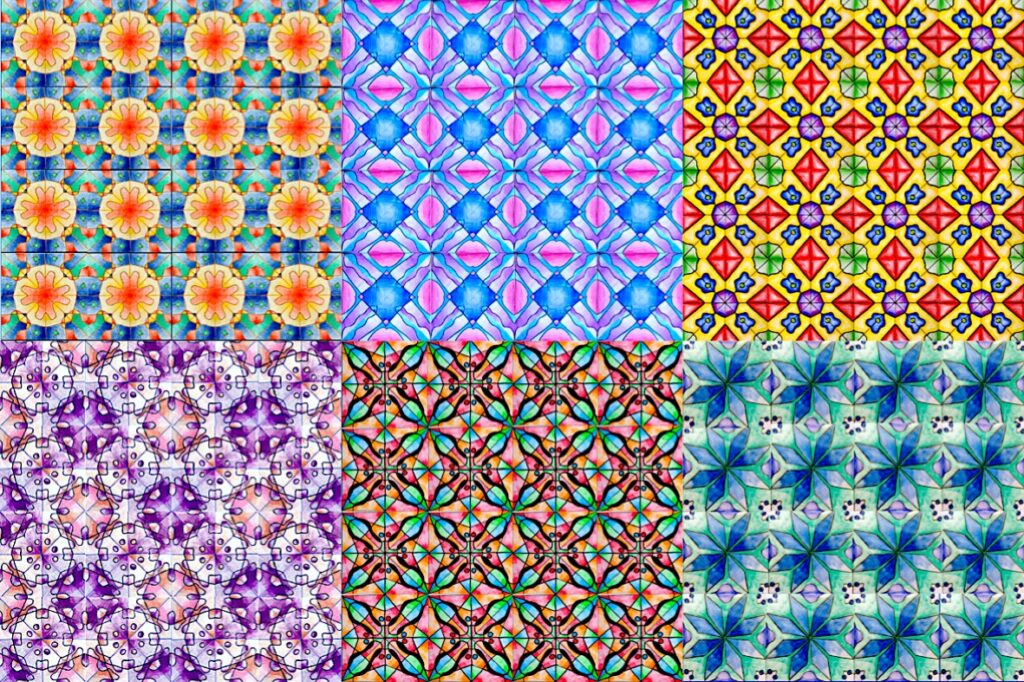
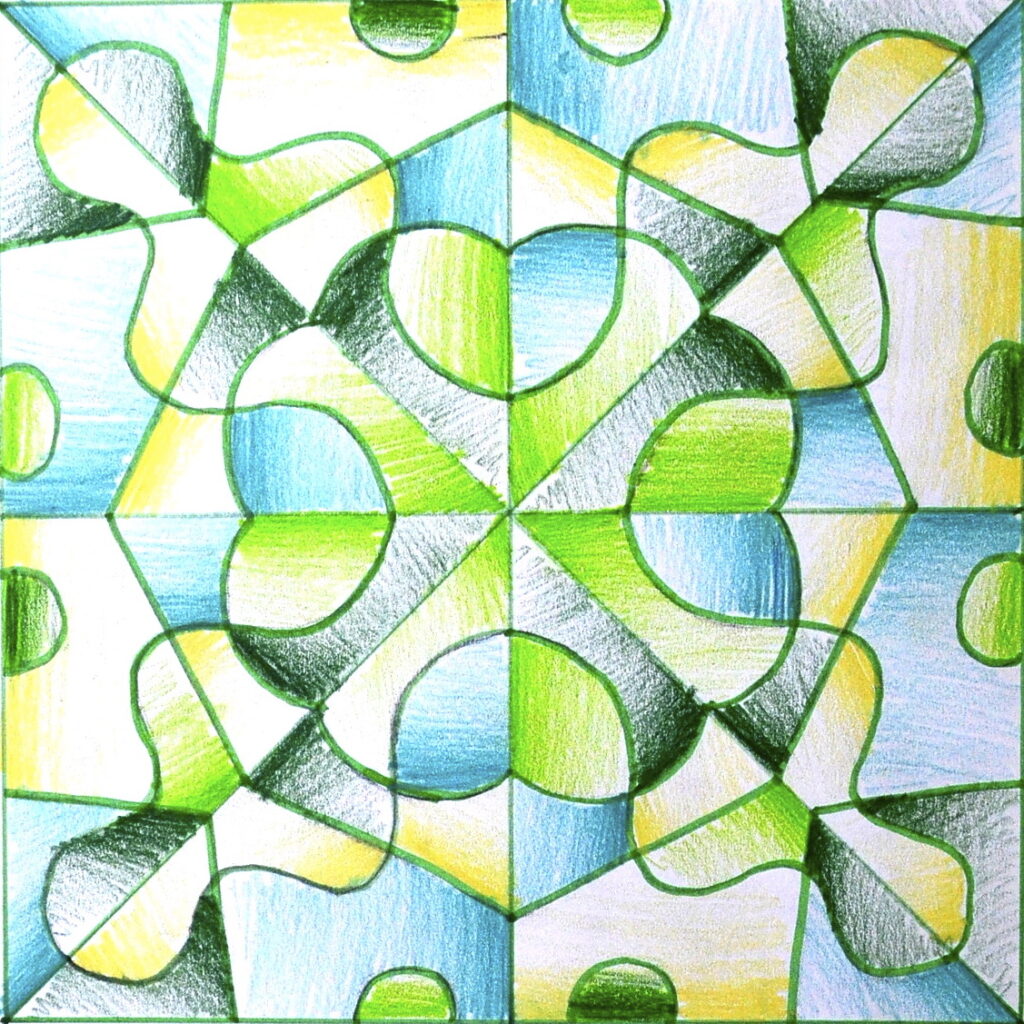
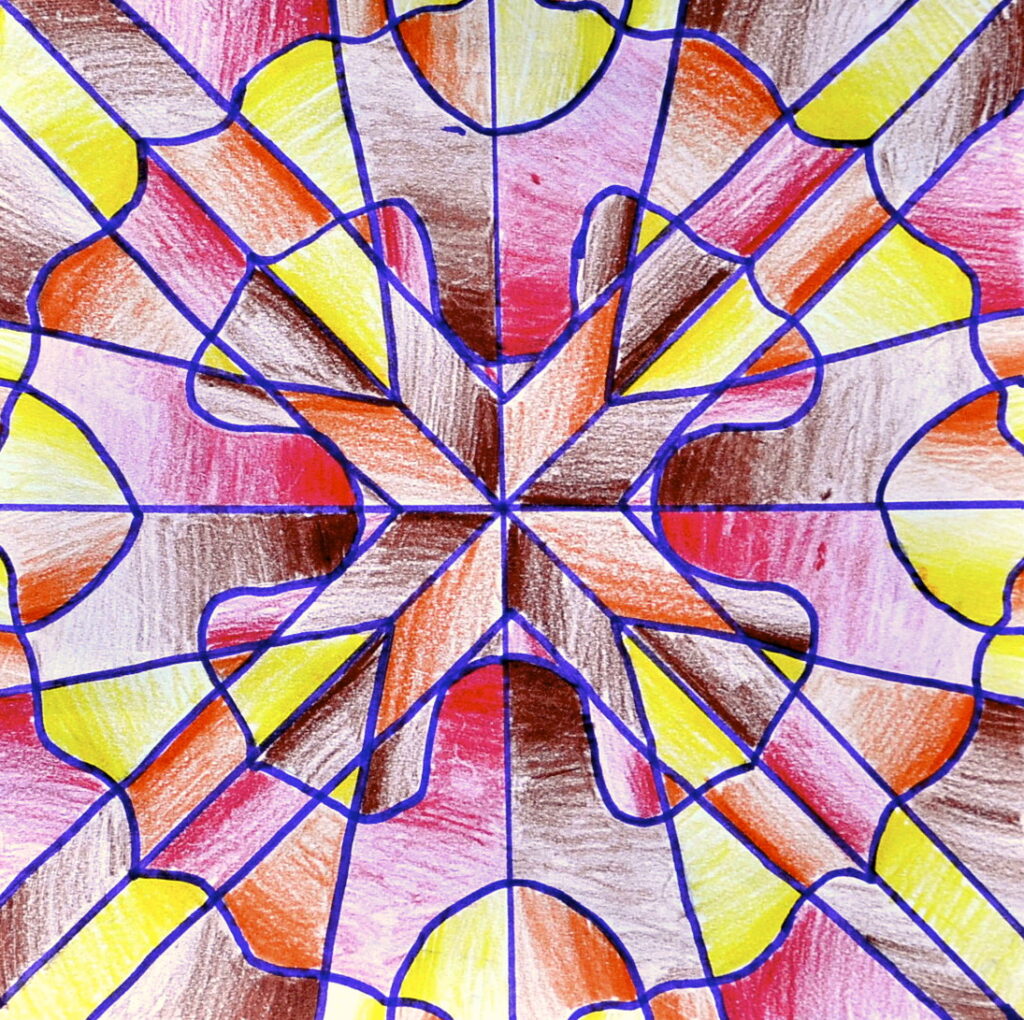
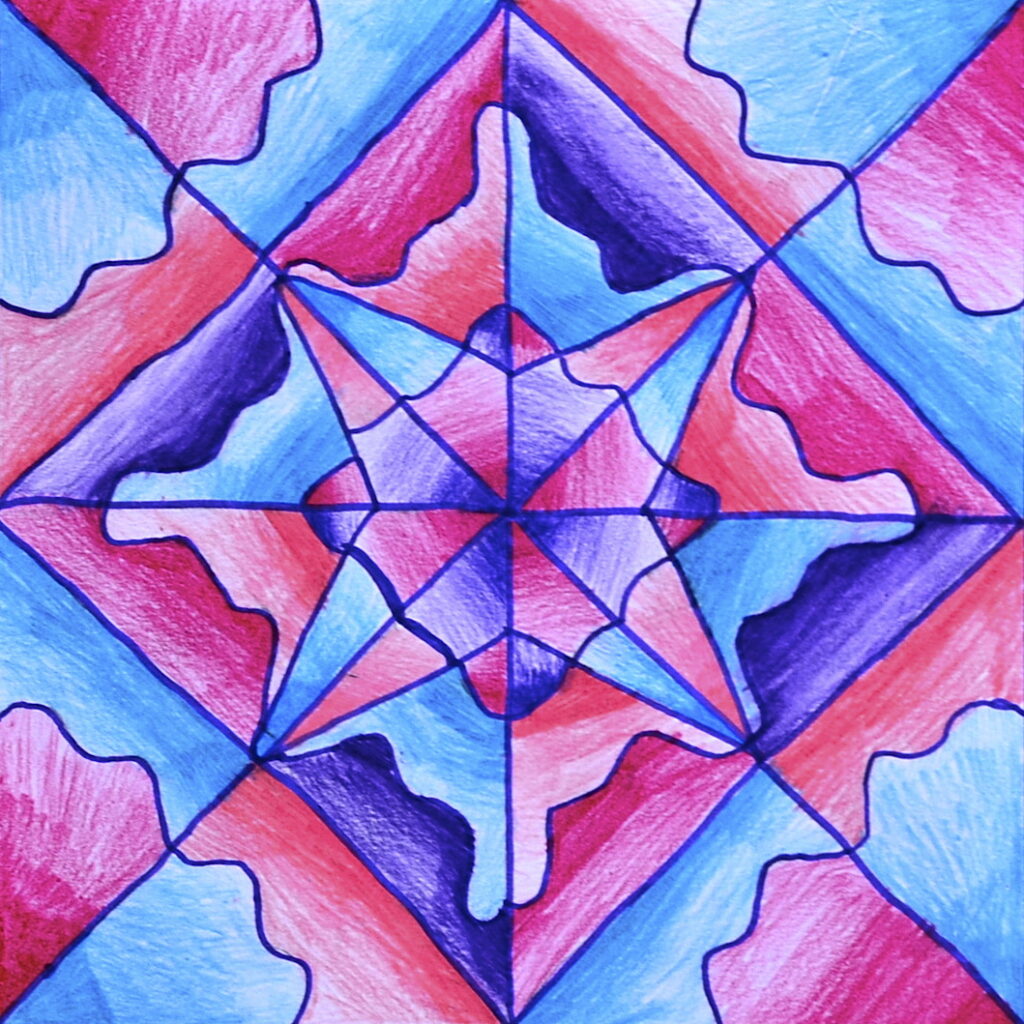
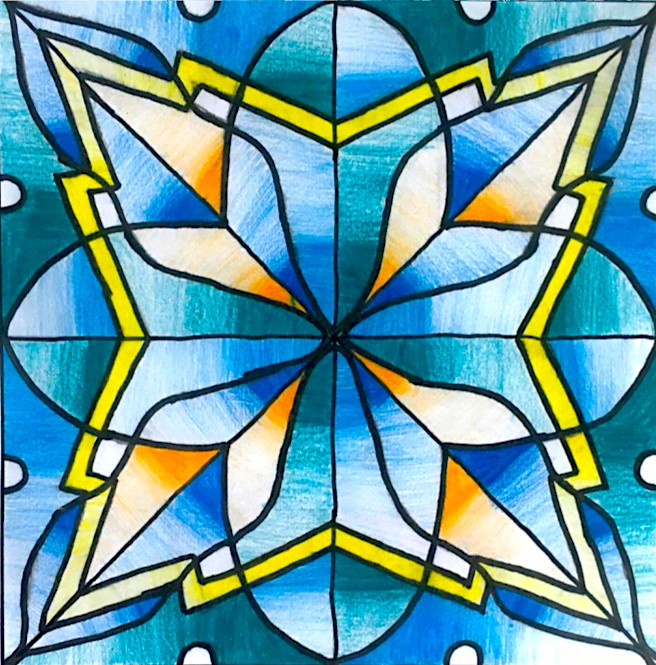
在按此前课程中此处所列步骤完成一幅放射对称构图的绘制后,我们为其拍照,并将图片插入共享至 Google Classroom 的 Google Slides 网格中。
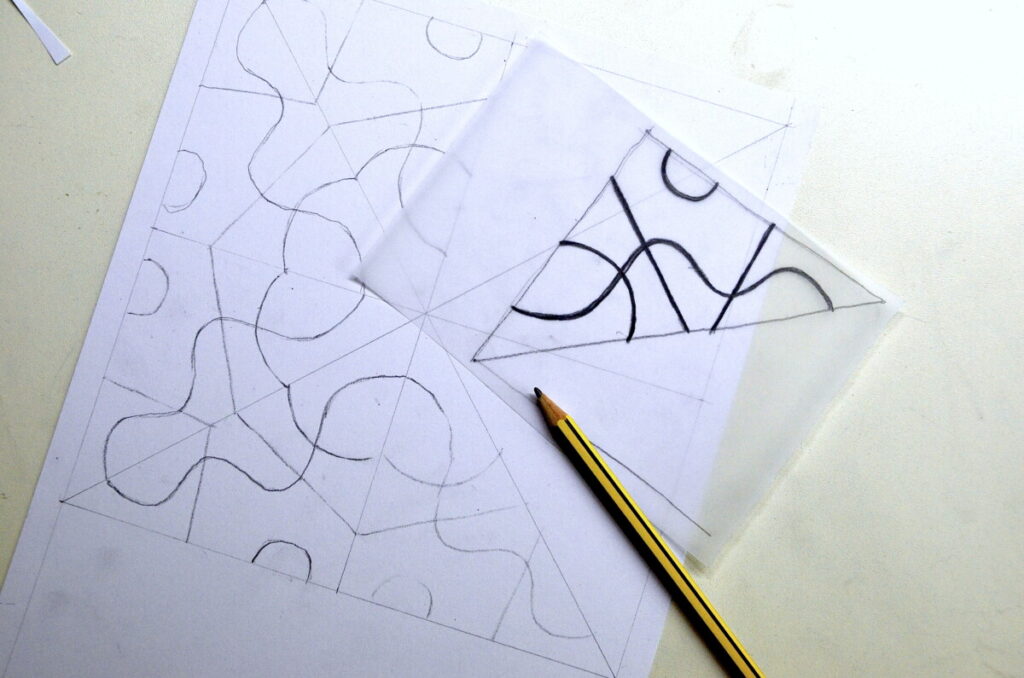
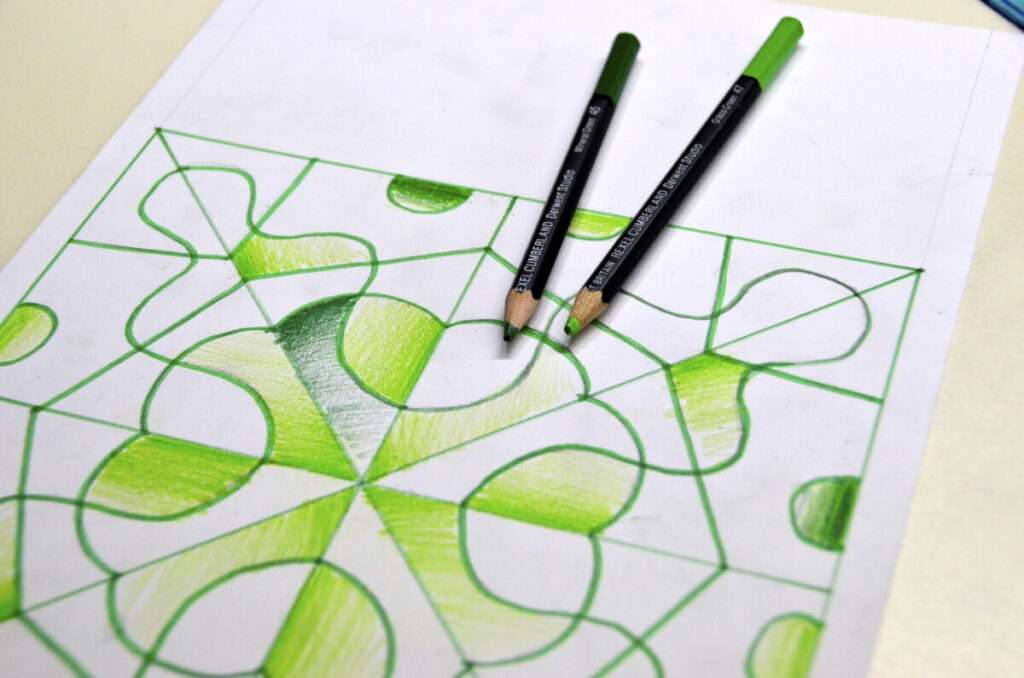
以下是放射对称绘图的具体步骤:你需要一小张描图纸、一张带方格的画纸(如下图所示)、一支铅笔、一支记号笔,以及四支彩铅。

下方可下载 PowerPoint 格式网格文件。其中包含若干该活动的范例(PPT 及 Google Slides 版本)。
compito-composizione-modulare-digitale-20-21下载
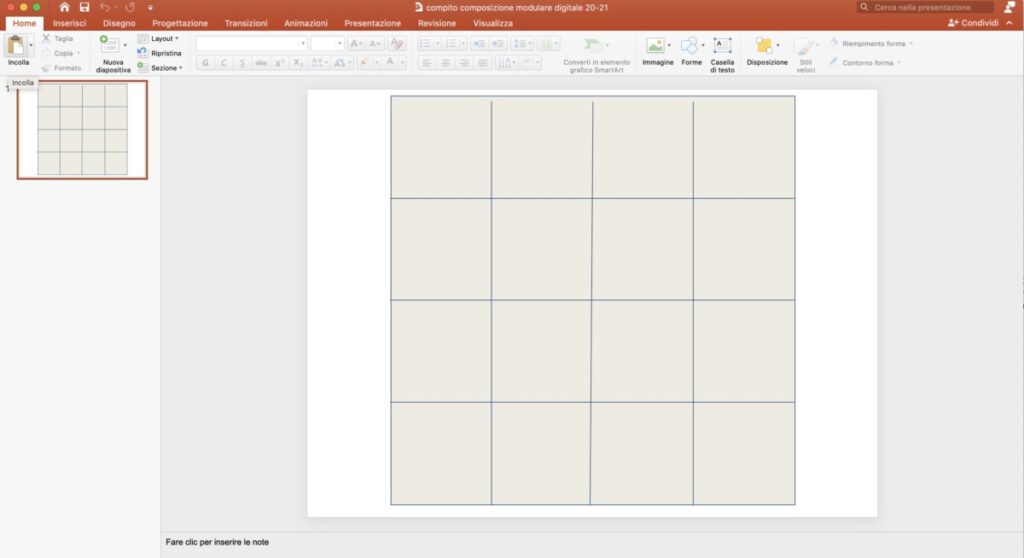
PPT 网格范例
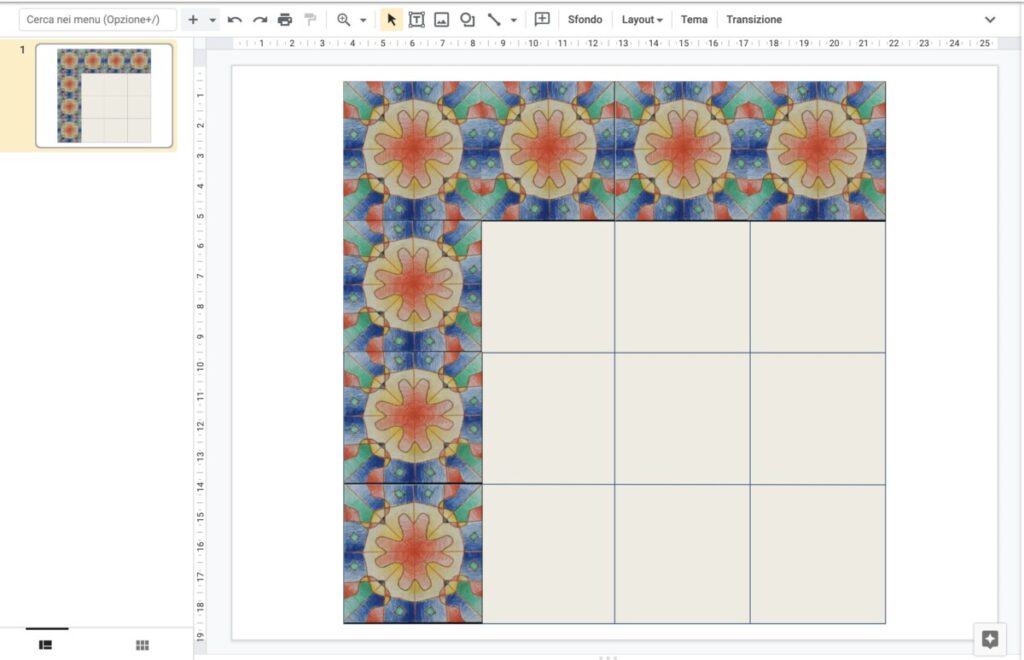
Google Slides 网格范例
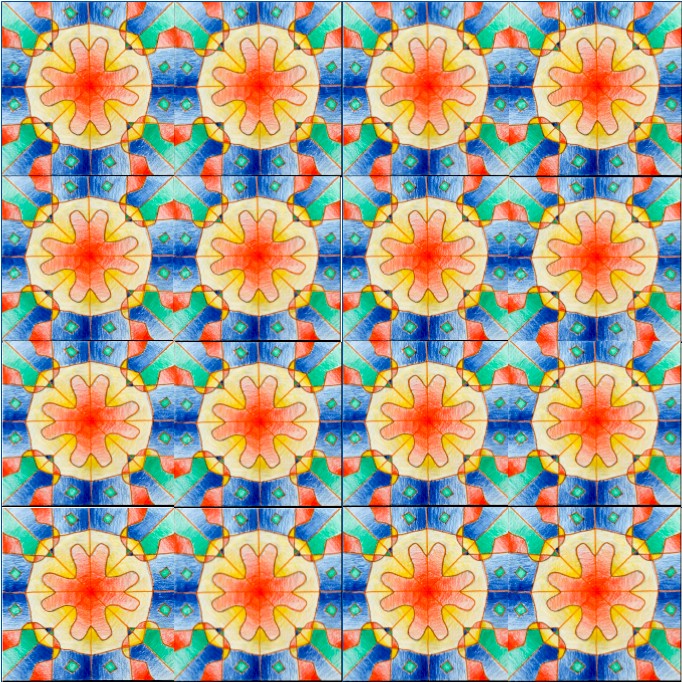
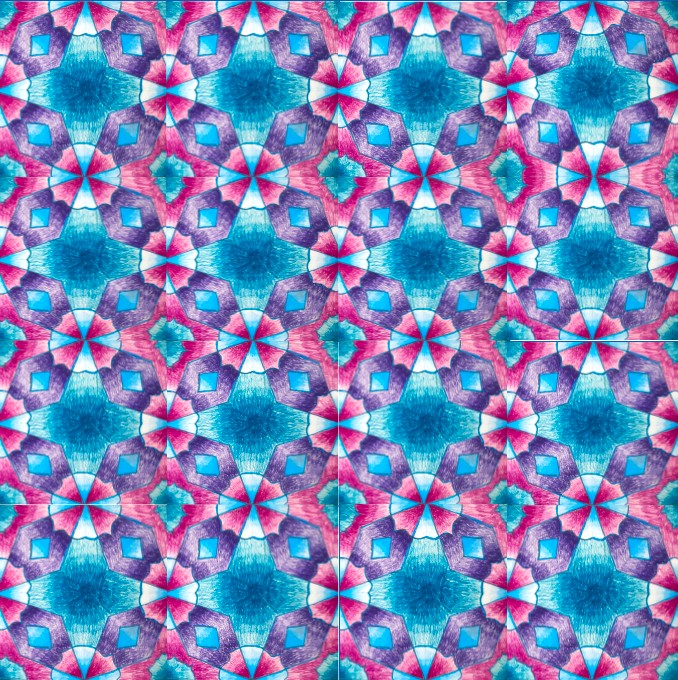
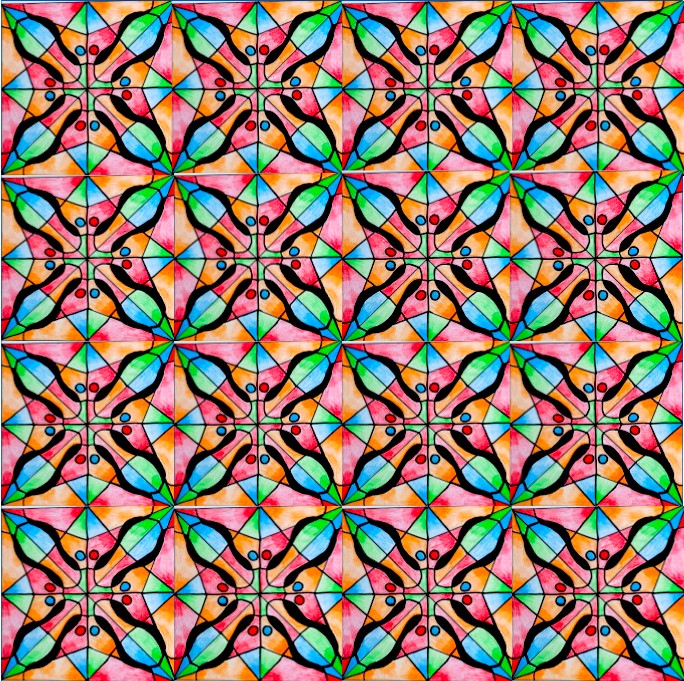
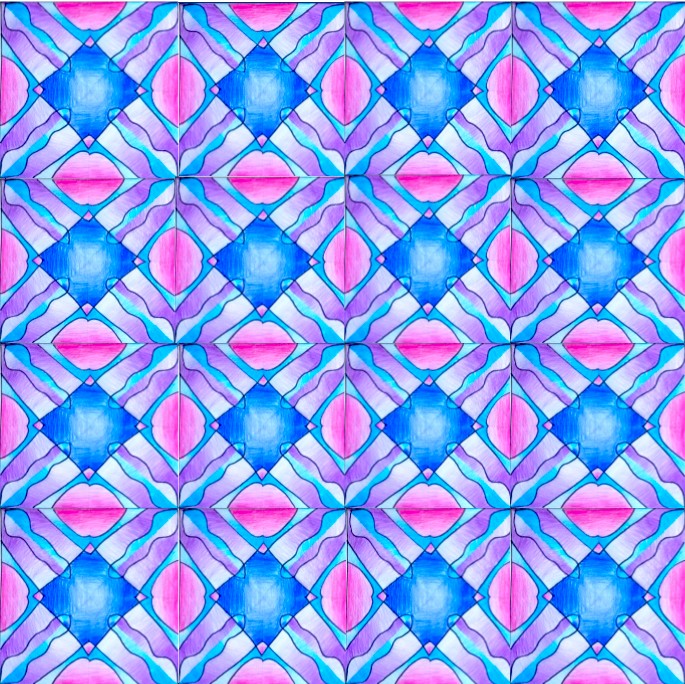
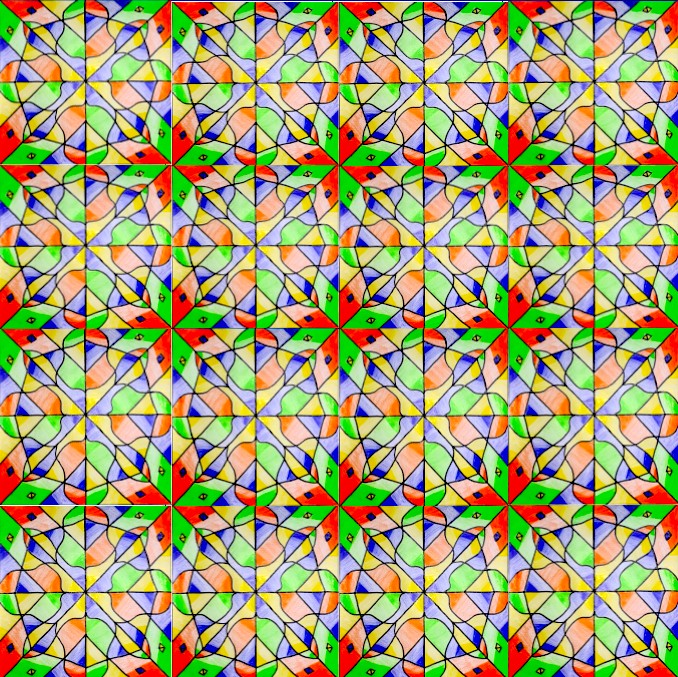
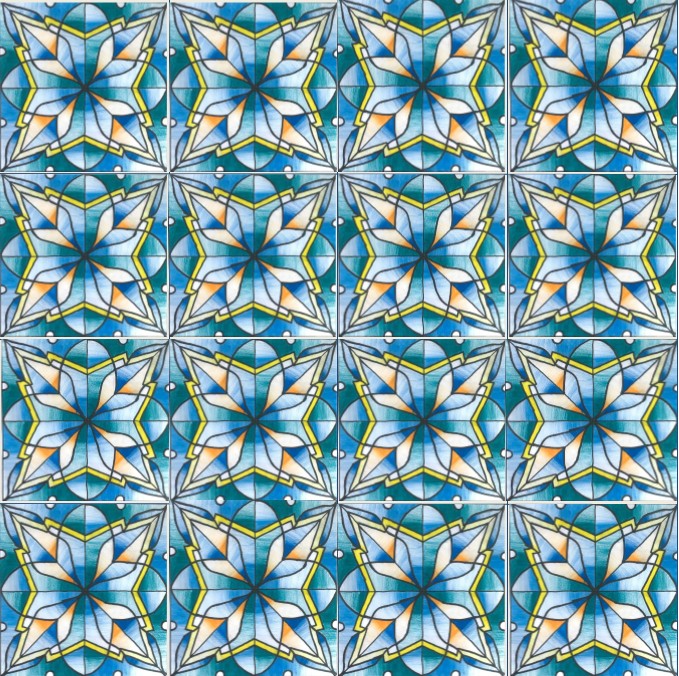
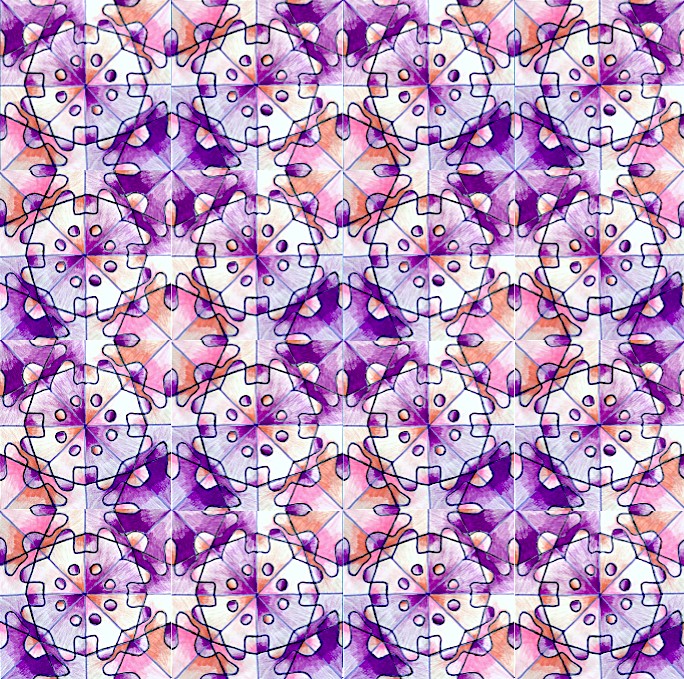
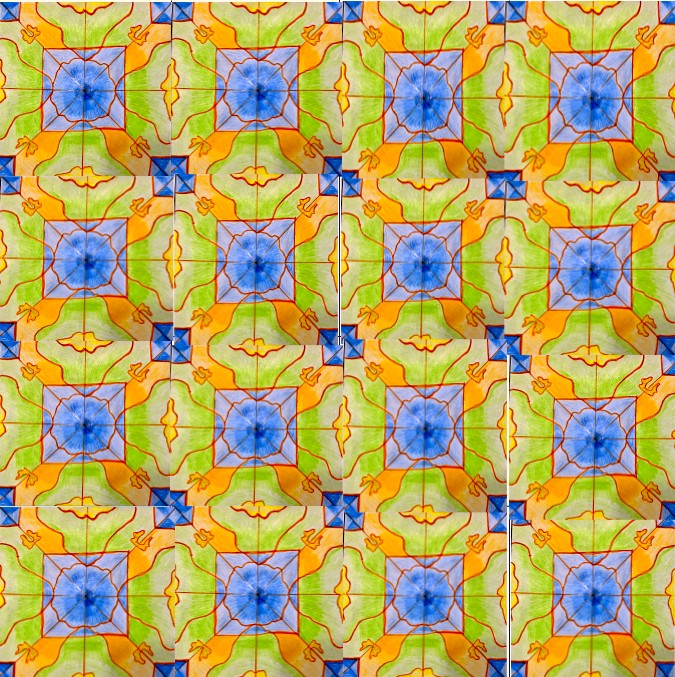
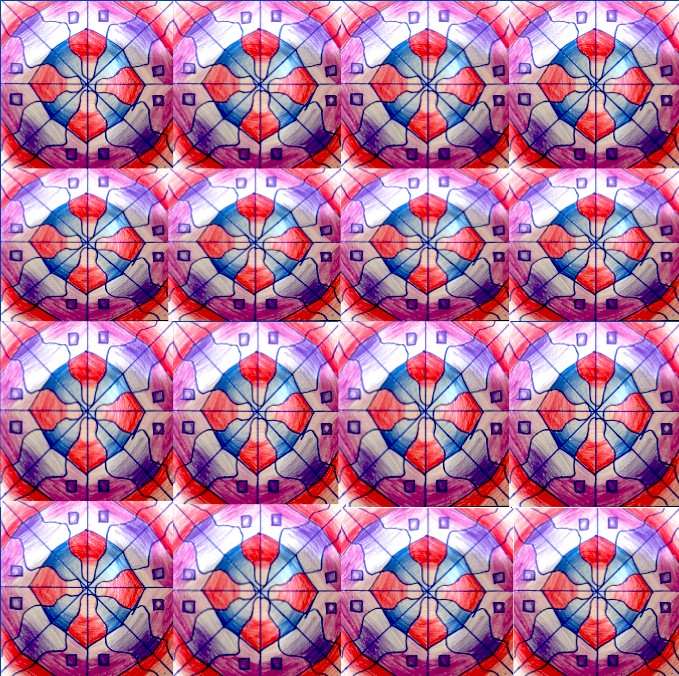
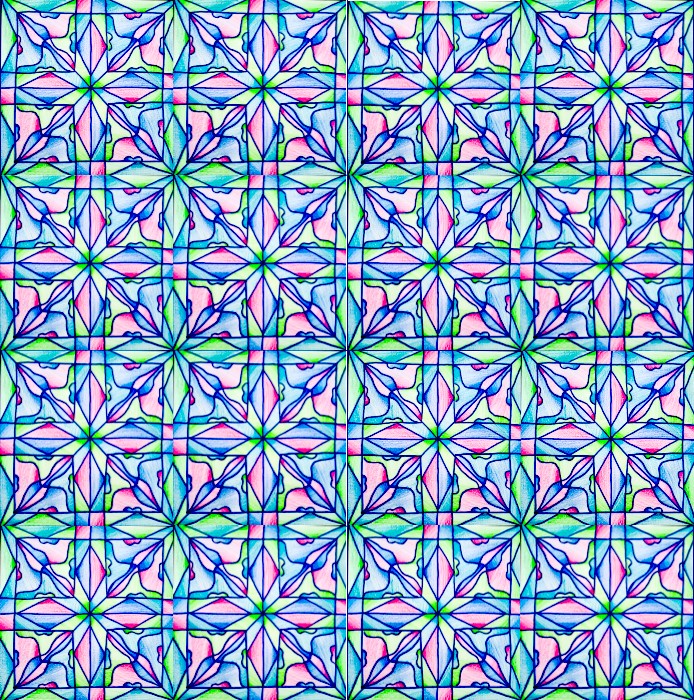
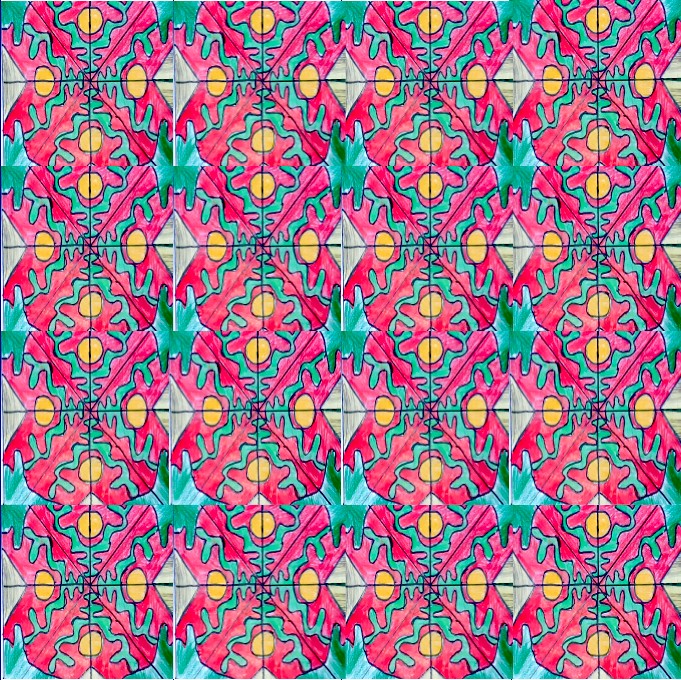
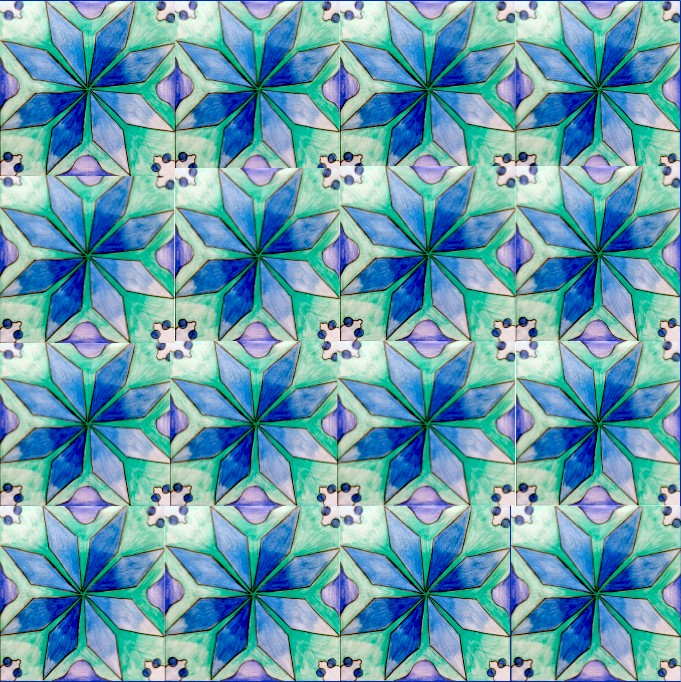
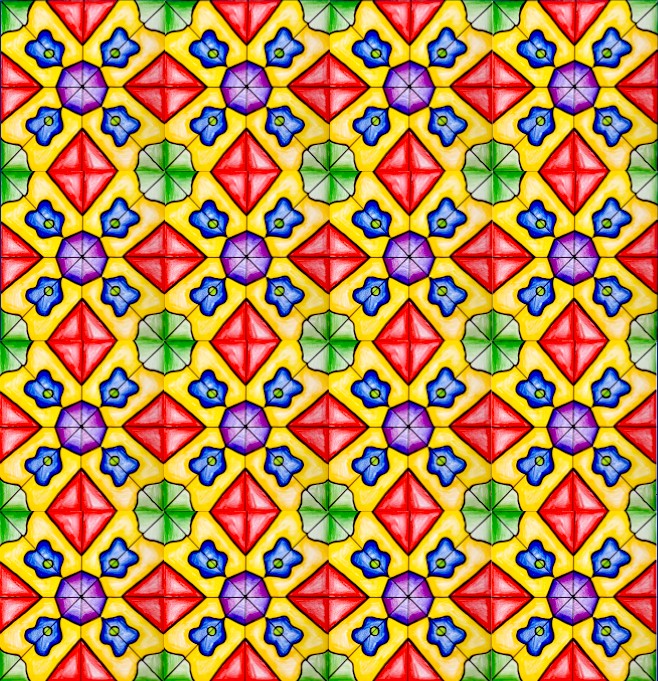
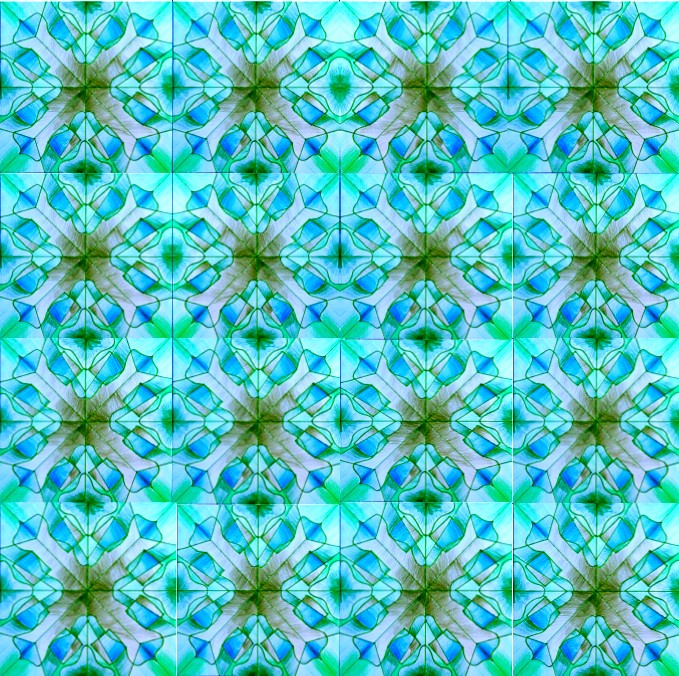
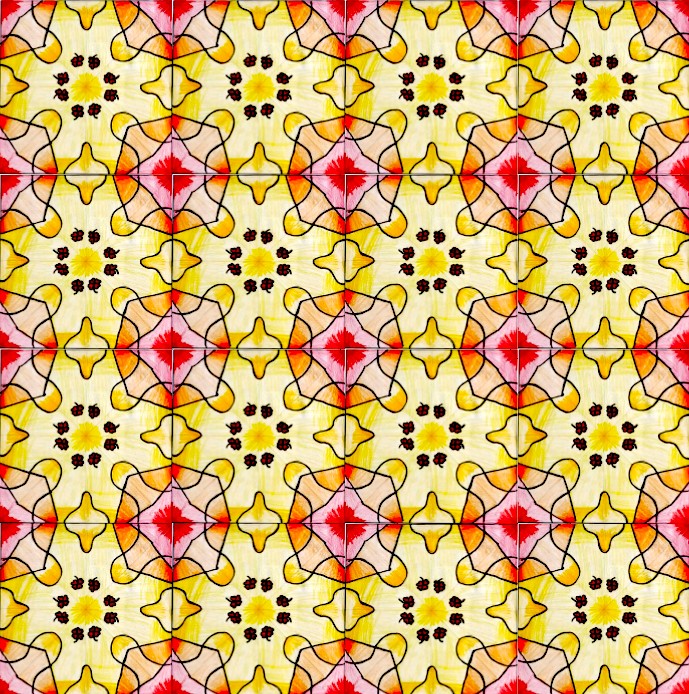
先将所绘图形调整为适合 PPT 网格的尺寸,再将其复制并粘贴 16 次至网格中,从而创作出精美的图案!
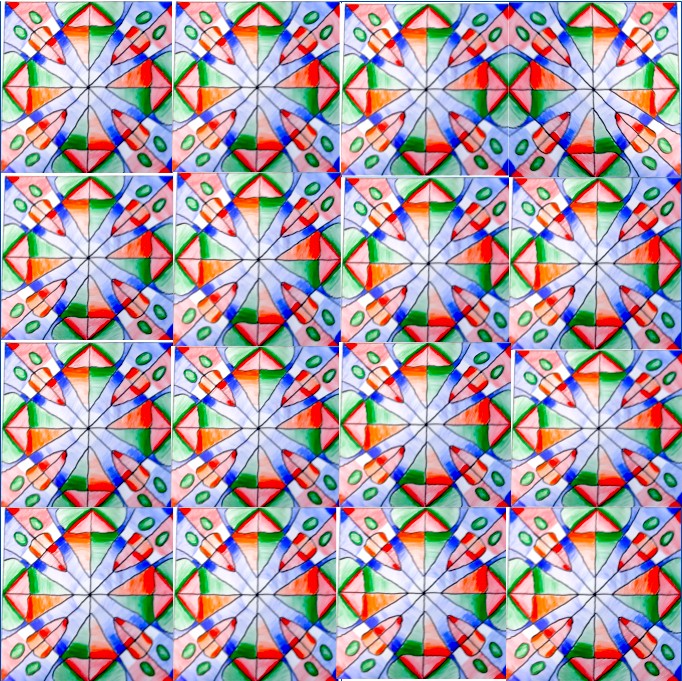
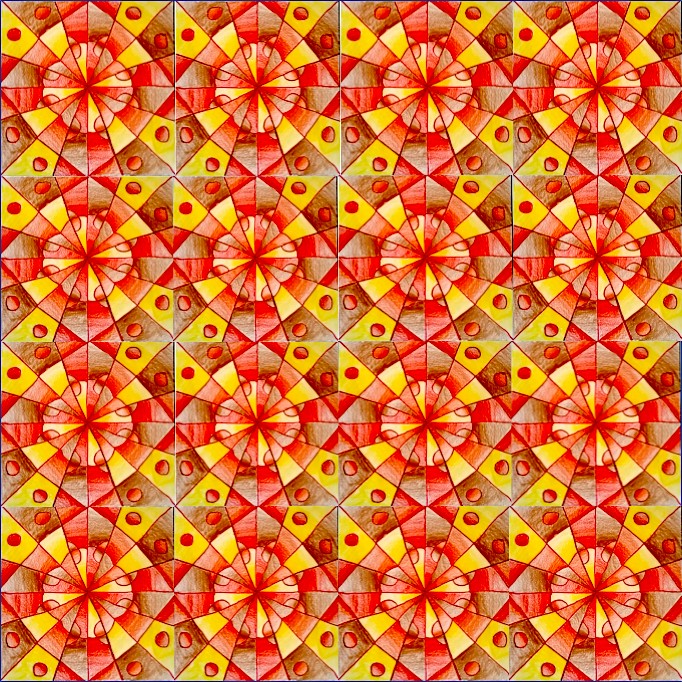
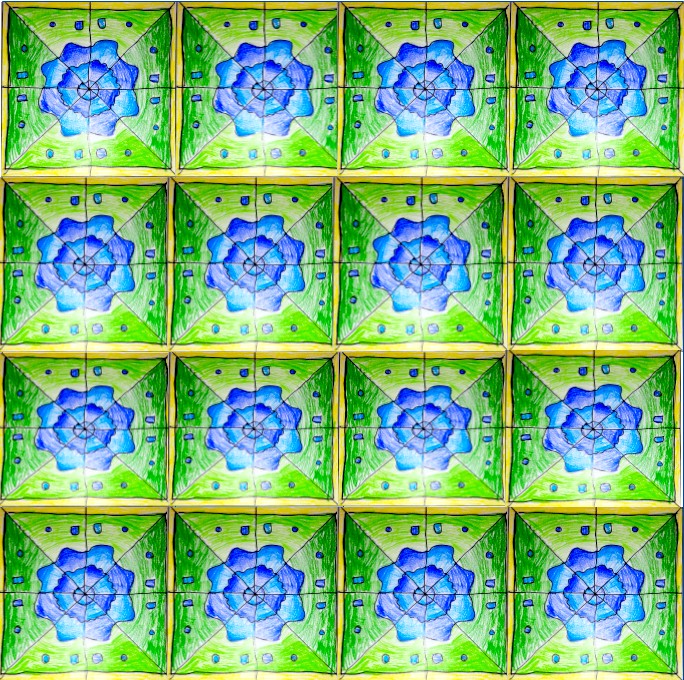
Pattern with symmetrical drawings
After drawing a composition in radial symmetry following the steps you can find HERE in a previous lesson, we took a picture and insert it in a Google Slide grid, shared in Google Classroom.
Here you are the steps for the radial symmetry drawing. You need a little piece of tracing paper, a sheet with squaring as in the picture below, a pencil, a felt-tip pen and 4 colored pencils.
Here below you can download the grid in ppt. There are some samples of the activity in ppt and in Google Slide.
compito-composizione-modulare-digitale-20-21Download
sample of the ppt grid
sample of the Google Slide grid
The drawing is reduced o the right size in the ppt grid, then you copy it and paste it 16 times into the grid, in order to create beautiful patterns!